Upwork Account Suspended in Pakistan: How to Appeal, the 2 Day Review and What Wins
Appeal an Upwork suspension from the banner, the email or the appeal form. Most reviews take 2 business days. See what wins and why a new account backfires.
If your Upwork account is suspended in Pakistan, appeal from the suspension banner if you can still log in, or reply to the suspension email or use Upwork's appeal form if you cannot. Upwork says most appeals are reviewed within two business days. Below is how to tell a restriction you can fix yourself from a full suspension, what an appeal must show to succeed, and the mistakes that make things worse, such as opening a second account.
We read Upwork's pages on appealing a suspension, the account health hub and its one account rule on 27 October 2026. The short version: an appeal wins only if Upwork made a mistake or you bring new facts. Disagreeing is not enough.
Restricted and revoked are different kinds of suspension
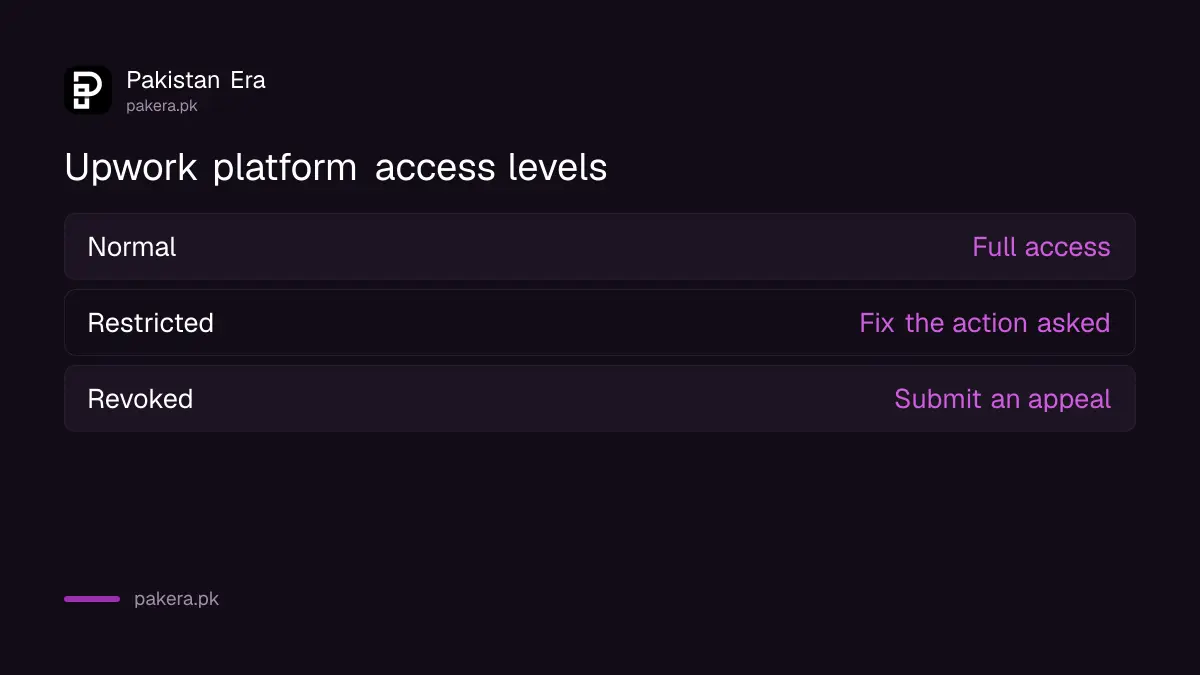
Upwork uses two levels. Restricted means some features are limited until you take an action, such as verifying your ID or fixing a payment method. Revoked means the account is suspended and only an appeal can show whether access will return.
| Status in Account health | What it means | What you do |
|---|---|---|
| Normal | Full access | Nothing |
| Restricted | Some features limited | Complete the action Upwork asks for |
| Revoked | Account suspended | Submit an appeal |
To see which one you have, click your profile picture and choose Account health. The hub lists holds, warnings, restrictions and blocks, any policy violations, your profile visibility, and the next steps Upwork offers.
Upwork says platform access is affected by identity verification holds, payment or billing issues, recent policy violations and certain compliance checks. The first is the easiest to clear. If the banner mentions verification, follow the steps for Upwork identity verification in Pakistan before you write any appeal.
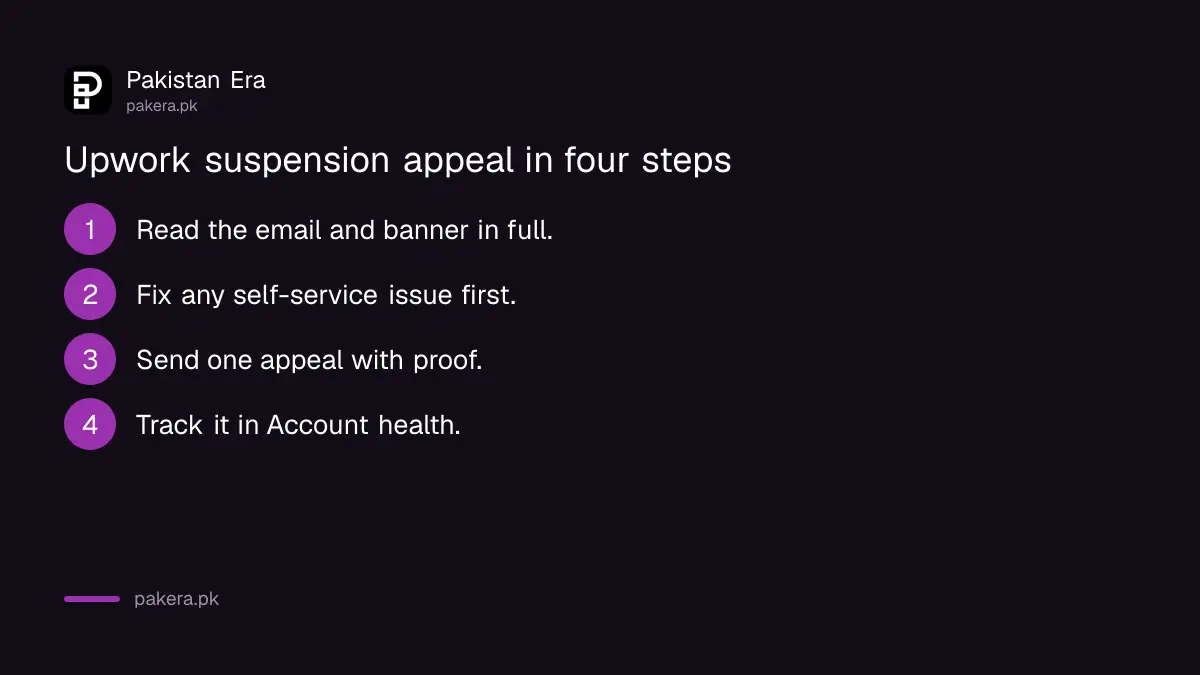
Appeal in four steps, from the banner or the email
The route depends on whether you can still log in. If you can, the suspension banner explains the reason and offers an appeal button. If you cannot, reply to Upwork's suspension email or use its appeal form, which only loads for suspended accounts.
- Read the suspension email and the banner in full. Check your spam folder if you see no email.
- Fix anything Upwork lets you fix yourself, such as a pending ID check or a billing method.
- Submit one appeal: from the banner if you can log in, otherwise by replying to the email or through the appeal form.
- Track it in Account health. Open the item marked Appeal submitted and select View status.
Upwork's form needs pop-ups and JavaScript enabled in your browser. If it redirects you to a help page, your account may not be suspended at all. Upwork says the form does not load for active accounts.
Only two kinds of appeal succeed
Upwork says an appeal must show that a mistake was made in the suspension decision, or that you have new, relevant information that significantly changes the facts. Appeals based only on disagreement, with no new evidence or context, are unlikely to succeed.
Write it like evidence, not a plea. Short and factual works better than a long story about how much you need the work.
- State the reason Upwork gave, in one line, so the reviewer knows you read it.
- Say what was wrong or what has changed. For example: "I was flagged for a name mismatch. My CNIC, bank account and Upwork name now match."
- Attach proof. A clear ID photo, a bank statement in your name, or screenshots of the client messages in question.
- Stay on Upwork's facts. Do not bring in unrelated complaints about clients or fees.
If your account was suspended over repeated poor client feedback, Upwork says you must wait six months before you can appeal.
Most appeals get an answer within two business days
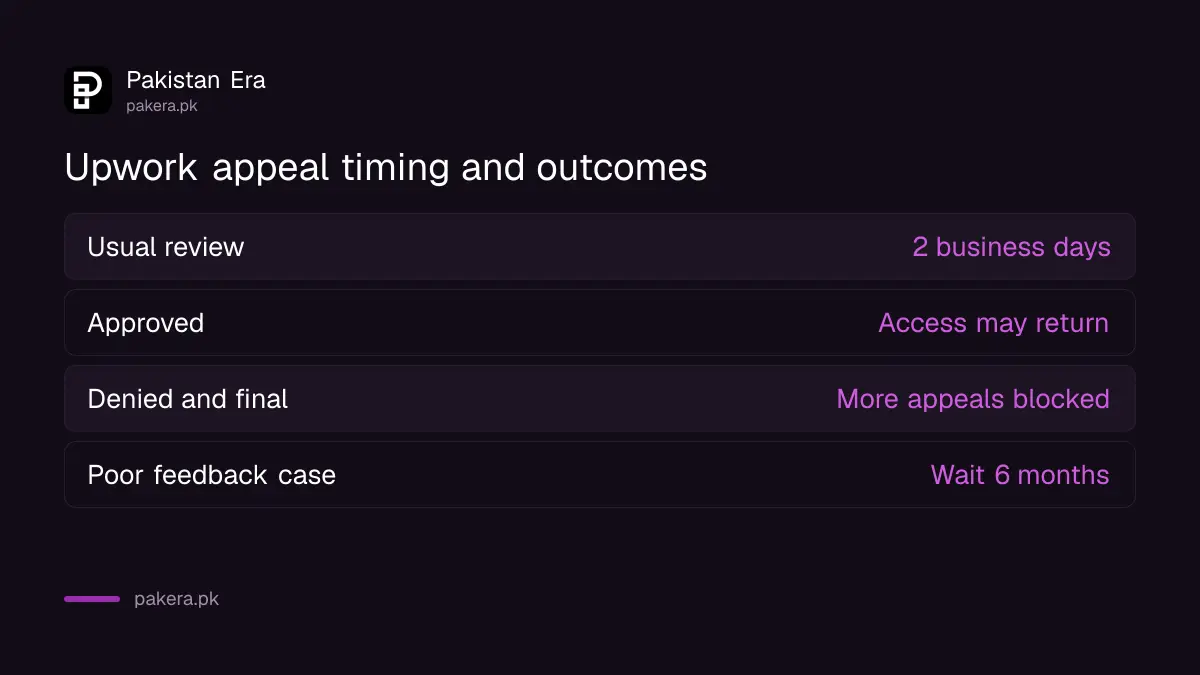
Upwork says its Trust and Safety team reviews most appeals within two business days and emails a final decision. Sending several tickets slows this down because it creates duplicate cases. If approved, access may be restored. If denied and final, further appeals may be blocked.
| Stage | What Upwork says |
|---|---|
| Review time | Most within two business days |
| Where to track | Account health, Appeal submitted, View status |
| Approved | Access or features may be restored |
| Denied and final | Further appeals may be blocked without new information |
| Poor feedback suspension | Wait six months before appealing |
Upwork counts business days, so weekends do not count. An appeal sent on a Friday evening in Pakistan may not get its answer until the middle of the following week.
Never open a second Upwork account
Upwork says opening a new account after a suspension is not allowed and breaks its Terms of Service. It treats an account as one for life. Even forgetting your password or leaving the site for years is not a reason to create a new one.
A second account in a relative's name does not get around this either. Upwork's verification ties each account to one ID and one verified name, and Upwork lists having multiple accounts as a reason for suspension in its own right.
If you already created a second account by accident, Upwork's advice is not to use both and to close one. If you lost access to your old login, recover it through the forgotten password route instead.
Working from shared Wi-Fi with another freelancer, or from a cyber cafe, is a separate issue Upwork does not address on these pages. Keeping your own device and your own browser profile is sensible either way, and separate Chrome profiles for work help.
Back in, but still "at risk"
Getting access back does not wipe your record. Upwork's account health page says the violation stays in your history and can keep your standing at risk. Violations expire over time, but Upwork does not share the timeline. Several violations together weigh more.
The standing levels are Good, At risk, High risk and Blocked. At risk and High risk still allow full access, but one more issue can lead to restrictions. The way out, Upwork says, is to follow the rules closely. A clean record rebuilds trust.
Keep contracts and payments on Upwork while you rebuild. Upwork names getting around its rules on contracts, payments and reviews as one of the misuses it guards against, so taking a client's payment outside the platform is a risk you do not need.
Common questions
How long does an Upwork appeal take?
Upwork says most appeals are reviewed within two business days, with the decision sent by email.
Can I make a new Upwork account after suspension?
No. Upwork says a new account after a suspension breaks its Terms of Service. You get one account for life.
Where is the Upwork appeal form?
It sits on Upwork's appeal help page and loads only when your account is suspended. You can also reply to the suspension email.
What happens to my money when Upwork suspends me?
The suspension email and banner list your limits. A hold may block withdrawals until resolved. Upwork's withdrawal troubleshooting page says restrictions must be resolved before you can withdraw.
Can I appeal more than once?
Only with new information. Upwork says that once a denial is final, further appeals may be blocked unless something new comes to light.
Why was my Upwork account suspended without warning?
Upwork can act on a single serious violation, an identity check, a payment issue or a compliance check. The email and Account health show the reason.
How we verified this
What we checked, where we read it, and what we could not confirm.
We read Upwork's How to appeal an account suspension, How to check your account health and its page on why you cannot have two accounts on 27 October 2026, along with the withdrawal troubleshooting page. We have not filed an appeal, so we cannot say how often appeals from Pakistan succeed, and Upwork does not publish success rates.
About the author

Tax, Bills and Technology Writer
Ali Akhtar is a young and curious voice here at Pakistan Era. He is currently pursuing his A-Levels and has a growing interest in Pakistan’s changing industrial landscape and educational trends. Ali likes to write in a way that helps him explain and explore the world around him. His writing reflects the perspective of the new generation navigating the evolving trends of Pakistan where technology, youth innovation, and shifting opportunities are reshaping the country’s future.