How to Use Chrome Profiles to Keep Work and Personal Accounts Separate in Pakistan
Use Chrome profiles in Pakistan to keep work, client and personal accounts apart: click your profile icon, Add Chrome profile, then name it. See the full steps.
Short answer: In Chrome on your computer, click your profile icon at the top right, choose Add Chrome profile, then pick a name, photo and colour. Google says profiles keep bookmarks, history, passwords and settings separate, which suits work and personal accounts.
A freelancer with three clients, a Gmail for home and a university login ends up with a mess. The wrong account opens a Google Doc. A client sees the wrong suggestion in your tabs. Chrome profiles fix this with one click and no extra software.
We read Google's Chrome Help page on multiple profiles on 14 October 2026. Windows, Mac and Chromebook screens can vary slightly. We did not test every setting on a Pakistani office network.
A profile is a separate Chrome inside Chrome
Google says profiles let you keep all your Chrome information separate, including bookmarks, history, passwords and other settings. They suit people who share a computer, and people who want to keep different accounts, such as work and personal, apart.
Each profile has its own window. You can run two at once, one signed in to a client account and another to your own. No more signing out and in all day.
For a freelancer, that is a real saving. A separate profile per client also keeps each client's logins and saved passwords in their own space.
Add a profile in four steps
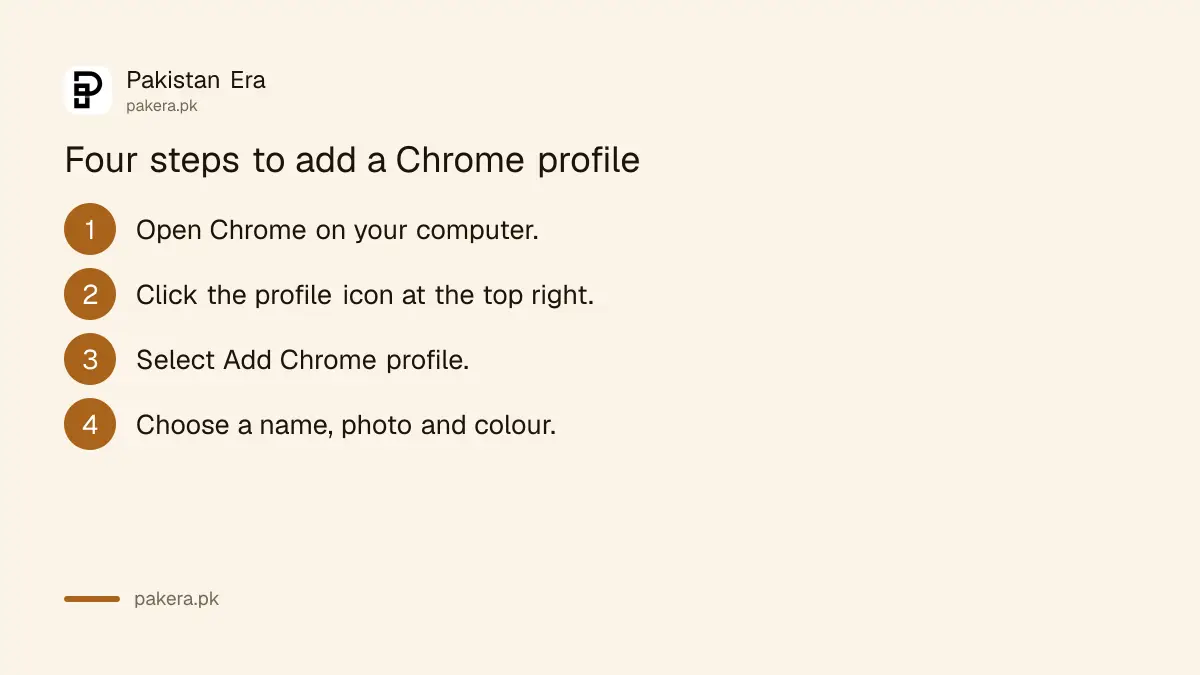
Open Chrome, click the profile icon in the top right, choose Add Chrome profile, sign in if you want, then choose a name, photo and colour. Google says that if you sign in with a Google account, the profile name becomes that account's name automatically.
- On your computer, open Chrome.
- At the top right, click the profile icon.
- Select Add Chrome profile.
- Choose a name, photo and colour scheme.
Pick colours that you cannot confuse. Make the client profile orange and your own blue. When you have six windows open, colour tells you where you are faster than reading.
To change a name, photo or colour later, open the profile menu, choose Customize profile, or use Manage Chrome profiles and select More, then Edit.
Switch profiles and show them at startup
To switch, click the profile icon and choose the profile you want. To show all profiles when Chrome opens, click the icon, find Other Chrome profiles, select Manage Chrome profiles and tick Show on startup. Google lists these as the way to manage profiles.
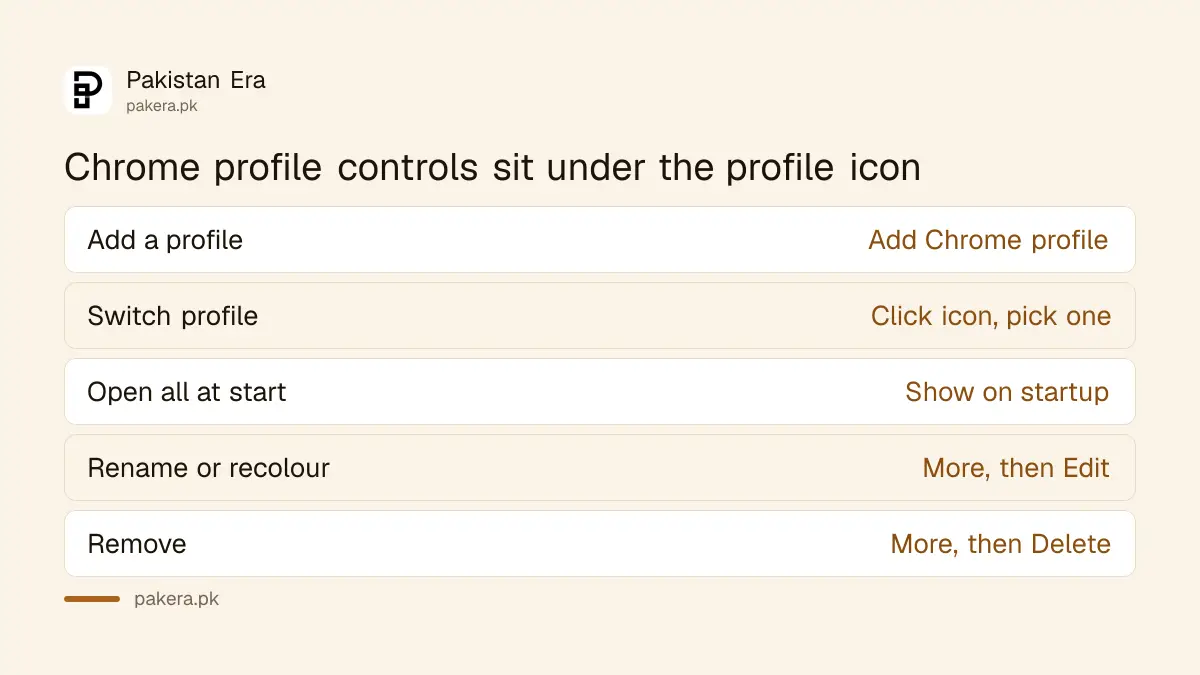
| Task | Where to click |
|---|---|
| Add a profile | Profile icon, Add Chrome profile |
| Switch profile | Profile icon, choose the profile |
| Show on startup | Manage Chrome profiles, tick Show on startup |
| Rename or recolour | Manage Chrome profiles, More, Edit |
| Remove a profile | Manage Chrome profiles, More, Delete |
A sensible setup for freelancers is one profile per big client, one personal and one for your own business. Keep banking in the personal profile only.
Removing a profile deletes its data from the computer
Google marks this as important: after you remove a profile from Chrome, its bookmarks, history, passwords and other settings are erased from the computer. To remove one, open Manage Chrome profiles, choose the profile, select More, then Delete, and confirm.
If the profile was synced to a Google account, its data may still exist in that account. Google's page does not explain this, so check before you remove anything you cannot replace. Export bookmarks and note any passwords first.
Also, Google says to share your device only with people you trust. Anyone with access can switch to any other profile on that browser and see sites visited. A profile is for organisation, not for hiding things from someone at your desk.
Pair profiles with safe habits
Profiles separate accounts but do not make them safe. Run a regular check of saved passwords and extensions in each profile, and use a strong sign-in method. Client logins deserve better care than a note on your desk.
Read how to run a Chrome Safety Check, then consider Enhanced Protection in Chrome. If you use WhatsApp Web with a client, protecting WhatsApp Web from risky Chrome extensions matters too.
Freelancers handling payments will find more in how freelancer payments work in Pakistan and opening a freelancer digital account.
A simple profile plan for a freelancer
Make one profile for each big client, one for your own business and one for personal life. Name each profile after its job. Sign in only to the accounts that belong there. Save a client's passwords only in that client's profile.
Put bookmarks where they belong. Your invoice tools sit in the business profile, and your family chats stay in the personal one. When a client asks you to share your screen on a call, you open the right window and nothing private appears by accident.
Review your profiles once a month. Remove extensions you do not use, and delete the profile of a client you no longer work with, after you save anything you need. Google warns that removal erases its data from the computer.
Common questions
What does a Chrome profile keep separate?
Google says bookmarks, history, passwords and other settings. Each profile has its own set.
Can I run two profiles at the same time?
Yes. Each profile opens in its own window, so you can stay signed in to different accounts side by side.
How do I switch profiles?
Click the profile icon at the top right and choose the profile you want to open.
Does removing a profile delete my data?
Google says its bookmarks, history, passwords and settings are erased from the computer. Back up what you need first.
Are profiles private from someone sharing my computer?
No. Google warns anyone with your device can switch to another profile and see what sites you visited. Share only with people you trust.
How we verified this
What we checked, where we read it, and what we could not confirm.
Last checked on 14 October 2026, Pakistan time. We read Google's Chrome Help page on multiple profiles. We did not test syncing behaviour or how profile removal affects a synced Google account, and the page does not explain it.
About the author

Technology Journalist & Multimedia Producer
Ahmad Ali is a technology journalist and multimedia producer at Pakistan Era, joining the team in October 2026. He covers consumer technology and digital life for Pakistani readers, combining research with hands-on product testing.