Wafaqi Mohtasib Complaint Status Check Online: Complaint Number, App or 1055
Check a Wafaqi Mohtasib complaint status online with your complaint number, the 1055 helpline or the app. See the 60 day clock and fixes when nothing shows.
To check a Wafaqi Mohtasib complaint status online, open the "Check Status of Complaints" box on mohtasib.gov.pk, type your complaint number and the security code, and press Find. You can also ask on the 1055 helpline or follow the case in the Wafaqi Mohtasib Android app. Below are all three routes, what each status means, the 60 day clock, and what to do if your number is lost or the status has not moved.
The Wafaqi Mohtasib (Federal Ombudsman) hears complaints of delay, neglect or unfair treatment by federal offices such as NADRA, the passport office, Pakistan Post, Sui gas companies and the electricity companies. Its own FAQ says the office sends an acknowledgement within 48 hours and has a statutory limit of 60 days to resolve a complaint. We read the status form, the FAQ and the online complaint page on 24 October 2026.
Three ways to check a Wafaqi Mohtasib complaint status
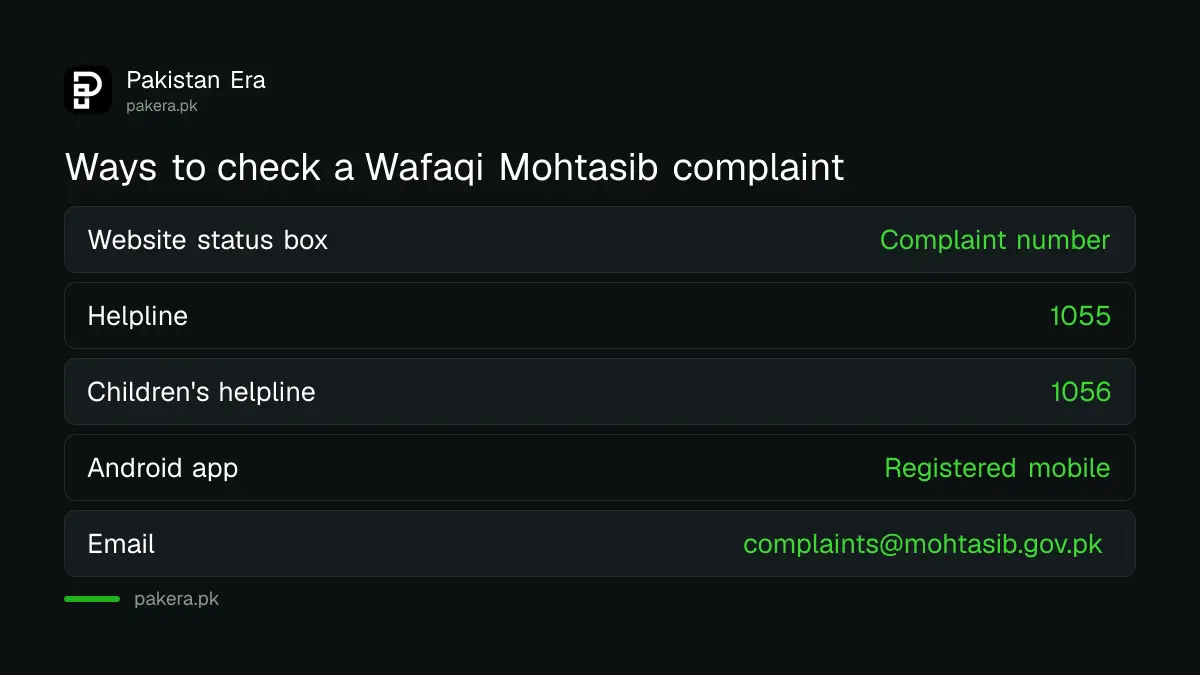
You can check the status on the website with your complaint number, call the 1055 helpline, or use the Android app linked from the Wafaqi Mohtasib home page. The website form is the quickest. It needs only the complaint number and a security code.
| Route | What you need | Best for |
|---|---|---|
| Website status box on mohtasib.gov.pk | Complaint number and the security code shown on screen | A quick check at any hour |
| Helpline 1055 | Complaint number, name and CNIC | When the website shows nothing or you lost the number |
| Helpline 1056 | Details of the child's complaint | Complaints about children |
| Android app | The mobile number you registered with | Following a complaint you lodged in the app |
| Email complaints@mohtasib.gov.pk | Complaint number in the subject line | A written record of your request |
The website form sits on the right of the home page under "Check Status of Complaints". It is loaded from complaints.mohtasib.gov.pk, so if the home page is slow, the form page itself at complaints.mohtasib.gov.pk/Complaints/complaintstatusNew.aspx shows the same two fields.
How to check the status on the website, step by step
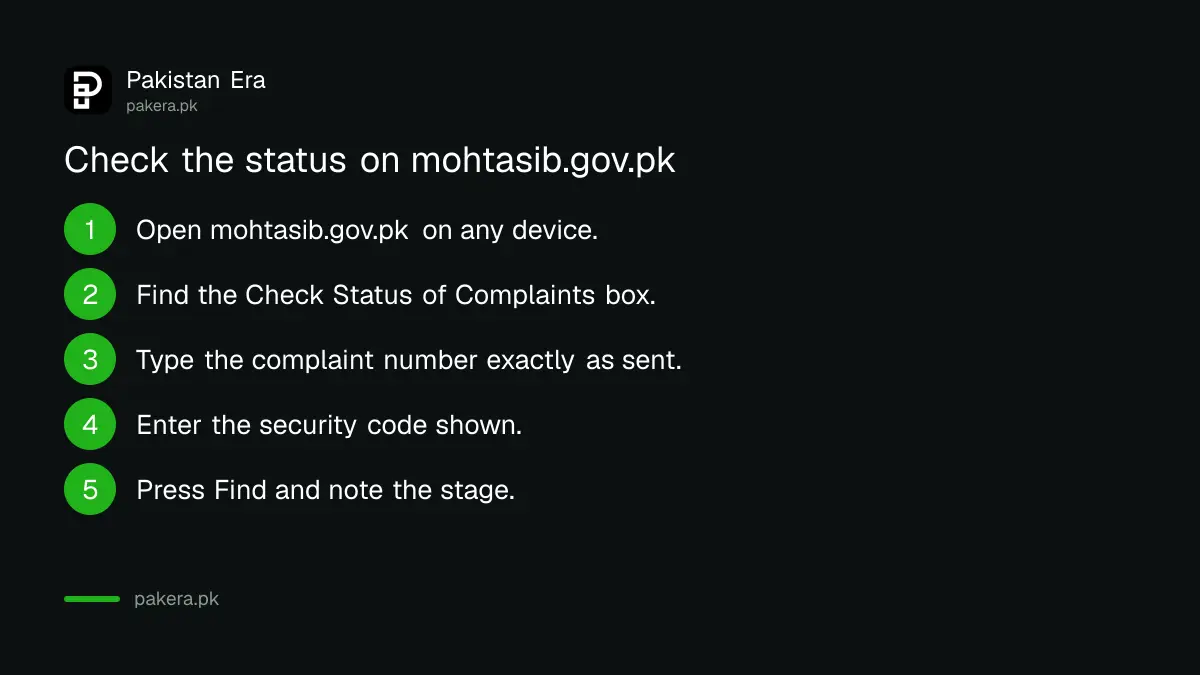
Find your complaint number in the acknowledgement SMS or letter, open the status box, type the number exactly as written, enter the security code, and press Find. The result shows where your complaint stands in the office.
- Open mohtasib.gov.pk on a phone or computer.
- Scroll to the box titled "Check Status of Complaints" on the home page.
- Type your complaint number in the field "Enter Complaint No", with every digit, slash and letter as it appears in your acknowledgement.
- Type the security code shown below the field. It is there to stop automated requests.
- Press "Press Find". Read the stage, the office handling it and any hearing date.
- Write down the date you checked. If you call 1055 later, that date helps.
Most failed searches come from a mistyped number. Copy it from the SMS rather than typing from memory. The form does not accept a CNIC or name instead of the complaint number, so keep that SMS safe.
The Wafaqi Mohtasib clock: 48 hours, 60 days, then 30 days
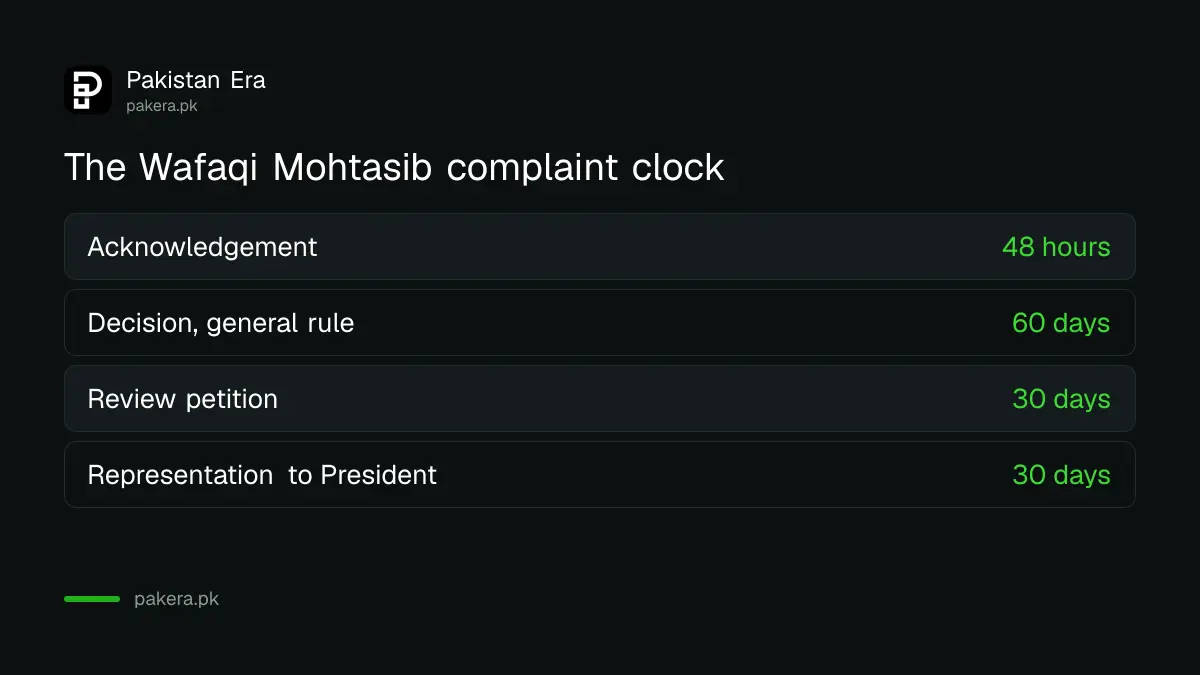
The office says you get an acknowledgement within 48 hours, and a complaint should be resolved within the statutory 60 days. After a decision, either side can ask for a review within 30 days, and a representation to the President follows its own 30 day rule.
| Stage | Time | Source of the rule |
|---|---|---|
| Acknowledgement of your complaint | Within 48 hours | Wafaqi Mohtasib FAQ |
| Decision on the complaint | 60 days as a general rule | Wafaqi Mohtasib FAQ, statutory limit |
| Review petition to the Mohtasib | Within 30 days of the decision | Wafaqi Mohtasib FAQ |
| Representation to the President | Within 30 days of the decision | Federal Ombudsmen Institutional Reforms Act 2013, section 14 |
The FAQ is honest that complicated cases, where the official record is not readily available, can take longer than 60 days. So a status that has not changed for a few weeks is not unusual. A status that has not changed after 60 days is worth a call.
If you plan to challenge the outcome, the steps for a representation to the President against an ombudsman decision are set out separately, including what happens to the order while it is pending.
Hearing dates are published by office
The Wafaqi Mohtasib posts hearing lists for each regional office on its complaints system. If your status mentions a hearing, open the list for your office and look for your complaint number, the date and the investigating officer.
The home page links an office-wise hearing report for the head office in Islamabad and regional offices in Lahore, Karachi, Peshawar, Quetta, Multan, Faisalabad, Gujranwala, Bahawalpur, Hyderabad, Sukkur, Abbottabad, Dera Ismail Khan and Kharan, plus collection points such as Khuzdar, Sibi, Loralai and Gilgit-Baltistan. The current fortnight is set out in the Wafaqi Mohtasib hearing list for 20 October to 4 November 2026.
You can join a hearing by video link or even by mobile phone, according to the FAQ, if travelling to the office is hard. Ask for that when the office contacts you.
When the status does not show or has not moved
If the form returns nothing, first check the number. If you lost it, call 1055 with your name, CNIC and the department you complained about. If nothing has moved after 60 days, ask the helpline which officer holds the file.
- No result at all. The number may be mistyped, or the complaint may not be registered yet. The acknowledgement normally arrives within 48 hours of lodging.
- No SMS ever arrived. The online complaint page says SMS cannot be sent to a number that has been ported to another network. Give a family member's number if yours was ported.
- Complaint not admitted. The FAQ says you are told the reason. Common reasons are a case already in court, a service matter of your own job, or a complaint filed more than three months after the cause.
- Status stuck after 60 days. Call 1055, or email complaints@mohtasib.gov.pk with your complaint number in the subject line, and keep a copy.
For a reminder of who can complain and the three month limit, see the Wafaqi Mohtasib complaint rules. Never pay anyone who offers to "speed up" an ombudsman case. Filing and following a complaint is free, and the FAQ says you do not need a lawyer.
Lodging a new complaint so you get a trackable number
A trackable number comes only from a registered complaint. The online form now asks you to verify your mobile number or email with a one time password first, and it accepts one file, so put several documents in a zip folder.
The online complaint page also says a valid mobile number is mandatory because updates go by SMS. Write a short statement of facts, name the federal office, add dates and attach the reply you got from that office. The full filing process, by post, in person or online, is in the Wafaqi Mohtasib complaint guide.
Common questions
Can I check a Wafaqi Mohtasib complaint by CNIC?
Not on the website. The status form asks only for the complaint number and a security code. If you lost the number, call 1055 with your CNIC.
What is the Wafaqi Mohtasib helpline number?
It is 1055 for general complaints and 1056 for complaints about children, as shown on the Wafaqi Mohtasib home page.
How long does the Wafaqi Mohtasib take to decide?
The FAQ gives a statutory limit of 60 days as a general rule. Complicated cases with missing records can take longer.
Is there a fee to file or track a complaint?
No. The FAQ says no fee is charged and you can plead your own case without a lawyer.
Can I ask for a review of the decision?
Yes. Either party can file a review petition with the Wafaqi Mohtasib within 30 days of the decision.
Why did I not receive an SMS update?
The office says SMS cannot reach a number that was ported to another network. Ask on 1055 and update your contact number.
How we verified this
What we checked, where we read it, and what we could not confirm.
Last checked 24 October 2026. We read the Wafaqi Mohtasib home page and its embedded status form at complaints.mohtasib.gov.pk, the online complaint page and the FAQ at mohtasib.gov.pk on that date. The 48 hour, 60 day and 30 day figures come from that FAQ. The 30 day limit for a representation to the President comes from section 14 of the Federal Ombudsmen Institutional Reforms Act 2013 as quoted on the Banking Mohtasib site. We did not submit a complaint number, so we have not seen the result screen, and we did not open the Android app.
About the author

Tax, Bills and Technology Writer
Ali Akhtar is a young and curious voice here at Pakistan Era. He is currently pursuing his A-Levels and has a growing interest in Pakistan’s changing industrial landscape and educational trends. Ali likes to write in a way that helps him explain and explore the world around him. His writing reflects the perspective of the new generation navigating the evolving trends of Pakistan where technology, youth innovation, and shifting opportunities are reshaping the country’s future.