BankIslami App Registration and ATM Card Activation: Sign Up Steps, 2-Hour Wait and 021-111-475-264
Register on the BankIslami app with CNIC, OTP and NADRA fingerprints, wait out the 2-hour cooling period, and activate your ATM card on 021-111-475-264, 24/7.
To register on the BankIslami app, tap Sign Up, choose your ID type, verify the one-time password, set a username and password, then complete NADRA biometric verification in the app. BankIslami then applies a 2-hour cooling period before mobile banking opens. A new ATM card is activated on the bank's 24/7 phone line, 021-111-475-264, which BankIslami writes as 021-111-ISLAMI. Below are both processes, what to do when the fingerprint scan fails, and the card controls inside the app.
We read BankIslami's digital channels page and its debit cards page on 27 October 2026. The steps, the cooling period and the phone services below are the bank's own.
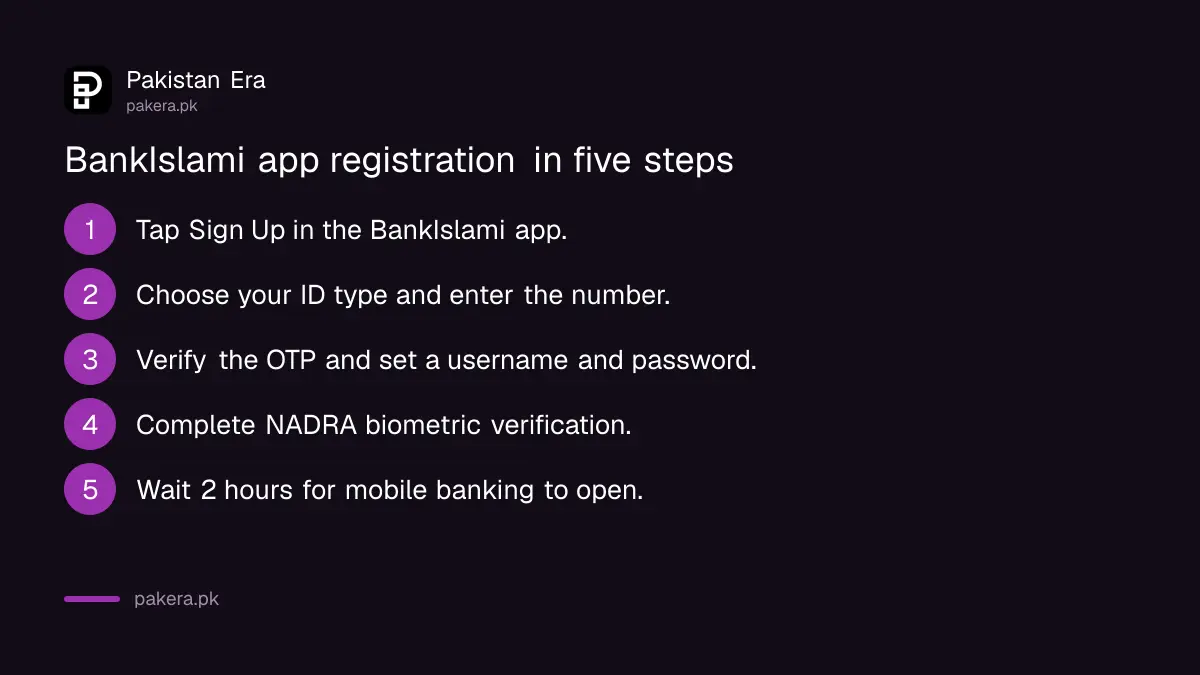
BankIslami app registration takes four steps and a 2-hour wait
BankIslami lists four steps: sign up, choose your ID type, verify the OTP and set a username and password, then pass NADRA biometric verification. After that a 2-hour cooling period runs before you can use mobile banking. Plan around it.
- Install the BankIslami app and tap Sign Up. BankIslami also calls this button Create Account.
- Choose your ID type, usually CNIC, and enter the number.
- Enter the one-time password sent to you, or confirm by email, then set your username and password. Read the terms and tap Agree.
- Complete NADRA biometric verification inside the app.
- Wait 2 hours. The cooling period is a security delay, and mobile banking opens once it ends.
The 2-hour wait catches people who register at the branch counter and expect to pay a bill on the spot. BankIslami does not explain the delay on its page, but a wait like this gives you time to spot an alert if someone else registers in your name.
The in-app fingerprint check scans four fingers, then the thumbs
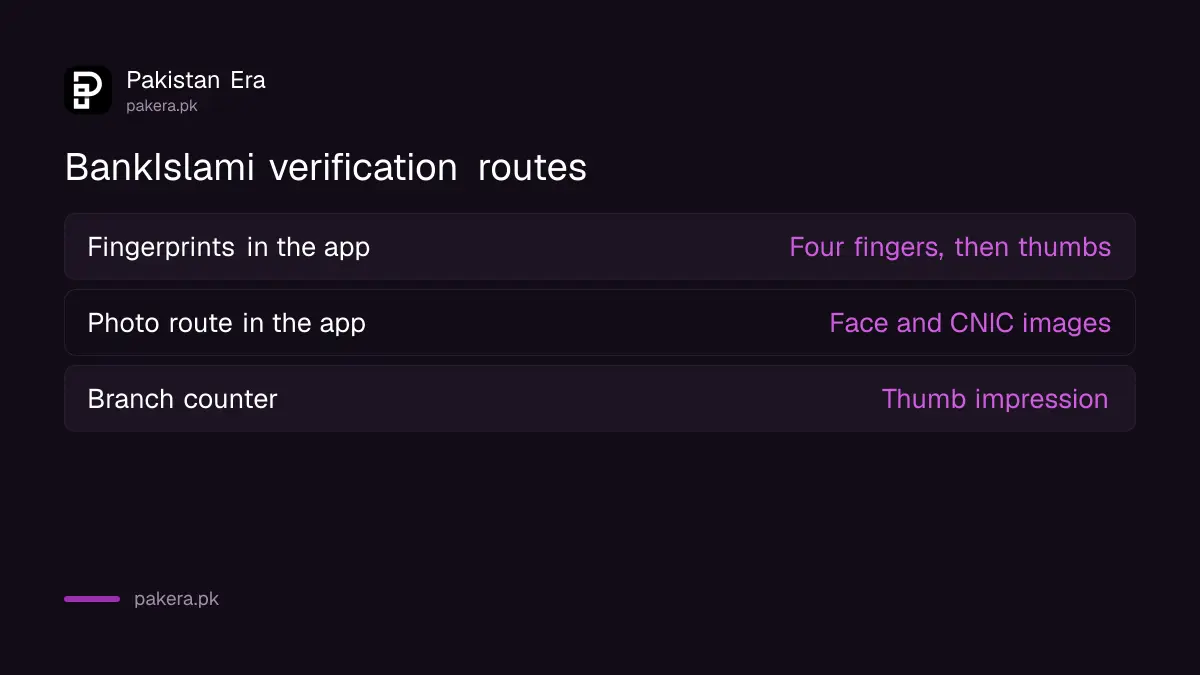
BankIslami's app asks you to tap Snap and photograph four fingers, then scan your thumbs. The image is checked against NADRA's record. If your fingerprints are worn or you have a disability, you can upload documents and take a face and CNIC photo instead.
| Verification route | What you do | Who it suits |
|---|---|---|
| Biometric (finger or thumb) | Log in, register using NADRA verification, scan left or right fingers or thumb | Most users |
| Liveliness (photo and CNIC) | Log in, verify documents, take a face photo, photograph CNIC front and back | Worn or marked fingerprints, disability |
| Branch counter | Thumb impression at a BankIslami branch | Anyone the app keeps rejecting |
Good light and clean, dry fingers help the camera. If the scan fails again and again, go to a branch. BankIslami says its One Touch Banking counter service activates Internet Banking and the mobile app with a thumb impression, with no form to fill in. The same problem at other banks is covered in bank fingerprint not matching.
BankIslami ATM card activation is done on 021-111-475-264
Call 021-111-ISLAMI (475264) and use the automated voice menu to activate the card. BankIslami says the same line also blocks a lost card, changes the ATM PIN, gives your balance and a mini statement, and blocks the app and Internet Banking if needed.
- Call 021-111-475-264, available 24 hours a day, 7 days a week.
- Choose the ATM card option in the voice menu.
- Follow the prompts to activate the card and set its PIN.
- Test the card at a BankIslami ATM with a small withdrawal or a balance check.
We did not call the line to record the menu numbers, because that needs a live card. The services listed on the line come from BankIslami's page.
BankIslami's app controls the card after activation
Inside the app you can change the debit card PIN, deactivate the card, switch local online payments on or off, and switch international online payments on or off. You can also see card transaction history and choose a primary or secondary device.
Turn international online payments off unless you need them. A card that cannot be charged by a foreign website is one less way to lose money. The wider case for doing this at every bank is in how to turn off debit card online and international payments.
BankIslami issues three debit cards: a Titanium Mastercard, a Classic Mastercard and a PayPak card. All three have a chip and contactless tap-and-pay, according to the bank.
Lost card or phone: block both on the same number
Call 021-111-475-264 at once. BankIslami says the voice line blocks a lost or stolen ATM card and can also block digital services, meaning the app and Internet Banking. Then ask the bank for a replacement card.
Branches are open Monday to Thursday from 9 am to 5 pm, Friday from 9 am to 5:30 pm and Saturday from 10 am to 2 pm, according to BankIslami. For anything the voice menu cannot do, the same number connects you to a phone banking officer. Never share an OTP with a caller who says they are from the bank. The full list of bank lines is in bank helpline numbers in Pakistan.
Common questions
How do I register on the BankIslami app?
Tap Sign Up, choose your ID type, verify the OTP, set a username and password, then complete NADRA biometric verification. Mobile banking opens after a 2-hour cooling period.
Why does BankIslami make me wait 2 hours?
BankIslami applies a 2-hour cooling period after verification as a security step. You cannot skip it.
How do I activate my BankIslami ATM card?
Call 021-111-ISLAMI (475264) and activate it through the automated voice menu, which runs 24/7.
What if my fingerprints do not match in the BankIslami app?
Use the photo route, a face picture plus CNIC front and back, or give your thumb impression at a branch.
Can I change my BankIslami ATM PIN in the app?
Yes. BankIslami lists debit card PIN change in the app. The phone line on 021-111-475-264 also changes it.
What is the BankIslami Internet Banking website?
BankIslami's page gives ib.bankislami.com.pk for its iBankIslami login.
How we verified this
What we checked, where we read it, and what we could not confirm.
Last checked 27 October 2026. We read BankIslami's digital channels page at bankislami.com.pk, covering the mobile app registration steps, cooling period, biometric and liveliness verification, One Touch Banking, phone banking and IVR services and branch timings, and its debit cards page for the card types. BankIslami's separate mobile app page returned a not found error when we tried it. We did not register a live account or call the voice line, so menu numbers are not given.
About the author

Senior Writer, Public Services and Technology
Shahid joined us in 2024 as an author. He is a senior contributor to Pakistan's leading technology websites. He writes detailed articles, mostly covering his expertise in the latest tech, mobiles, apps, gadgets, and step-by-step guides. His ideology is to help people understand the latest trends and explain complex methods through very easy-to-understand guides.