BOK Digital App Registration: Sign Up for Bank of Khyber Mobile Banking, Forgot User ID and WhatsApp Banking
Register on the BOK Digital app of Bank of Khyber in 5 steps, get a forgotten User ID by SMS, use WhatsApp banking on 021-111-265-265, and fix OTP problems.
To register on BOK Digital, the Bank of Khyber app, download "BOK Digital" from Google Play or the App Store and tap Sign Up. You need an active BoK account and the mobile number on that account. The app is free. Forgot your User ID? Tap Forgot User ID and BoK sends it by SMS. Helpline: 091-111-265-265.
BoK customers in Peshawar, Mardan or Swat no longer need a branch visit to check a balance or pay a bill. The app covers transfers, Raast, bills, card control and statements. The steps below go from sign-up to the fixes for the usual problems.
BOK Digital is free for every Bank of Khyber account holder
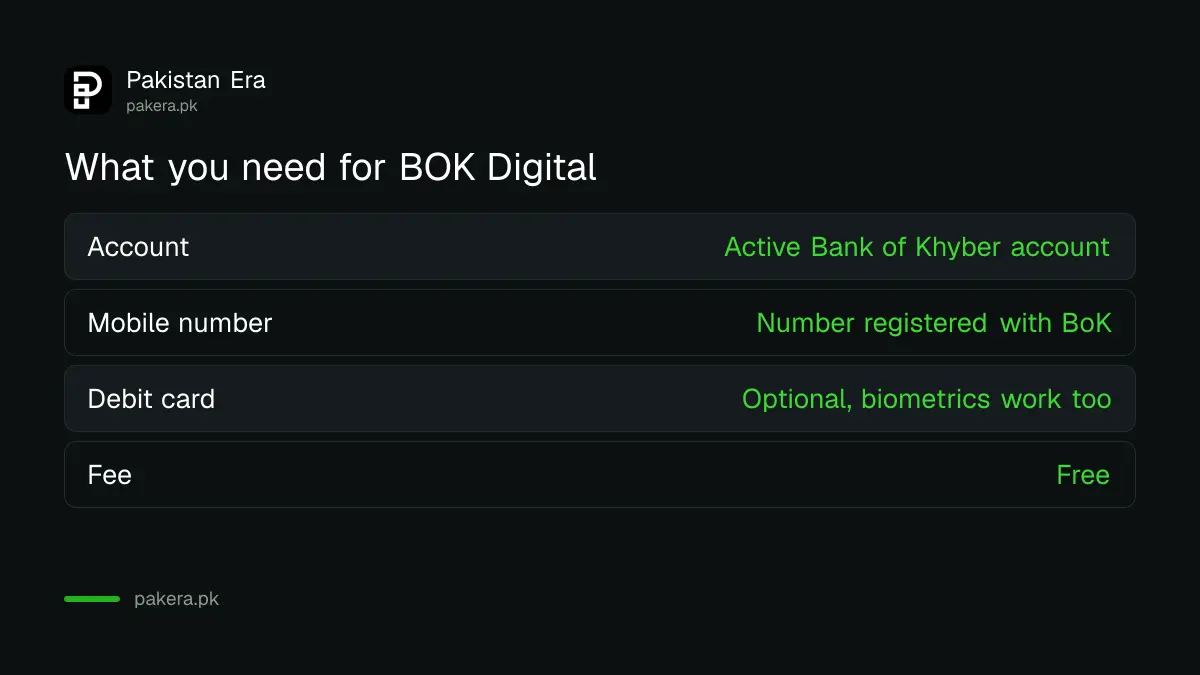
Bank of Khyber offers its BOK Digital app and internet portal free of charge. You must hold a valid BoK account. If you have no debit card, BoK says you can still register through biometric verification instead. People without a BoK account cannot use the service.
| What you need | Details |
|---|---|
| Account | An active Bank of Khyber account |
| Mobile number | The number registered with BoK, for the OTP |
| Debit card | Helpful, but not required: biometric verification works instead |
| Phone | Android from Google Play, or iPhone with iOS 13 or later |
| Fee | None. BoK lists the service as free |
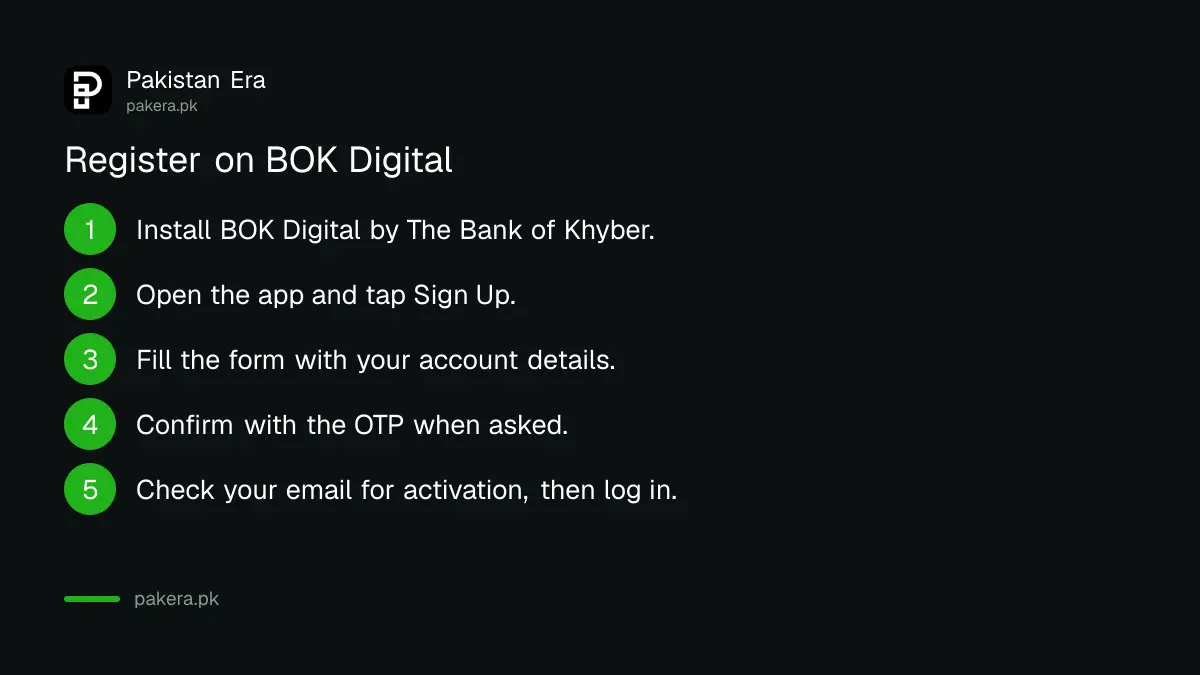
Register on the BOK Digital app in five steps
Download the app, tap Sign Up, fill the application form with your account details, confirm the OTP sent to your registered number, and wait for BoK's activation email. BoK says applications are processed in real time. Your first login also registers your phone as a trusted device.
- Install "BOK Digital" by The Bank of Khyber from Google Play or the App Store. Check the publisher name before you install.
- Open the app and tap Sign Up.
- Fill the application form with your Bank of Khyber account details.
- Confirm with the OTP when the app asks for one. BoK uses OTPs for two-factor security.
- Watch your email for the activation message, then log in. The first login registers your device.
You can also sign up on a computer. The BoK internet banking portal has the same Register button. After you sign up, turn on fingerprint login in the app so you do not type your password every time.
Forgot your User ID or password? Use the in-app option or call 091-111-265-265
BoK keeps a Forgot User ID option on the BOK Digital login screen. After a verification step, the bank sends your User ID to your registered number by SMS. If that fails, the BoK contact centre on 091-111-265-265 handles internet banking status and ID details.
Keep your User ID private. BoK's own FAQ calls it confidential, the same as a password. Never read it out to a caller who says they are from the bank.
The contact centre also does card activation, card blocking and unblocking, debit card PIN changes, statements, T-PIN generation and complaints. It runs 24 hours a day, 7 days a week.
What the BOK Digital app can do
The app handles balance checks, statements, transfers inside BoK, IBFT to other banks, Raast payments, utility and mobile bills, school and government payments, QR payments, card blocking and PIN changes, and a daily transfer limit you set yourself within BoK's range.
| Task | In BOK Digital? |
|---|---|
| Balance and account statement download | Yes |
| Transfer to a BoK account or another bank (IBFT) | Yes, after an OTP |
| Raast ID registration and Raast payments | Yes |
| Utility, mobile, school and government payments | Yes |
| Block or unblock a debit card, change its PIN | Yes |
| Set your daily FT and IBFT limit | Yes, within BoK's range |
Transfers go through as soon as you enter the OTP, unless the app shows an error. Interbank transfers can carry a fee, so check the Bank of Khyber IBFT charges before a large one. Raast transfers are free, and you can link your mobile number as a Raast ID from inside the app.
BoK WhatsApp banking works without the app
Every BoK account holder can use WhatsApp banking for free on +92 21 111 265 265. Send any message, enter the last four digits of your CNIC and the OTP, then pick a service by number. It covers balance, mini statement, IBAN and tax certificates.
| WhatsApp menu option | What you get |
|---|---|
| Balance Inquiry | Your current balance |
| Mini Statement | Your recent transactions |
| Card Management | Card services |
| IBAN Generator | Your 24 character IBAN |
| Account Maintenance and WHT Certificates | Documents for visas, tax and employers |
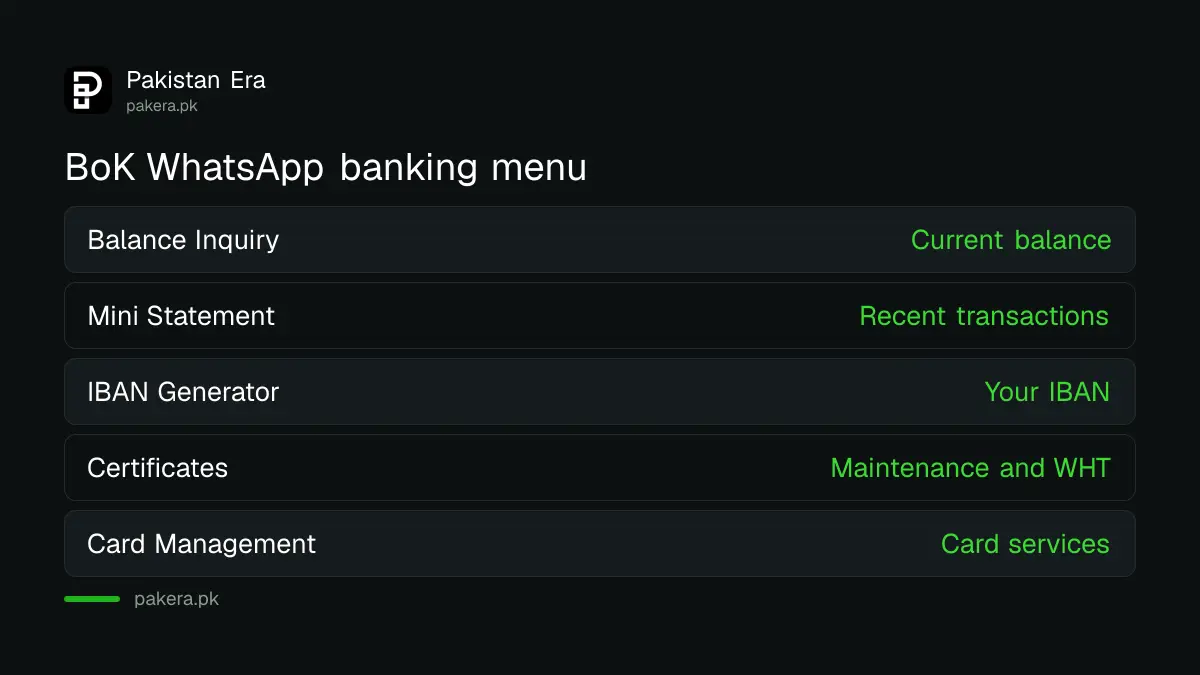
Type M at any point to go back to the main menu. The IBAN option is handy when an employer asks for one. You can also check an IBAN format before you share it.
Fix the common BOK Digital problems
Most failed sign-ups come from a mobile number that no longer matches BoK's records. If the OTP never arrives, update your number at your branch first. For a lost User ID use Forgot User ID, and for anything else call 091-111-265-265.
- No OTP: the code goes to the number BoK holds. If you changed your number, update it with BoK at your branch first.
- No debit card: register through biometric verification, which BoK accepts in place of the card.
- Transfer refused: check the daily limit you set in the app. Raise it within BoK's range.
- Card lost: block it in the app or call the contact centre straight away.
Your branch is the place for number changes and biometric checks. The KP list of Bank of Khyber branches by district helps you find the nearest one.
Common questions
Is the BOK Digital app free?
Yes. Bank of Khyber says its digital banking app and internet portal are provided free of charge to account holders.
Can I use BOK Digital without a debit card?
Yes. BoK says customers without a debit card can register through biometric verification.
How do I get my BoK User ID back?
Tap Forgot User ID on the BOK Digital login screen. After verification, BoK sends the User ID to your registered mobile number by SMS.
What is the Bank of Khyber helpline number?
The BoK contact centre is 091-111-265-265, open 24/7. App complaints can also go to complaints@bok.com.pk.
What is the BoK WhatsApp banking number?
It is +92 21 111 265 265. The service is free for every BoK account holder.
Can I send Raast payments from BOK Digital?
Yes. BoK says you can register your Raast ID and send Raast payments through BOK Digital, with no transaction fee.
How we verified this
What we checked and where we read it.
We checked these pages on 21 November 2026: Bank of Khyber's Internet and Mobile Banking page and its FAQ, the BoK WhatsApp Banking page, the BoK Contact Center page, the BoK Raast page, the BoK internet banking login page, and the BOK Digital listing on Apple's App Store (publisher The Bank Of Khyber, iOS 13 or later). BoK's page does not name the app's Google Play listing directly, so search for the app by name and check the publisher.
About the author

Tax, Bills and Technology Writer
Ali Akhtar is a young and curious voice here at Pakistan Era. He is currently pursuing his A-Levels and has a growing interest in Pakistan’s changing industrial landscape and educational trends. Ali likes to write in a way that helps him explain and explore the world around him. His writing reflects the perspective of the new generation navigating the evolving trends of Pakistan where technology, youth innovation, and shifting opportunities are reshaping the country’s future.