Google "Couldn't Sign You In, This Browser or App May Not Be Secure": 6 Fixes in Pakistan
Google says Couldn't sign you in, this browser or app may not be secure? Use Chrome or Safari, open the page directly, turn on JavaScript and pause extensions.
Google says "Couldn't sign you in: This browser or app may not be secure"? Open the sign-in page in a normal browser such as Chrome, Safari, Firefox, Opera or Edge, make sure JavaScript is on, update the browser, and turn off extensions for a moment. If a link opened inside another app, copy it into Chrome instead. Google blocks sign-ins from browsers it cannot trust, and these steps move you to one it accepts.
Your account is not hacked or blocked when you see this message. Google is refusing that particular browser, not you, so the password you typed is not the issue.
Google blocks four kinds of browser
Google says it may stop sign-ins from browsers that do not support JavaScript or have it turned off, that have unsafe or unsupported extensions, that are controlled by automation software rather than a person, or that are built into another app.
The last one is the most common in daily use. When you tap a link inside a chat, social media or shopping app, it often opens in that app's own small browser. Google treats that as embedded and may refuse the sign-in. Opening the same page in Chrome usually fixes it at once.
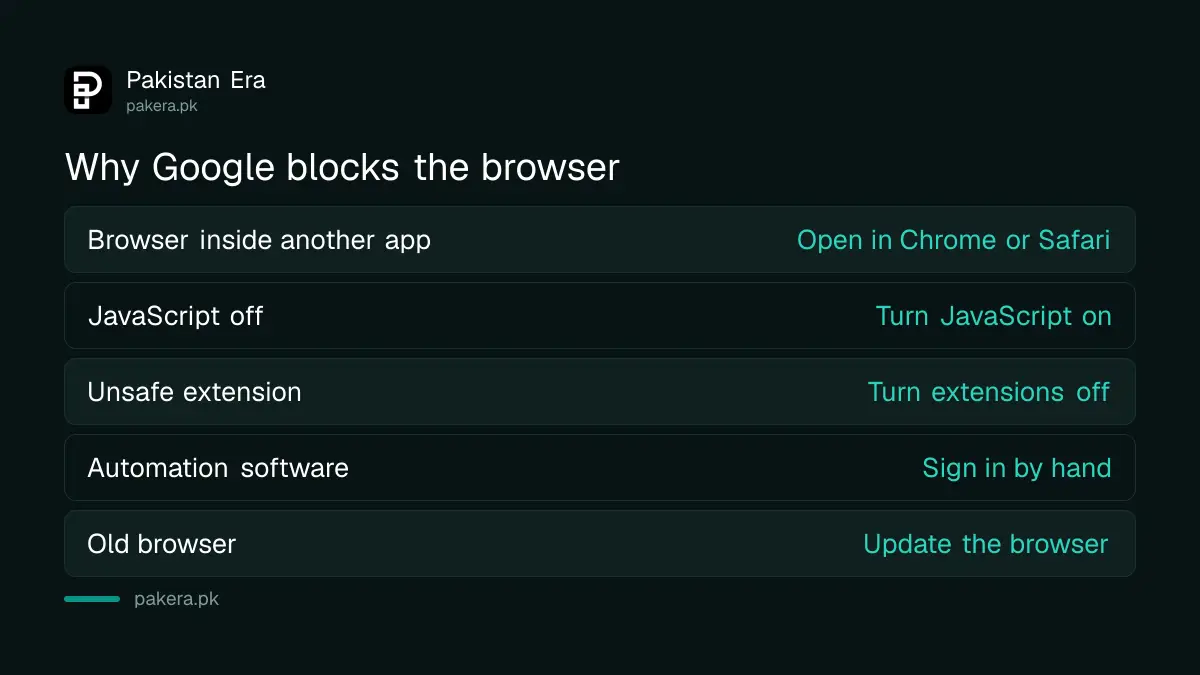
| Why Google blocked it | Typical case | Fix |
|---|---|---|
| Browser built into another app | Link tapped inside a chat or social app | Open the link in Chrome or Safari |
| JavaScript off or not supported | Data saver browser or changed settings | Turn JavaScript on, or switch browser |
| Unsafe or unsupported extension | Ad blocker, downloader, coupon add-on | Turn extensions off, sign in, turn back on |
| Automation software | Tools that log in for you | Sign in by hand in a normal browser |
| Old browser version | Old phone that has not updated | Update the browser |
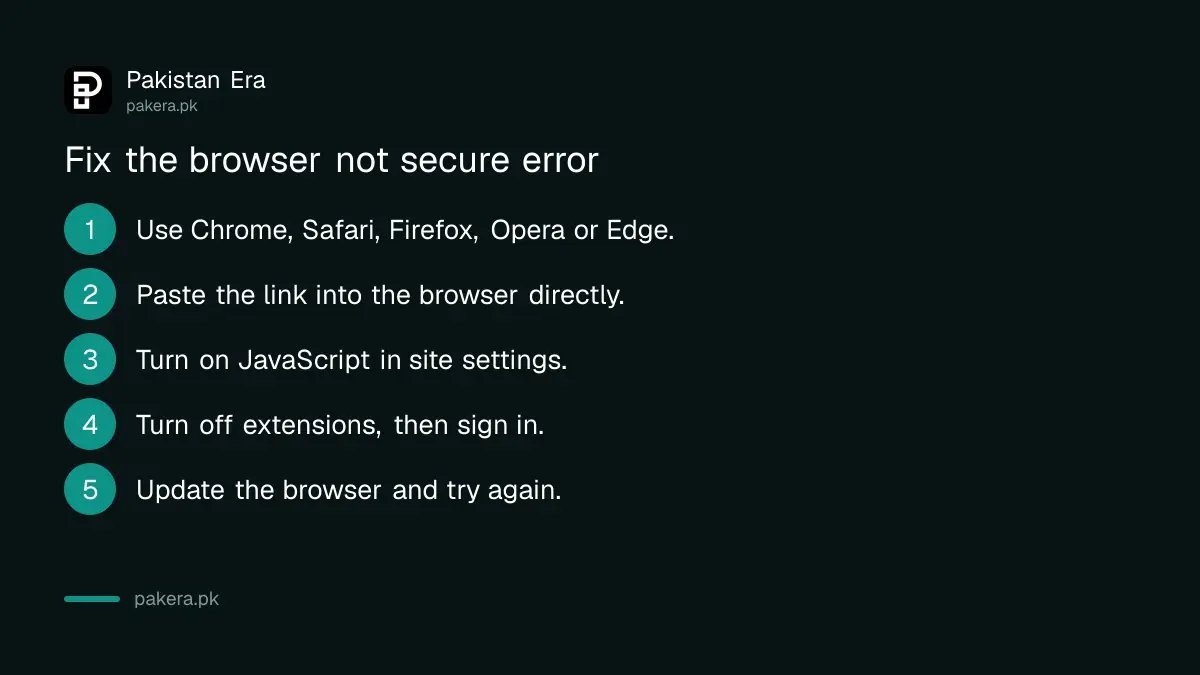
Fix the error in six steps
Work from the simplest fix to the least likely. Most people only need the first two steps: a supported browser, and the page opened directly in it rather than inside another app.
- Use a supported browser. Google names Chrome, Safari, Firefox, Opera and Edge as browsers that support JavaScript.
- Open the page directly. If you came from a link in another app, copy the address and paste it into Chrome or Safari.
- Turn on JavaScript. In Chrome on Android: More (three dots), Settings, Site settings, JavaScript, and turn it on.
- Turn off extensions on a computer, sign in, then turn them back on.
- Update the browser from the Play Store, App Store or the browser's own settings.
- Pause a firewall, proxy or antivirus for a moment and try again. Turn it back on once you are in.
Google says you can turn JavaScript off again after signing in. Most people leave it on, because many sites, including bank and government portals, need it anyway.
Extensions, privacy settings and security programs can trigger it
On a computer, an unsafe or unsupported extension is a common cause. Google also says that if you use a browser other than Chrome with privacy set to "High" or "Strict", you may need to add www.google.com to the list of allowed sites.
Free download helpers, coupon add-ons and video grabbers are the usual suspects. Some of them read everything you type, which is exactly why Google refuses to sign in with them running. If you do not remember installing an extension, remove it rather than just turning it off. The risks are explained in checking Chrome extensions before using WhatsApp Web.
- Firewall, proxy or antivirus: turn it off for a moment and sign in. If that works, contact the program's support to allow Google access.
- Work computer: ask your IT administrator about the company's security settings.
- VPN: a VPN is not on Google's list, but switching it off removes one more variable while you test.
Check the page is really Google before you type
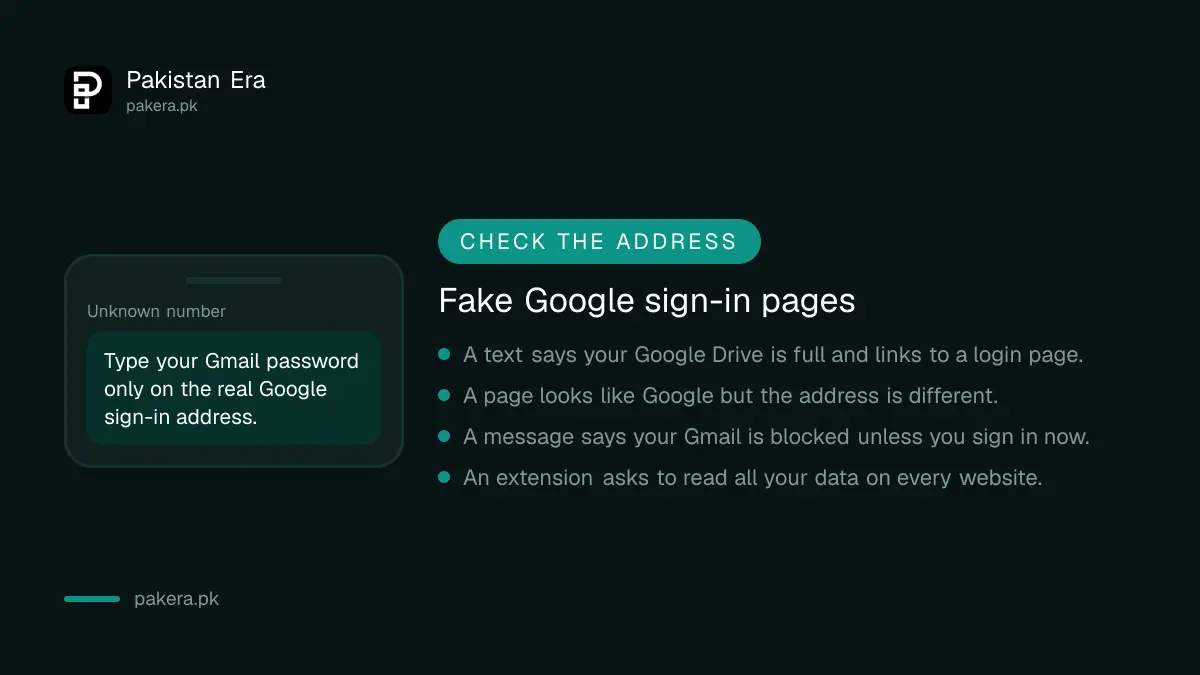
The real Google sign-in page sits at accounts.google.com. Before you paste a link into Chrome, look at the address. A page that looks like Google on any other address is a phishing page built to steal your Gmail password.
This matters most when the sign-in link came from a message. A scam message may claim your Gmail or Google Drive is "full" or "blocked" and link to a fake page. If you are worried you already typed your password into one, change it now and check which devices are signed in to your Google Account.
Apps that stop working after 2-Step Verification
A different case: an older app, such as a mail program on a computer, stops signing in after you turn on 2-Step Verification. Google says you may need to sign in to such apps again, and if that fails, to use an App Password for that app.
Many people now skip passwords altogether with a passkey, which uses your phone's screen lock to sign in. Setting one up is covered in setting up a Google passkey. If you are locked out entirely, use Gmail account recovery instead.
Common questions about the browser not secure error
Does "This browser or app may not be secure" mean my account is hacked?
No. It means Google is refusing that browser or app. Sign in from a supported browser, opened directly, and the message goes away.
Which browsers does Google accept for sign-in?
Google names Chrome, Safari, Firefox, Opera and Edge as browsers that support JavaScript. Keep the one you use up to date.
Why can I not sign in to Google from a link in another app?
Links in many apps open in a small built-in browser. Google may block sign-ins from browsers embedded in another app. Copy the link into Chrome or Safari.
How do I turn on JavaScript in Chrome on Android?
Open Chrome, tap More, then Settings. Under Advanced, tap Site settings, then JavaScript, and turn it on.
Can antivirus stop me signing in to Gmail?
Yes. Google says a firewall, proxy or antivirus program can block sign-in. Turn it off briefly to test, then contact the program's support to allow Google.
How we verified this
What we checked and where we read it.
Last checked 17 November 2026. The causes and fixes come from Google Account Help, Sign in with a supported browser. The App Password point comes from Google's Fix common issues with 2-Step Verification. Chrome menu names can differ slightly between versions.
About the author

Technology Journalist & Multimedia Producer
Ahmad Ali is a technology journalist and multimedia producer at Pakistan Era, joining the team in October 2026. He covers consumer technology and digital life for Pakistani readers, combining research with hands-on product testing.