Instagram Not Working in Pakistan: 5 Fixes for Crashes, a Feed That Won't Refresh and Loading Errors
Instagram not working in Pakistan? Update the app, restart, test Wi-Fi and data, then reinstall without losing photos. Five fixes and how to report a problem.
Instagram not working in Pakistan? Update the app first, because Instagram says some older versions are no longer supported. Then restart the phone, test on both Wi-Fi and mobile data, and if it still fails, delete and reinstall Instagram. Your photos and profile stay safe on Instagram's side. If none of that works, report it from Profile, Menu, Help, Report a problem.
Most "Instagram not working" cases are one of three things: an old app, a weak connection, or a block on one action such as liking or following. Each has a different fix, so work out which one you have.
Match your Instagram problem to the right fix
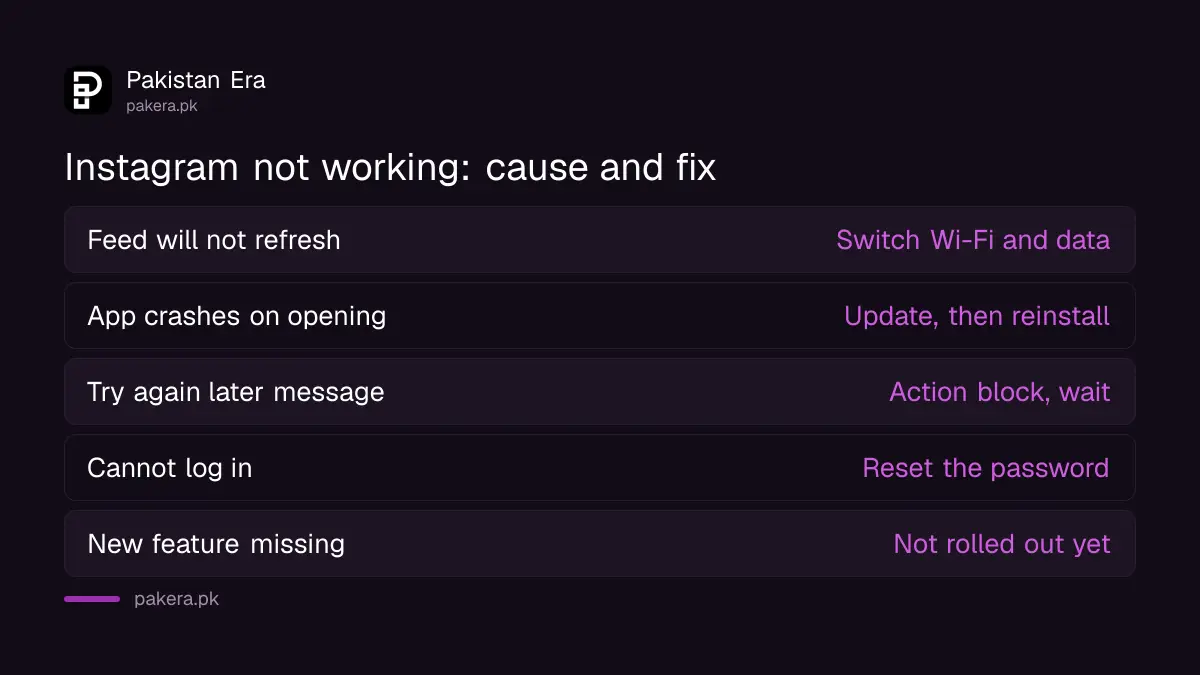
Instagram problems fall into a few groups. A feed that will not refresh points to the connection. A crash on opening points to the app version. A message saying you cannot like, comment or follow points to an action block, which no reinstall will fix.
| What you see | Likely cause | Fix to try |
|---|---|---|
| Feed will not refresh, reels keep loading | Weak Wi-Fi or data | Switch between Wi-Fi and mobile data |
| App crashes or closes on opening | Old app version or bad install | Update, then reinstall |
| "Try again later" on likes or follows | Action block on the account | Wait, check Account Status |
| Cannot log in | Password or code problem | Reset from the login screen |
| A new feature is missing | Not rolled out to everyone | Wait for the rollout |
Update Instagram before anything else
Instagram's Help Center says that, from May 2022, some older versions of the app stopped being supported. So the first fix is always the latest version from the Play Store or App Store, and an up-to-date phone operating system.
Open the Play Store or App Store, search for Instagram, and tap Update if the button shows. On many cheaper Android phones in Pakistan, automatic updates are switched off to save data, so the app can be months behind without you noticing. Connect to Wi-Fi before you download, as Instagram suggests.
Five fixes in the order Instagram recommends
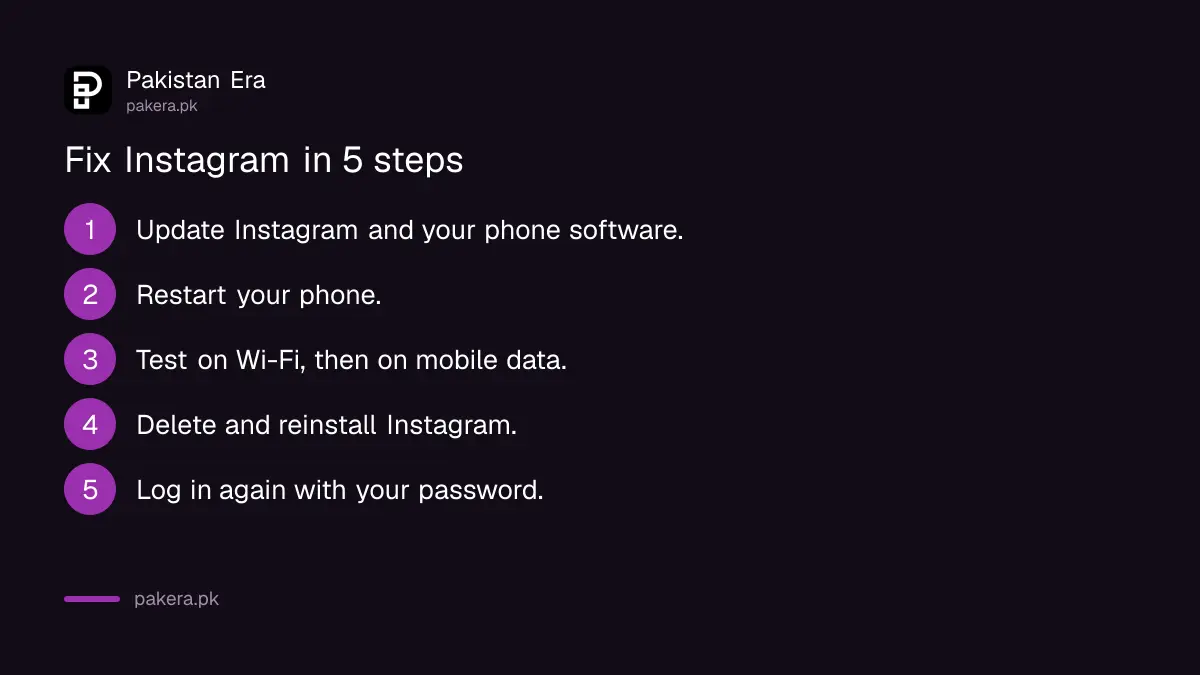
Instagram's troubleshooting steps run in a fixed order: update the app and phone, restart the device, test the connection, then delete and reinstall. Test Instagram after each step so you know which one solved it.
- Update Instagram and your phone's software.
- Restart your phone or tablet. Instagram says to always try this first when something goes wrong.
- Test both connections. Use Instagram on Wi-Fi, then on mobile data, to see whether one of them is the weak link.
- Delete and reinstall Instagram. On iPhone, hold the icon, tap Remove App, then reinstall from the App Store. On Android, go to Settings, Apps, Instagram, Uninstall, then reinstall from the Play Store.
- Log in again with your username and password.
Reinstalling is safe for your posts. Instagram says your photos and profile information are saved by Instagram when you remove the app. What you do need is your password, so check you know it before you delete the app. If you do not, reset it first using the Instagram forgot password steps.
Use Instagram Lite or the web when the app keeps failing
If the main app still fails, Instagram points to two other ways in. Instagram.com works in a mobile browser or on a computer. On Android, Instagram Lite is a smaller version that uses less data, which helps on weak signals or a small bundle.
Instagram Lite is a good fit for older phones with little storage. A phone with a full memory also makes apps crash, so if your storage bar is red, clear space first; the steps are in fixing a full phone storage. If data is the worry, saving mobile data on Android and iPhone covers settings that help.
Report the problem to Instagram
When the steps fail, it may be a bug. Report it in the app: Profile, Menu, Help (under More info and support), Report a problem. You can also shake your phone on the screen where the problem happened, then follow the instructions.
- Say which phone you use and what you were doing when it went wrong.
- Add a screenshot of the error.
- Tap Include Complete Logs and Diagnostics if you want to give Instagram more detail to work with.
Instagram says it adds information about your device and account to the report automatically. Do not attach anything unrelated.
Some problems are blocks, not bugs
Instagram notes that something may not work because of settings, because a feature has not reached everyone, or because you have been blocked from an action. A reinstall does not lift a block. Check the account's status in settings instead.
A disabled account is another case again, with its own appeal route, described in the Instagram disabled account appeal. If you think someone else has got into your account, follow the hacked Instagram recovery steps before you touch anything else.
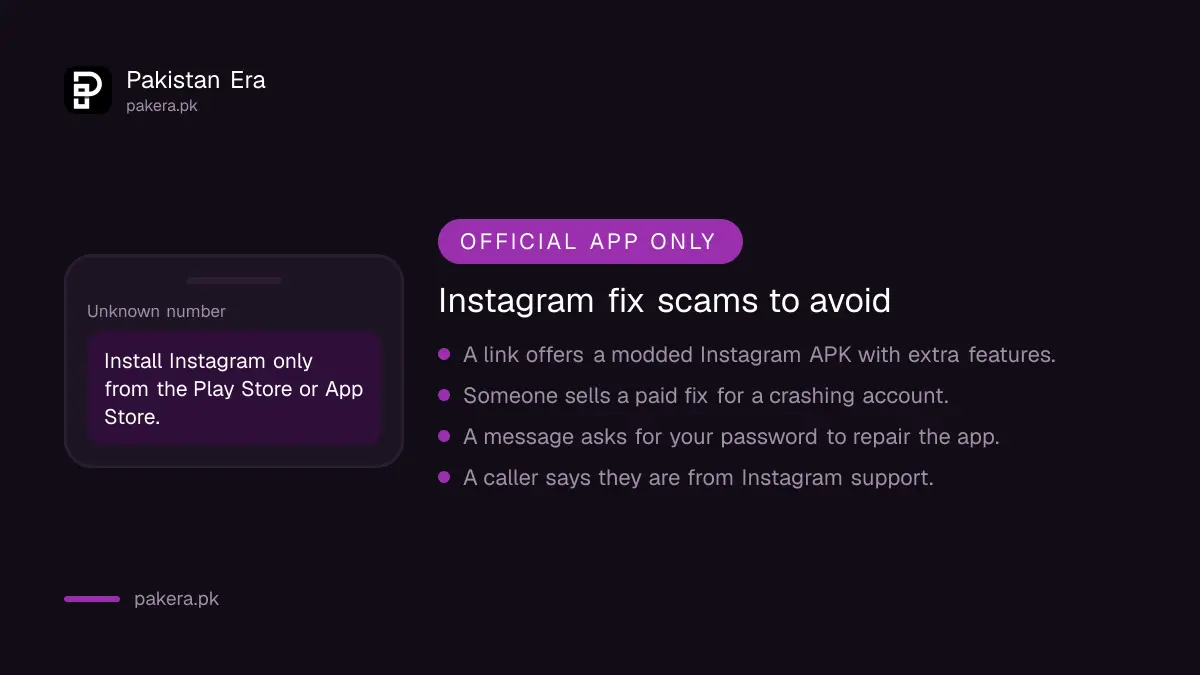
Avoid modded Instagram APKs and other unofficial versions shared in links or groups. They are not made by Instagram, and they are a common way accounts get stolen.
Common questions about Instagram not working
Will reinstalling Instagram delete my photos?
No. Instagram says your photos and profile information are saved by Instagram when you remove the app. You only need your username and password to log back in.
Why is my Instagram feed not refreshing?
Usually a weak connection. Test Instagram on Wi-Fi and then on mobile data. If one works, the other connection is the problem.
Why does Instagram keep crashing on my phone?
An old app version is the most common reason. Update Instagram and your phone's software, restart the phone, and reinstall if it still crashes.
Can I use Instagram without the app?
Yes. Instagram.com works in a phone browser and on a computer. On Android, Instagram Lite is a smaller app that uses less data.
How do I report a problem on Instagram?
Go to Profile, Menu, Help, then Report a problem. You can also shake your phone on the screen with the problem and follow the steps.
How we verified this
What we checked and where we read it.
Last checked 17 November 2026. The fixes come from the Instagram Help Center pages What to do if the Instagram app isn't working, Troubleshooting and Report a technical problem on Instagram.
About the author

Technology Journalist & Multimedia Producer
Ahmad Ali is a technology journalist and multimedia producer at Pakistan Era, joining the team in October 2026. He covers consumer technology and digital life for Pakistani readers, combining research with hands-on product testing.