Snapchat Login Error in Pakistan: What C14A, SS02, SS04 and SS07 Mean, and How to Fix Each
Snapchat login error in Pakistan? C14A is a connection fault, SS02 is too many tries, SS04 a locked account and SS07 a banned device. Fixes for each code.
Snapchat login error in Pakistan? Read the code on the screen first. C13A, C14A, C14B and C16A usually mean a weak connection, so switch from Wi-Fi to mobile data. SS02 means too many failed tries, so wait. SS04 means the account is locked, so use Unlock at accounts.snapchat.com. Each code points to a different fix, and the table below matches them.
Guessing wastes time. A device ban (SS06, SS07, SS18) cannot be fixed by retrying, while a network error clears in a minute on a better connection. So start with the code.
Every Snapchat login error code and what it means
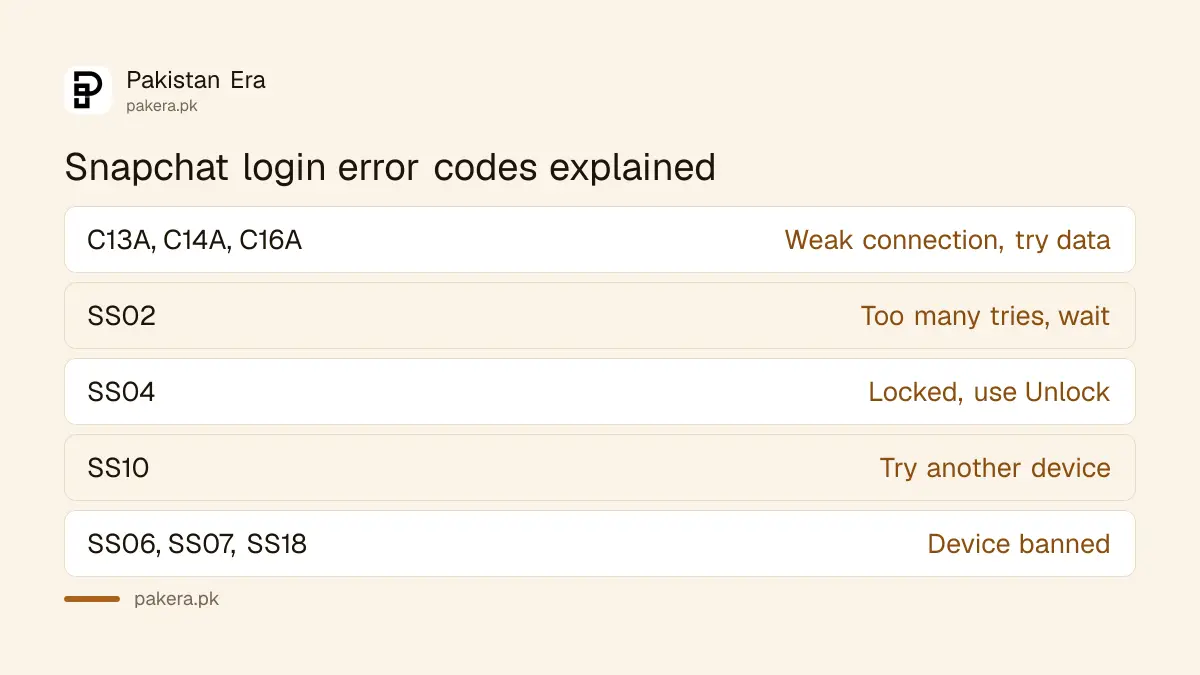
Snapchat shows an error code with most login failures. The code tells you whether the problem is your connection, too many attempts, a locked account or a banned device. Match your code in this table before you try anything else.
| Error code | What Snapchat says it means | What to do |
|---|---|---|
| C13A, C14A, C14B, C16A, SS14A-D01, SS14A-D02 | Login cannot complete right now, often poor connectivity | Leave Wi-Fi and use mobile data |
| C02A | Unknown error | Update, switch connection, restart app, clear cache |
| SS01, SS03, SS08 | Access temporarily disabled after failed attempts or unusual activity | Check details, wait 48 hours |
| SS02 | Too many failed login attempts on this device | Wait before trying again |
| SS04 | The account is locked | Unlock at accounts.snapchat.com |
| SS10 | Device does not meet integrity requirements | Log in from a different device |
| SS06, SS07, SS18 | Device banned | Support cannot unban it |
C14A and other connection errors are fixed by changing networks
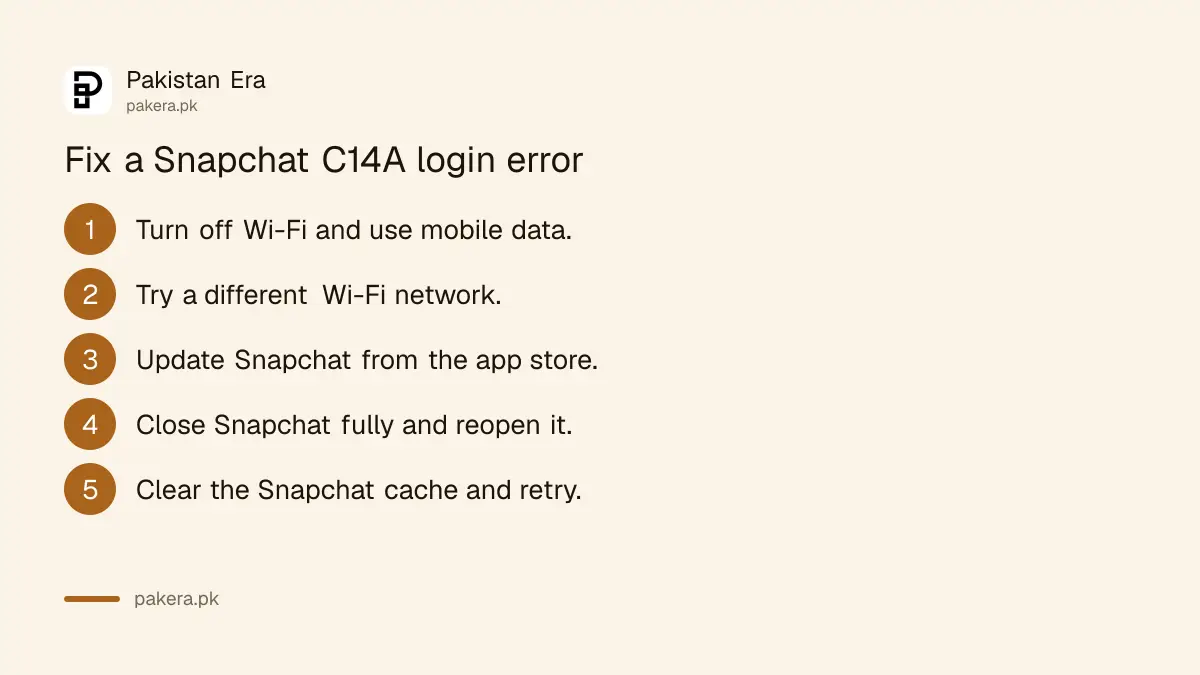
The C13A, C14A, C14B and C16A codes mean Snapchat could not finish the login, and Snapchat links them to poor connectivity. Disconnect from Wi-Fi and try on mobile data. If you are already on data, move to a stronger Wi-Fi.
- Turn off Wi-Fi and try logging in on mobile data.
- If that fails, connect to a different Wi-Fi network.
- Update Snapchat from the Play Store or App Store.
- Close Snapchat fully and open it again.
- Clear the Snapchat cache to free up space, then try once more.
The same five steps are Snapchat's answer to the C02A unknown error, and to any error message that is not on its list. Try them in order and stop when one works.
"Network blocked" means the connection is the problem, not you
If Snapchat says your network is blocked, it has spotted suspicious activity from that IP address or the use of a VPN. Snapchat says the block is usually temporary and lifts on its own once the activity stops.
This catches people on shared connections in Pakistan: a hostel, office or university Wi-Fi, or a building connection used by many flats. One person sending spam can get the whole network blocked for a while. Snapchat suggests these steps:
- Switch to a different Wi-Fi connection.
- Turn off Wi-Fi and use mobile data.
- If your phone is on a VPN, turn it off and log in again.
- Make sure nobody on your network is misusing Snapchat.
Snapchat login code not received
Snapchat asks for a code when two-factor authentication is on, or when you log in from a new device. The code goes to the phone number or email on the account. Try logging in from a device or Wi-Fi you have used before with this account.
Snapchat says you cannot always choose how the code is sent. If you requested several SMS codes and now see "Too many requests", that is a temporary block. Wait a few minutes, make sure your connection is stable, and try again.
Lost the phone? If you made a Recovery Code when you set up two-factor, enter your username and password, tap Log In, then enter the Recovery Code. That also turns two-factor off, so switch it on again afterwards. For a lost SIM in Pakistan, a duplicate SIM on the same number from your operator brings the SMS route back; it needs the owner's CNIC and biometric verification.
Locked accounts and banned devices need different steps
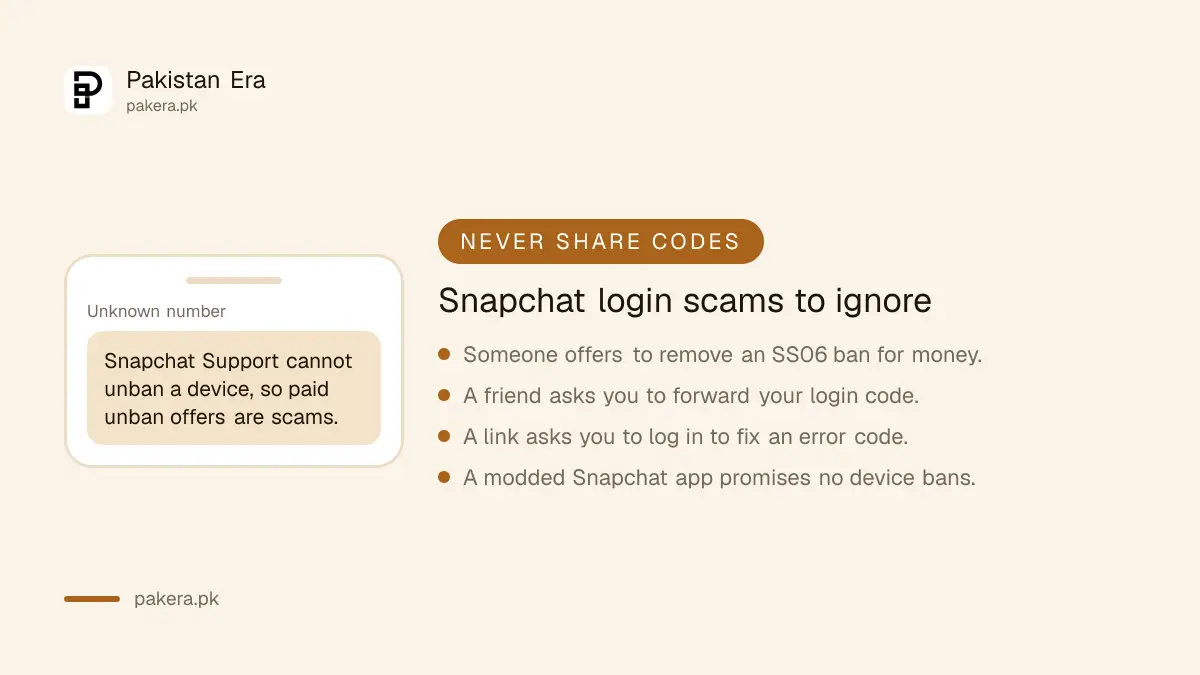
SS04 means the account is locked. Go to accounts.snapchat.com and select Unlock. SS06, SS07 and SS18 mean the device itself is banned, and Snapchat Support says it cannot unban a device. Download your data from accounts.snapchat.com if you need it.
SS07 has a specific cause: too many accounts have been used on that phone. Snapchat also blocks new sign-ups on a banned device, so making a fresh account there will not work. The difference between temporary and permanent locks, and the appeal route, are set out in unlocking or appealing a locked Snapchat account.
Username or number "could not be found"? Check the spelling, then try another login method, such as email instead of the phone number. If you have forgotten the password as well, follow the Snapchat password reset by email or SMS. If someone else changed your details, go straight to recovering a hacked Snapchat account.
Common questions about Snapchat login errors
What does C14A mean on Snapchat?
Snapchat could not complete your login, often because of poor connectivity. Disconnect from Wi-Fi and try on mobile data, or move to a stronger network.
How long does an SS02 error last?
Snapchat gives no fixed time. It says you need to wait a while before logging in again on that device. For SS01, SS03 and SS08, it advises waiting 48 hours.
Can Snapchat Support remove an SS06 or SS07 device ban?
No. Snapchat says its Support team cannot unban a banned device. You can still download your data from accounts.snapchat.com on a computer.
Why is my Snapchat login code not coming?
You may have requested too many codes, which causes a short block, or your connection may be weak. Wait a few minutes and try from a device you have used before.
Does a VPN cause Snapchat login errors?
It can. Snapchat says VPN use can get a network blocked. Turn the VPN off and log in again on ordinary Wi-Fi or mobile data.
How we verified this
What we checked and where we read it.
Last checked 17 November 2026. Error codes and fixes come from Snapchat Support: I get an error message logging in to Snapchat, I can't receive my code to log into Snapchat and I can't log into Snapchat because my network is blocked. Snapchat article links open only with the title part of the address included.
About the author

Technology Journalist & Multimedia Producer
Ahmad Ali is a technology journalist and multimedia producer at Pakistan Era, joining the team in October 2026. He covers consumer technology and digital life for Pakistani readers, combining research with hands-on product testing.