How to Contact TikTok Support in Pakistan: Chat With Us, the Online Form, and No Phone Helpline
Contact TikTok support from Pakistan through Chat with us in the app or the online report form. TikTok lists no phone helpline, so treat any number as fake.
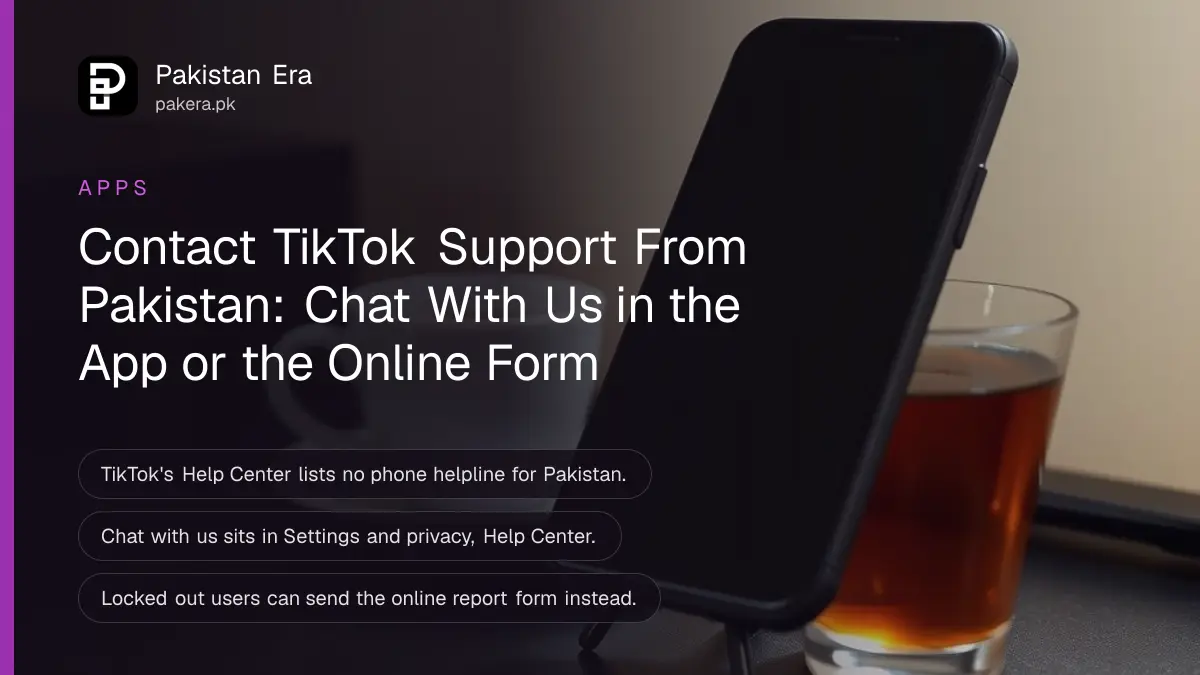
To contact TikTok support from Pakistan, open the app and go to Profile, Menu ☰, Settings and privacy, Help Center, then tap Chat with us. If you cannot log in, use TikTok's online report form in a browser, pick a topic and submit. Both routes are free. TikTok's Help Center gives these two routes and lists no phone helpline.
That matters because fake "TikTok helpline" numbers circulate on WhatsApp and in comments. Anyone who answers such a number and asks for your login code is trying to take your account.
TikTok support works through chat and a form, not a phone line
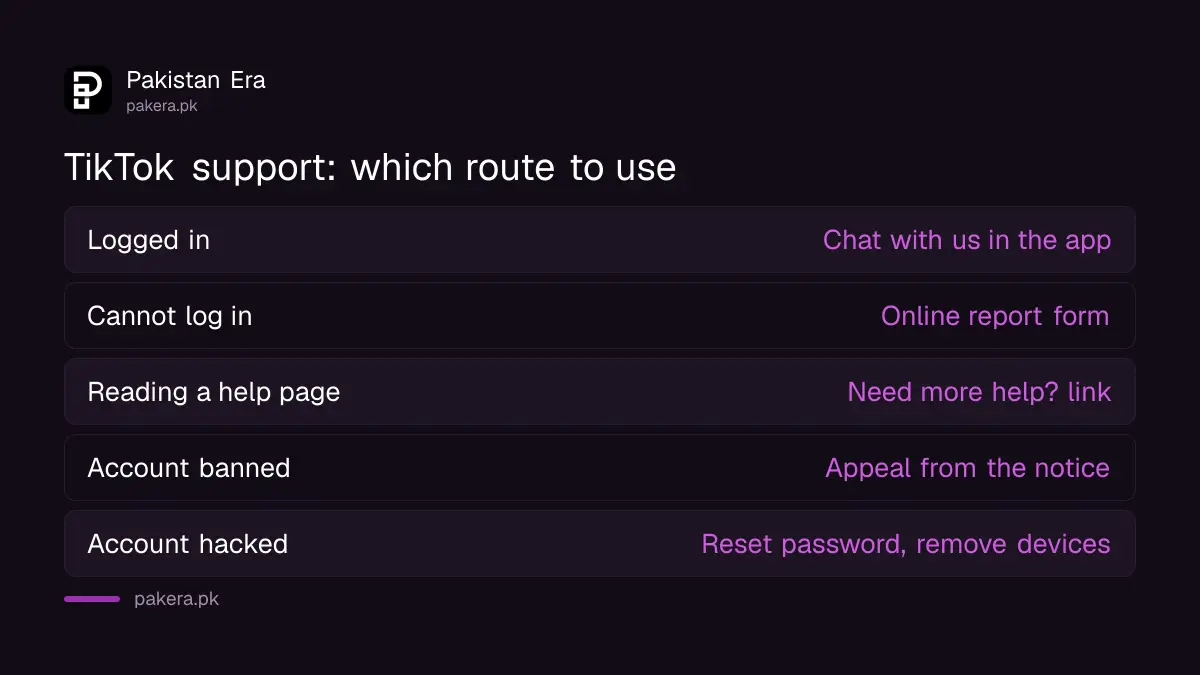
TikTok handles support requests in writing. You reach it through Chat with us inside the app, the Need more help? link on Help Center pages, or the online report form. TikTok says only its own Support team can help with your requests.
| Your situation | Best route | Where to find it |
|---|---|---|
| Logged in, app problem | Chat with us | Settings and privacy, Help Center |
| Cannot log in | Online report form | TikTok's Report a problem page |
| On a Help Center page | Need more help? | Bottom of the page, after Was this helpful? No |
| Account banned | In-app appeal | The ban notice in the app |
| Account hacked | Reset password, remove devices | Settings and privacy, Account |
Use Chat with us inside the TikTok app
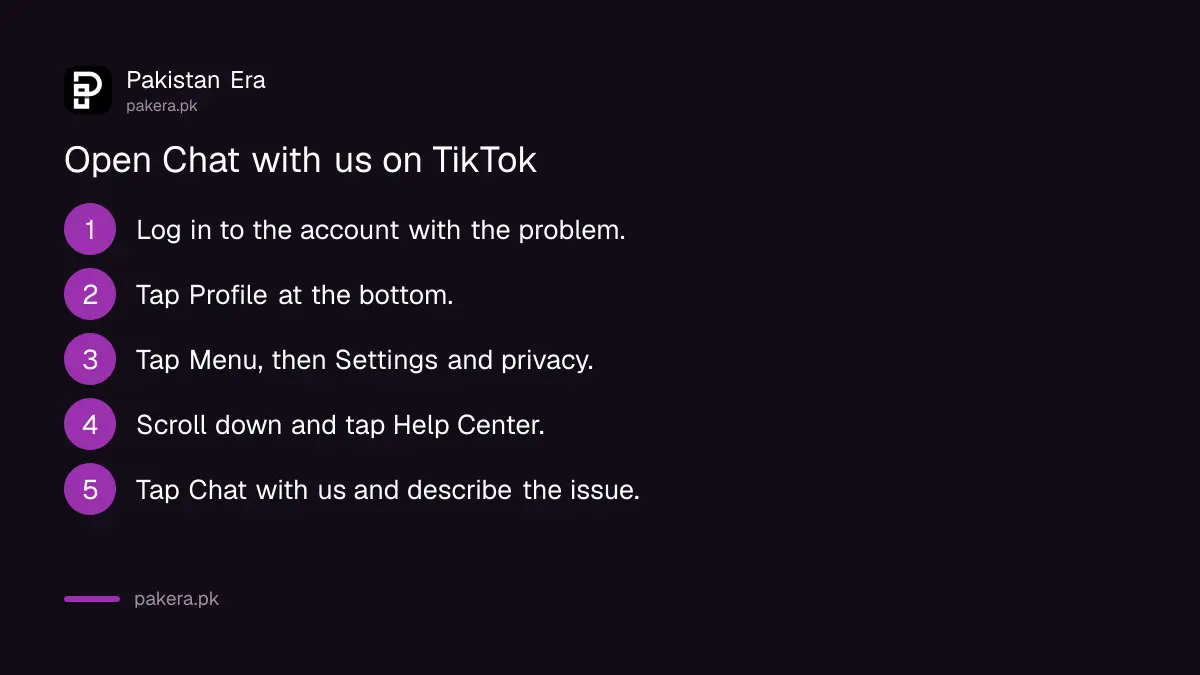
Chat with us is the fastest route when you can still open your account. It sits in the Help Center inside Settings and privacy. Log in to the right account first, because the report is tied to the account you are using.
- Make sure you are logged in to the account with the problem.
- Tap Profile at the bottom.
- Tap the Menu ☰ button at the top, then Settings and privacy.
- Scroll down and tap Help Center.
- Tap Chat with us and follow the steps to describe your issue.
TikTok may ask you to attach screenshots or files, depending on the issue. Take a screenshot of the error before you start, with the time visible if you can. A clear report with one problem per ticket gets a better answer than a long message covering five things.
Use the online form when you cannot log in
If you are locked out, use TikTok's online report form in any browser. Select the topic closest to your problem, fill in the details, and tap Submit. Give the username, and the email or phone number linked to the account.
- Open TikTok's online Report a problem form in a browser.
- Choose a Topic from the list.
- Describe the problem in plain words and add the account details asked for.
- Tap Submit.
There is a second web route. On any TikTok Help Center page, click No under "Was this helpful?" at the bottom, then Need more help?, and choose how you want to send feedback. This is handy if you are already reading a help page about your problem.
Many login problems do not need a ticket at all. A forgotten password is reset from the login screen, as in resetting a TikTok password, and a lost SIM is covered in changing the TikTok phone number after losing the old SIM.
Act fast if TikTok logged you out on its own
TikTok says it may log you out when someone else tries to remove an active device from your account settings. If you did not do that, treat the account as hacked and change the password straight away, then contact support.
TikTok lists these signs of a hacked account: your password or phone number changed, your username or nickname changed, videos deleted or posted without you, and messages you did not write sent from your account.
- Change the password: Profile, Menu ☰, Settings and privacy, Account, Password.
- Link your phone number: Settings and privacy, Account, Account information, Phone number.
- Remove unknown devices: Settings and privacy, Security and permissions, Manage devices.
If you are fully locked out, the full recovery route is in recovering a hacked TikTok account. A banned account is different again: you appeal from the notice inside the app, as set out in the TikTok ban appeal steps.
Fake TikTok helpline numbers are a scam
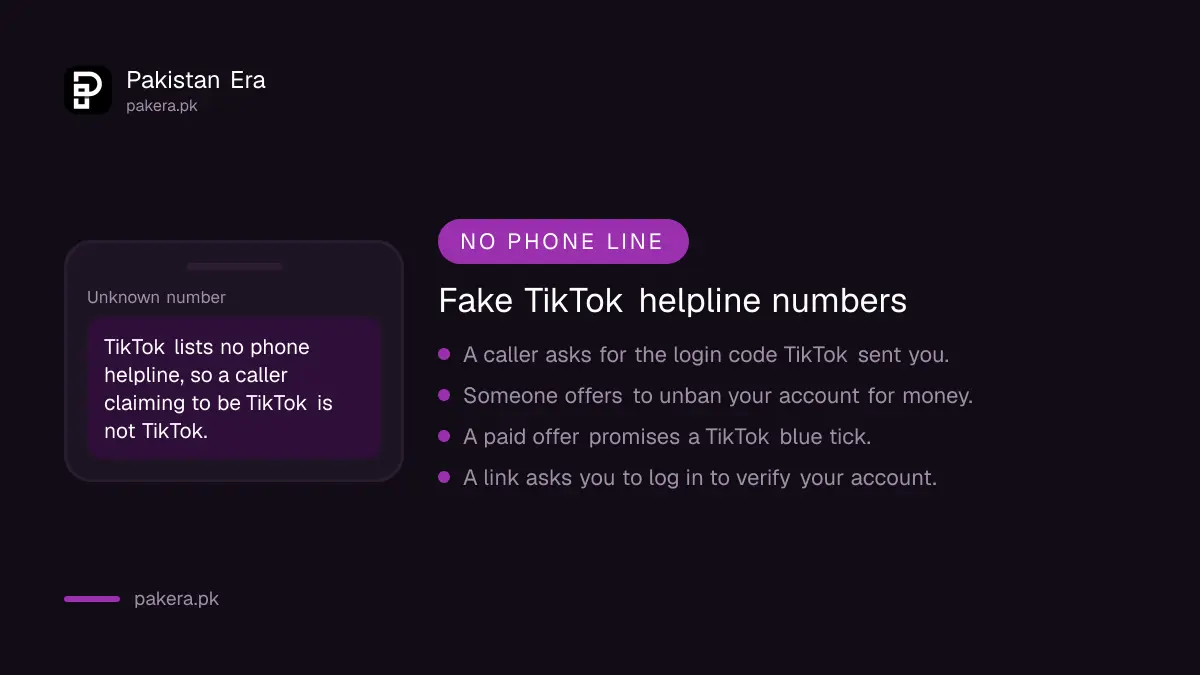
Because TikTok lists no phone line, any "TikTok customer care number" shared on social media is not from TikTok. Callers using such numbers usually ask for the login code TikTok sends you. Never share it, with anyone, for any reason.
The same goes for people who offer to "unban" or "verify" your account for money. TikTok's blue tick is free, and an appeal costs nothing. If someone has already taken money or your account through a scam, you can report it to the National Cyber Crime Investigation Agency (NCCIA), whose offices are listed in NCCIA cybercrime office numbers.
Common questions about TikTok support in Pakistan
Does TikTok have a customer care number in Pakistan?
No. TikTok's Help Center gives Chat with us and an online form as its support routes. It lists no phone helpline, so treat any number claiming to be TikTok as fake.
How do I contact TikTok if I cannot log in?
Use TikTok's online report form in a browser. Choose a topic, describe the problem, add your username and contact details, and submit.
Where is Chat with us on TikTok?
Go to Profile, Menu ☰, Settings and privacy, then Help Center. Chat with us is on that screen.
Why did TikTok log me out automatically?
TikTok says this can happen when someone tries to remove an active device from your account. If it was not you, change your password at once.
Does TikTok support charge a fee?
No. Chat with us, the report form and ban appeals are free. Anyone asking for money to fix or unban a TikTok account is not TikTok.
How we verified this
What we checked and where we read it.
Last checked 17 November 2026. The support routes come from TikTok's Help Center pages Report a technical problem and Troubleshooting on TikTok. The hacked account signs, the security steps and the automatic log out note come from TikTok's pages on hacked accounts and on being logged out automatically. TikTok's report form opens at tiktok.com/legal/report/feedback.
About the author

Technology Journalist & Multimedia Producer
Ahmad Ali is a technology journalist and multimedia producer at Pakistan Era, joining the team in October 2026. He covers consumer technology and digital life for Pakistani readers, combining research with hands-on product testing.