WhatsApp Calls Not Connecting in Pakistan: Fix Reconnecting, Dropped Calls and Calls That Never Ring
WhatsApp calls not connecting in Pakistan? Restart, switch Wi-Fi and data, reset permissions, turn off battery saver and open ports 3478, 3480 and 3484.
WhatsApp call not connecting, stuck on "Reconnecting" or cutting off? Switch the phone off for 30 seconds, force quit WhatsApp, then move to a stronger connection: try mobile data if you are on Wi-Fi, or Wi-Fi if you are on data. Turn off battery saver and Bluetooth, and update WhatsApp. WhatsApp says both you and the person you are calling should try these steps, because the fault can be on either end.
That point gets missed. If your calls to one person always fail, but calls to everyone else work, the problem is probably their phone or their connection, not yours.
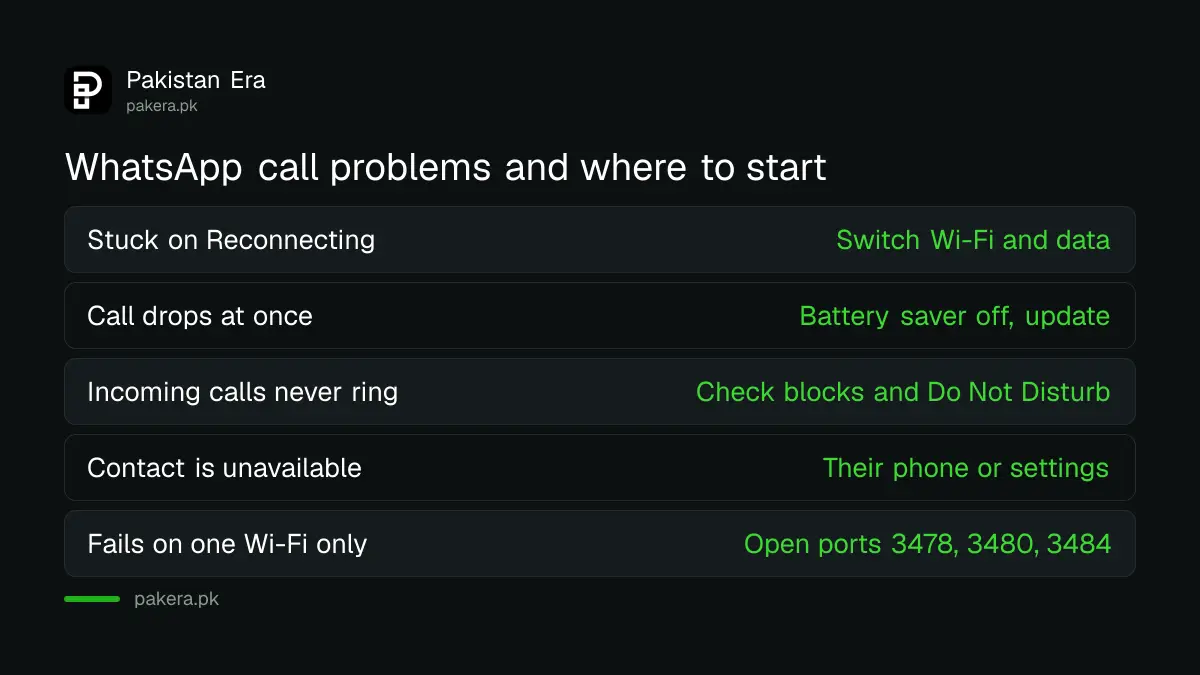
Find out which kind of call problem you have
WhatsApp splits call problems into three kinds: calls you place that will not connect, calls that drop or keep reconnecting, and calls from other people that never reach you. The fixes overlap, but the last one has its own checks.
| Problem | Common cause | Start with |
|---|---|---|
| Call stuck on Calling or Reconnecting | Weak or unstable connection | Switch between Wi-Fi and data |
| Call drops right after connecting | Battery saver, weak signal, old app | Turn off battery saver, update |
| Incoming calls never ring | Blocked caller, Do Not Disturb, notifications off | Check blocks and notification settings |
| "Contact is unavailable", rings once | The other person's phone or settings | Ask them to run the steps |
| Works in WhatsApp, not WhatsApp Business | That app's permissions | Reset permissions in that app |
Steps to try when your WhatsApp calls will not connect
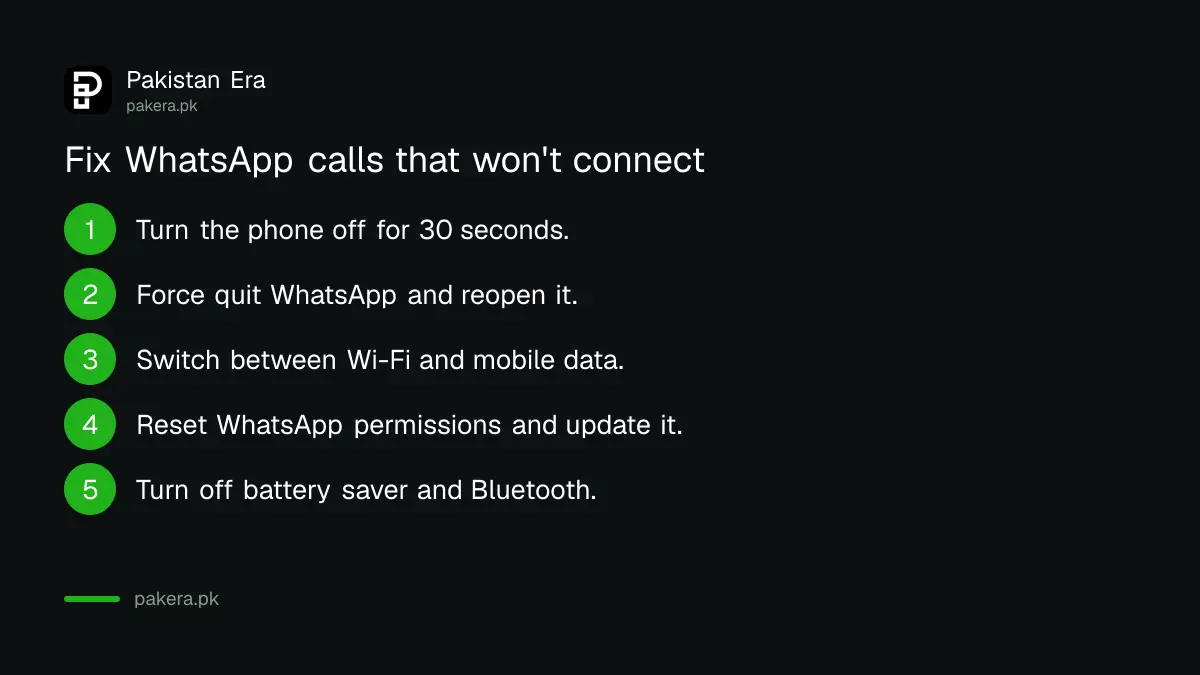
WhatsApp's list for calls that will not go through starts with a restart and a connection check, then moves to permissions, updates and the phone's own settings. Do the steps in order and place a test call after each.
- Restart the phone. Turn it off, wait 30 seconds, and turn it on again.
- Force quit WhatsApp and open it again.
- Change your connection. On Wi-Fi, try a different Wi-Fi or turn Wi-Fi off and call on mobile data. On mobile data, turn Wi-Fi on and call.
- Turn WhatsApp's permissions off and on again in the phone's settings, especially the microphone.
- Update WhatsApp and make sure your phone's system is still supported.
- Test your microphone and speaker in the phone's sound settings, and close any other app using the microphone.
- Turn off battery saver and Bluetooth.
Battery saver can be a hidden cause, because many Android brands add strong battery managers. They can cut WhatsApp's connection in the background, which drops calls and delays incoming ones. The same settings stop messages arriving, as set out in fixing WhatsApp notifications on Android.
Routers and office networks can block WhatsApp calls
If calls fail only on one Wi-Fi network, the router or firewall may be blocking them. WhatsApp says calling needs UDP and TCP ports 3478, 3480 and 3484 to be open. Ask the network administrator or your internet provider to allow them.
This is the usual story on office, hostel and university Wi-Fi, where chat works but calls do not. At home, a router restart often clears it. If you manage the router yourself, the port settings are usually under Security or Firewall in its admin page.
- Restart the router and try again.
- Move closer to the router, or test on mobile data.
- Ask the administrator to allow ports 3478, 3480 and 3484 for UDP and TCP.
Calls from others not reaching you
If you can make calls but others cannot reach you, WhatsApp says to check three things after the general steps: that you have not blocked the caller, that Focus Mode or Do Not Disturb is off or allows calls, and that WhatsApp notifications are on in the phone's settings.
A blocked contact is easy to forget. WhatsApp says you will not receive calls from someone you blocked, even though your calls to them may seem to work. Another setting to check is Silence unknown callers: calls from numbers not in your contacts do not ring, though they still appear in the Calls tab. It is explained in the WhatsApp privacy checkup and silence unknown callers.
What "contact is unavailable" means
"Contact is unavailable", or a call that rings once and hangs up, usually means something on the other person's side. WhatsApp lists four reasons: a problem with their device, they blocked you, Focus Mode or Do Not Disturb is on, or they have no internet.
Your contact can run the same restart and connection steps, check that Focus Mode allows calls, and check Do Not Disturb. If the person has blocked you, other signs appear in chats too, and the one tick and blocked check lists them.
Video calls have one extra check: the camera. Turn the camera off and on again during the call, and end and restart the call if the picture freezes. For computer calls, the steps are in making WhatsApp calls from a computer.
Common questions about WhatsApp calls not working
Why does my WhatsApp call keep saying reconnecting?
The connection on your side or the other person's is weak or unstable. Switch between Wi-Fi and mobile data, and ask the other person to do the same.
Why can I make WhatsApp calls but not receive them?
Check whether you blocked the caller, whether Do Not Disturb or Focus Mode is on, and whether WhatsApp notifications are allowed in your phone's settings.
Why do WhatsApp calls work on mobile data but not on Wi-Fi?
The Wi-Fi network may block calling. WhatsApp needs UDP and TCP ports 3478, 3480 and 3484 open. Ask the network administrator to allow them.
Does battery saver stop WhatsApp calls?
It can. WhatsApp lists turning off battery saver as one of the steps for calls that will not connect.
Why do calls work in WhatsApp but not in WhatsApp Business?
They are separate apps with their own permissions. In WhatsApp Business, turn permissions off and on, check notifications, update the app and force quit it.
How we verified this
What we checked and where we read it.
Last checked 17 November 2026. The steps come from WhatsApp Help Center pages Can't make or receive WhatsApp voice calls and Can't make WhatsApp video calls, read in the Android version of each page. The video calls page shows the WhatsApp Web version first; its Android tab has the phone steps.
About the author

Technology Journalist & Multimedia Producer
Ahmad Ali is a technology journalist and multimedia producer at Pakistan Era, joining the team in October 2026. He covers consumer technology and digital life for Pakistani readers, combining research with hands-on product testing.