TikTok Video Not Eligible for the For You Feed in Pakistan: Appeal It in 5 Taps
Appeal a TikTok video marked not eligible for the For You feed in Pakistan: turn on analytics, open the notice, tap Appeal, and fix the 4 reasons it happens.
Is your TikTok video "ineligible for the For You feed"? Open the video, tap More insights (or the three dots) and then Analytics, tap the notice about the post, and tap Appeal at the top. It is free and done inside the TikTok app. You need TikTok Studio analytics turned on first, or the notice will not show.
A video kept out of the For You feed stays on your profile. Your followers can still find it, and so can search. It just stops being pushed to new viewers, which is why the views stop at a few hundred. In Pakistan this hits creators who repost clips, dramas and cricket highlights more than anyone else.
| Step | Where in the TikTok app |
|---|---|
| 1. Turn on analytics | Profile, Menu, TikTok Studio, Analytics, Get started, Turn on |
| 2. Open the notice | The video, More insights or More options, Analytics |
| 3. Read the reason | Tap the notice for the ineligible post |
| 4. Appeal | Tap Appeal at the top of the notice |
| 5. Track it | Inbox, System notifications, Account updates |
Turn on TikTok analytics before you can see the decision
TikTok only shows the For You feed decision inside a post's analytics. If analytics is off, you will see low views and no explanation. Turning it on takes four taps in TikTok Studio and is free for any account.
- Tap Profile at the bottom of the app.
- Tap the Menu button at the top and choose TikTok Studio.
- Under Analytics, tap Get started.
- Tap Turn on.
Analytics data can take a short while to fill in after you switch it on. Come back to the video once the numbers appear.
How to appeal a video that is not eligible for the For You feed
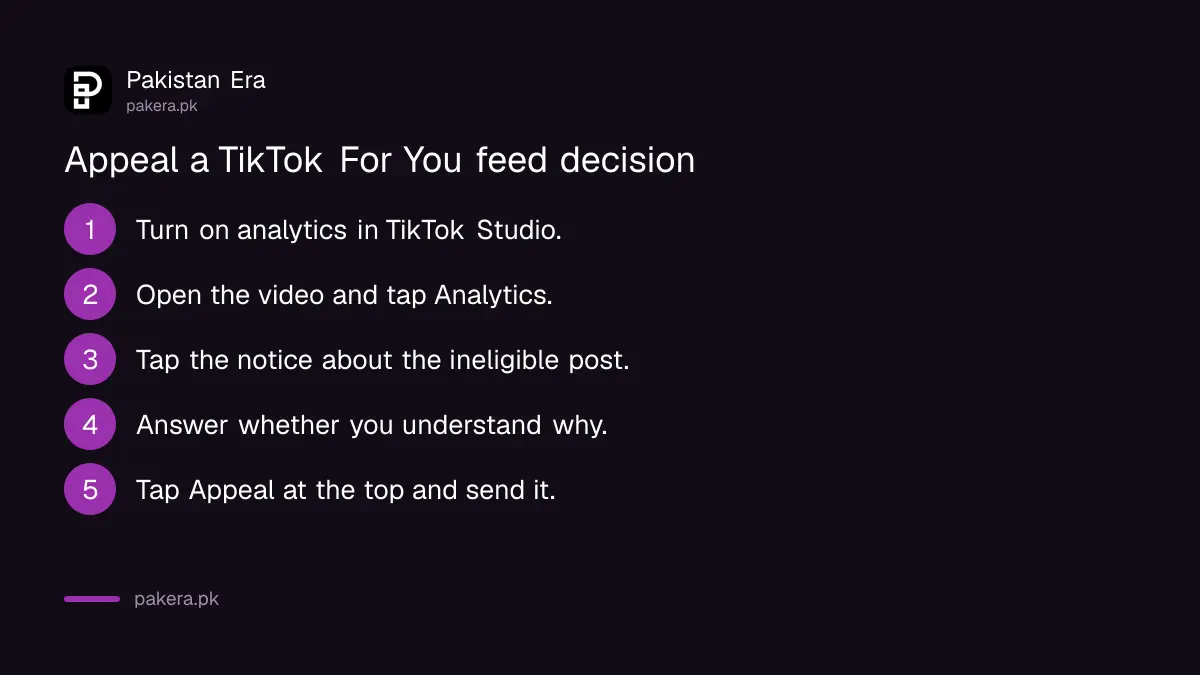
Open the video, go to its Analytics, tap the ineligibility notice and tap Appeal. TikTok's safety team then looks at the video again against its Community Guidelines. If the appeal wins, the post becomes eligible for recommendation again.
- Open the video from your profile.
- Tap More insights, or tap the More options button (three dots) and then Analytics.
- Tap the notification about the ineligible post.
- TikTok asks whether you understand why. Tap Yes or No. No opens a short feedback form.
- Tap Appeal at the top and send it.
Appeal only when you honestly think the decision is wrong. A clip you filmed yourself that was mistaken for a reupload is a good case. A full drama episode you did not make is not, and the appeal will fail.
Four reasons TikTok keeps a video off the For You feed
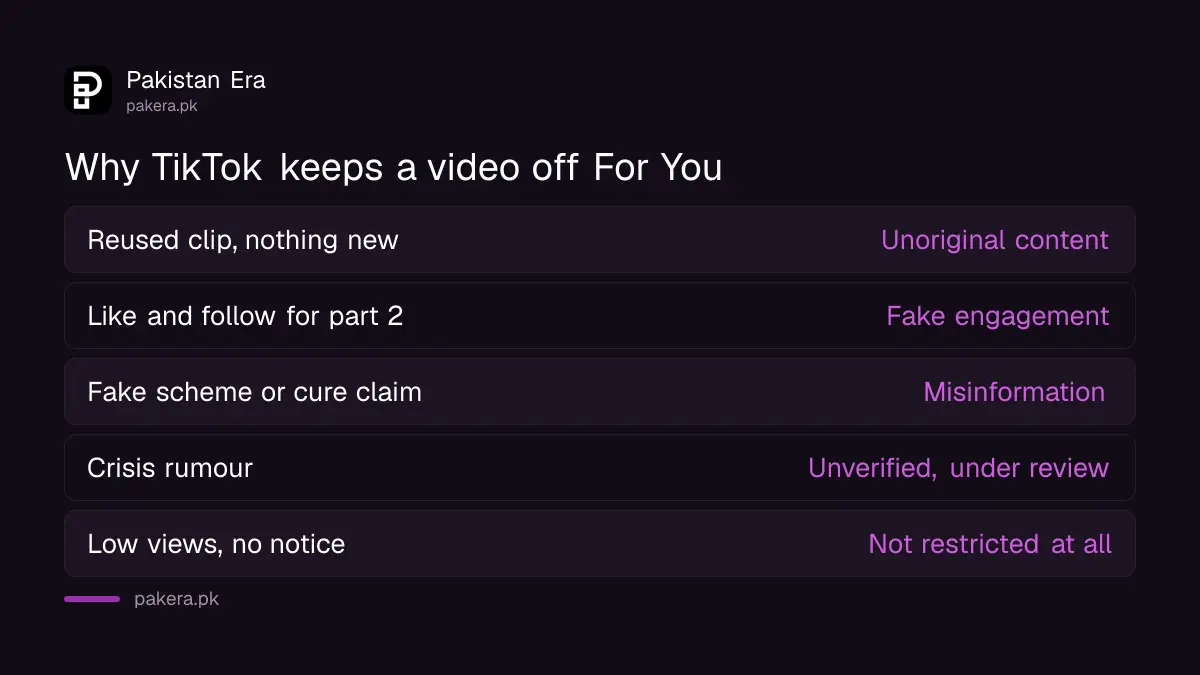
TikTok's Community Guidelines list specific content that is allowed on the app but not recommended. Unoriginal reposts, fake engagement bait, misleading claims and unverified news about a crisis are the four that catch most Pakistani creators. Matching your video to one of them tells you whether to appeal.
| Reason in TikTok's rules | Common example in Pakistan | Worth appealing? |
|---|---|---|
| Unoriginal or reused material with nothing new | Drama clips, PSL highlights, another creator's reel | Only if you filmed or made it yourself |
| Fake engagement | "Like and follow for part 2", asking for LIVE gifts | Rarely, remove the bait and repost |
| Misinformation that may cause moderate harm | Fake scheme payments, health cures | Only with an official source in the video |
| Unverified crisis or civic event content, or content under review | Flood, protest or election rumours | Often clears once facts are confirmed |
TikTok also says it avoids pushing too much of some themes in a row, such as extreme dieting, sadness or broad mental health advice. That is not a ban. It simply means fewer repeats of that kind of video in one person's feed.
Low views without a notice are not a For You feed penalty
TikTok says plainly that low views do not mean you broke a rule. If the video's Analytics shows no ineligibility notice, nothing was restricted and there is nothing to appeal. The video simply did not catch on with the first viewers it was shown to.
In that case, the fix is the video, not an appeal. A clearer first two seconds, your own footage and a caption people search for will do more than reposting the same clip. Deleting and reuploading the same file again and again can also look like spam, so avoid it.
If your whole account has lost reach, check Account check (Account status) in TikTok's settings. It lists warnings and strikes. A strike lasts 90 days, and deleting the video does not remove it. If posts were removed or the account is limited, the steps for a banned or restricted TikTok account appeal apply instead.
What happens after you send the appeal
A TikTok reviewer checks the video again. If they agree with you, the video becomes eligible for the For You feed and can start getting new views. If not, the decision stays. You get the result in your TikTok inbox, under System notifications and Account updates.
TikTok does not publish a fixed review time for this kind of appeal. Keep the video up while you wait. Deleting it ends the appeal, and you lose the chance to have it restored.
An old video that is already a few weeks past its peak rarely gets much back, even after a win. For a fresh video, appeal the same day you see the notice.
Never pay anyone to "fix" your For You feed
No outside service can change a TikTok decision. Offers on WhatsApp or Facebook to "unban FYP" or "boost to For You" in exchange for money or your login are scams. Giving your password or a login code to such a person can cost you the whole account.
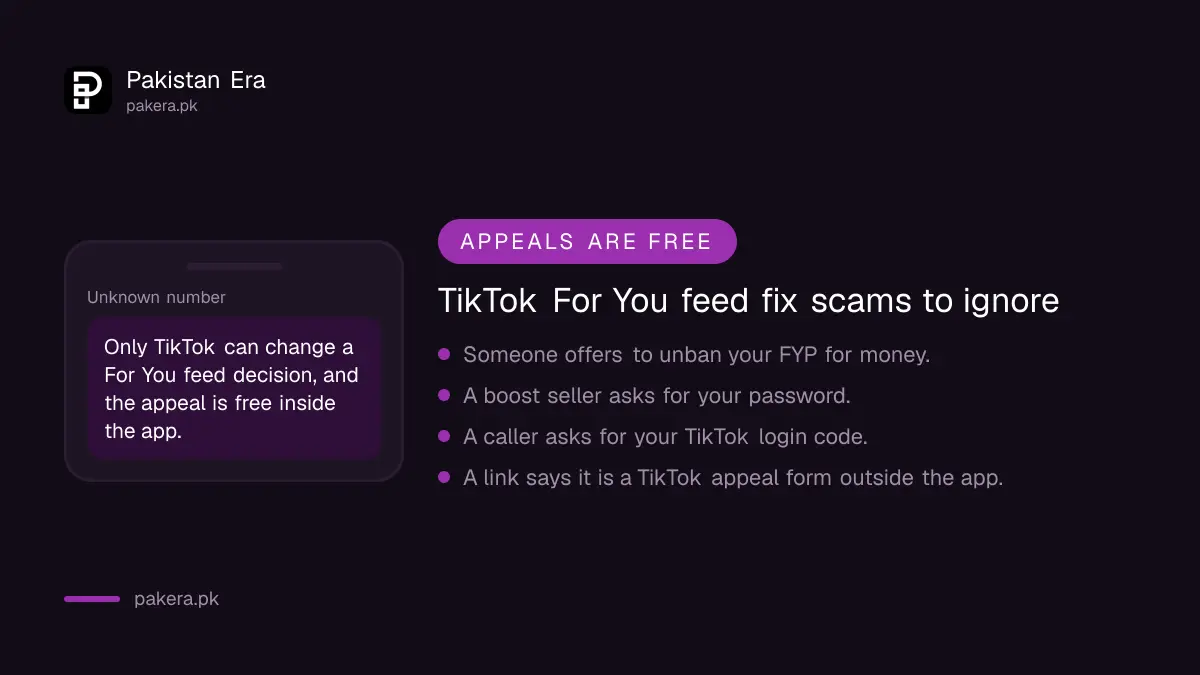
Appeals are free and only happen inside the TikTok app. If you need to reach TikTok about something the in-app appeal does not cover, use the Report a problem option in the app's settings. If you were running LIVE sessions, the separate TikTok LIVE requirements also decide whether gifts and LIVE stay open to you.
Common questions
What does "ineligible for the For You feed" mean on TikTok?
It means TikTok will not recommend that video to new viewers. The video stays on your profile and in search, and your followers can still watch it.
Why can't I see the appeal button on my TikTok video?
Analytics is probably off. Turn it on in TikTok Studio under Analytics, then open the video's Analytics again and tap the notice. The Appeal button sits at the top of it.
Does deleting the video remove the TikTok strike?
No. TikTok says deleting a video that broke the rules does not remove the strike. Strikes expire after 90 days.
Will reposting the same video put it back on the For You feed?
Usually not. The same file is likely to get the same result, and repeated reuploads can look like spam. Change the video or appeal the original.
Is my whole TikTok account shadowbanned?
TikTok does not use that term. Check Account check in settings for strikes or restrictions. If it is clear and no video shows a notice, your account is not restricted.
How long does a TikTok For You feed appeal take?
TikTok does not give a fixed time. The result arrives in your inbox under System notifications and Account updates.
How we verified this
What we checked and where we read it.
Last checked 21 November 2026. The analytics steps, the appeal steps, the strike rules and Account check are from TikTok's Safety Center page Content violations and bans. The four reasons a video is not recommended are from TikTok's Community Guidelines, Integrity and authenticity, and the low-views statement is from its For You feed eligibility standards. Menu names can differ slightly between app versions.
About the author

Technology Journalist & Multimedia Producer
Ahmad Ali is a technology journalist and multimedia producer at Pakistan Era, joining the team in October 2026. He covers consumer technology and digital life for Pakistani readers, combining research with hands-on product testing.