Book a Suzuki Car or Bike Online in Pakistan: 7 Steps on Suzuki's Form, and Why It Is Not a Booking Yet
How to book a Suzuki car or bike online in Pakistan: 7 steps on Pak Suzuki's form, the 99 dealer cities, what the form asks, and how to pay the dealer safely.
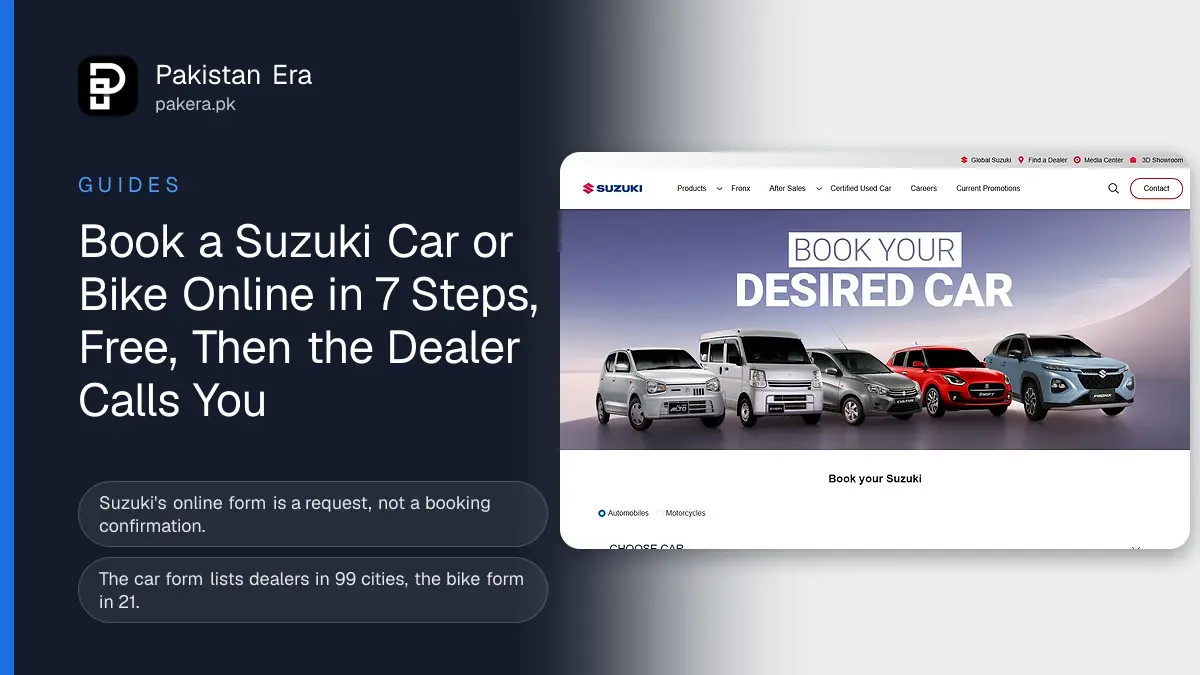
To book a Suzuki car or bike online in Pakistan, open "Book your Suzuki" on Pak Suzuki's website, pick the car or bike, the variant, the colour, your city and a dealer, then add your name and mobile number and submit. The form is free. But it does not book the car. Suzuki says plainly that the dealer will contact you, and the real booking happens with that dealer.
We opened Suzuki's online booking form on 9 November 2026 and read every field and condition. We did not submit it, because that would send our details to a dealer. Below are the steps, what each field means, the 99 cities with car dealers, and how to pay safely once the dealer calls.
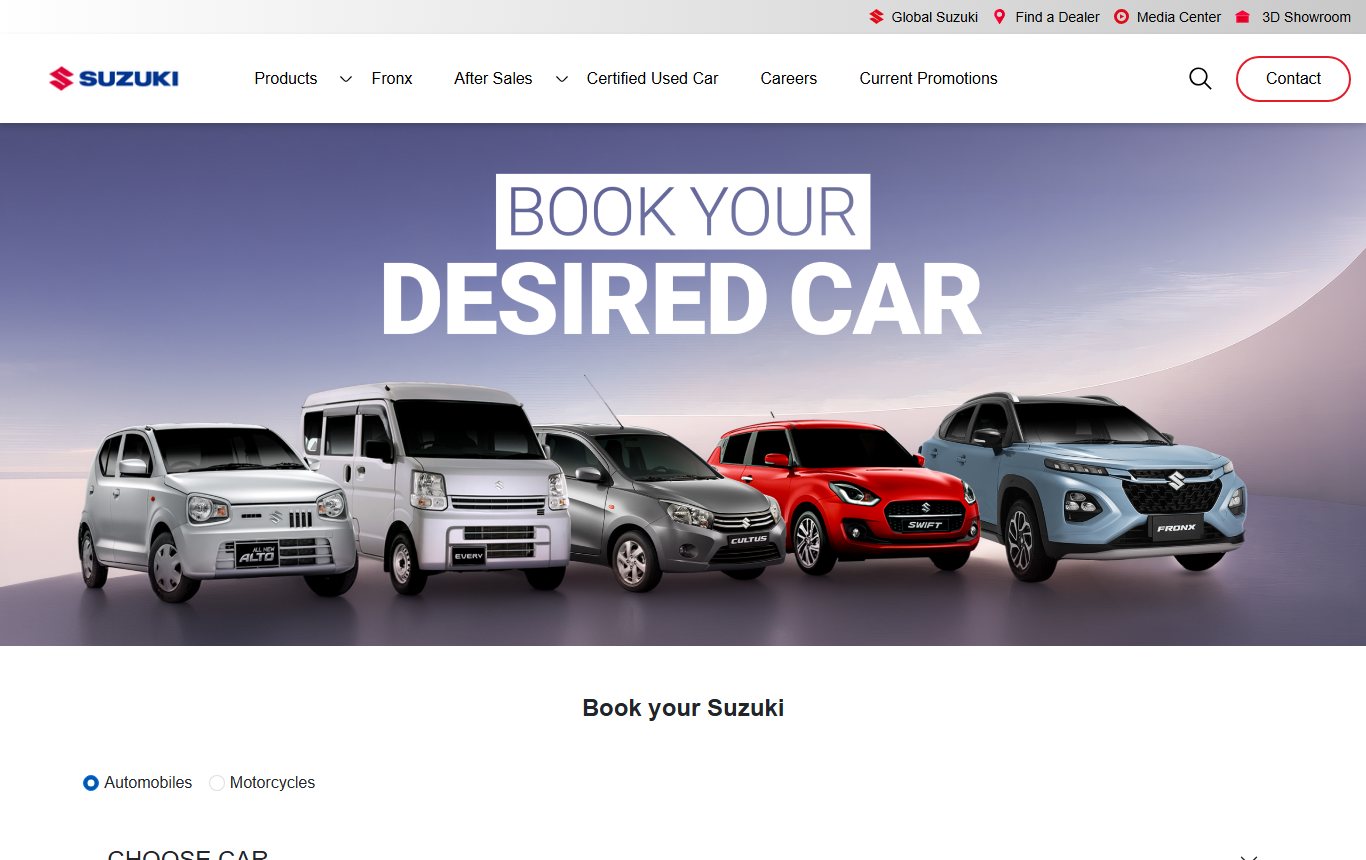
Suzuki's online form sends your request to a dealer
The online form is a request, not a booking. Under the submit button Suzuki writes: "The above message is NOT a confirmation of the booking of your vehicle." The dealer you choose then calls you and takes you through the booking. No money is paid on the form.
That matters for two reasons. First, your place in the delivery queue starts only when the dealer issues a booking order and you pay. Second, anyone who calls and asks you to pay because you "filled the Suzuki form" should be checked first. Call the dealer's own number, or Suzuki's call centre on 021-111-789-854.
How to book a Suzuki car online in 7 steps
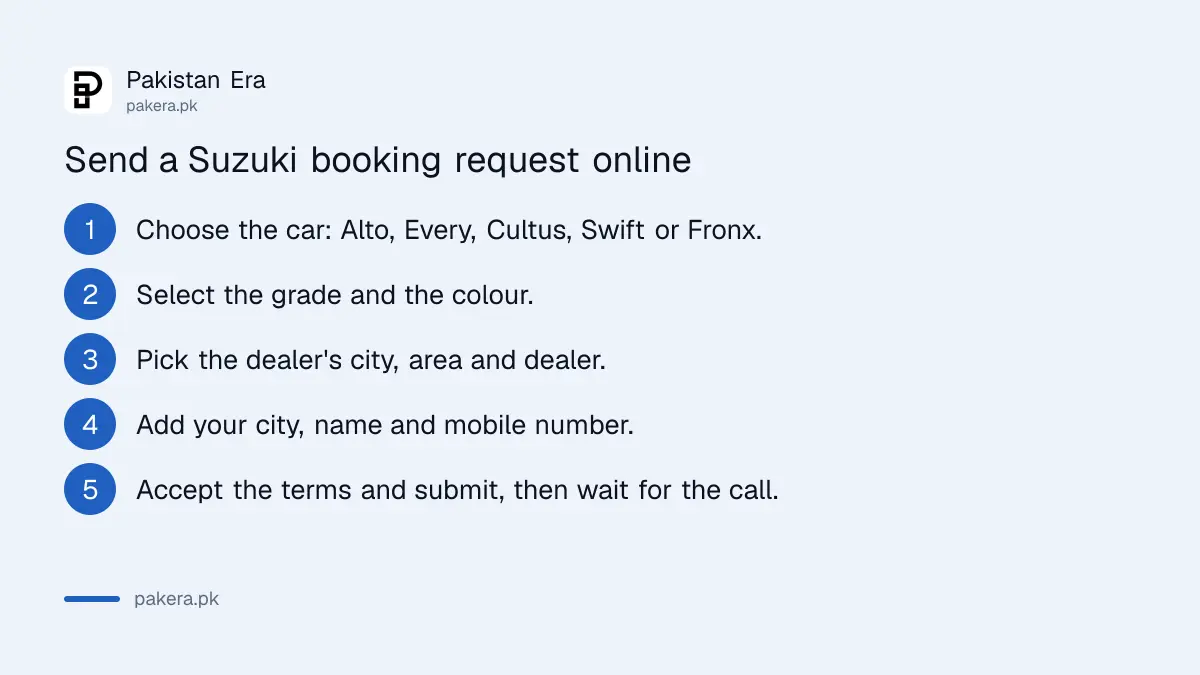
Open the "Book your Suzuki" page from the Suzuki website menu. Keep "Automobiles" selected. Then fill each box in order, because each one unlocks the next. The whole form takes about 2 minutes.
- Choose car: Alto, Every, Cultus, Swift or Fronx.
- Select grade: the variant, for example Alto VXR, VXR AGS or VXL AGS.
- Select colour: the colours shown are the ones offered for that car.
- Find your dealer: pick the dealer's city, then the area, then the dealer.
- City of residence: pick the city where you live. It can differ from the dealer's city.
- Your details: type your name and mobile number.
- Terms: tick the box to accept the terms, then press Submit.
Before you pick a variant, check its price on our Suzuki car price list, which has all 16 variants. The Alto form also lists an "Alto VX" grade that does not appear on Suzuki's Alto price table, so ask the dealer about it before you choose it.
Booking a Suzuki motorcycle online asks for more details
Switch the form to "Motorcycles" to book a Suzuki bike. It offers 4 bikes: GD 110S, GS 150, GSX 125 and GR 150. The bike form asks for more than the car form: name, email, mobile number, age group, CNIC, gender and whether you will pay cash or by installment.
| Form field | Car form | Motorcycle form |
|---|---|---|
| Models offered | Alto, Every, Cultus, Swift, Fronx | GD 110S, GS 150, GSX 125, GR 150 |
| Dealer cities in the list | 99 | 21 |
| Name and mobile | Yes | Yes |
| Not asked | Yes | |
| CNIC, age group, gender | Not asked | Yes |
| Cash or installment | Not asked | Yes |
The bike dealer list has only 21 cities, against 99 for cars. If your city is missing, choose the nearest one, or ask any Suzuki dealer directly. Bike prices are on our Suzuki bike price page.
What Suzuki does with your details
Suzuki says the data you give is kept secure and is not shared with outside parties. It also says your name, email and phone number will be used to send you promotional messages and offers from Pak Suzuki. So expect marketing SMS after you submit.
Give a number you actually use, because the dealer calls that number. Do not type anyone else's CNIC on the bike form. If you change your mind, tell the dealer when they call. Nothing is booked until you sign a booking order and pay.
How to pay safely after the dealer calls
The safe booking happens at an authorised dealer, against a written booking order. Confirm the variant, colour, price, delivery time and payment schedule on paper. Pay by pay order in the name the dealer and Suzuki confirm, not cash and not into a personal account.
- Check the dealer is real on Suzuki's "Find a Dealer" page before you visit.
- Ask for the full price, the advance amount and the expected delivery month in writing.
- Pay by pay order or bank draft, never cash to a person.
- Collect a signed booking order with your name, CNIC and the variant on it.
- Keep every receipt until the car is delivered and registered.
Free service and warranty rules for Suzuki cars are on our Suzuki free service and warranty page. Every Suzuki helpline is on our Honda, Suzuki and Toyota helpline list.
Frequently asked questions
Does the Suzuki online form book my car?
No. Suzuki says the message is not a booking confirmation. The dealer calls you and does the booking.
Do I pay anything on the Suzuki online form?
No. The form takes no payment. You pay the dealer later against a written booking order.
Which Suzuki cars can I book online?
The Alto, Every, Cultus, Swift and Fronx.
Which Suzuki bikes can I book online?
The GD 110S, GS 150, GSX 125 and GR 150. The bike form also asks for your CNIC.
What if my city is not in the dealer list?
Pick the nearest city with a dealer. The car list has 99 cities and the bike list 21.
What is Suzuki's call centre number?
021-111-789-854. Suzuki also lists the email customercentre@paksuzuki.com.pk.
How we verified this
What we checked, where we read it, and what we could not confirm.
We read the Book your Suzuki form on Pak Suzuki's customer site on 9 November 2026, including both the car and motorcycle tabs, the terms and the disclaimer. We counted the cities in each dealer list. We did not submit the form.
About the author

Senior Writer, Public Services and Technology
Shahid joined us in 2024 as an author. He is a senior contributor to Pakistan's leading technology websites. He writes detailed articles, mostly covering his expertise in the latest tech, mobiles, apps, gadgets, and step-by-step guides. His ideology is to help people understand the latest trends and explain complex methods through very easy-to-understand guides.