How to Check Your Own Mobile Number in Pakistan
Your phone already knows your number. It is in settings, free, and works on every network. The dial codes listed online do not agree.
You have a SIM in your hand and you do not know its number. Most guides send you hunting for a dial code.
There is a simpler answer. Your phone already knows. It is stored in settings, it costs nothing, and it works the same on every network in Pakistan.
Read it from your phone settings
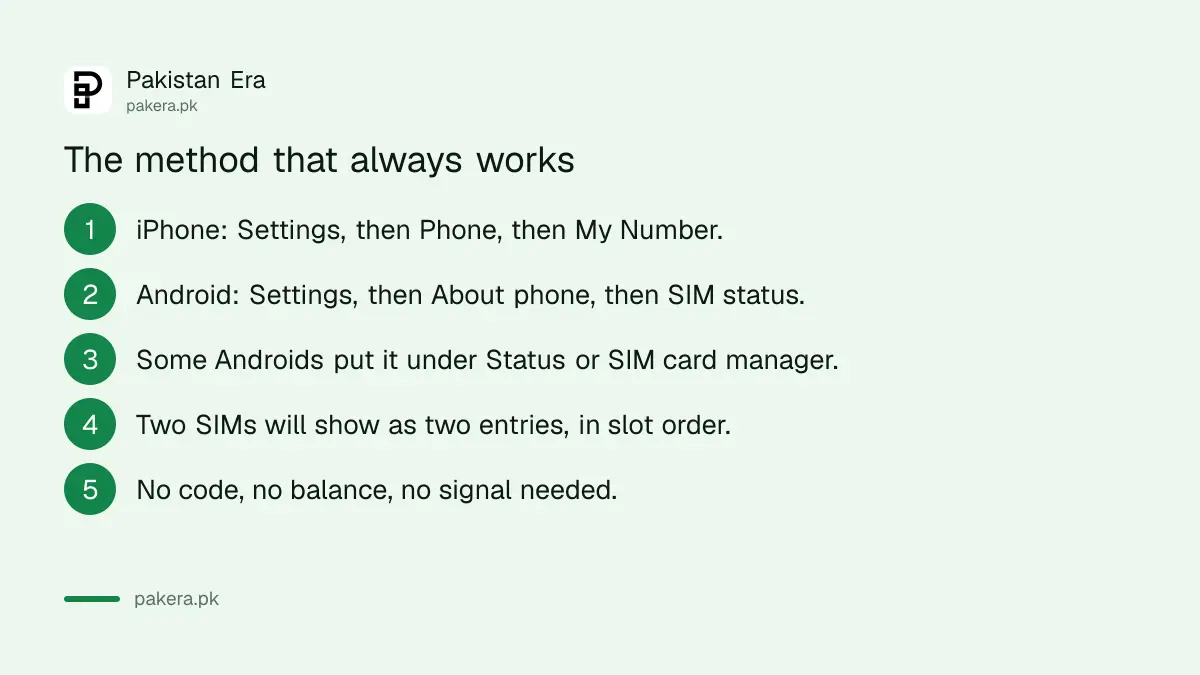
This needs no balance, no signal and no code.
- On an iPhone: open Settings, tap Phone, and your number is at the top under My Number.
- On Android: open Settings, tap About phone, then SIM status. Your number appears there.
- If you cannot find it on Android, look under Status, or SIM card manager. Manufacturers move this around, so the exact path differs between Samsung, Infinix, Xiaomi and the rest.
- With two SIMs, you will see two entries, listed in slot order. Match them to the networks shown.
- If the field is blank, the number was never written to the SIM by the operator. That is not a fault, and the next method will get you there.
That last case is worth knowing about, because it is the reason some people try a code, get nothing, and assume their SIM is broken.
The method that cannot fail
If settings shows nothing, use the SIM for what it is for.
Send a message to any other phone. Your number appears on their screen as the sender. Ask a family member, or use a second handset if you have one.
Or call another phone. The number shows on the incoming call. This works even where a message might not.
It is not clever, but it is the only approach that is right every time, on every network, regardless of what any operator changes.
Why we are not printing a list of codes
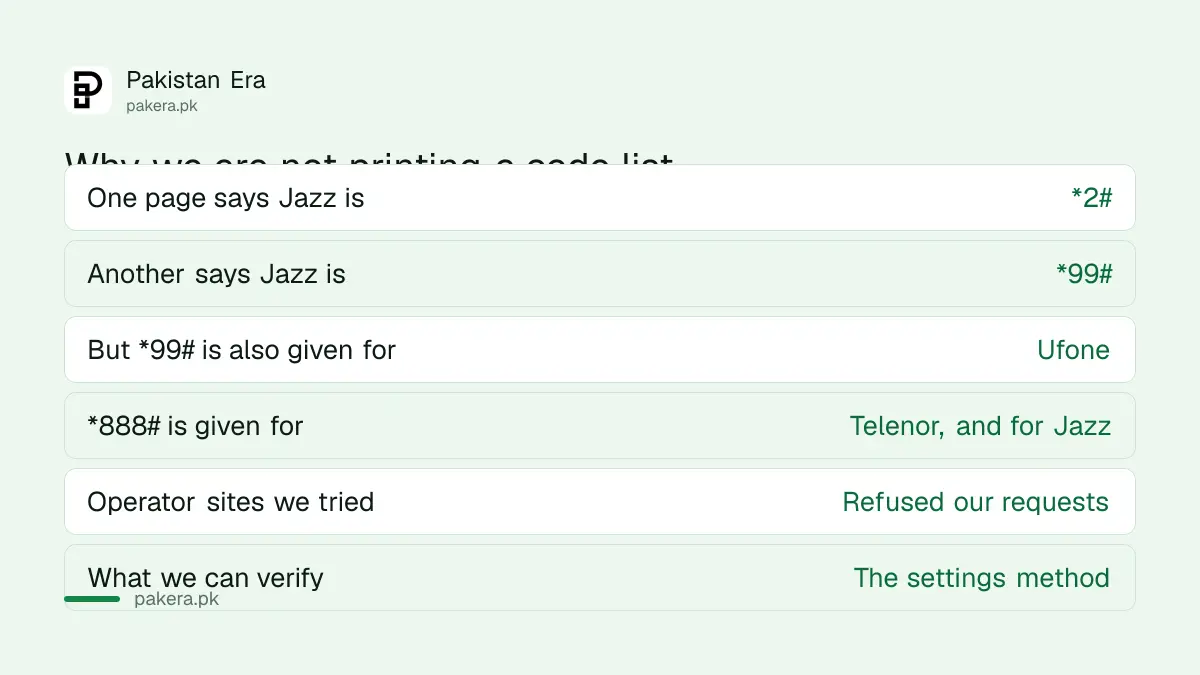
We went looking for the dial codes on 14 August, intending to publish them. We could not verify a single one then, and what we found instead was a mess.
| What one page says | What another says |
|---|---|
| Ufone is *99# | Ufone is *780# |
| Telenor is *888# | Telenor is *8888# |
| Zong is *1# | Zong is *8# |
Look at the overlaps. One page gives *99# as the Ufone code, yet Jazz lists *99# as its own number code. *888# is given for Telenor, and by one page for Jazz too. Some of that is simply wrong, and a reader has no way of telling which part.
Correction, 24 October 2026: Jazz's own Self Service Dial Codes page on jazz.com.pk now lists *99# as "Check Jazz Number", for Android and iPhone. We read it on 24 October 2026, so the Jazz code is confirmed at source, and the Jazz number check code and its fallbacks are set out separately. We have removed the conflicting Jazz claims from the table above; the other rows are as we found them on 14 August.
We tried to settle it at the source in August. Jazz and Zong refused our requests then, Ufone's site returned an error, and we have no Pakistani SIM here to dial from and test. So at that point we did not confirm one code.
Our rule is that we do not state something as fact unless we checked it. A wrong dial code is a small harm, but it is still us being wrong on purpose, and the settings method above makes the whole question unnecessary.
If a code from one of those pages works for you, nothing is lost. Just do not assume the one listed for your network is right because it was stated confidently.
One thing that has changed
Ufone and Telenor are now a single merged company. The plan to rebrand it as e& was blocked by the government, which we covered in our piece on the blocked rebrand.
We are not going to tell you what that has or has not changed about codes or services, because we could not verify that either. It is worth knowing when you read an older guide that treats the two as entirely separate businesses, since that picture is out of date at the company level whatever the position is on your handset.
While you have your CNIC out, check this
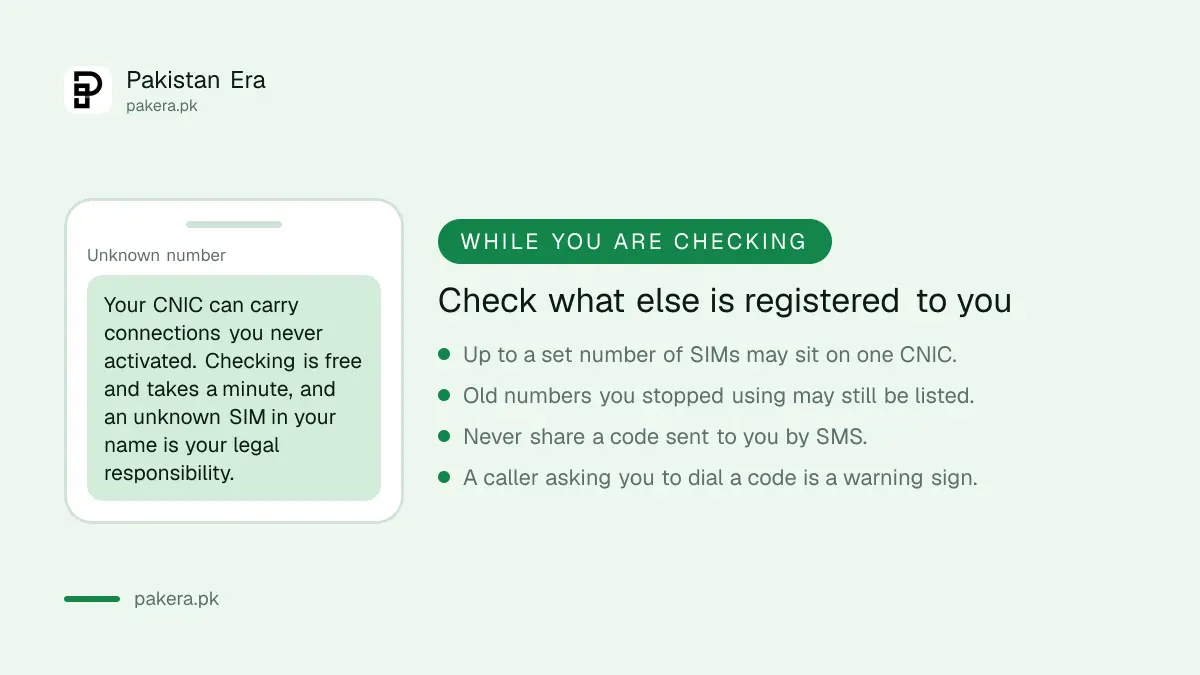
Here is something more useful than any of the above, and most people have never done it.
Connections are registered against your CNIC, and you can have several. People end up with numbers they stopped using years ago, and occasionally with a connection they never activated at all.
That matters because a SIM registered in your name is your responsibility. If it is used for something, the record leads to you. Checking is free and takes about a minute, and we set out exactly how in checking which SIMs are on your CNIC.
We would do it once a year, the same way you would glance at a bank statement.
Two habits worth keeping
Never read out a code that arrives by SMS. Verification codes are the single most common thing taken from people over the phone. No bank, telecom or government office needs one from you.
Do not dial a code because a caller told you to. This is a live fraud route. Someone rings, says they are from your network, and walks you through dialling something that forwards your calls or authorises a transaction. A real operator does not need you to dial anything mid conversation.
If a call feels wrong, hang up and ring the company back on a number you looked up yourself. We keep tested numbers in our verified helplines list, and the complaint route for a telecom problem is in the PTA complaint guide.
Questions readers are asking
What is the code to check my own number?
On Jazz, dial *99#, which Jazz lists on its own dial code page. For the other networks, the codes published online contradict each other, so read your number from phone settings, which works on every network.
Where is my number in iPhone settings?
Settings, then Phone. Your number is shown at the top under My Number.
Where is it on Android?
Settings, then About phone, then SIM status. Some manufacturers place it under Status or SIM card manager instead.
The settings field is empty. What now?
Send a message or place a call to another phone. Your number appears on the receiving handset. The empty field only means the number was never written to the SIM.
Does checking my number cost anything?
Reading it from settings is free and needs no signal. A message or call uses whatever your package charges.
I have two SIMs. Which is which?
Settings lists them in slot order with the network shown beside each, so match them by network name.
How do I know how many SIMs are in my name?
There is a free check against your CNIC, and it is worth doing once a year in case a connection is registered to you that you did not open.
About the author

Senior Writer, Public Services and Technology
Shahid joined us in 2024 as an author. He is a senior contributor to Pakistan's leading technology websites. He writes detailed articles, mostly covering his expertise in the latest tech, mobiles, apps, gadgets, and step-by-step guides. His ideology is to help people understand the latest trends and explain complex methods through very easy-to-understand guides.