How to Check Pak Army Registration Status and Download Your Exam Slip by CNIC
Check Pak Army registration status and download your exam slip by CNIC. The officer and soldier checkers differ, and the slip takes 5 to 7 working days.
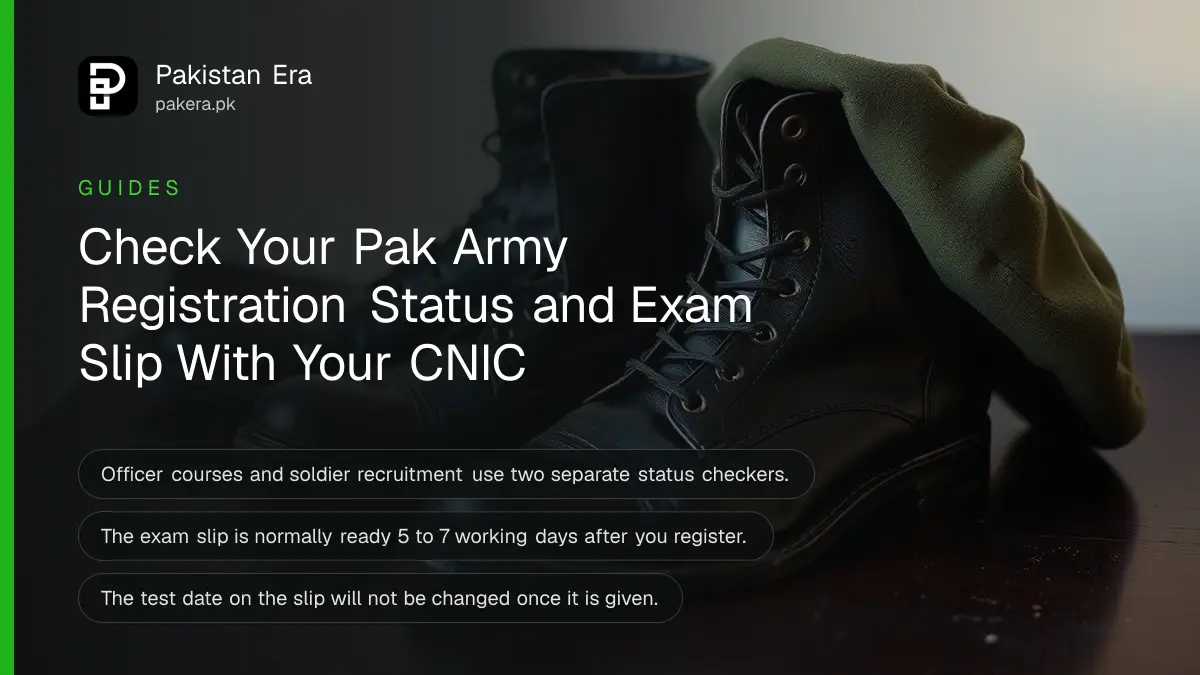
To check your Pak Army registration status, open joinpakarmy.gov.pk/checkstatus, choose your course, type your CNIC and the captcha, and press Check Status. Soldier candidates use a separate checker at register.joinpakarmy.gov.pk/checkstatus, which asks only for the CNIC. Your exam slip is normally ready 5 to 7 working days after you register.
Most candidates register, then refresh the page the same evening and see nothing. That is normal. The Army's own course pages say the computerised slip takes 5 to 7 working days to appear, and the slip is what tells you where and when to sit your first test.
Officer courses and soldier recruitment have two different status checkers
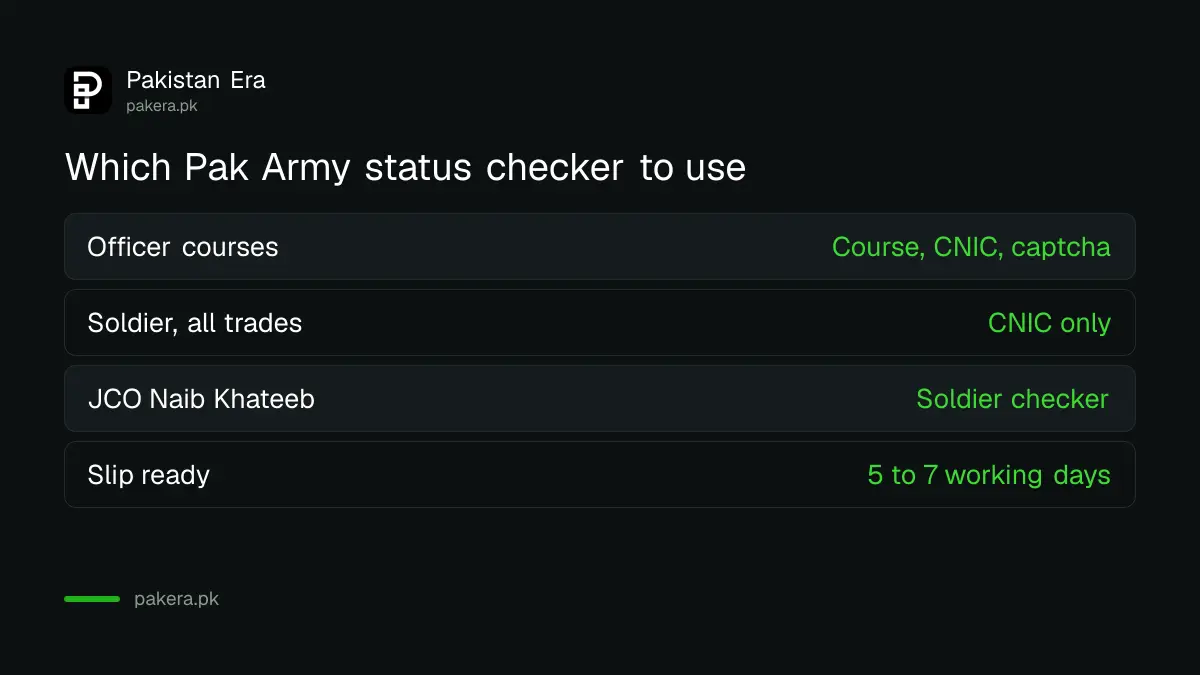
Pak Army runs two checkers. Officer courses such as the PMA Long Course, Lady Cadet Course and medical cadets use the main Registration Status page with a course list. Soldier recruitment, including JCO Naib Khateeb, uses its own page on the register subdomain, which asks for the CNIC only.
The main status page says this itself: "Applying as a Soldier? Soldier recruitment is handled separately", with a link to the soldier checker. If you registered as a soldier and search on the officer page, you will find nothing, because your course is not in that list.
| You applied for | Status page | What it asks for |
|---|---|---|
| PMA Long Course, Lady Cadet, Technical Cadet, Short Service, Medical Cadet, AFNS, ICTO | joinpakarmy.gov.pk/checkstatus | Course, CNIC, captcha |
| Soldier, all trades, and JCO Naib Khateeb | register.joinpakarmy.gov.pk/checkstatus | CNIC only |
Check an officer course status and download the slip in five steps
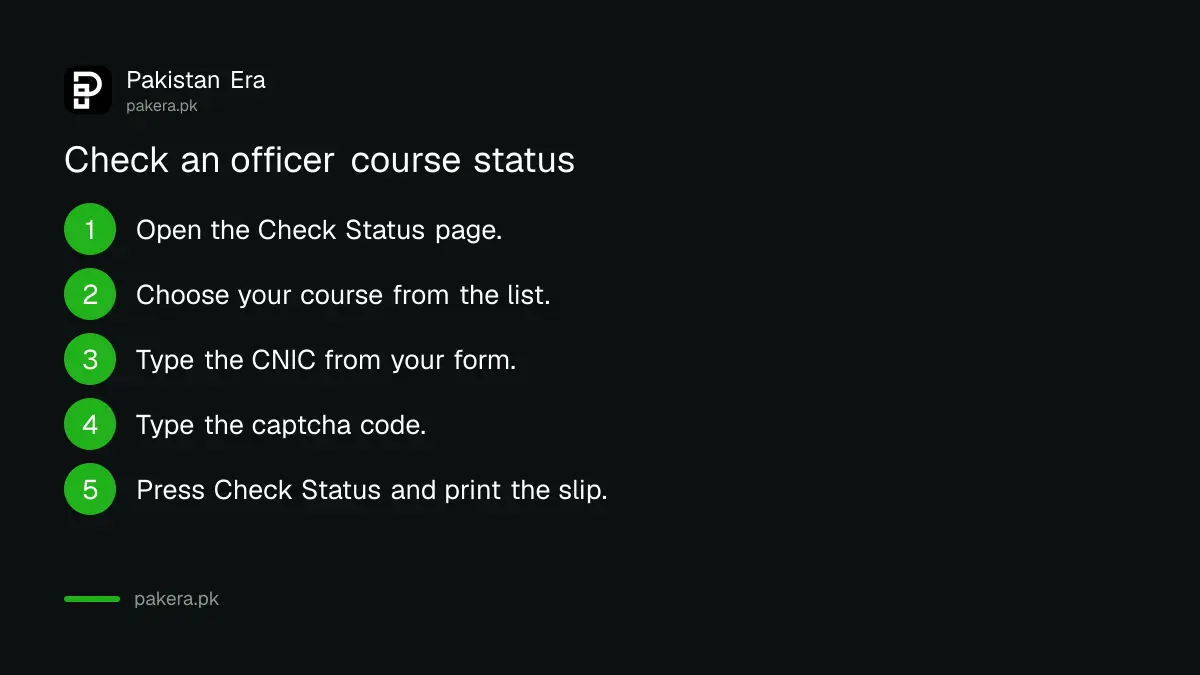
Open the Registration Status page, pick your course from the list, type your CNIC, copy the captcha and press Check Status. The page then shows your Army Selection Centre registration slip, which you print and carry to the test. The whole check takes about a minute.
- Open joinpakarmy.gov.pk and tap Check Status, or go straight to joinpakarmy.gov.pk/checkstatus.
- Choose your course from the Course list. Only courses with a running process appear there.
- Type the CNIC you used on the registration form.
- Type the captcha code. Tap the refresh arrow next to it if the code is hard to read.
- Press Check Status, then download and print the registration slip.
The course pages ask officer candidates to deposit the registration and examination fee at the NBP GHQ Branch, IBAN PK46NBPA0330004256466227, titled "Registration and Examination Fee Personnel Administration Directorate". Take the paid fee receipt with your slip on test day.
Soldier candidates check status with the CNIC alone
The soldier checker has a single box: "Enter CNIC Number Here to check Registration Status", with the same line in Urdu, and a Check Status button. Type the CNIC you entered on the Soldier Enrollment Form and press the button to see your status and slip.
The soldier form also records your date of birth, your mobile number, your father's CNIC, your domicile district and your education level. If a search finds nothing, the usual reason is a CNIC typed differently on the form. The age limits, trades and office registration are covered in the steps for Pak Army soldier registration.
The test date on your slip is fixed, so plan around it
The slip gives the test date, time and Army Selection and Recruitment Centre. The Army's course pages say plainly that a date once given will not be changed. Arrive on that exact date with every document listed in the advertisement, or you lose the slot.
Tests are taken on computers, so the Army asks candidates to have working knowledge of a computer. For soldiers, the first day includes a physical test with five events. The events and the written paper weights are listed in the soldier test syllabus and physical test.
| Take to the test centre | Why |
|---|---|
| Printed registration slip | Shows your roll number, date and centre |
| Original CNIC or Form B | Expired CNICs are not accepted |
| Paid fee receipt | Officer courses pay at NBP GHQ Branch |
| Original certificates and attested copies | Checked against the form you filled |
| Attested photographs | Officer courses ask for 3 to 4 attested photos |
Fix the four common reasons the slip does not show
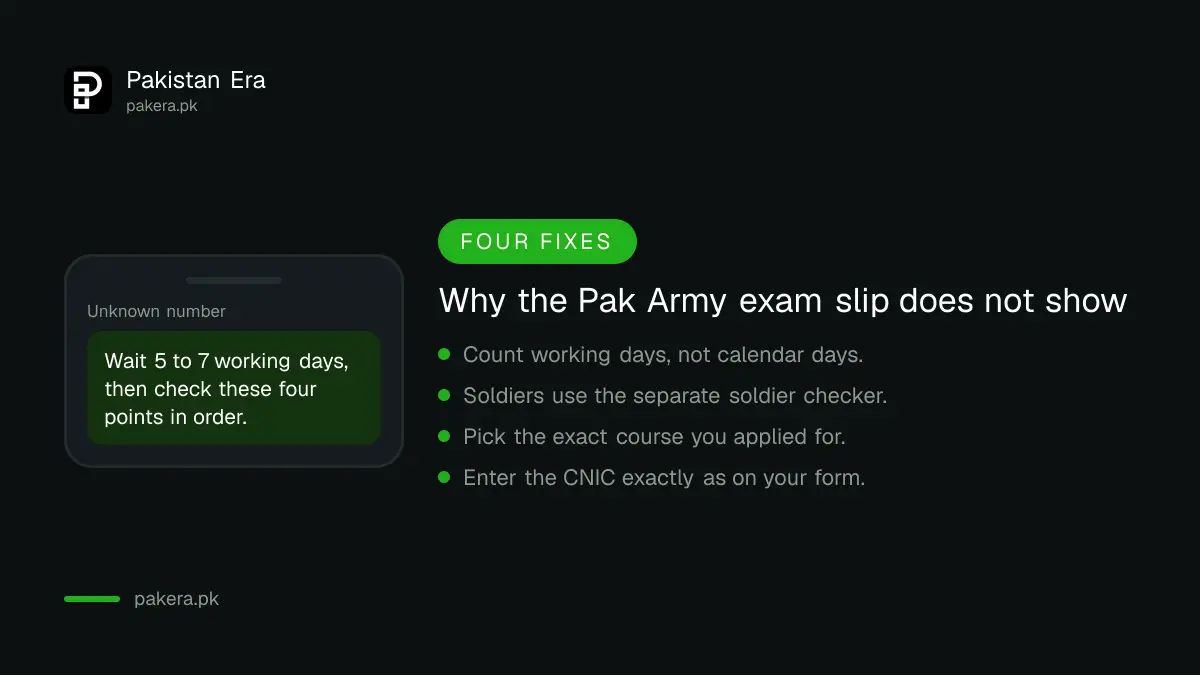
A missing slip usually means it is too early, the wrong checker or course was used, the CNIC differs from the form, or the captcha was mistyped. Wait the full 5 to 7 working days before you worry, then work through the fixes below in order.
- Too early. Count working days, not calendar days. A registration on a Friday evening may not show a slip until the next Friday or later.
- Wrong checker. Soldier and JCO Naib Khateeb candidates must use the register subdomain, not the course list.
- Wrong course. On the officer page, pick the exact course you applied for. A search under another course shows nothing.
- CNIC mismatch. Enter the CNIC exactly as on your form. Candidates under 18 who registered with a Form B number should enter that number.
Ask the Army directly if the slip is still missing
If the slip has not appeared after 7 working days, use the Send Queries option on joinpakarmy.gov.pk or email webmaster@joinpakarmy.gov.pk with your name, CNIC and course. You can also visit your nearest Army Selection and Recruitment Centre, which the site maps under Locate Us.
Never pay anyone to "confirm" a slip or move your test date. The Army registers candidates only through joinpakarmy.gov.pk and its selection centres. Shortlisted candidates for the next stage, the ISSB, are told through the website and by call up letter. The ISSB schedule, centres and ineligibility rules explain that stage.
Common questions
How many days does the Pak Army exam slip take?
Normally 5 to 7 working days after you register online. The Army's course pages give this figure for every officer course.
Can I check my Pak Army status without the captcha?
Not on the officer page. It needs the course, the CNIC and the captcha. The soldier checker asks for the CNIC only.
Why is my course missing from the list?
The list shows only courses with a running process. If your course has closed or its tests are over, it may no longer appear. Ask your selection centre in that case.
Can I change the test date on my slip?
No. The Army says a date once given will not be changed, so plan travel around it.
Is there a fee to download the slip?
No fee is charged to check status or download the slip. Officer courses pay a separate registration and examination fee at NBP GHQ Branch.
How will I know if I am called for ISSB?
Shortlisted candidates are told through the website and by call up letter, so keep checking the status page after your initial tests.
How we verified this
What we checked and where we read it.
We opened the Pak Army Registration Status page, the soldier checker at register.joinpakarmy.gov.pk/checkstatus, the Soldier Enrollment Form and the course pages for the Lady Cadet Course, Technical Cadet Course, Direct Short Service Commission, Medical Cadet and AFNS on 24 November 2026.
The two checkers, their fields, the 5 to 7 working day figure, the fixed test date rule, the NBP fee account and the document lists come from those pages. On that day the home page listed soldier recruitment open until 10 December 2026 and JCO Army Education Corps registration open until 15 December 2026, and the officer Course list held PMA 159 Long Course only. Course lists change as each intake opens and closes.
About the author

Public Services and Education Journalist
Fajr Riaz is a journalist and content writer at Pakistan Era, based in Lahore. She covers the questions people meet in everyday life in Pakistan: how a public service works, what a change in the rules means, and where to find a reliable answer.