How to Check Ufone Balance, MBs, Minutes and SMS
Dial *124# for Ufone balance and *706# for remaining MBs, minutes and SMS. Postpaid dial *129#. Or send Hi on WhatsApp to 0331-1333100.
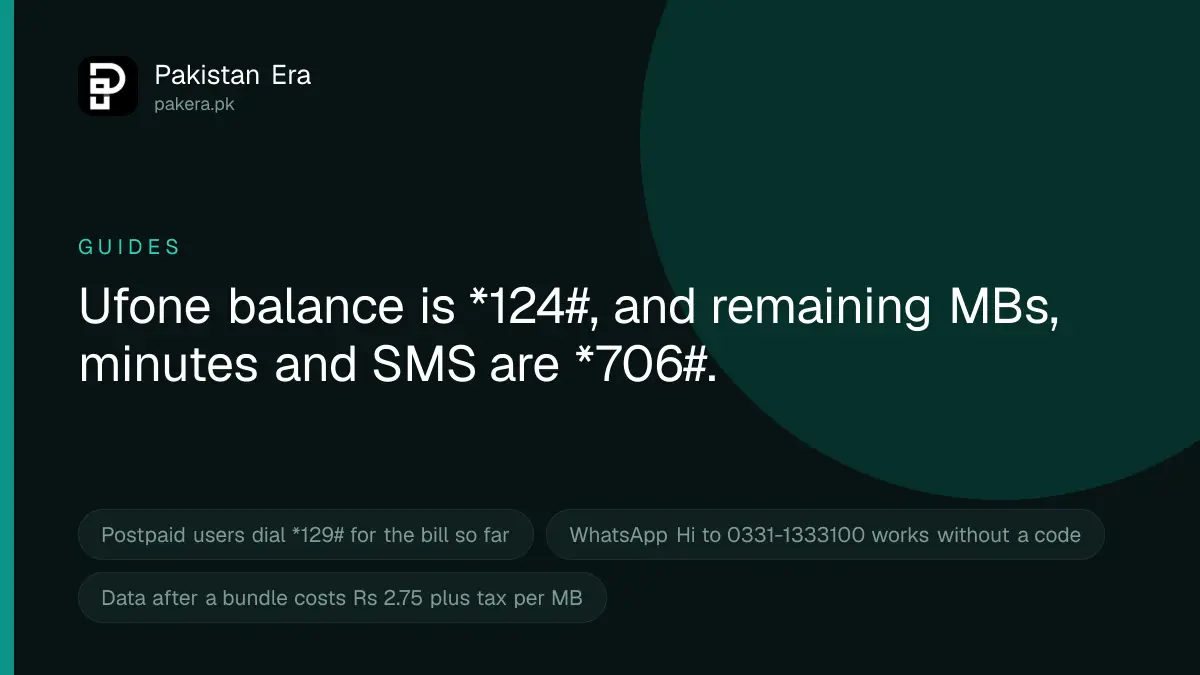
Dial *124# to check your Ufone prepaid balance. Dial *706# to see your remaining MBs, minutes and SMS. Postpaid users dial *129# for the bill so far. Without dialling, you can send "Hi" on WhatsApp to 0331-1333100 from your Ufone number, or open the U ptcl app.
We read each of these codes on Ufone's own website on 22 September 2026. We cannot dial a Ufone code ourselves, so the table says which Ufone page lists each one.
Ufone balance codes at a glance
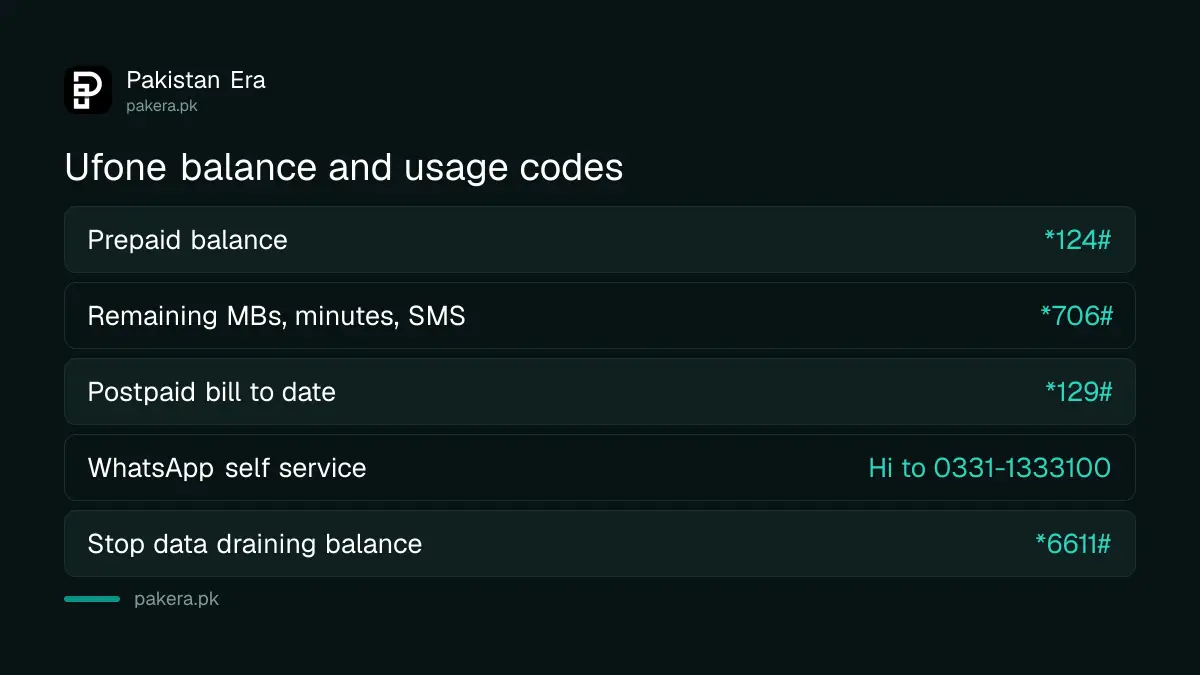
| What you want to check | Code or route | Where Ufone lists it |
|---|---|---|
| Prepaid balance in rupees | *124# | Ufone FAQs page |
| Remaining MBs, minutes and SMS | *706# | Every Ufone internet offer page |
| Postpaid bill to date | *129#, no charge | Ufone Bill Amount Inquiry page |
| Balance and resources on WhatsApp | "Hi" to 0331-1333100 | Ufone WhatsApp Self Service page |
| Balance, expiry and live usage | U ptcl app | Ufone U ptcl app page |
How to check your main balance with *124#
- Open the phone dialler on the phone that has your Ufone SIM.
- Type *124# and press call.
- Read the message on screen. It shows your balance in rupees.
The code works without internet and on any phone. Ufone's FAQs page lists *124# as the balance check code, including when you are roaming abroad.
How to check remaining MBs, minutes and SMS with *706#
Your rupee balance and your bundle are separate. A package gives you a bucket of MBs, minutes and SMS, and *124# does not show what is left in that bucket. For that, dial *706#.
- Dial *706# from your Ufone SIM.
- Read the reply. Ufone says it shows the data and other resources left on your bundles.
- If a bundle has an expiry date, note it.
Every Ufone internet offer page we read tells subscribers to dial *706# for remaining data. One page, for the Ufone Internet SIM, adds a charge of Rs 0.24 per check. The other pages do not mention a charge, so it may apply only to that product.
If you have more than one bundle, each one has its own charging order. Ufone says to call 333 if you need to know which bundle is used first.
Checking without a code: WhatsApp and the U ptcl app
WhatsApp. Ufone's WhatsApp Self Service page says to send "Hi" to 0331-1333100 from your Ufone number. The automated helpline shows your remaining balance and remaining resources. It also lists your subscribed products, which helps if money keeps going. Ufone charges no subscription for the WhatsApp service, but normal internet charges apply while you use it.
U ptcl app. This is the app Ufone now promotes on its website. Ufone's app page says it shows your prepaid balance and its expiry, real time data, voice and SMS usage, and your call and SMS records. You log in with an OTP sent to your Ufone number.
Postpaid: check your bill with *129#
Postpaid numbers do not have a balance in the same way. Ufone's Bill Amount Inquiry page says to dial *129#. The menu shows the total bill so far, the percentage of your credit limit you have used, and the minimum payment needed to restart outgoing calls if they have stopped. Ufone says there is no charge for this code.
Your balance also has an expiry date
Ufone gives each prepaid recharge a validity period. Its Prepaid Recharge Slabs page listed these on 22 September 2026:
| Recharge amount | Validity listed by Ufone |
|---|---|
| Rs 90 to 99 | 90 days |
| Rs 100 to 499 | 180 days |
| Rs 500 to 999 | 365 days |
| Rs 1,000 and above | 365 days |
The same page says that if you do not recharge within 90 days, your number might be disconnected. In August 2026 PTA was reported to have ordered a minimum 180 day validity on all balance, which would change the first row. Ufone's page had not changed when we read it.
When your balance is going down too fast
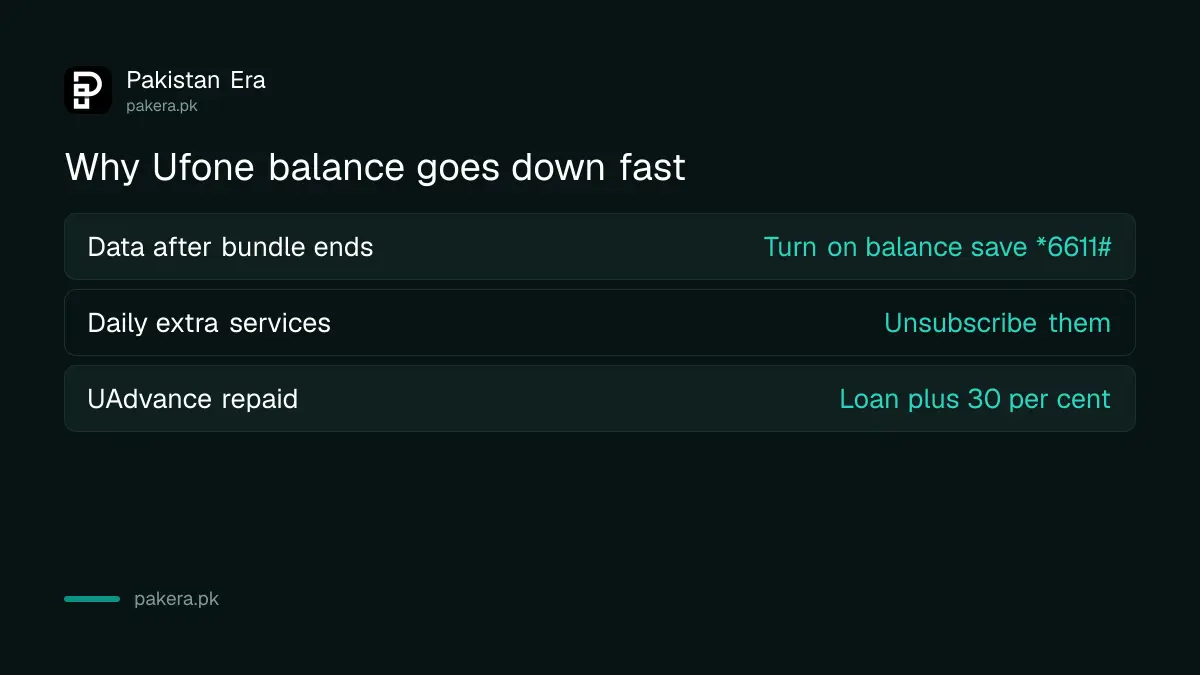
If *124# shows less than you expected, there are three usual causes.
- Internet after the bundle ended. Ufone's offer pages say that when bundle data is used up, internet stays on at Rs 2.75 plus tax per MB. Turn on Ufone balance save with *6611#.
- A daily or weekly service. Many Ufone extra services charge by the day. Ufone lists UBlock and MyStatus at Rs 2 a day each, for example. Unsubscribe from the Ufone services you do not use.
- An advance being repaid. If you took UAdvance on *456#, Ufone takes the loan plus a 30 per cent fee from your next recharge. A Rs 60 advance costs Rs 78.
When a code does not work
- "Connection problem" or "invalid MMI code". Check you typed the star and the hash. Restart the phone and try again.
- No reply at all. Make sure the Ufone SIM is the one selected for calls on a dual SIM phone.
- No signal. The code needs the network, so fix the Ufone SIM signal first.
- Still stuck. Call 333 from a Ufone number, or 051-111-333-100 from any other number, as listed on Ufone's pages.
Safety warning: Checking a balance never needs a PIN, a password or an OTP. If a caller says they are from Ufone and asks you to dial a code or read out a code sent to you, hang up. That is how numbers and bank accounts are taken over. Call only the verified telecom helplines.
Common questions
What is the Ufone balance check code?
Dial *124# for your prepaid balance in rupees.
How do I check remaining MBs on Ufone?
Dial *706#. It shows the MBs, minutes and SMS left on your bundles.
Can I check Ufone balance on WhatsApp?
Yes. Send "Hi" to 0331-1333100 from your Ufone number and choose the balance or remaining resources option.
Is there a charge to check Ufone balance?
Ufone lists no charge for *124# or the postpaid *129# code. Its Internet SIM page lists Rs 0.24 for *706#. WhatsApp and the app use a small amount of data.
How do postpaid users check their Ufone bill?
Dial *129#. It shows the bill to date, credit limit used and the minimum payment.
Why does *124# show balance but my internet has stopped?
Your bundle has probably ended or run out. Dial *706# to see what is left, then subscribe to a new bundle.
How we verified this
What we checked, where we read it, and what we could not confirm.
Last checked 22 September 2026. *124# is listed on Ufone's FAQs page on ufone.com. *706# is listed on Ufone's internet offers page and on each monthly offer page we read, and the Rs 0.24 charge on the Internet SIM page. *129# and its free access are from Ufone's Bill Amount Inquiry page. The WhatsApp number 0331-1333100 and its features are from Ufone's WhatsApp Self Service page. The U ptcl app features are from Ufone's U ptcl app page. The recharge validity table and the 90 day disconnection warning are from Ufone's Prepaid Recharge Slabs page. The Rs 2.75 plus tax per MB rate is from Ufone's internet offer pages, UAdvance terms from Ufone's UAdvance page, and helplines from its customer care and FAQs pages. The 180 day validity order is reported by Dawn and we could not find it on PTA's site. We did not dial any code.
About the author

Tax, Bills and Technology Writer
Ali Akhtar is a young and curious voice here at Pakistan Era. He is currently pursuing his A-Levels and has a growing interest in Pakistan’s changing industrial landscape and educational trends. Ali likes to write in a way that helps him explain and explore the world around him. His writing reflects the perspective of the new generation navigating the evolving trends of Pakistan where technology, youth innovation, and shifting opportunities are reshaping the country’s future.