How to Fix a Ufone SIM That Is Not Working
Ufone SIM not working? Restart, test it in another phone, then dial *4#, as Ufone is switching off 3G. Fixes for PUK, blocked phones and expiry.
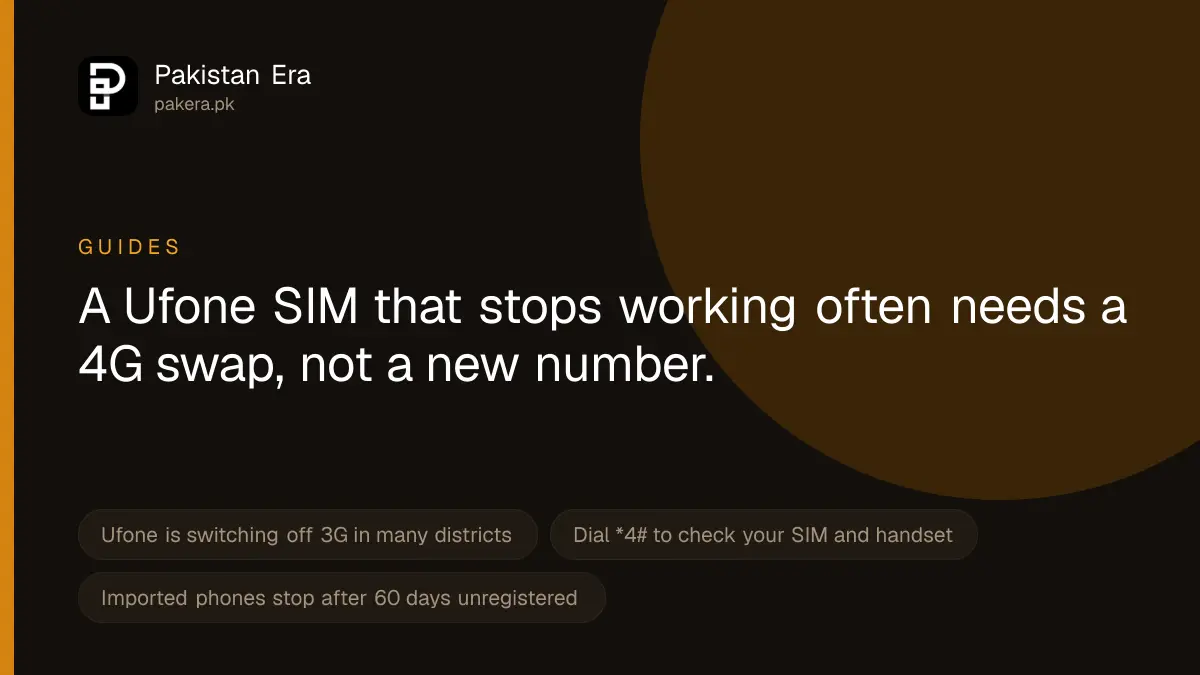
If your Ufone SIM has stopped working, first restart the phone and try the SIM in another phone. If it works there, the problem is your handset. If it fails in both, dial *4# to check that your SIM and phone are 4G, because Ufone is switching off 3G in many districts. A "PUK" message, a blocked handset or an expired number each need a different fix, listed below.
We read Ufone's own troubleshooting, 3G shutdown, recharge and support pages, and PTA's DIRBS pages, on 22 September 2026. We did not test a faulty SIM ourselves, so each fix below says where it comes from.
Find your problem first
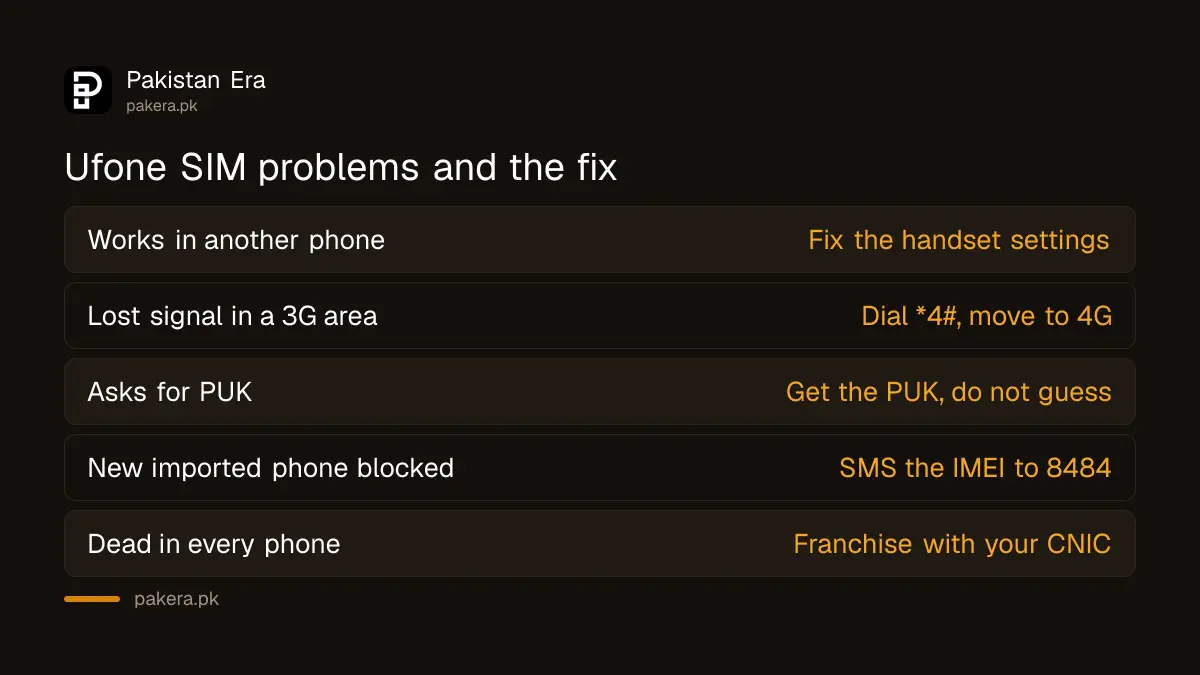
| What you see | Likely cause | What to do |
|---|---|---|
| "No service" in your phone, but the SIM works in another phone | Handset setting or fault | Network selection to Automatic, update or repair the phone |
| Signal gone or no internet in a district where it used to work | Ufone's 3G shutdown | Dial *4#, switch to a 4G SIM and handset |
| Phone asks for a PUK code | PIN typed wrong three times | Get the PUK code from Ufone |
| SIM works in one phone but not a new imported phone | Handset not registered with PTA | SMS the IMEI to 8484 |
| Incoming calls work but you cannot call out | Balance expired or zero | Recharge, check *124# |
| SIM dead in every phone, no signal at all | Blocked, expired or damaged SIM | Visit a Ufone franchise with your CNIC |
Basic fixes to try first
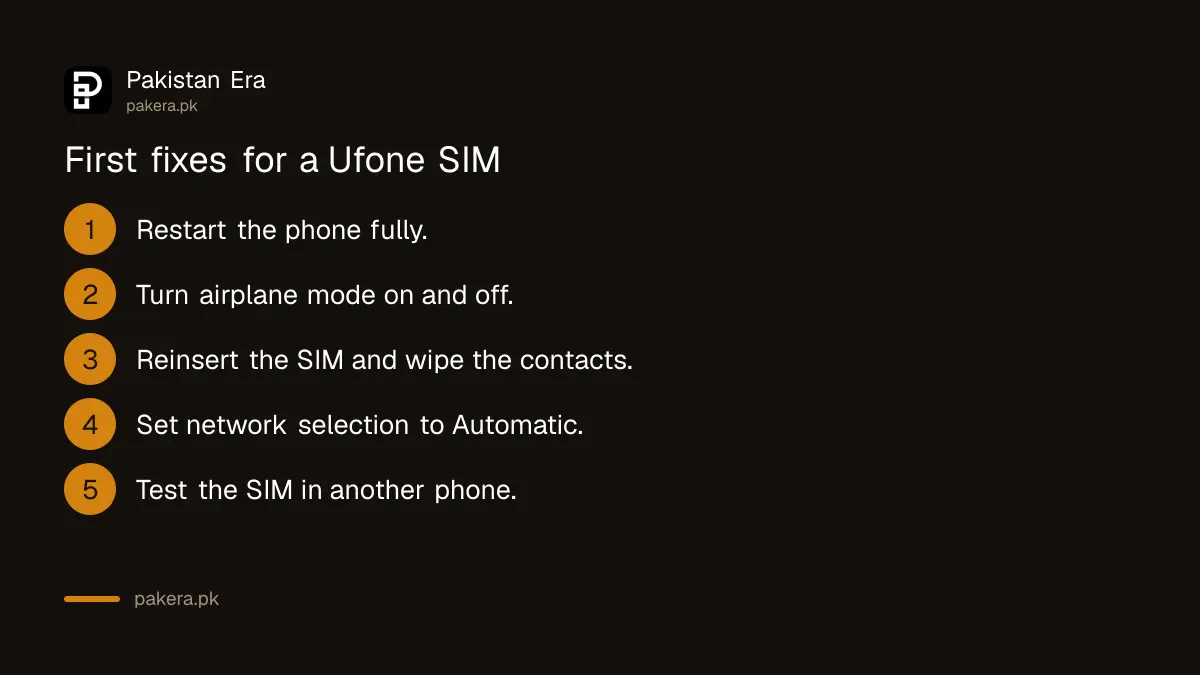
- Restart the phone. Switch it fully off, wait ten seconds and switch it on.
- Turn airplane mode on and off. This makes the phone search for the network again.
- Take the SIM out and put it back. Wipe the gold contacts gently with a dry cloth. Check it sits flat in the tray.
- Set network selection to Automatic. Ufone's troubleshooting page asks users to check that the handset is on Automatic network selection. The setting is usually under Mobile network or SIM settings.
- Try the SIM in another phone. If it works there, the fault is in your handset or its settings, not the SIM.
- Try another SIM in your phone. If no SIM works in your phone, the handset needs repair.
Ufone is switching off 3G in many districts
This is a newer cause, and older guides do not mention it. Ufone's home page tells customers that 3G services are being shut down in some areas to improve 4G. It asks them to convert their handset and Ufone SIM to 4G, and to dial *4# to confirm the status of both.
Ufone's 3G sunset page lists the affected districts. On 22 September 2026 the list included Karachi West, Islamabad, Rawalpindi, Kasur, Sheikhupura, Faisalabad, Multan, Peshawar, Quetta and dozens more across all four provinces.
- If *4# says your SIM is not 4G, visit a Ufone franchise or service centre to change it. Take your original CNIC, because a SIM change needs biometric verification.
- If your handset is not 4G, the SIM will not fix it. You need a 4G phone.
Mobile internet not working but calls work
- Check mobile data is on and the Ufone SIM is chosen for data on a dual SIM phone.
- Check you have a bundle or balance. Dial *706# for remaining Ufone MBs.
- Check the access point name, or APN. Ufone's troubleshooting page gives ufone.pinternet for prepaid and Ufone.internet for postpaid. Ufone's WhatsApp line at 0331-1333100 also sends manual internet settings.
- If balance save is on, internet stops when a bundle ends. That is working as designed. Subscribe to a new bundle.
PUK, blocked handset and expired number
PUK code. If you type the SIM PIN wrong three times, the phone asks for a PUK. Do not guess it, because too many wrong PUK entries can lock the SIM for good. Ufone's WhatsApp self service lists "PIN/PUK Inquiry" as a feature, which is one way to get your Ufone PUK code.
Handset blocked by PTA. A phone brought from abroad works for 60 days from the day a SIM is first put in, according to PTA's DIRBS FAQs. After that it stops getting any network unless it is registered and the tax is paid. Dial *#06# to see the IMEI, then send each IMEI by SMS to 8484 to check its PTA status.
Balance expired. Ufone's recharge slabs page says that when your recharge validity ends you can only receive calls and messages. It also warns that if you do not recharge for 90 days, your number might be disconnected. Recharge first, then check.
SIM blocked or expired. If the SIM shows nothing in any phone, it may have been blocked or the number may have expired. A damaged SIM is replaced at a franchise on the same number with a Ufone duplicate SIM.
Where to complain if nothing works
- Call 333 from a working Ufone number, or 051-111-333-100 from any other number. These are listed on Ufone's customer care and FAQs pages. The call centre runs 24 hours a day.
- Send "Hi" on WhatsApp to 0331-1333100 from a Ufone number. Ufone lists complaint registration and tracking among its features.
- Use the network complaint form in the Support menu on ufone.com.
- Email customercare@ufone.com with your number, your area and when the problem started.
- If Ufone does not fix it, complain to PTA. PTA's helpline is 0800-55055.
Safety warning: If your SIM stops working suddenly and you did not change anything, call Ufone at once from another phone. A SIM that goes dead without reason can mean someone has taken a duplicate SIM on your number. That lets them receive your bank and WhatsApp codes. Ask Ufone to block it, then tell your bank.
Common questions
Why does my Ufone SIM show no service?
The most common reasons are a handset setting, Ufone's 3G shutdown in your district, a blocked or expired SIM, or a damaged card. Try the SIM in another phone first to narrow it down.
How do I check if my Ufone SIM is 4G?
Dial *4#. Ufone says it confirms the status of both your SIM and handset.
Why can I receive calls but not make them?
Your recharge validity has probably ended. Ufone says you can then only receive calls and messages. Recharge and try again.
What is the Ufone internet APN?
Ufone's troubleshooting page lists ufone.pinternet for prepaid and Ufone.internet for postpaid.
My imported phone stopped working after two months. Is it the SIM?
Probably not. PTA allows an unregistered phone 60 days. Send the IMEI to 8484 to check, then register it with PTA.
What is the Ufone helpline from another network?
051-111-333-100, as listed on Ufone's FAQs page. From a Ufone number, dial 333.
How we verified this
What we checked, where we read it, and what we could not confirm.
Last checked 22 September 2026. The 3G shutdown notice and the *4# check are from Ufone's home page, and the district list from Ufone's 3G sunset page on ufone.com. Automatic network selection, SIM restart and the APN names are from Ufone's troubleshooting page, which is written for roaming users; we have assumed the same APN names apply at home, and Ufone's WhatsApp line can confirm them. The WhatsApp features, including PIN/PUK inquiry and complaint registration, are from Ufone's WhatsApp Self Service page. The receive-only rule and the 90 day warning are from Ufone's Prepaid Recharge Slabs page. Helplines are from Ufone's customer care and FAQs pages. The 60 day rule, *#06# and the 8484 check are from PTA's DIRBS portal and its FAQs at dirbs.pta.gov.pk. PTA's 0800-55055 helpline is from the DIRBS portal header. We did not test a faulty SIM or dial any code.
About the author

Public Services and Education Journalist
Fajr Riaz is a journalist and content writer at Pakistan Era, based in Lahore. She covers the questions people meet in everyday life in Pakistan: how a public service works, what a change in the rules means, and where to find a reliable answer.