How to Transfer eFootball to a New Phone in Pakistan: Link Data With Google Play, Game Center or KONAMI ID
Transfer eFootball to a new phone in Pakistan: Link Data on the old phone, Data Transfer on the new one, KONAMI ID for Android to iPhone, and lost account fix.
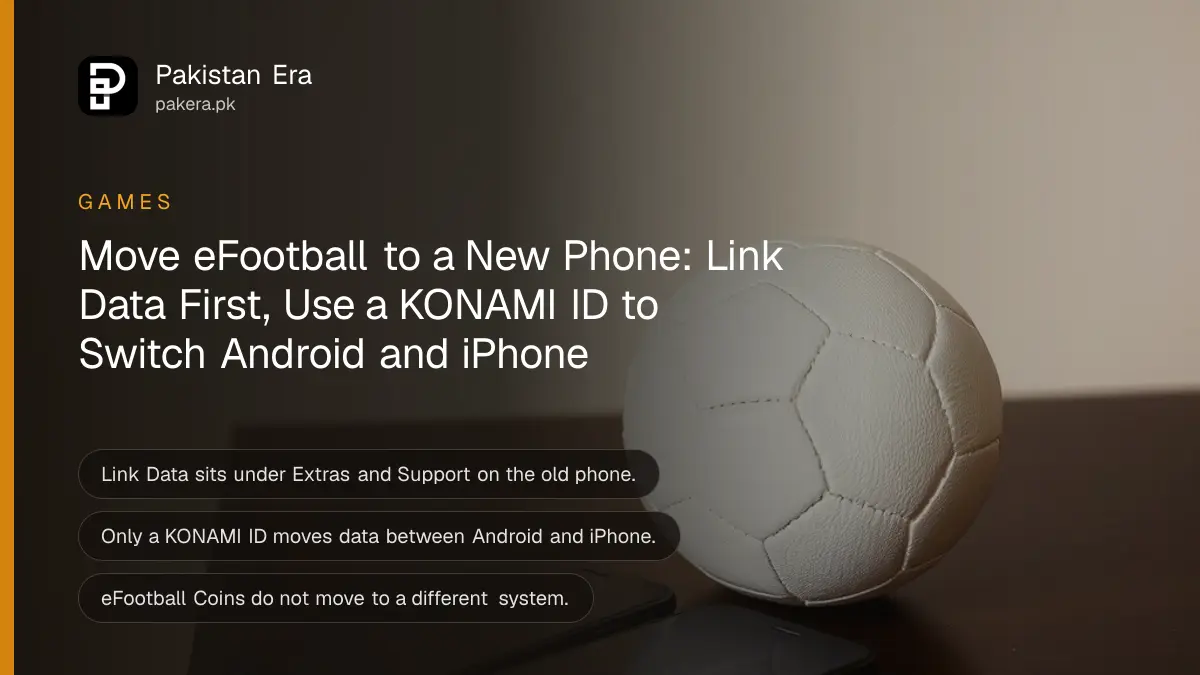
To move eFootball to a new phone, link your data on the old phone first: go to Extras > Support > Link Data and choose Google Play, Game Center or a KONAMI ID. Then, on the new phone, tap Data Transfer on the title screen and log in with the same account. Moving from Android to iPhone, or the other way, needs a KONAMI ID. Your eFootball Coins do not move to a different system.
Many players in Pakistan change phones every year or two, and an unlinked eFootball account is easy to lose. These steps come from Konami's own eFootball help pages.
Two ways to move eFootball data to a new phone
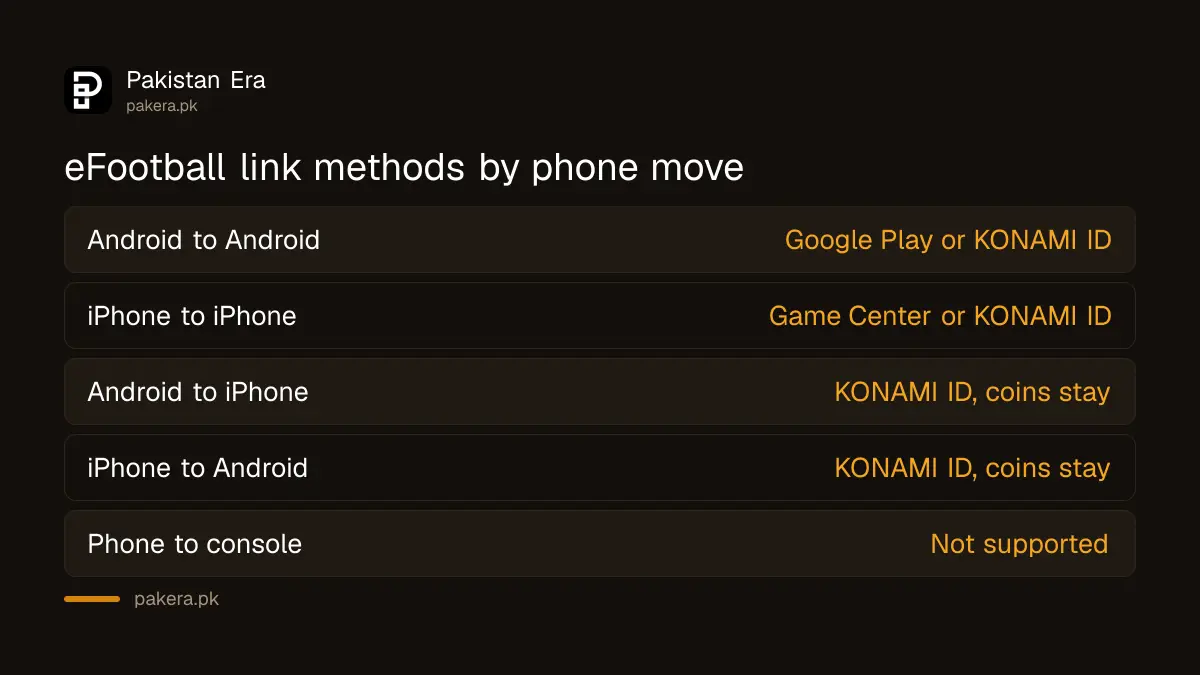
Konami gives two options. Link to Google Play (Android) or Game Center (iPhone) if you stay on the same kind of phone. Link to a KONAMI ID if you switch between Android and iPhone, because only a KONAMI ID works across both systems.
| Your move | Link method | Coins move? |
|---|---|---|
| Android to Android | Google Play or KONAMI ID | Yes |
| iPhone to iPhone | Game Center or KONAMI ID | Yes |
| Android to iPhone | KONAMI ID only | No, coins stay on Android |
| iPhone to Android | KONAMI ID only | No, coins stay on iPhone |
| Phone to PS5, Xbox or PC | Not supported | No |
Konami says eFootball Coins, both paid and free, do not transfer when you move to a different system. They are not lost either. If you go back to the old system, you can use them again. Our page on eFootball Coins prices in Pakistan explains paid and free coins.
Link your eFootball data on the old phone
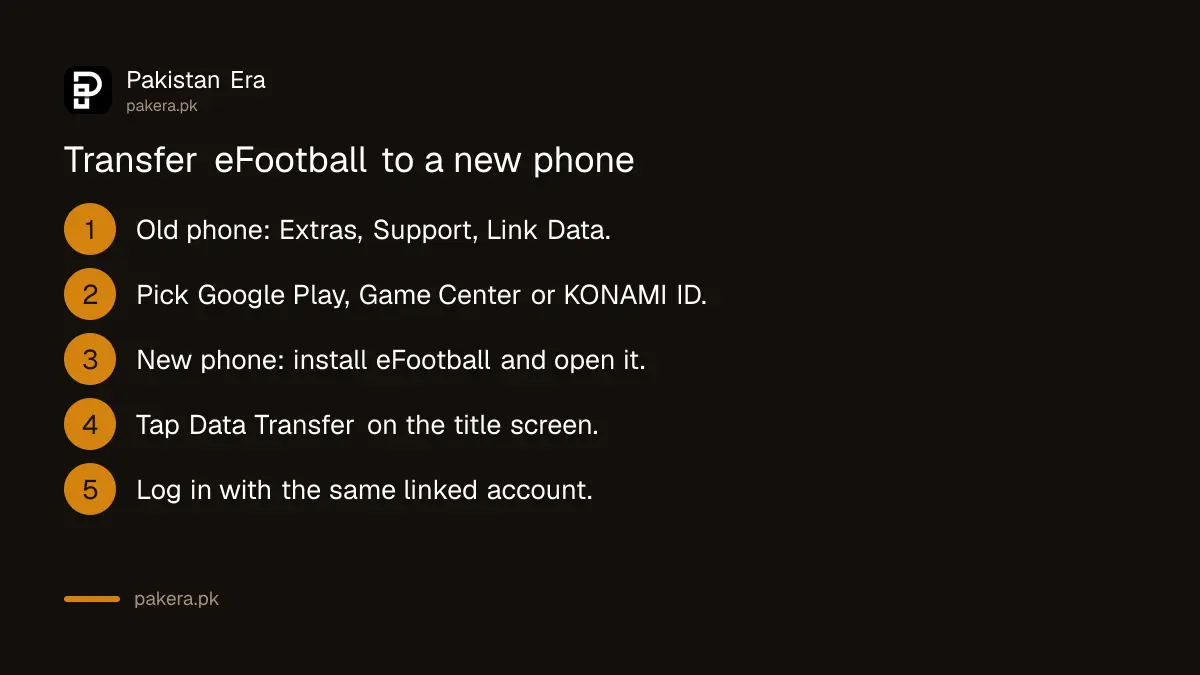
Do this before you reset, sell or give away the old phone. Open eFootball, go to Extras, then Support, then Link Data, and pick your method. With a KONAMI ID, keep the confirmation email Konami sent when you registered, because you need it later.
- Open eFootball on the old phone.
- Go to Extras > Support > Link Data.
- Choose Link data using Google Play (Android), Link data using Game Center (iPhone), or Link data using a KONAMI ID.
- If you choose KONAMI ID and do not have one, register at My KONAMI and confirm your email.
- Log in and finish the link. Keep the KONAMI ID confirmation email safe.
A KONAMI ID is the safer choice even if you stay on Android. A Google account can get locked, and Konami says it cannot help with Google Play or Game Center accounts; you go to Google or Apple for those. Konami also says you cannot change the KONAMI ID once data is linked to it, so use an email you will keep.
Transfer eFootball to the new phone
Install eFootball on the new phone from Google Play or the App Store. On the title screen, tap Data Transfer and pick the same method you linked with. The transfer finishes when you log in to Google Play, Game Center or My KONAMI.
- Install eFootball on the new phone and open it.
- On the title screen, tap Data Transfer. Konami says it sits behind the icon in the bottom right corner.
- Choose Transfer from a Google Play-linked account, Transfer from a Game Center-linked account, or Transfer from a KONAMI ID-linked account.
- Log in with that account.
- Wait for your squad, GP and progress to load, then check them.
Konami limits the number of data transfer attempts each month. So do not keep trying again and again if something fails. Check the account details first, then try once more. If your phone struggles with the game, compare models in our list of gaming phones in Pakistan.
Fix eFootball transfer problems
The most common problems are a forgotten KONAMI ID, a lost Google or Apple account, and a phone that was lost before any link was set. Each has a different fix. Konami's answer for an unlinked lost account is an enquiry form inside the game.
| Problem | What Konami says to do |
|---|---|
| Forgot KONAMI ID or password | Use the reminder at my.konami.net, then transfer again |
| Lost the Google Play account | Contact Google for support |
| Lost the Game Center account | Contact Apple for support |
| Phone lost, no link ever set | General Contact > Enquiry Form > "I can't restore my account using a data transfer" |
| Data opened on another phone | Transfer again to the phone you want to use |
If your data was moved to another phone through your KONAMI ID without your say, reset the KONAMI ID password at My KONAMI, then transfer back. Konami also recommends turning on two-stage authentication for the KONAMI ID after a reset.
If you are rebuilding a Google account first, the steps for Gmail account recovery in Pakistan help before you try the Google Play transfer.
What you cannot do with eFootball data
Konami's help pages set firm limits. You cannot move mobile data to a console. You cannot save eFootball data to an SD card. And if you deleted the app without linking, reinstalling does not bring your data back on its own.
- Mobile to console: not possible. Konami says data cannot move between the mobile and console versions.
- SD card backup: not possible on Android.
- Reinstall without a link: your data returns only if it was linked to Google Play, Game Center or a KONAMI ID.
- Changing the linked KONAMI ID: not possible.
- Released players: Konami says released players cannot be restored, so lock players you want to keep.
Common questions
How do I transfer eFootball from Android to iPhone?
Link your data to a KONAMI ID on the Android phone, then pick Transfer from a KONAMI ID-linked account on the iPhone. Google Play links do not work across systems.
Will I lose my eFootball Coins if I switch to iPhone?
They do not move, but they are not lost. Konami says the coins stay on the old system and work again if you go back to it.
I lost my phone and never linked eFootball. Can I get my account back?
Use General Contact on the title menu, then Enquiry Form, then "I can't restore my account using a data transfer". Fill in every required field.
Can I play my mobile eFootball account on PS5?
No. Konami says data cannot be transferred between the mobile and console versions.
Is there a limit on eFootball data transfers?
Yes. Konami says there is a monthly limit on data transfer attempts, so check your login details before each try.
Can I change the KONAMI ID linked to my eFootball data?
No. Once data is linked to a KONAMI ID, Konami does not let you switch it to another one.
How we verified this
What we checked and where we read it.
We checked these Konami pages on 17 November 2026: the eFootball FAQ, for the data transfer steps, the coin rules, the enquiry form route and the KONAMI ID answers; and the eFootball official site news, including the 10 November notice on releasing players by mistake. KONAMI ID password reminders are on My KONAMI.
About the author

Technology Journalist & Multimedia Producer
Ahmad Ali is a technology journalist and multimedia producer at Pakistan Era, joining the team in October 2026. He covers consumer technology and digital life for Pakistani readers, combining research with hands-on product testing.