FESCO Bill Payment by QR Code: Scan Your Bill or Demand Notice in Any Banking App, 24 Hours (Punjab)
FESCO now lets you pay an electricity bill or demand notice by scanning its QR code in a banking app or wallet. Steps, 5 checks before paying, and helpline 118.
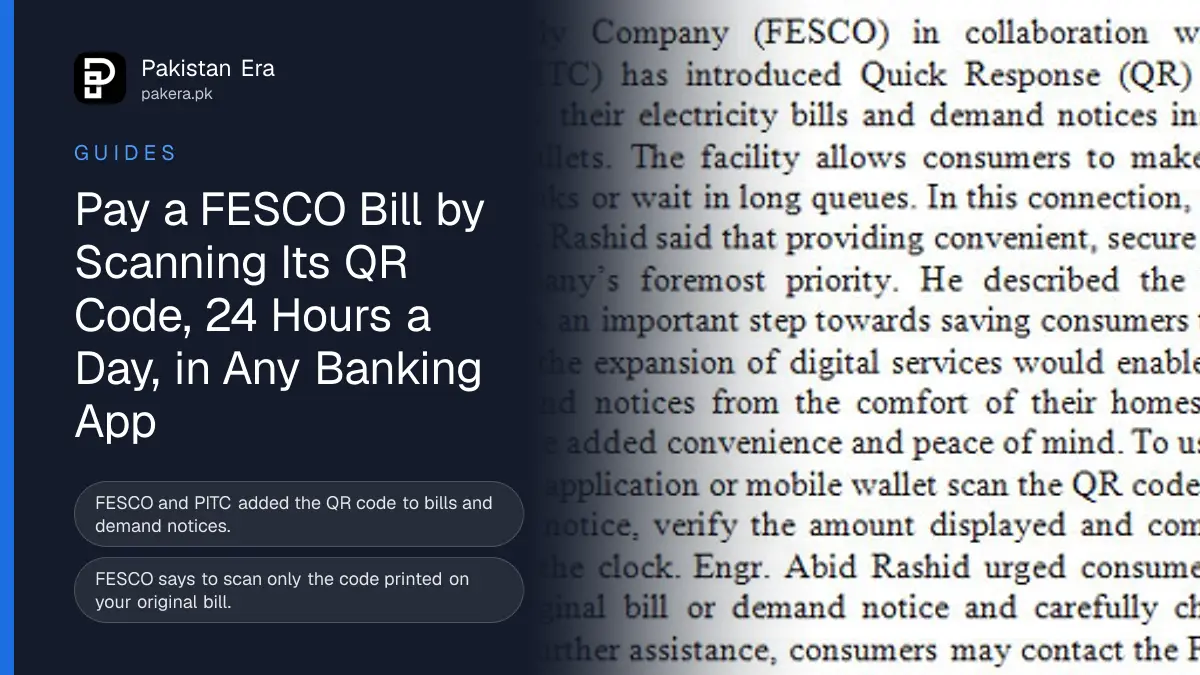
FESCO customers can now pay an electricity bill or a new connection demand notice by scanning the QR code printed on it with any banking app or mobile wallet. FESCO says the service works round the clock and the payment is confirmed at once. Scan only the QR code on your original FESCO bill or demand notice, and check the amount before you press pay.
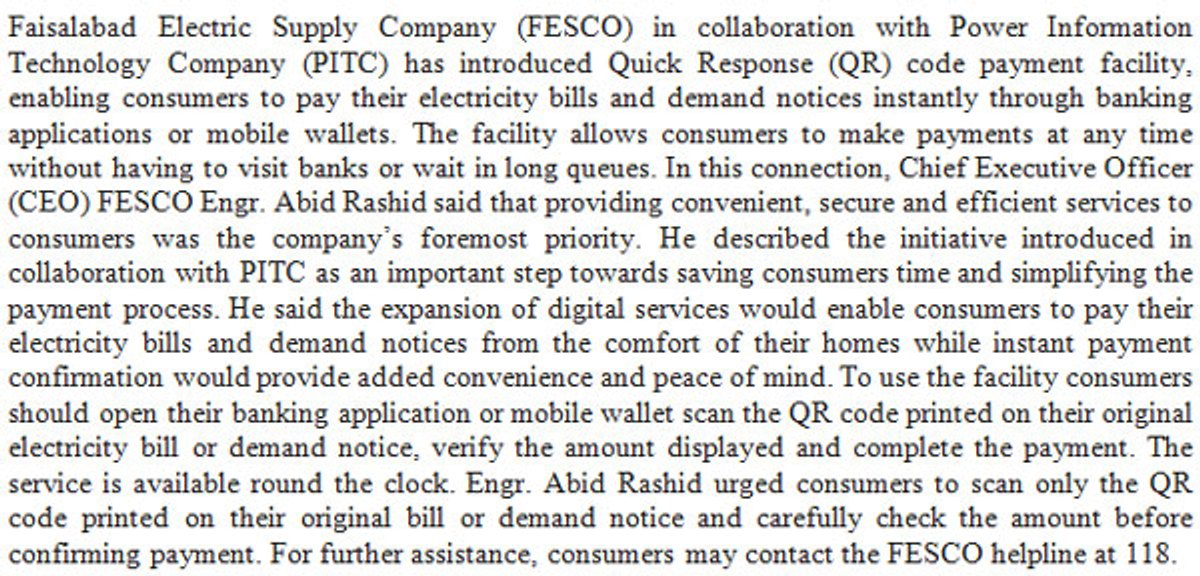
The Faisalabad Electric Supply Company (FESCO) announced the QR payment with the Power Information Technology Company (PITC), which prints the bills, in an English press release dated 11 November 2026. We read it on fesco.com.pk on 12 November. Below is how to use it, what to check on the screen, and the mistakes that send money to the wrong place.
FESCO bills now carry a QR code you can scan to pay
FESCO and PITC have added a Quick Response (QR) code payment option to electricity bills and demand notices. You open your bank's app or a mobile wallet, scan the code on the paper bill, check the amount and confirm. No bank queue and no typing of the reference number.
A demand notice is the bill FESCO sends when you apply for a new connection or a higher load. It carries the connection charges and the security deposit. FESCO says demand notices can be paid the same way, which saves a trip to the designated bank branch.
How to pay a FESCO bill with the QR code
FESCO's release gives four steps: open the app, scan the code, verify the amount, complete the payment. We have added what to check at each step, based on how QR bill payment works in Pakistani banking apps.
- Take your original FESCO bill or demand notice, the paper one delivered to you or the copy you download from PITC.
- Open your bank's mobile app or your mobile wallet and choose its scan or QR option.
- Point the camera at the QR code printed on the bill.
- Check the screen: the company should show FESCO, the reference number should match the 14 digits on your bill, and the amount should match the bill for the current date.
- Confirm the payment and save the receipt or screenshot.
If the app shows a person's name, a shop or any company other than FESCO, stop. That is not your bill's code. If the amount is different from the bill, check whether the due date has passed, because a late payment surcharge is added after it.
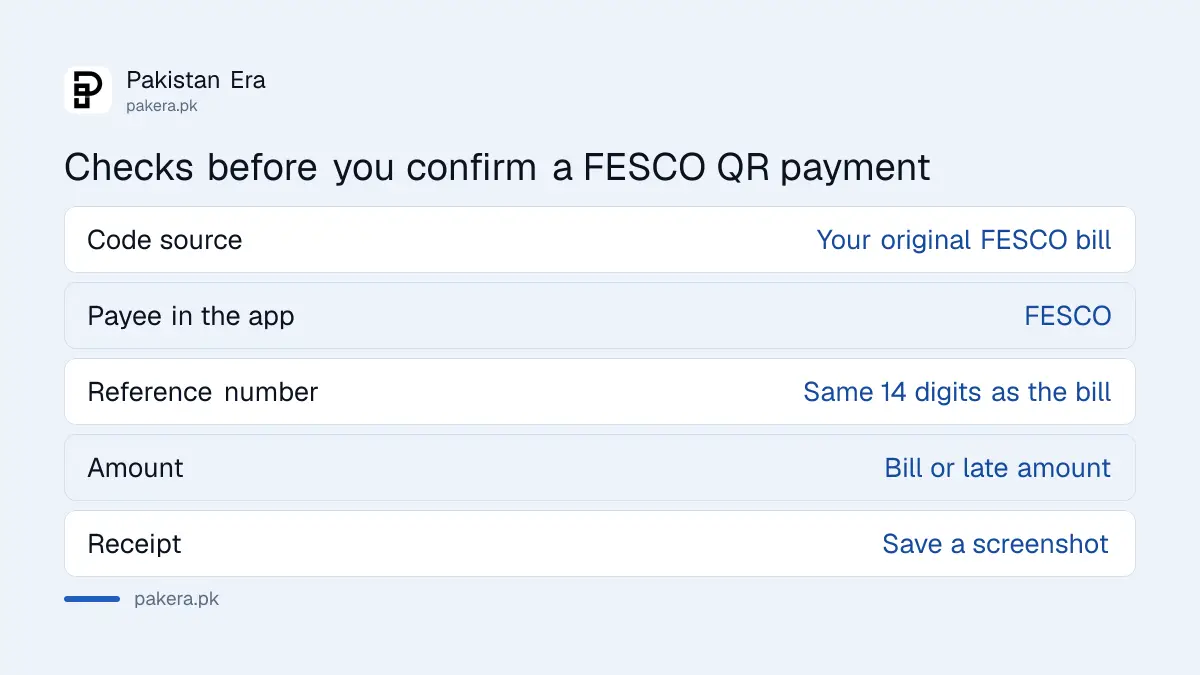
What to check before you confirm a FESCO QR payment
FESCO's chief executive, Engineer Abid Rashid, urged customers in the statement to scan only the QR code printed on their original bill or demand notice and to check the amount carefully. That warning matters, because a QR code can be swapped or sent to you by someone else.
| Check | What it should show |
|---|---|
| Where the code came from | Your own FESCO bill or demand notice, not a WhatsApp message or sticker |
| Payee name in the app | FESCO |
| Reference number | The same 14 digits printed on your bill |
| Amount | The bill amount, or the late amount after the due date |
| Receipt | Saved in the app or as a screenshot |
Never scan a code someone sends you to "clear a pending bill" or "stop disconnection". FESCO's release only covers the code on the bill itself. If you are unsure, pay by entering the reference number in your app's electricity bill section instead.
Where to get a FESCO bill with the QR code
If you lost the paper bill, download a duplicate. Our FESCO bill check guide shows how to get it by reference number. FESCO's release does not say whether the duplicate copy carries the same QR code, so check the copy before you rely on it.
Your bill date matters too. FESCO reads meters and issues bills in batches, and our FESCO billing schedule for November 2026 lists the due date for each batch, so you can pay before the surcharge starts.
Which apps accept the FESCO QR code
The steps above come from FESCO's own release and the usual QR flow in banking apps. FESCO has not published a list of which banks and wallets accept the code. In general, any app that supports QR bill payment should work, but check your app's scan feature first.
If the FESCO QR payment fails or is not posted
Keep the receipt. If money left your account but the bill still shows unpaid after a day or two, call FESCO's helpline 118 with the reference number and the transaction ID. Your bank's helpline can trace the payment from its side.
For a bill that shows unpaid near the due date, ask FESCO to note your payment so no surcharge or disconnection follows. Our FESCO complaint number guide lists the XEN offices if the helpline cannot fix it. Other bills, such as gas, have their own routes, covered in our SSGC bill payment guide.
Common questions
Can I pay my FESCO bill by QR code?
Yes. FESCO and PITC added a QR code to bills and demand notices. Scan it with a banking app or mobile wallet, check the amount and pay.
Can I pay a FESCO demand notice with the QR code?
Yes. FESCO's release of 11 November 2026 says the QR code on demand notices can be scanned and paid the same way.
Is FESCO QR payment available at night?
FESCO says the service is available round the clock, so you can pay at any time.
Which apps accept the FESCO QR code?
FESCO says banking apps and mobile wallets. It has not published a list of specific banks or wallets.
What is the FESCO helpline for payment problems?
118. Keep your reference number and the transaction ID ready when you call.
Sources
We read the English press release posted on the FESCO website (file FESCO_1794375623_EPR11-1126-1.jpg) on 12 November 2026. The safety checks are our own advice.
About the author

Tax, Bills and Technology Writer
Ali Akhtar is a young and curious voice here at Pakistan Era. He is currently pursuing his A-Levels and has a growing interest in Pakistan’s changing industrial landscape and educational trends. Ali likes to write in a way that helps him explain and explore the world around him. His writing reflects the perspective of the new generation navigating the evolving trends of Pakistan where technology, youth innovation, and shifting opportunities are reshaping the country’s future.