How to Find PDMA Punjab Weather Alerts, Rainfall and Earthquake Reports, and Register as a Volunteer
Find PDMA Punjab weather, flood, heatwave and snow advisories, plus rainfall and earthquake reports, on its website. See where to register as a volunteer today.
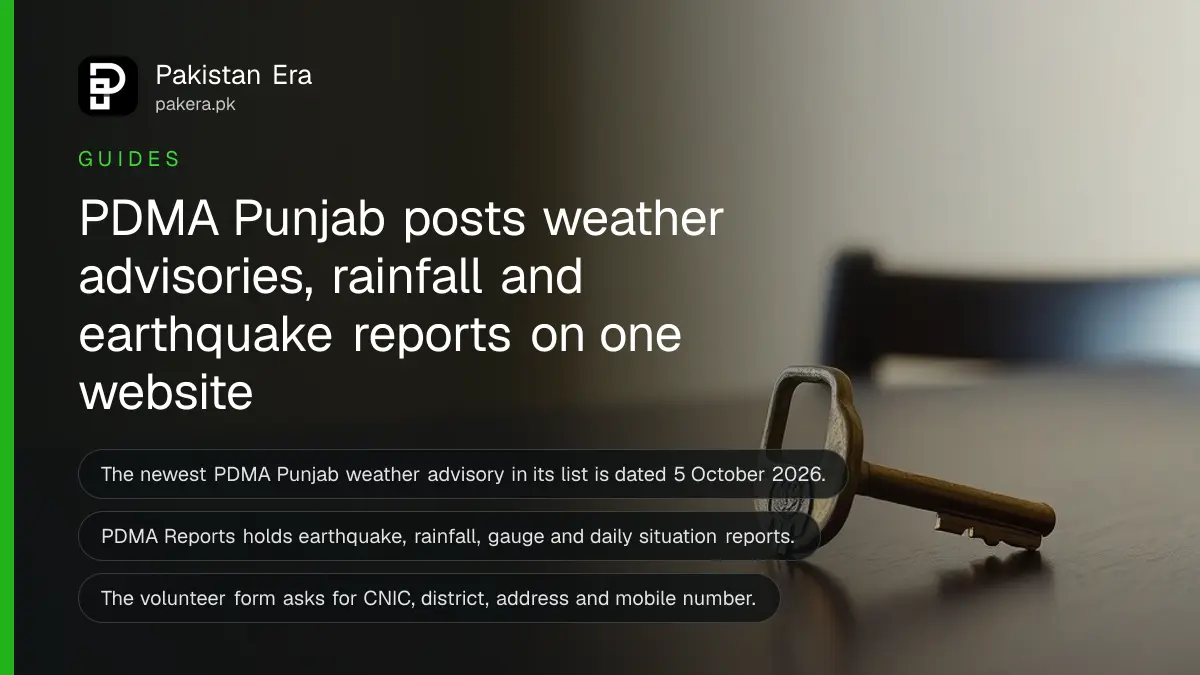
Short answer: Go to pdma.punjab.gov.pk and open the Advisories menu for weather, flood, heatwave and snow advisories. Open PDMA Reports for the daily situation, earthquake, gauge and rainfall reports. The latest weather advisory in the list is dated 5 October 2026. To volunteer, use Become a volunteer at the foot of the page.
Most people hear about a storm from a forwarded message. The Provincial Disaster Management Authority in Punjab posts its own advisories and reports on one website. Below is what each page of pdma.punjab.gov.pk holds.
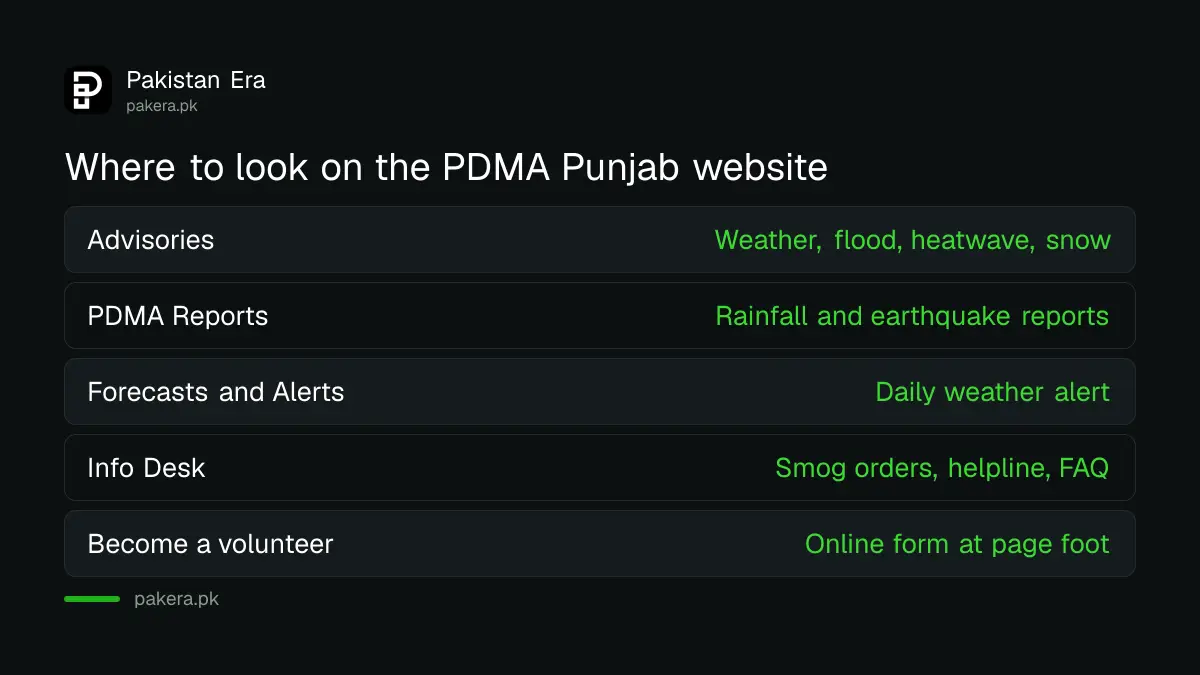
The Advisories menu holds the alerts
The Advisories menu has six pages: Weather Advisory, Heatwave Advisory, Flood Advisory, Snow Advisory, Monthly Weather Outlook and Seasonal Weather Outlook. Each page lists dated documents that you open as files. Start with Weather Advisory for rain, wind and storms.
On 14 October 2026 the Weather Advisory page listed advisories dated 5 October, 11 September, 28 August, 21 August, 16 August and 12 August 2026, and older ones back to late June. The Heatwave Advisory page showed three entries from May and June 2026. The Flood Advisory page showed entries from March to July 2026.
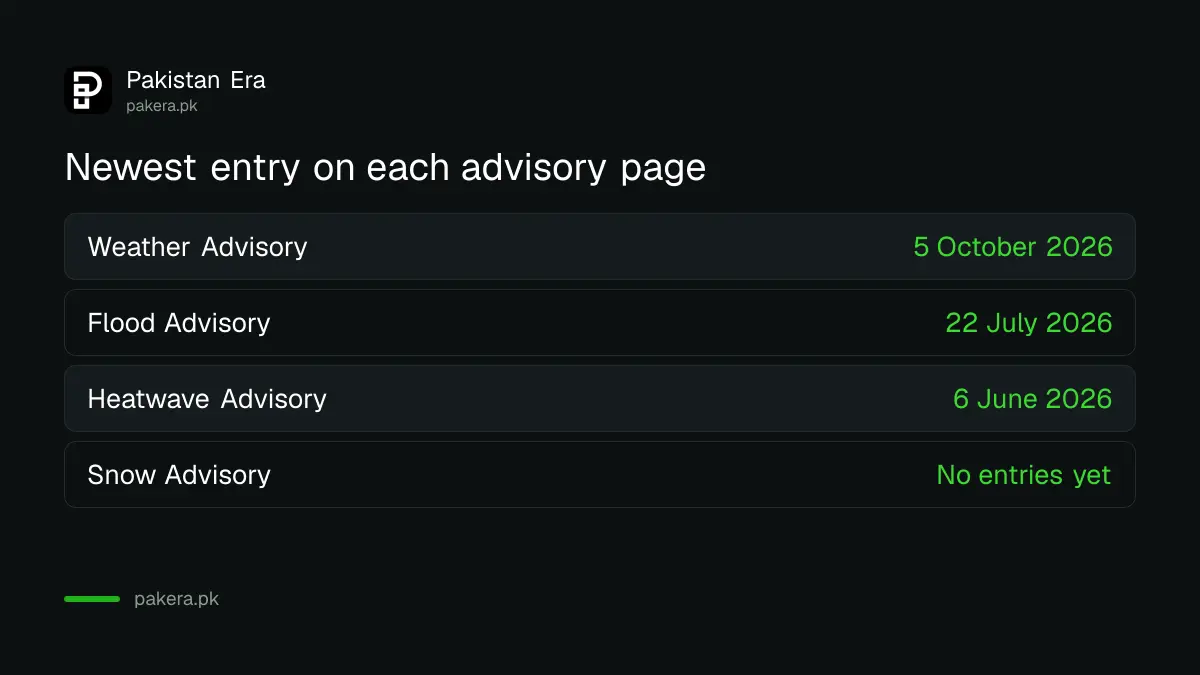
On 14 October 2026 the Snow Advisory page had no entries. Check it again as winter nears. Read the rules in protecting your home from snow and cold before then.
In short, use Weather Advisory for rain, wind and storms, the Daily Weather Alert under Forecasts and Alerts for the day's warning, and the Flood Advisory page for flood notices. Advisory files are dated, so check the date on the newest entry before you rely on one.
The Reports menu gives rainfall and earthquake records
Under PDMA Reports you find the Daily Situation Report, Earthquake Report, Gauge Report and Rainfall Report. The Earthquake and Rainfall pages are split into 2026 and 2025 folders. They are records of what has happened, not forecasts.
| Menu | Page | What it holds |
|---|---|---|
| Forecasts and Alerts | Weather Forecast, Weather Alert, Flood Warning | Daily weather alert and flood warnings |
| Advisories | Weather, Heatwave, Flood, Snow | Dated advisory documents |
| Advisories | Monthly and Seasonal Outlook | Longer range outlooks |
| PDMA Reports | Earthquake, Rainfall, Gauge, Daily Situation | Records by year |
| Info Desk | Smog, Helpline 1129, FAQ | Smog orders and advisories |
For a quick earthquake check right after a tremor, the national source is quicker. See how to check an earthquake from PMD and use PDMA's report for the record later.
Some files in these folders may be large and slow on a mobile connection, so open them on Wi-Fi if you can.
The rainfall report is useful after a storm. It lets you compare what fell in your district with the figures in the daily forecast. Keep the date of the report you used, because a later file may correct it.
Forecasts and Alerts shows the daily weather alert
The Forecasts and Alerts menu has three pages: Weather Forecast, Weather Alert and Flood Warning. The Weather Alert page is titled "Daily Weather Alert". Use the Advisories menu for longer documents on a spell of bad weather.
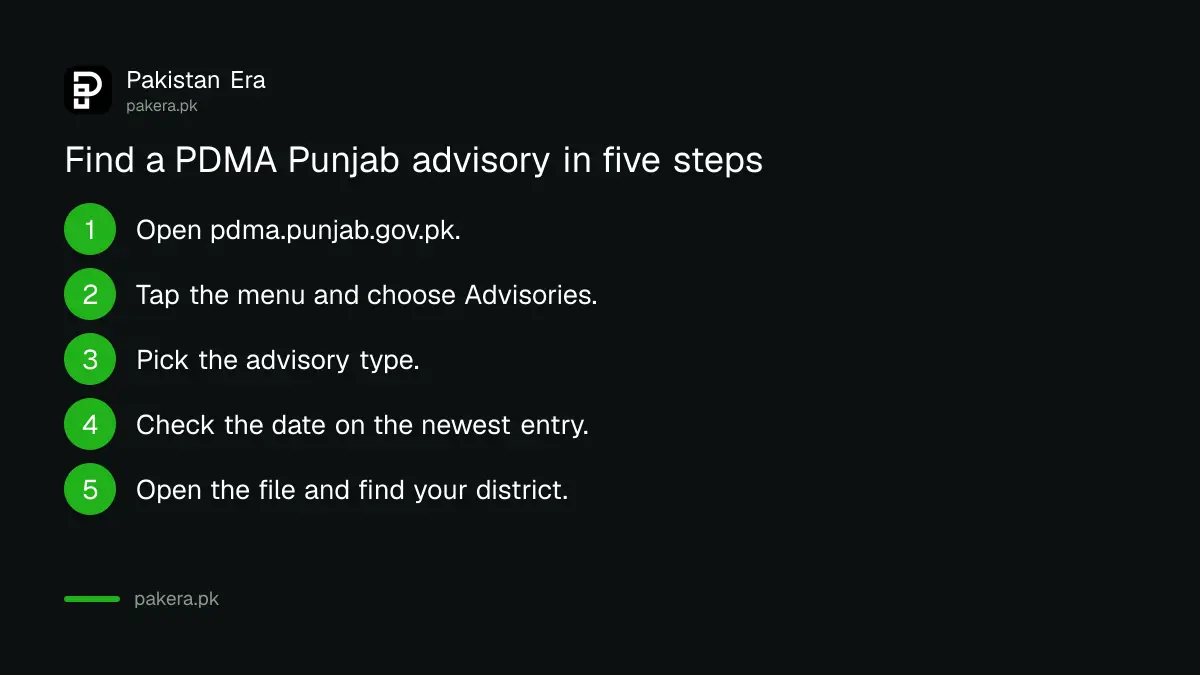
- Open pdma.punjab.gov.pk in your browser.
- Tap the menu and choose Advisories.
- Pick Weather Advisory, or Flood Advisory in monsoon months.
- Check the date on the newest entry.
- Open the file and look for your district by name.
Always read the date first. The site mixes old and new material: the home page still lists flood alerts from 2025 and one from 2024 beside newer items, which is why the date matters more than the title.
For the forecasts behind these advisories, read the official weather sources, and for the current spell see the NDMA rain and hail alert.
The smog page lists orders and advisories
The Info Desk menu has a Smog page with two sections: Smog Orders and Notifications, and Smog Advisories. Smog season is close in Punjab, so official orders may appear here. It is not the live air quality dashboard.
Use the live air quality dashboard for readings and this page for orders.
Volunteer registration is a short online form
The "Become a volunteer" link at the foot of the site opens a form. It asks for your name, father's name, CNIC number, district, home address and mobile number, plus a short maths question. Submit it online and keep a screenshot.
The page does not say who qualifies, what training follows or whether volunteers are paid. If you want a skill that helps in an emergency, learning CPR with Rescue 1122 is a separate course with its own sign up.
Common questions
Where are PDMA Punjab weather advisories?
On pdma.punjab.gov.pk under the Advisories menu, in the Weather Advisory page. Each entry carries a date.
Does PDMA Punjab publish earthquake reports?
Yes. The PDMA Reports menu has an Earthquake Report page with 2026 and 2025 folders.
How do I become a PDMA Punjab volunteer?
Open "Become a volunteer" on the website and fill in the form with your CNIC, district, address and mobile number.
Is the snow advisory live?
The Snow Advisory page had no entries on 14 October 2026. Check again as winter nears.
What number do I call for a disaster?
The site lists Helpline 1129 for disaster complaints. Call 1122 first if someone is hurt.
How we verified this
What we checked and where we read it.
Last checked on 14 October 2026, Pakistan time. We read the PDMA Punjab website and its Advisories, Reports, Smog and volunteer pages. Advisory lists change, so look at the date on the newest entry.
Free on WhatsApp
Get last dates and rule changes on WhatsApp
We post new last dates, fee changes and fixes for common problems, a few short posts a day.
Follow Pakera on WhatsAppOther followers cannot see your number.
Pakera Solves It
Which online process wasted your time this week?
A portal that will not load, a form nobody explains, a complaint that went nowhere. Tell us. Every week we pick one, solve it step by step and publish the answer.
About the author

Tax, Bills and Technology Writer
Ali Akhtar is a young and curious voice here at Pakistan Era. He is currently pursuing his A-Levels and has a growing interest in Pakistan’s changing industrial landscape and educational trends. Ali likes to write in a way that helps him explain and explore the world around him. His writing reflects the perspective of the new generation navigating the evolving trends of Pakistan where technology, youth innovation, and shifting opportunities are reshaping the country’s future.