Fix GTA 6 Not Starting or Locked in Pakistan: PS5 and Xbox Licence Fixes
GTA 6 not starting or locked on PS5 or Xbox in Pakistan? Restore licences, enable Console Sharing, set your home Xbox and fix CE-109258-5 and 0x803F9006.
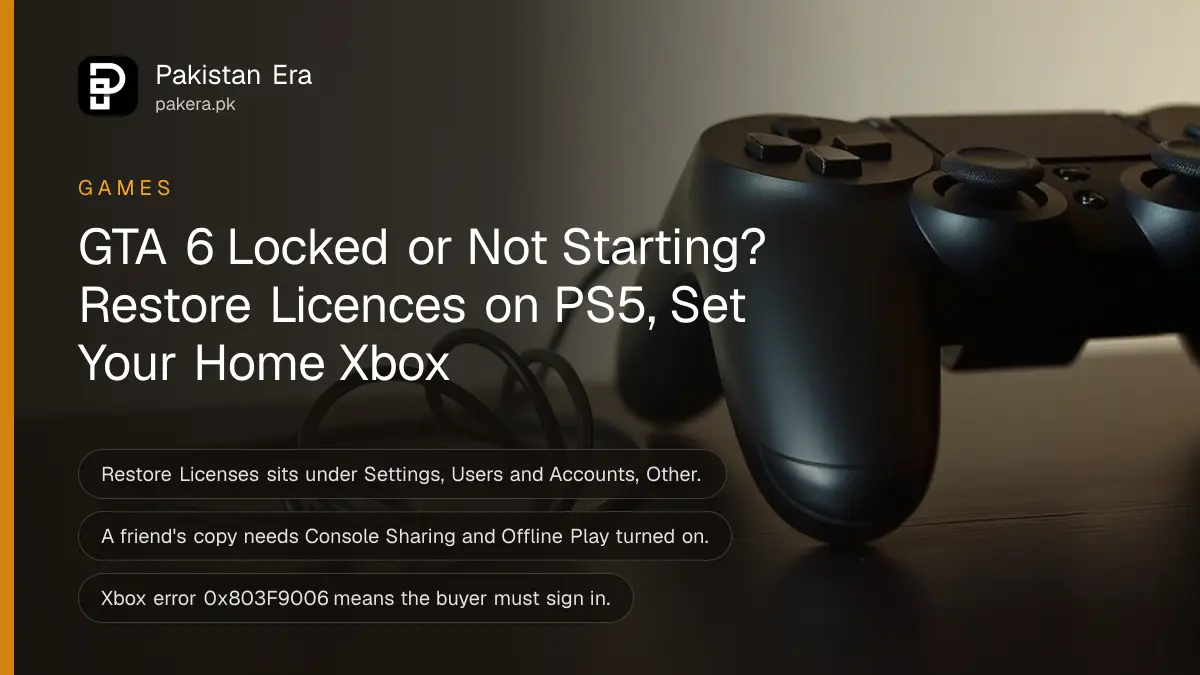
If GTA 6 will not start or shows a padlock, the fix is usually the licence. On PS5, go to Settings > Users and Accounts > Other > Restore Licenses. On Xbox, sign in with the account that bought the game, or make the console your home Xbox in Settings > General > Personalization > My home XBOX. GTA 6 unlocks on 19 November 2026, on PS5 and Xbox Series X|S only.
Most players in Pakistan buy through a UAE, US or other foreign store account, and many share one console between brothers or cousins. That setup is exactly where licence problems start. The steps below follow the order Sony and Microsoft give in their own help pages, quickest fix first.
First check that GTA 6 has actually unlocked
A pre-loaded game stays locked until launch. Rockstar and Sony date GTA 6 for 19 November 2026, and a pre-loaded copy cannot start before then. If you try a few minutes early, a lock or a "cannot start" message is normal, not a fault.
Three quick checks before you change any setting:
- The date and time. Wait until the 19 November unlock has passed in your store's time zone.
- The download is complete. A pre-load is not always the full game. Look at the download queue for any part still copying or a day-one update still waiting.
- The console. GTA 6 does not run on PS4 or Xbox One. Sony says plainly that the game is not playable on PlayStation 4.
If you are still unsure what you bought or how big it is, the 212 GB storage needs for PS5 and Xbox explain what has to be on the drive before it can start.
Restore licences on PS5 when GTA 6 shows a padlock
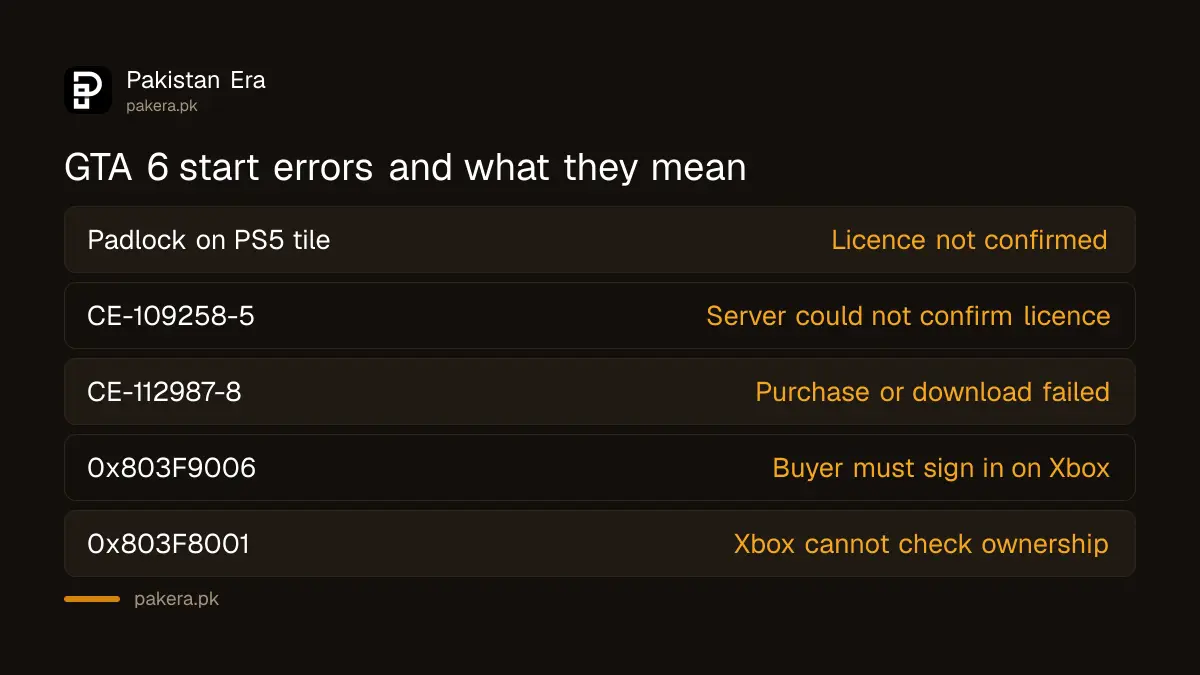
A padlock on the GTA 6 tile means the PS5 cannot confirm your licence. Sony's first fix is Restore Licenses, which does not delete any game data. It takes about a minute and solves most locked games after a big launch.
- Sign in to the PlayStation account that bought GTA 6. A second account on the same console cannot unlock it on its own.
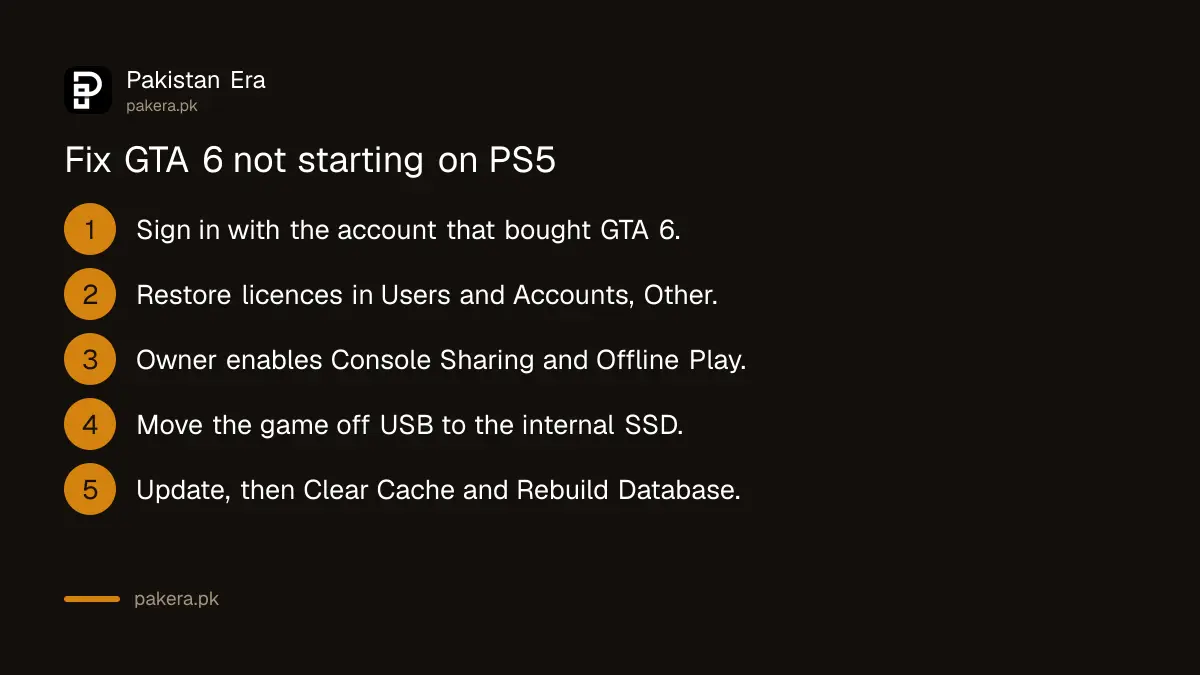
- Go to Settings > Users and Accounts > Other > Restore Licenses.
- Select the licences you want to restore and confirm.
- Or, from the home screen or Game Library, highlight GTA 6, press the options button and choose Restore License.
- Restart the PS5 with Power > Restart PS5 and try again.
If the padlock covers the whole game picture, the problem is not the licence. That is parental controls, and only the Family Manager can change it. GTA 6 carries a high age rating, so a child account will see it blocked. The GTA 6 age rating and parental controls show where that setting sits.
Turn on Console Sharing when another account bought the game
If your brother or a friend bought GTA 6 on their account, your account can only play it when their PS5 settings allow it. Sony calls this Console Sharing and Offline Play, and it has to be on for the owner's account on that console.
The owner signs in and goes to Settings > Users and Accounts > Other > Console Sharing and Offline Play, then selects Enable. Sony says this works on one PS5 at a time. It also lets the game run when the internet drops, which helps on a weak connection. The rules for sharing the game between family members are set out in our page on sharing GTA 6 with family on PS5 and Xbox.
Two more Sony checks belong here. Open your transaction history in Account Management and make sure the GTA 6 payment went through. And if the game sits on a USB drive, move it to the internal SSD: Sony says a PS5 game will not start from USB extended storage.
Use the last PS5 fixes in this order
When Restore Licenses and Console Sharing do not work, Sony lists a fixed order: update the system software, use a wired connection, rebuild the database in Safe Mode, and finally delete and download the game again. Do the slow steps last.
- Check PlayStation status. At a big launch the servers can struggle. If Sony's status page shows an alert, wait and try again.
- Update the PS5. Go to Settings > System > System Software > System Software Update and Settings.
- Use a cable. Sony suggests a wired connection where possible.
- Rebuild the database. Start the PS5 in Safe Mode and choose Clear Cache and Rebuild Database.
- Delete and download again. With 212 GB to fetch, keep this for last.
For error CE-109258-5, Sony says the licence could not be confirmed with its server. Restart the PS5, switch off your router and modem for at least 5 minutes, then restore licences again. For CE-112987-8, the purchase, download or install failed: delete the download from the control centre, sign out and back in, then check your payment method under Settings > Users and Accounts > Account > Payment and Subscriptions > Payment Methods.
Fix GTA 6 on Xbox with the buying account or home Xbox
On Xbox Series X|S, a locked game almost always means the console cannot check who owns it. Sign in with the Microsoft account that bought GTA 6. If someone else in the house plays, make the console the owner's home Xbox so it works without them signed in.
Error 0x803F9006 reads "The person who bought this needs to sign in". Microsoft's fix is to sign in to the buying profile, or set Settings > General > Personalization > My home XBOX > Make this my home XBOX on the owner's profile. Microsoft allows up to five home Xbox switches in any one year, so do not switch it back and forth for fun.
Error 0x803F8001 asks "Do you own this game or app?" and means usage rights could not be checked. Make sure you are signed in to the Xbox network with the right account. Error 87DE2714 has the same three fixes on Microsoft's page: check Xbox status, sign in with the buying account, and set the home Xbox.
On Series X|S, GTA 6 has to sit on the internal SSD or an Xbox Storage Expansion Card. A standard USB hard drive can hold it but cannot run it.
| What you see | Console | What to do |
|---|---|---|
| Padlock on the GTA 6 tile | PS5 | Restore licences, then enable Console Sharing |
| Padlock over the whole picture | PS5 | Family Manager changes parental controls |
| CE-109258-5 | PS5 | Check status, restart router, restore licences |
| CE-112987-8 | PS5 | Delete download, sign in again, check payment |
| 0x803F9006 | Xbox | Owner signs in or sets home Xbox |
| 0x803F8001 or 87DE2714 | Xbox | Sign in with the buying account, check status |
Check the pre-order was charged
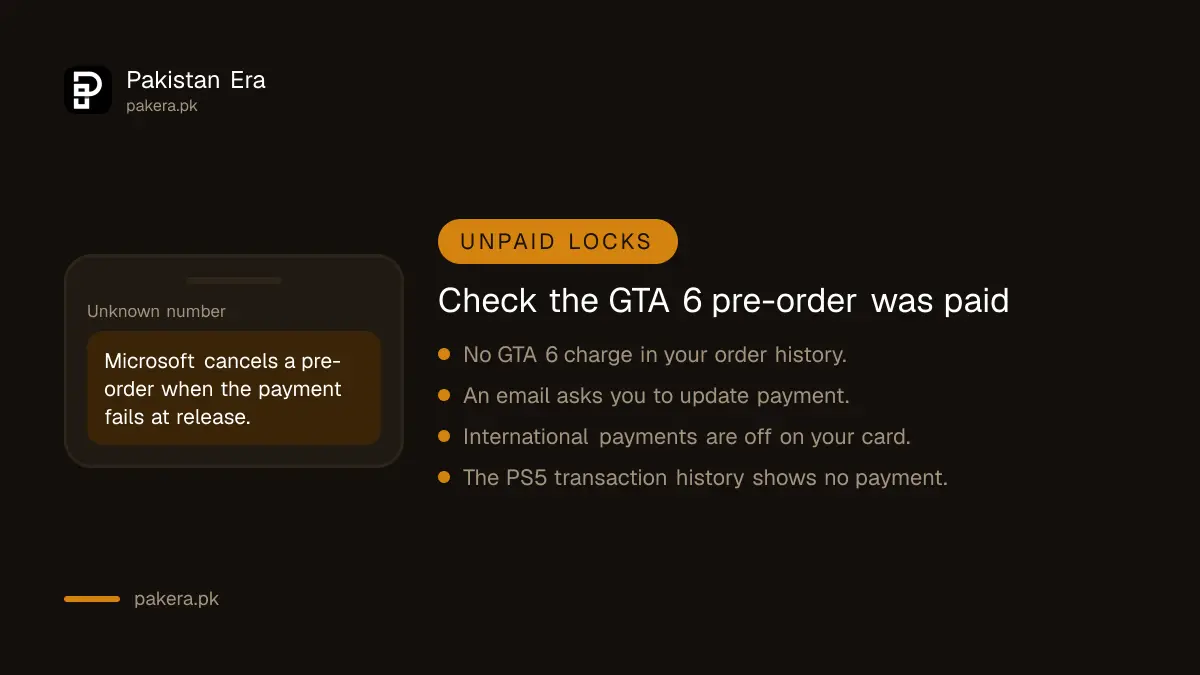
A pre-order that was never paid will not unlock. Microsoft says it cancels a pre-order if the payment cannot be authorised at release, and sends an email asking you to update the payment method. Pakistani cards with international payments switched off often fail at this step.
On Xbox, open your order history on your Microsoft account and look for a GTA 6 charge, then check your email, including spam. On PS5, the transaction history shows whether the payment is complete. If your bank blocked it, turn on online and international card payments and buy again. The full buying route for Pakistani players is in how to buy GTA 6 in Pakistan.
When to contact Sony, Microsoft or Rockstar
If every step fails, contact support with the error code, what happens on screen and the time you tried. Sony asks for exactly those details. Microsoft's Xbox help pages now point GTA VI questions to Rockstar Games support, so game crashes go there and licence or payment problems go to the store.
Never give your account password to a "fixer" on Facebook or WhatsApp who offers to unlock the game. That is the same trick behind the fake downloads in our warning on GTA 6 free download scams.
Common questions
Why does GTA 6 show a padlock on my PS5?
The PS5 cannot confirm your licence. Sign in with the buying account, then go to Settings, Users and Accounts, Other, Restore Licenses. If a friend's account bought it, they must enable Console Sharing and Offline Play.
Does Restore Licenses delete my saves?
No. Sony says restoring licences does not affect your data. It only checks which games your account owns.
Can I play GTA 6 from a USB hard drive?
No. Sony says PS5 games cannot start from USB extended storage. On Xbox Series X|S it must be on the internal SSD or a Storage Expansion Card.
What does Xbox error 0x803F9006 mean for GTA 6?
The person who bought the game needs to sign in. Either sign in with that account, or make the console the owner's home Xbox so others can play.
Will GTA 6 run on PS4 or Xbox One?
No. GTA 6 is only for PS5 and Xbox Series X|S. Sony states the game is not playable on PlayStation 4.
My pre-order did not unlock on Xbox. What happened?
Check your Microsoft order history and email. Microsoft cancels a pre-order when the payment cannot be authorised at release, and asks you to update the payment method.
How we verified this
What we checked and where we read it.
We checked these official pages on 18 November 2026: Sony's troubleshooting for games that will not start, how to restore licences, the game downloads troubleshooting page, and the PS5 error code pages for CE-109258-5 and CE-112987-8. On Microsoft's side we read the Xbox support pages for errors 0x803F9006, 0x803F8001 and 87DE2714. Those Xbox pages carried a banner sending GTA VI questions to Rockstar Games. Sony's help pages still cover PS4 steps next to PS5; we used only the PS5 ones. The home Xbox switch limit, the Series X|S storage rule and Microsoft's pre-order payment rule are from the My home XBOX, storage expansion and "Cancel an order or pre-order" support pages we read for earlier GTA 6 guides in November.
About the author

Technology Journalist & Multimedia Producer
Ahmad Ali is a technology journalist and multimedia producer at Pakistan Era, joining the team in October 2026. He covers consumer technology and digital life for Pakistani readers, combining research with hands-on product testing.