GTA 6 Needs 212 GB in Pakistan: Free Up PS5 and Xbox Storage, and the Only Drives That Run It
GTA 6 needs up to 212 GB. How to free space on PS5 and Xbox Series X|S in Pakistan, why USB drives cannot run it, and which M.2 SSD or expansion card works.
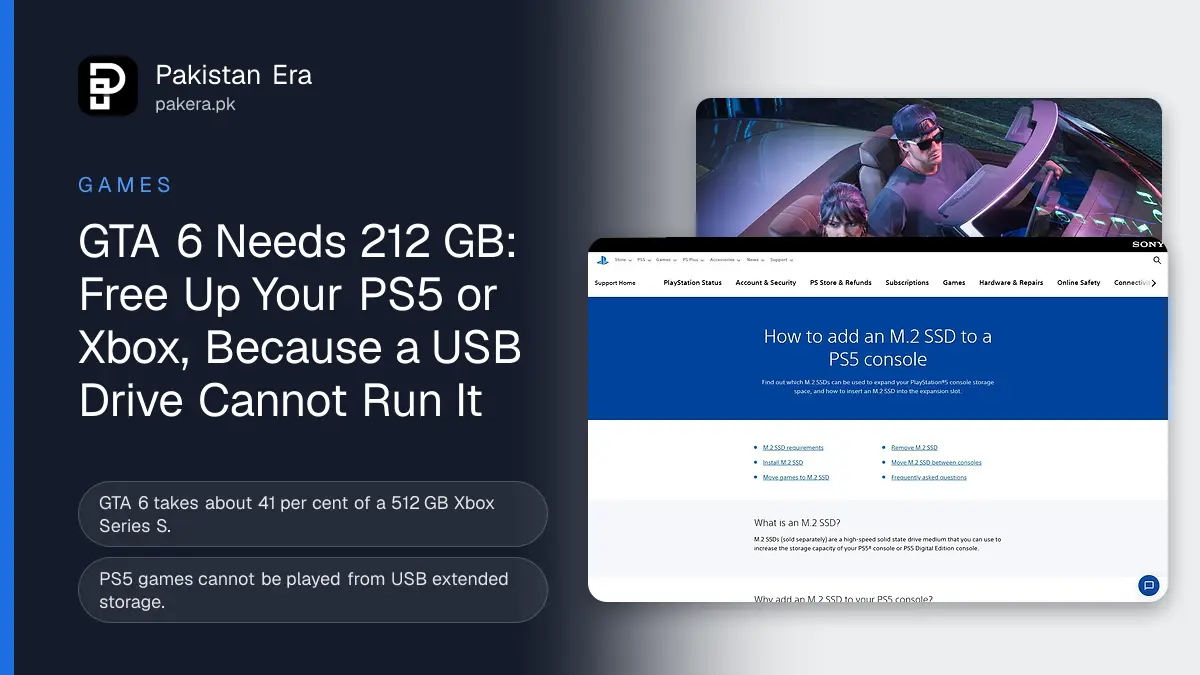
GTA 6 needs up to 212 GB of free space, according to Rockstar. On PS5 it must sit on the console's own storage or a supported M.2 SSD, and on Xbox Series X|S on the internal SSD or the official Storage Expansion Card. A normal USB hard drive can store the game but cannot run it.
That is a lot on a 512 GB Xbox Series S or an 825 GB PS5 Digital Edition. Pre-load opened on 10 November, and the game unlocks on 19 November, so now is the time to make room. We read Sony's and Microsoft's own storage help pages on 10 November 2026. This guide shows how much room each console has, how to free space, and the only add-on storage that can run GTA 6.
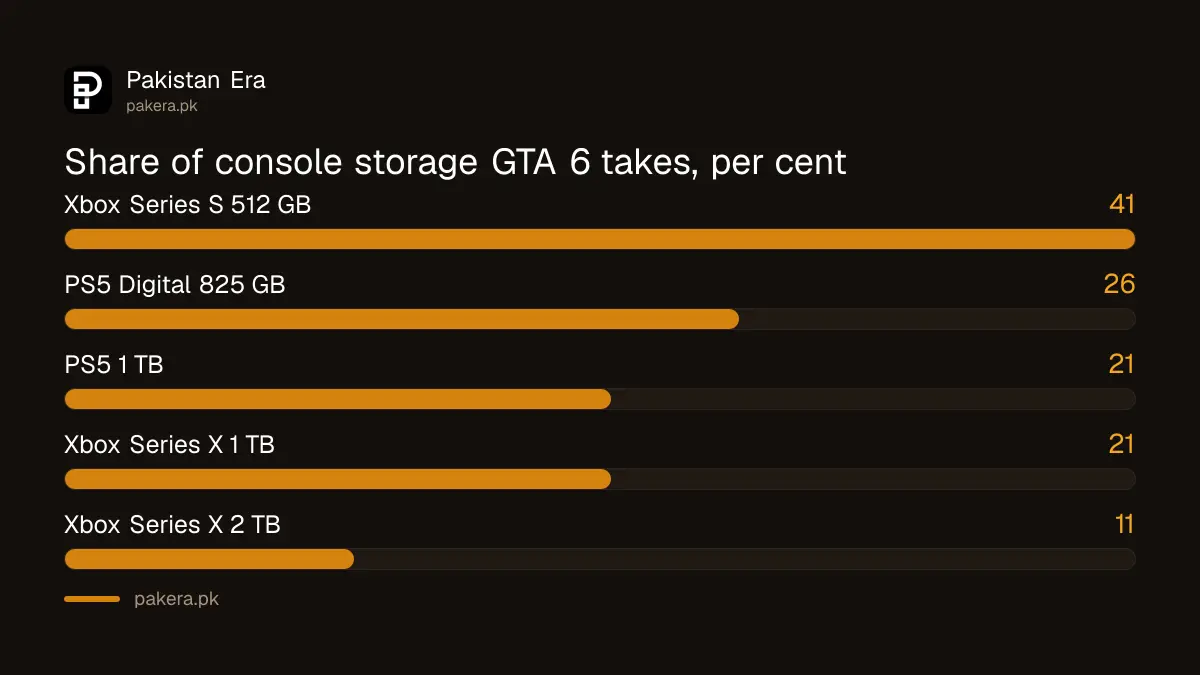
GTA 6 takes a big share of every console's storage
At 212 GB, GTA 6 fills more than a third of a 512 GB Xbox Series S and about a quarter of an 825 GB PS5 Digital Edition. Even a 1 TB console will need old games removed if it is already half full.
Storage sizes below are the ones Sony and Microsoft print on their own console pages. The real free space on a new console is lower, because the system software uses part of it. Check your own figure in Settings, then Storage.
| Console | Storage, per the maker | GTA 6 share (212 GB) |
|---|---|---|
| Xbox Series S | 512 GB (1 TB model also sold) | About 41 per cent |
| PS5 Digital Edition | 825 GB | About 26 per cent |
| PS5 (current model) | 1 TB | About 21 per cent |
| Xbox Series X | 1 TB (2 TB edition also sold) | About 21 per cent |
| Xbox Series X 2 TB edition | 2 TB | About 11 per cent |
The percentages are our sums from the advertised size, so the real share on your console will be a little higher. GTA 6 does not run on PS4 or Xbox One at all. See our GTA 6 buying guide for the full platform list.
How to free up 212 GB on a PS5
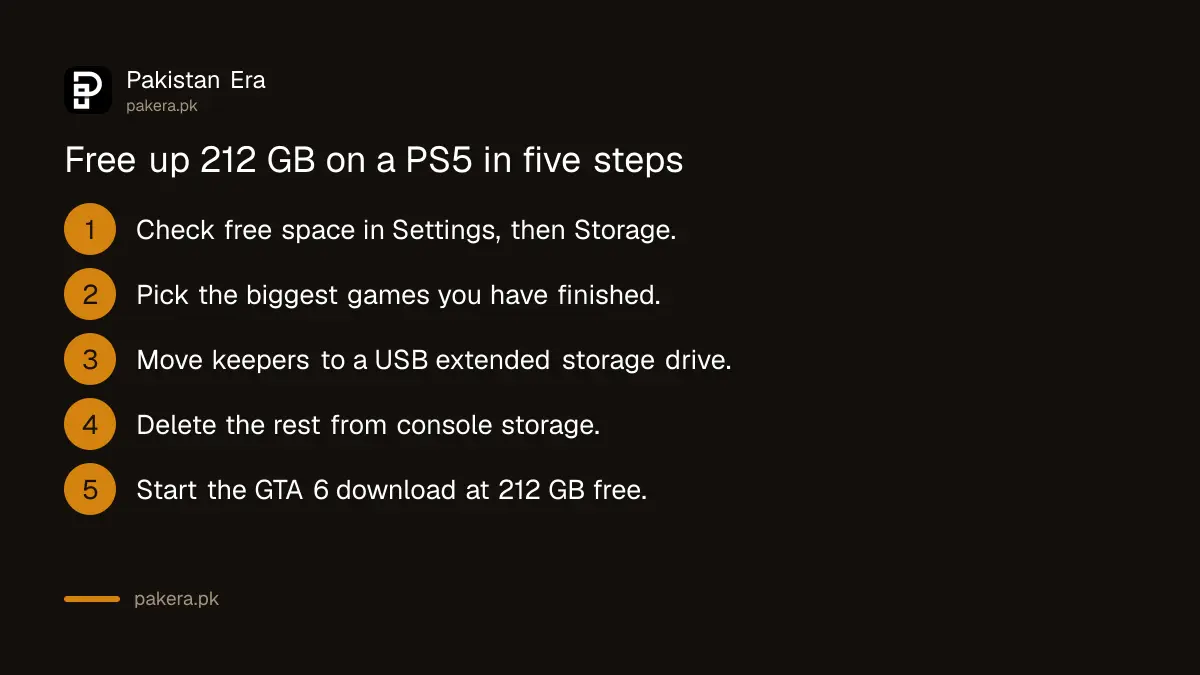
On PS5, go to Settings, then Storage, and delete games you no longer play. Or move finished PS5 games to a USB drive to keep them without downloading again. Back up your saves before you delete anything.
- Open Settings, then Storage, and check how much free space your console storage shows.
- Sort your games by size and pick the biggest ones you have finished.
- To keep a game, plug in a USB drive formatted as extended storage, go to the Game Library, press the options button and select Move Games and Apps.
- To remove a game, delete it from storage. You can download it again later from your library.
- When free space shows at least 212 GB, start the GTA 6 download from your library.
Sony's own rule is clear about USB drives: "PlayStation 5 games can't be played directly from USB extended storage". Sony says the drive must be SuperSpeed USB 5 Gbps or faster, between 250 GB and 8 TB, and cannot go through a USB hub. So a USB drive is a parking space for older games, not a place to play GTA 6.
Adding an M.2 SSD to a PS5
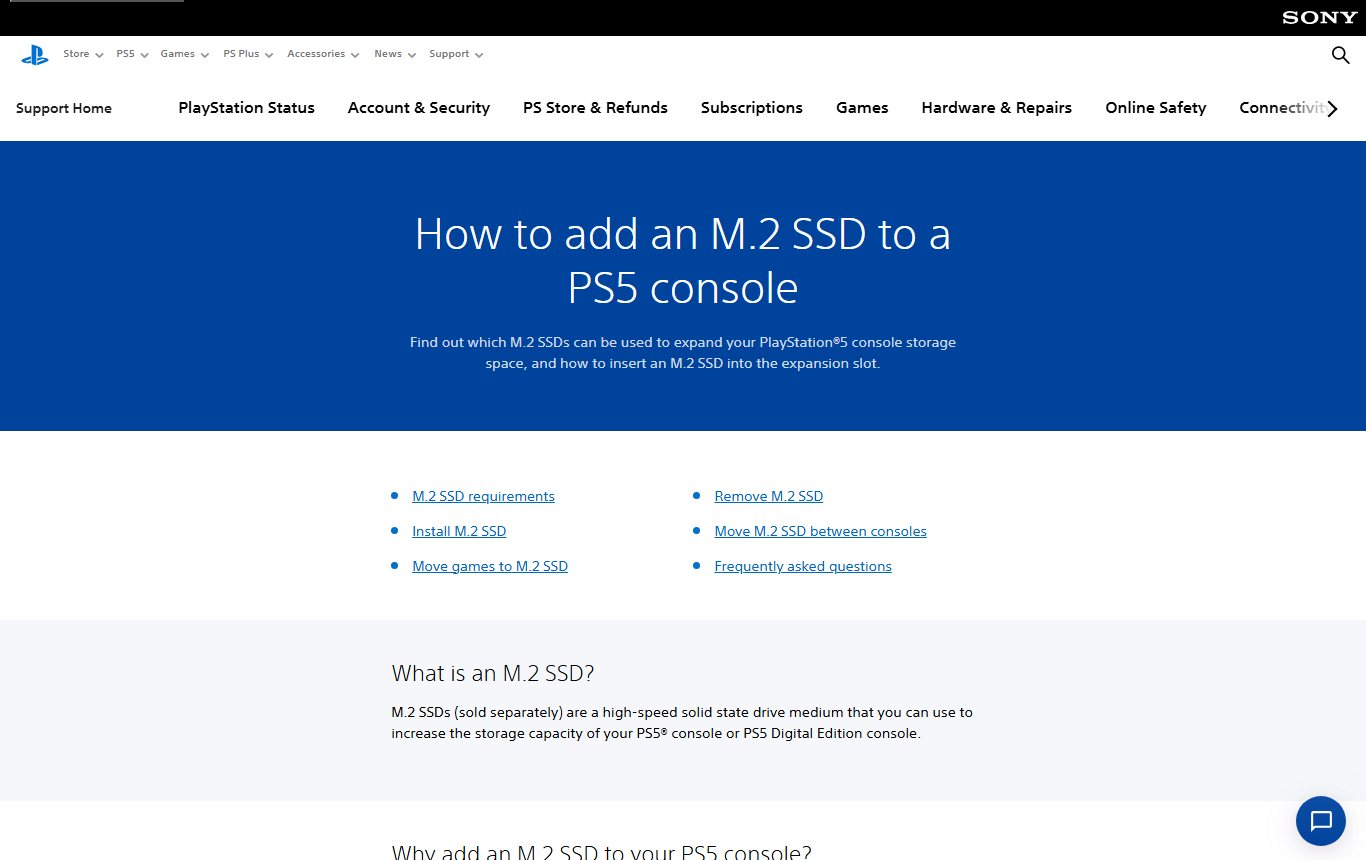
An M.2 SSD added inside the PS5 can run PS5 games, including GTA 6. Sony says it must be a PCIe Gen4 x4 M.2 NVMe drive between 250 GB and 8 TB, with a heatsink or heat transfer sheet. It is a small job with a screwdriver.
Sony's requirements, as printed on its support page, are these:
- Interface: PCI-Express Gen4x4 M.2 NVMe SSD (Key M). M.2 SATA SSDs are not supported.
- Size: 250 GB to 8 TB, in the 2230, 2242, 2260, 2280 or 22110 form factor.
- Speed: a sequential read speed of 5,500 MB/s or faster is recommended.
- Cooling: a heatsink or heat transfer sheet is required, up to 11.25 mm thick in total.
- Tools: a #1 Phillips screwdriver, a table and good light.
Update the PS5's system software first, and touch a grounded metal object before opening the cover. A new M.2 drive must be formatted on first use, which erases it. Sony also says it "cannot guarantee" every drive that meets the specification will work. Buy from a seller who accepts returns, and check that the warranty is valid in Pakistan.
How to make room on Xbox Series X|S
On Xbox, uninstall games you are not playing, or move them to an external drive. GTA 6 is a Series X|S game, so it must run from the internal SSD or the official Storage Expansion Card. Your saves sync online when you sign in.
Microsoft's storage page says games "Optimized for XBOX Series X|S" must be installed on "the console's internal SSD (the default install location) or the Storage Expansion Card". It also says your saved games and preferences sync online, so when you reinstall a deleted game, "your saved data comes right back with it".
The Storage Expansion Card comes in 512 GB, 1 TB and 2 TB sizes. Microsoft says it "performs identically to the console's internal SSD". A normal USB drive can hold older Xbox One games and backups, but cannot run GTA 6.
What 212 GB means for a Pakistani internet package
A 212 GB download can take a day or more on a slow line, and it can use up a small monthly data package on its own. Download overnight, keep the console on a cable if you can, and check your package limit first.
At a steady 20 Mbps, 212 GB takes roughly 24 hours. At 50 Mbps it is closer to 10 hours. These are our rough sums, and real speeds drop at busy hours. Future patches will add to the total, so leave a little extra space beyond 212 GB.
Our GTA 6 pre-load guide has the exact pre-load times in Pakistan. If you share the console with family, read how to share GTA 6 on one console, so one download serves everyone.
Common questions about GTA 6 storage
How many GB is GTA 6?
Up to 212 GB, depending on your console, according to Rockstar. Sony asks PS5 owners to clear at least 212 GB.
Can I play GTA 6 from an external hard drive?
No. Sony says PS5 games cannot be played from USB extended storage. Microsoft says Series X|S optimised games must be on the internal SSD or the Storage Expansion Card.
Will GTA 6 fit on an Xbox Series S?
Yes, but it takes about 41 per cent of the 512 GB model's advertised storage. You will likely need to remove other games.
Which SSD works with PS5 for GTA 6?
A PCIe Gen4 x4 M.2 NVMe SSD of 250 GB to 8 TB with a heatsink, per Sony. A read speed of 5,500 MB/s or more is recommended.
Do I lose my saves if I delete a game?
On Xbox, saves sync online and come back when you reinstall. On PS5, back up your saves before deleting a game, because Sony's storage pages do not cover saves.
Sources and last checked
Last checked 10 November 2026. The 212 GB size comes from Rockstar's Newswire. PS5 rules come from Sony's M.2 SSD page and USB extended storage page. Xbox rules come from Microsoft's storage page and Storage Expansion Card page. Console sizes come from Sony's PS5 page and Microsoft's Series S and Series X pages.
About the author

Technology Journalist & Multimedia Producer
Ahmad Ali is a technology journalist and multimedia producer at Pakistan Era, joining the team in October 2026. He covers consumer technology and digital life for Pakistani readers, combining research with hands-on product testing.