Roblox Age Check in Pakistan: Unlock Chat With a Selfie or ID, and Fix a Wrong Age
Do the Roblox age check in Pakistan to unlock chat: selfie or ID steps, the six chat age groups, fixing a wrong age, and how parents help a child do it.
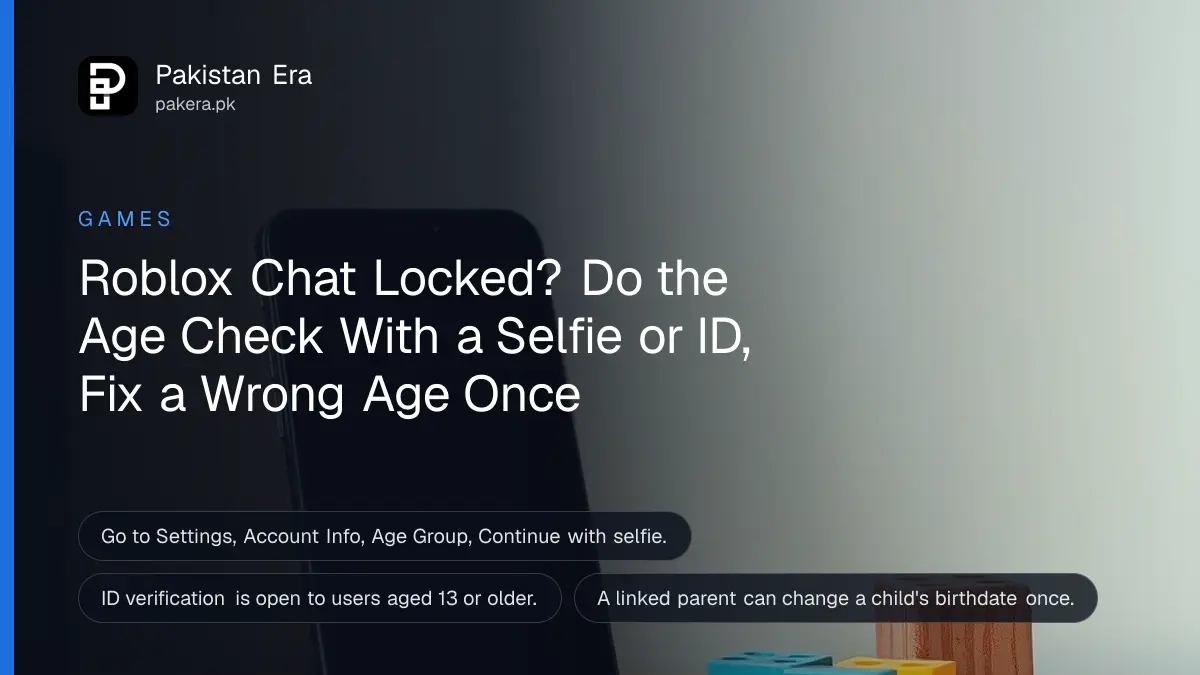
To unlock chat on Roblox in Pakistan, complete an age check: open Settings, tap Account Info, tap Age Group, then Continue with selfie. It takes a few minutes with the phone's front camera. Users 13 or older can use a government photo ID instead, and a wrong age can be fixed by ID or by a linked parent account. The check is free and optional, but chat stays locked without it.
Roblox made the age check compulsory for chat worldwide in January 2026. After the check, each player is put in an age group and can chat only with similar ages, unless they add someone as a Trusted Connection.
| What you want | Where to tap |
|---|---|
| Unlock chat with a selfie | Settings, Account Info, Age Group, Continue with selfie |
| Age check with an ID (13 or older) | Settings, Account Info, Use an ID to verify your birthday, Continue |
| Selfie gave the wrong age | Settings, Account Info, Verify My Age |
| Child's age wrongly set under 13 | Parent account, Settings, Parental Controls, pencil next to birthdate |
| Child under 9 wants chat | Parent consent after the child's age check |
Do the Roblox age check with a selfie in five steps
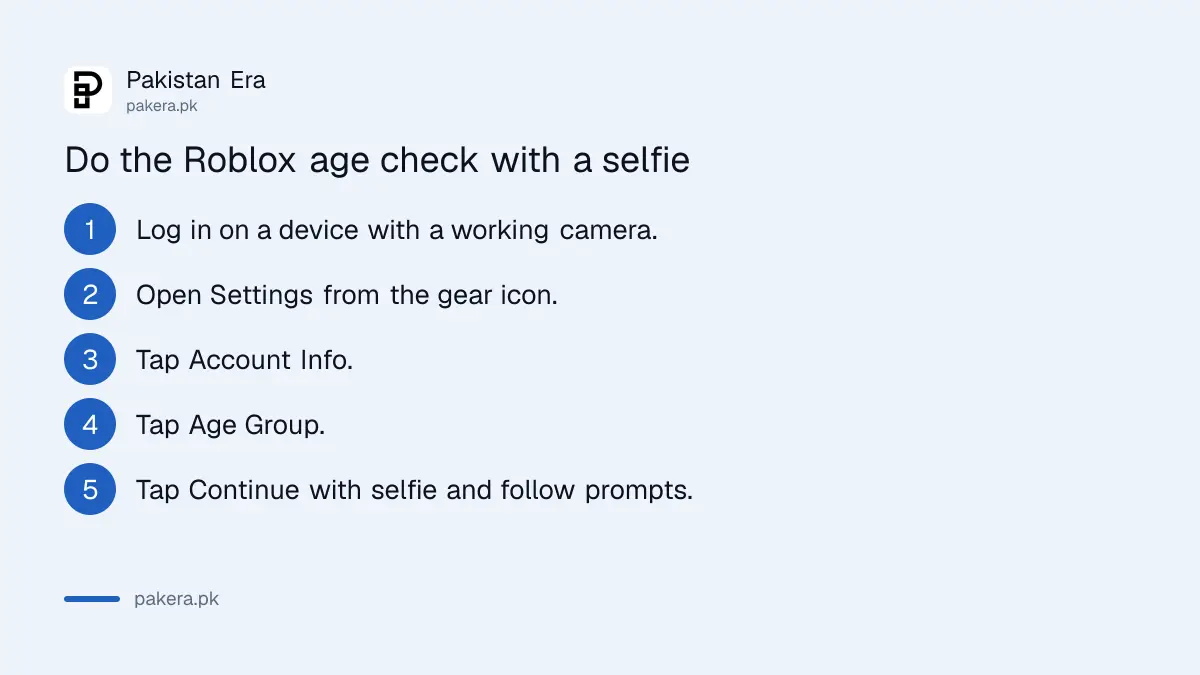
Facial Age Estimation is the fastest route. You log in on a phone or PC with a working camera, go to Settings, Account Info, Age Group, and tap Continue with selfie. The app asks you to move your face in front of the camera and gives a result in minutes.
- Log in to Roblox on a device with a working camera.
- Open Settings. On a phone, tap More (...) at the bottom right, then the gear icon. On a PC, click the gear at the top right.
- Tap Account Info.
- Tap Age Group.
- Tap Continue with selfie and follow the prompts on screen.
Sit in good light, facing a window or a lamp. Take off sunglasses and caps. In many Pakistani homes the evening light is dim during load shedding, so do it in daylight or with a charged phone near a bright window.
Roblox says the selfie images and video are handled by its age check partner, Persona, and deleted straight after processing. Roblox says it does not sell users' image data.
Who you can chat with after the check
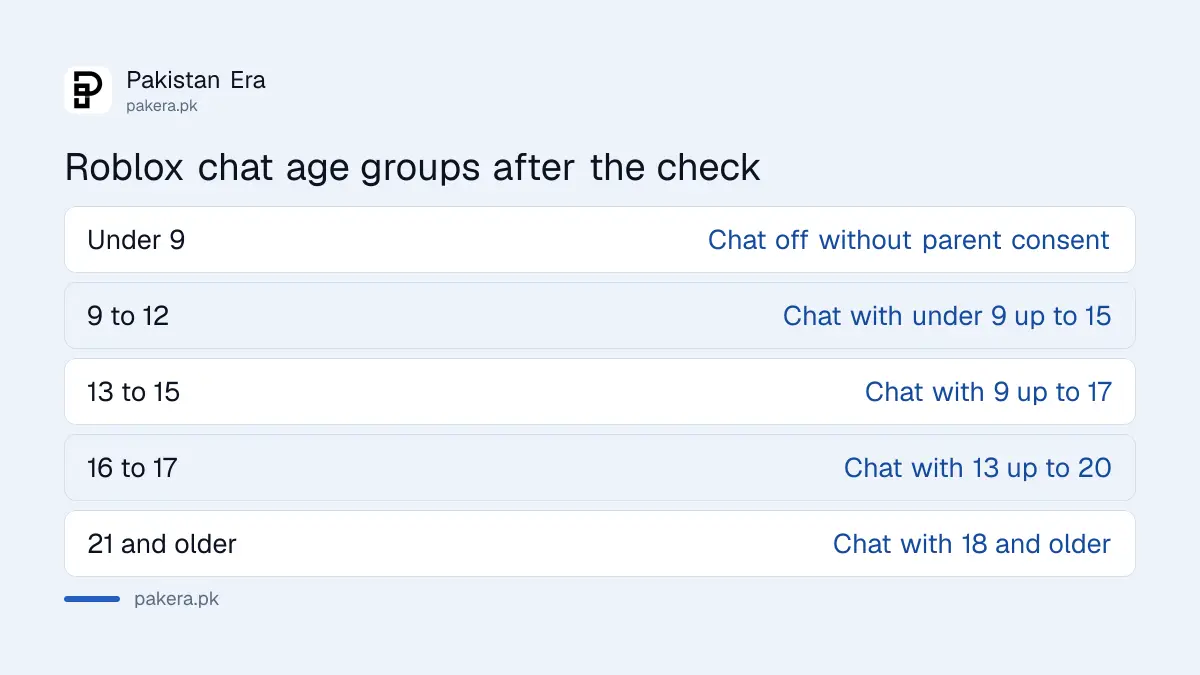
Roblox puts every checked player in one of six age groups: under 9, 9 to 12, 13 to 15, 16 to 17, 18 to 20, and 21 or older. By default you can chat with your own group and the groups just above and below it.
| Your age group | Can chat with by default |
|---|---|
| Under 9 | Chat off unless a parent consents |
| 9 to 12 | Under 9, 9 to 12, 13 to 15 |
| 13 to 15 | 9 to 12, 13 to 15, 16 to 17 |
| 16 to 17 | 13 to 15, 16 to 17, 18 to 20 |
| 18 to 20 | 16 to 17, 18 to 20, 21 or older |
| 21 or older | 18 to 20, 21 or older |
Roblox says age-based chat is designed to stop children under 16 talking to adults. Players 13 or older can chat more freely with people they know by adding them as Trusted Connections. Chat outside games stays restricted for users under 13.
The table follows Roblox's rule of "your group plus the ones directly above and below". Roblox notes that age groups can vary by region and product, so the app's own screen is the final word.
Use an ID instead of a selfie
Players aged 13 or older can verify with a government photo ID instead. Roblox lists a driving licence, passport, residency card or any government ID with your photo. You scan the ID, then take a short camera check to show you are the person on it.
- Log in and open Settings, then the Account Info tab.
- Under your birthday, find Use an ID to verify your birthday and tap Continue.
- Allow the camera and scan your ID document.
- Look into the camera when asked, so it can match your face to the ID photo.
- Go back to Roblox. A pass or fail result appears, usually within a few minutes.
A passport is the safest pick for a Pakistani player, because it is a standard international photo ID. Never use a parent's or sibling's ID for your own account. The face check compares you with the photo.
Fix a wrong age after the check
If the selfie put you in the wrong group, go to Settings, Account Info and tap Verify My Age, then use an ID. If a child was wrongly placed under 13, the linked parent can change the birthdate once from Parental Controls.
- Your own account: Settings, Account Info, Verify My Age. Keep a government photo ID ready.
- A child set under 13 by mistake: log in to the linked parent account, go to Settings, Parental Controls, and tap the pencil next to the child's birthdate. Roblox allows this change only once.
- A child who is 13 or older: they can also correct it themselves with ID verification.
Roblox also says it may ask some users to repeat the age check later, if their behaviour suggests they are much older or younger than their group.
Help your child do the age check
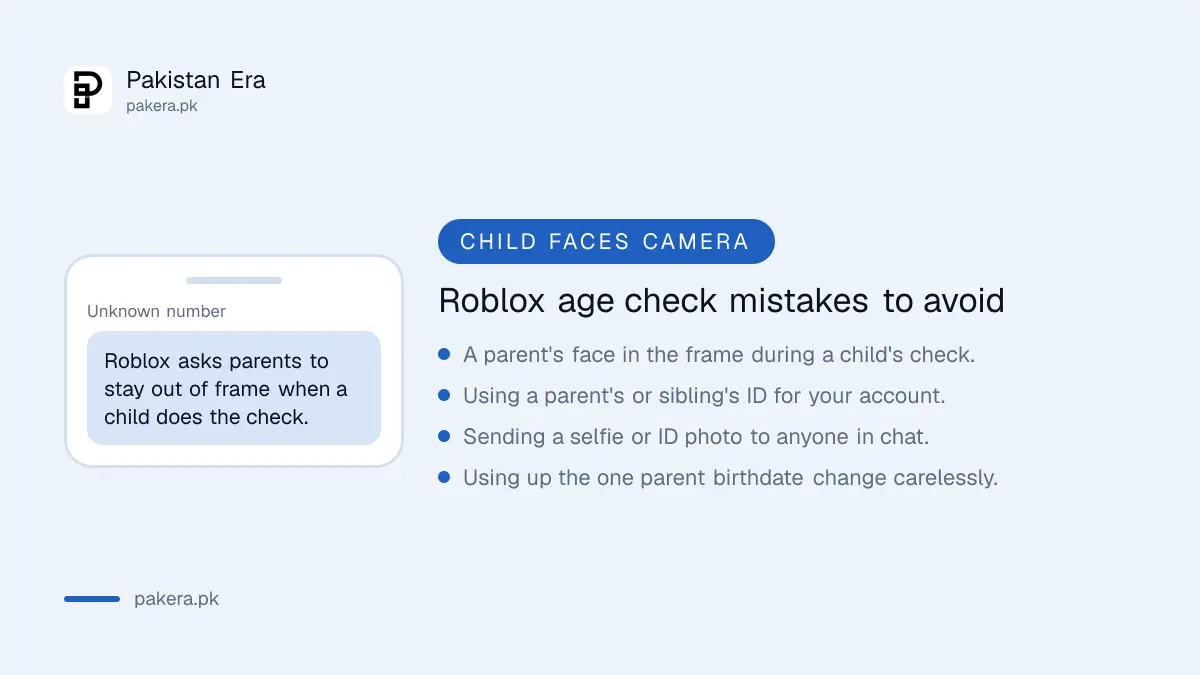
Roblox asks parents to create their own account, link it to the child's, and do their own selfie check first. When the child does theirs, the child must be in front of the camera. Stay out of frame, or the check may record the parent's age.
- Make your own Roblox account and link it to your child's through Parental Controls.
- Do the selfie check on your account first, so you know the screens.
- Log in to the child's account and go to Settings, Account Info, Age Group.
- Put the child in front of the camera, then tap Continue with selfie.
- Guide them by voice while you stay out of the camera's view.
For children under 9, chat in games stays off unless the parent gives consent after the check. Pair the age check with spending limits and screen time from Roblox's parental controls in Pakistan, and with parental controls on the child's phone.
Anyone who messages your child asking for a selfie, an ID photo or a login code "for the age check" is a scammer. The check happens only inside the Roblox app. If an account has already been taken, follow the steps to recover a hacked Roblox account.
Common questions
Is the Roblox age check compulsory in Pakistan?
It is optional, but chat does not work without it. Roblox made the check a requirement for chat worldwide, wherever chat is available, from January 2026.
Does Roblox keep my selfie?
Roblox says the images and video are processed by its partner Persona and deleted straight after processing. It says it does not sell image data.
Can a 12 year old use an ID for the age check?
No. ID verification is for users aged 13 or older. Younger children use the selfie check, and a linked parent can fix a wrong age once.
Why can't my child chat after the age check?
Children under 9 need a parent's consent for chat in games. Children under 13 also stay restricted for chat outside games.
How long does the Roblox age check take?
The selfie check takes a few minutes. The ID route can take a few minutes more before the pass or fail result appears.
How we verified this
What we checked and where we read it.
Last checked 25 November 2026. Steps come from Roblox's About Our Secure Age Checks page. Rules on age groups, parent consent and the global rollout come from Roblox's newsroom posts Roblox Requires Age Checks for Communication (19 November 2025) and Facial Age Checks Now Required to Chat (7 January 2026). The chat table applies Roblox's "own group plus the groups above and below" rule. The lighting and passport advice is ours.
Free on WhatsApp
Get last dates and rule changes on WhatsApp
We post new last dates, fee changes and fixes for common problems, a few short posts a day.
Follow Pakera on WhatsAppOther followers cannot see your number.
Pakera Solves It
Which online process wasted your time this week?
A portal that will not load, a form nobody explains, a complaint that went nowhere. Tell us. Every week we pick one, solve it step by step and publish the answer.
About the author

Technology Journalist & Multimedia Producer
Ahmad Ali is a technology journalist and multimedia producer at Pakistan Era, joining the team in October 2026. He covers consumer technology and digital life for Pakistani readers, combining research with hands-on product testing.