How to Bind a Recovery Email to Your Free Fire Account in Pakistan
Bind a recovery email to Free Fire in Pakistan: the level 5 rule, the 6-digit security code, the 15-day Buffer Period, and how to change it without risk.
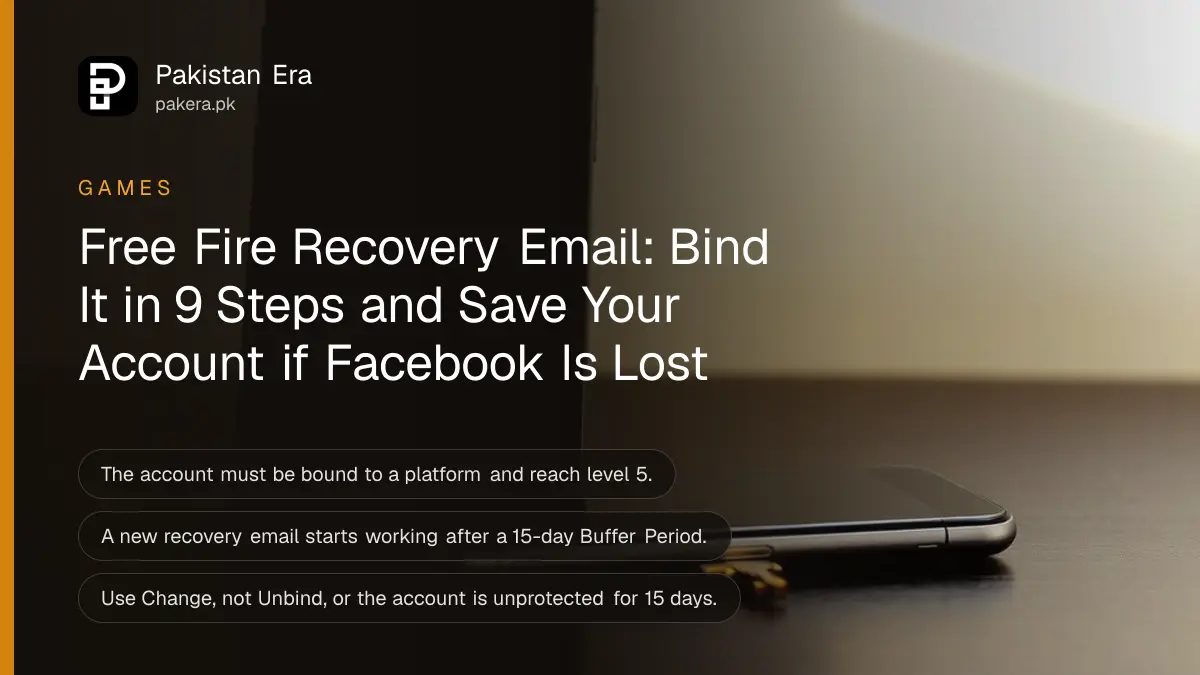
To bind a recovery email in Free Fire, log in to a bound account at level 5 or above, tap the Settings icon, tap Bind, enter your email, type the code Garena sends you, then set a 6-digit security code. The email starts working after a 15-day Buffer Period. After that it can recover your account even if you lose your Facebook or Gmail.
It is free and takes about three minutes. Do it before you need it, because it cannot be added after the account is gone.
| Requirement or rule | Detail |
|---|---|
| Account type | Bound to Facebook, Google, VK, X or another platform, not a guest account |
| Level | Level 5 or above |
| Your own, not shared, and different from the platform account's email | |
| Security code | 6 digits, set by you, needed to change the email later |
| Buffer Period | 15 days before a new email can recover the account |
| Cost | Free |
A recovery email protects the account when Facebook or Gmail is lost
Without a recovery email, losing the bound Facebook or Gmail can mean losing Free Fire too. With one, you can move the game account to a new platform account from the login page, and you can switch the bound platform whenever you want.
That matters in Pakistan, where many players bind Free Fire to a Facebook account made years ago on an old number. If that Facebook is hacked or disabled, Garena says it has no access to it. The recovery email is the one route Garena controls itself. Recovering a hacked Facebook account is slow and not always possible, so the email is cheap insurance.
Bind a recovery email in nine steps
The binding happens inside the game. You need your phone, the email inbox open on any device, and a 6-digit number you will remember. Garena suggests saving the confirmation image it shows at the end. A guest account must first be linked to Facebook, Google or another platform, as set out in how to bind a Free Fire guest account.
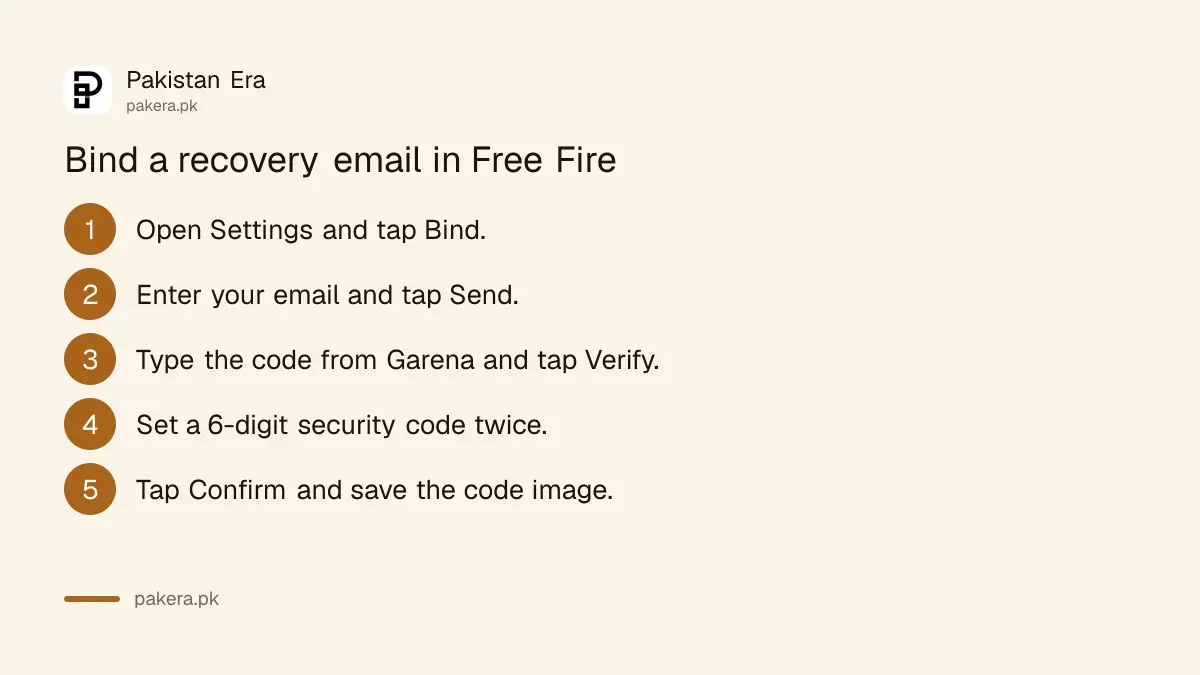
- Pick a secure email that is different from the one on your Facebook or Gmail, and that nobody else uses.
- Log in to the Free Fire account you want to protect.
- Tap the Settings icon.
- Tap Bind.
- Enter the email address and tap Send.
- Open the email from Garena and copy the verification code.
- Back in the game, enter the code and tap Verify.
- Type a 6-digit security code in Security Code, and again in Confirm Code. Cover your screen while you type.
- Tap Confirm. Garena shows an image with your security code. Save it somewhere private.
Code not arriving? Check the Spam and Promotions folders in Gmail, wait a few minutes, and tap Send again. Make sure the address has no typing mistake, since the code goes only to the address you entered.
The 15-day Buffer Period stops a thief binding their own email
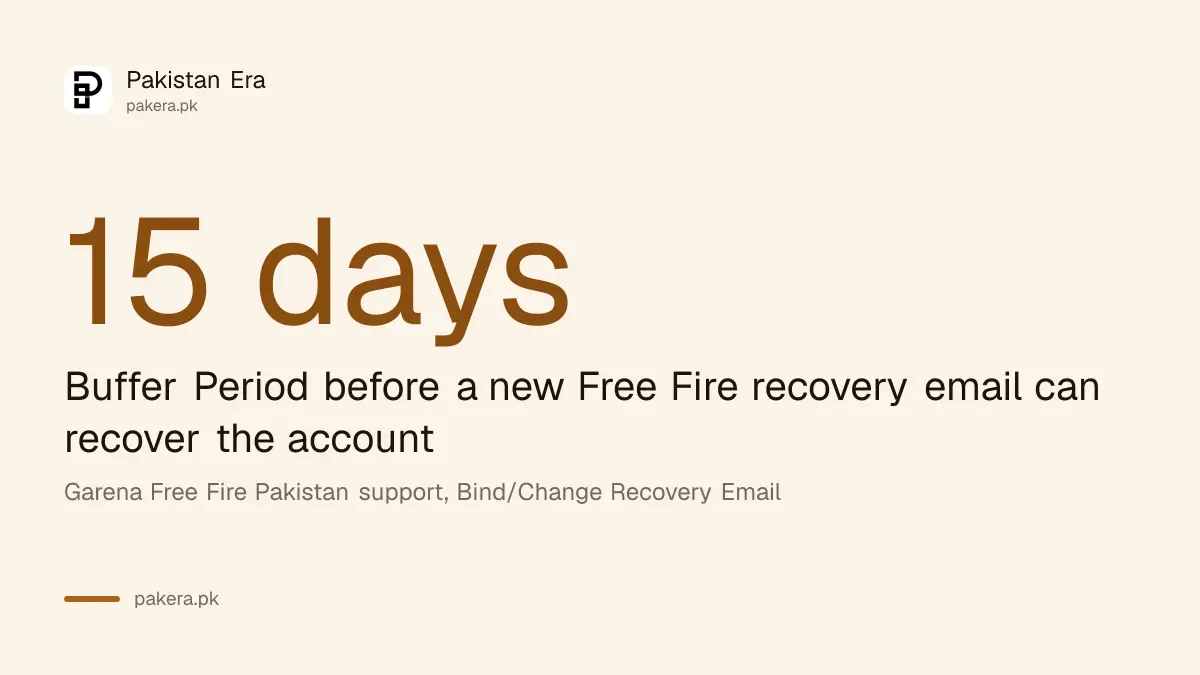
A newly bound email cannot recover the account for 15 days. Garena built this delay so that if a hacker binds their email to your account, you have 15 days to see it and cancel the binding before it can be used against you.
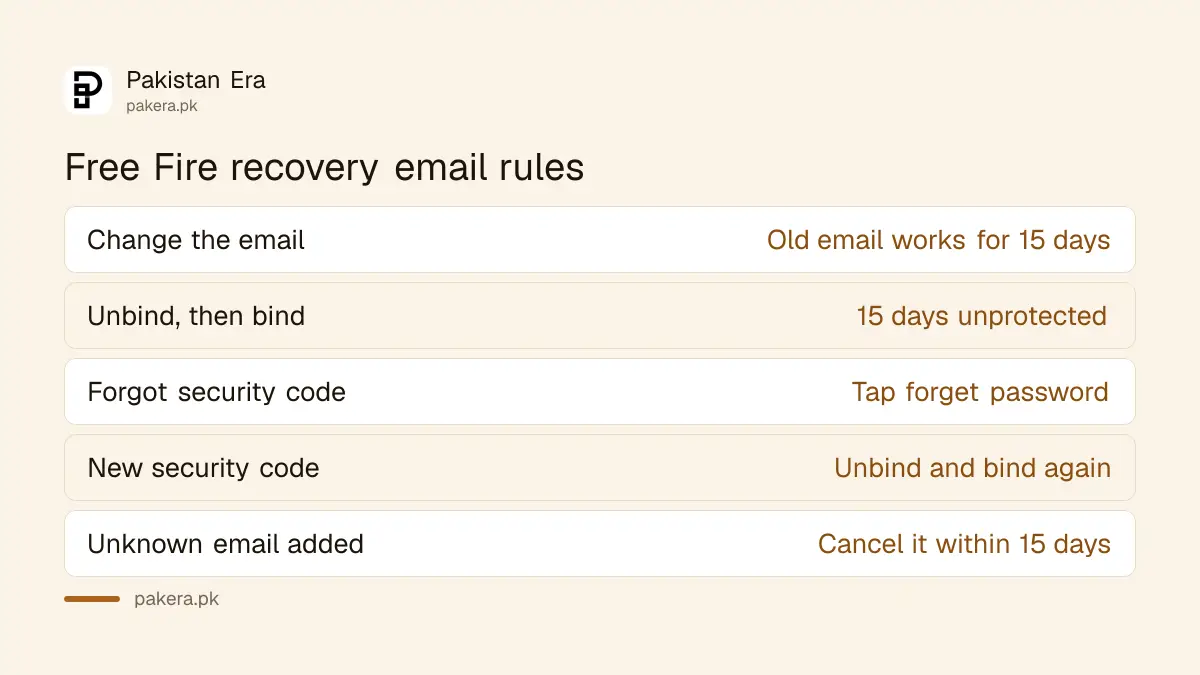
Check the recovery email status in Settings now and then. If you see an email you did not add, cancel the binding process in the game while the Buffer Period is still running. Then change your Facebook or Gmail password and use Log Out from All in Login History.
Garena adds one rule for banned accounts. If an account is banned during the Buffer Period of its first recovery email binding, that binding is cancelled automatically. Once the ban ends, you can bind a new email.
Change the recovery email without leaving the account unprotected
Use Change, not Unbind. Garena warns that unbinding and then binding a new email leaves your account unprotected for 15 days. Changing it directly keeps the old email working during the new email's Buffer Period.
- Have the new email ready and open its inbox.
- Log in to the game account and tap the Settings icon.
- In the Email binding section, tap Change.
- Enter the email that is bound now and your 6-digit security code, then tap Verify.
- Enter the new email and tap Send.
- Enter the code Garena sends to the new email and tap Verify.
Forgot the security code? Tap forget password on the Change screen and verify with a code sent to the bound email. The security code itself does not reset when you change emails. To set a new code, you must unbind the email and bind it again, which starts a fresh 15-day wait.
Use the email when you lose the platform account
If you lose your Facebook or Gmail after the Buffer Period, log out of Free Fire, tap Account Recovery on the login page, enter the recovery email and the code Garena sends, check your UID, then bind a new platform account. Your progress moves with it. If someone else is using the account, start with recovering a hacked Free Fire account.
Recovered accounts keep their diamonds, items and level, and any rewards still need a bound account, as with redeeming Free Fire codes. If the email binding goes wrong, Garena's Pakistan support site has a Recovery Email Issues ticket type. You must log in with your bound account and write in English.
- Use an email you will still have in five years, not a school or office address.
- Turn on two-step verification on the email itself. For Gmail, updating your Google recovery phone and email keeps that account safe too.
- Never send the security code or the Garena verification code to anyone, including someone who says they are Garena staff.
Common questions
Why can't I bind a recovery email in Free Fire?
The account must be bound to a platform such as Facebook or Google and be level 5 or above. Guest accounts and new low-level accounts cannot bind one yet.
Can I use the same Gmail as my Free Fire login?
Garena asks for an email different from the one on your bound platform account. If that Gmail is hacked, a separate recovery email still works.
How long until the Free Fire recovery email works?
15 days. This Buffer Period gives you time to cancel a binding you did not make. During a change, the old email keeps working until then.
I forgot my Free Fire security code. What now?
Tap forget password on the Change screen and verify through a code sent to your bound email. To set a new code, unbind and bind again, which restarts the 15 days.
Can the recovery email change my Facebook to Google?
Yes. Garena says the recovery email can change the bound platform account, so you can move from an old Facebook to a Google account.
How we verified this
What we checked and where we read it.
We checked Garena's Free Fire support site for Pakistan on 21 November 2026: the Bind/Change Recovery Email article (updated 3 September 2026), Account Protection, Recover Lost Account and How to Submit a Request. Menu names such as Settings and Email binding are as Garena writes them; the exact button position can move between game versions. Sources: Garena Free Fire Pakistan support: Bind/Change Recovery Email and Account Protection.
About the author

Global Affairs & Political Economy Writer
Muhammad Hatim is a book lover who started writing because he enjoys it. At Pakistan Era he writes about international relations, geopolitics and the global economy, with a particular interest in South Asia and the forces behind current events.