Steam Account Hacked in Pakistan: Recover It Even If the Email Was Changed
Recover a hacked Steam account in Pakistan: scan your PC, reset at help.steampowered.com, prove ownership with card details, and why traded items stay lost.
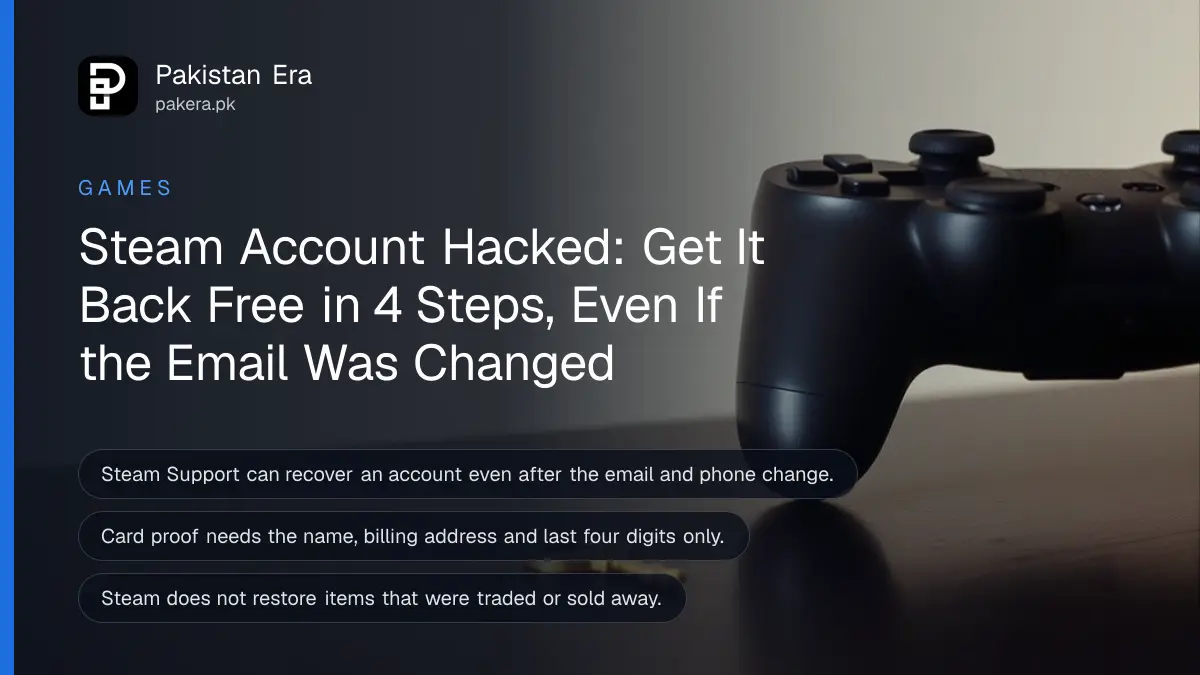
Steam account hacked in Pakistan? Scan your PC for malware, change your email password, then go to help.steampowered.com and choose Help, I can't sign in. If the hacker changed the email and phone, Steam Support can still return the account once you prove ownership with the card details of an old purchase. Recovery is free. Never pay anyone who offers to do it for you.
Steam's own rule is clear: you can always contact Steam Support for recovery, even if someone changed the email address, password and phone number. The fastest proof is a card you used on Steam. Items that were traded away are a different story, and Steam does not restore them.
Recover a hacked Steam account in four steps
Steam asks you to clean your computer and secure your email before you recover the account, so the hacker cannot take it a second time. Then you reset the password through Steam's help site, or open a ticket if self recovery fails. The whole process starts at help.steampowered.com.
- Scan your computer. Run a full virus and malware scan. Steam says key loggers and spyware are a common way passwords are stolen.
- Change your email password. Steam says accounts are often taken after the linked email is taken. Turn on two step verification on the email too.
- Reset the Steam password. Go to help.steampowered.com, choose Help, I can't sign in, and enter your email address or phone number to find the account.
- Open a ticket if that fails. At the end of the self recovery steps, Steam shows a form to contact Steam Support. Give your proof of ownership there.
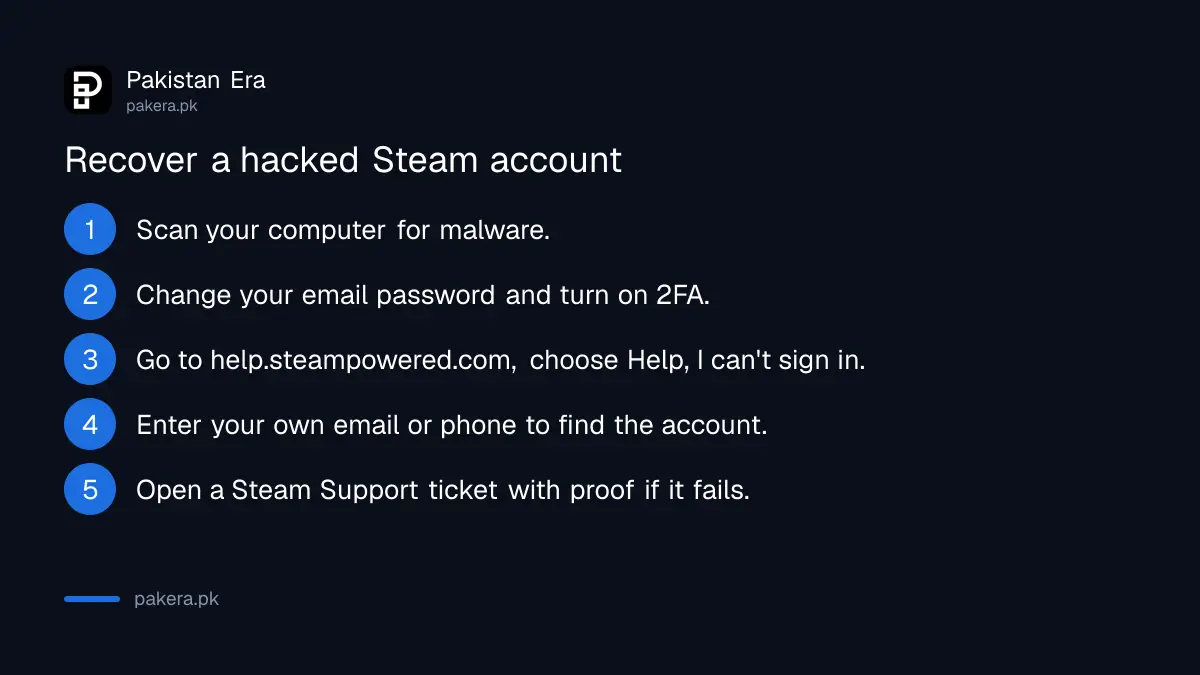
One detail trips people up. When Steam's recovery tool asks for an email address, it wants your email, not the address the hacker put on the account. Steam says entering your own address helps it find the account, or offers other ways to locate it if the email has been changed.
When the hacker changed your email and phone
Steam Support can still recover the account. Open a ticket from the self recovery form and include proof of ownership, every login name you may have used, and every email address that was ever on the account. Steam then checks the details and returns the account to you.
Gather these before you open the ticket:
- Your Steam account name, and any old account names you remember.
- Every email address that has been linked to the account.
- Payment details of a past Steam purchase, listed in the next section.
- A photo of any retail game key card you activated, if you have one.
If you lost access to the email itself, recover that first. The hacker may still be reading it, and Steam sends its codes and confirmations there. Getting back a Gmail account in Pakistan covers the Google side.
Proof of ownership Steam accepts from Pakistan
Steam proves ownership through payment details used on the account, or retail product codes activated on it. For a debit or credit card, Steam asks for the card type, the name on the card, the billing address, city and postal code, and the last four digits only.
| How you paid on Steam | What to give Steam Support |
|---|---|
| Visa or Mastercard (bank or wallet card) | Card type, name on card, billing address, city, postal code, last 4 digits |
| PayPal | Full name and billing address on PayPal, plus a screenshot of the Steam purchase with the invoice ID |
| Retail game key card | A photo of the key card with your ticket number written below the code in permanent ink |
| Kiosk receipt | A photo of the receipt with your ticket number written on it in permanent ink |
| Never paid anything | Account names and every email used; proof is much harder |
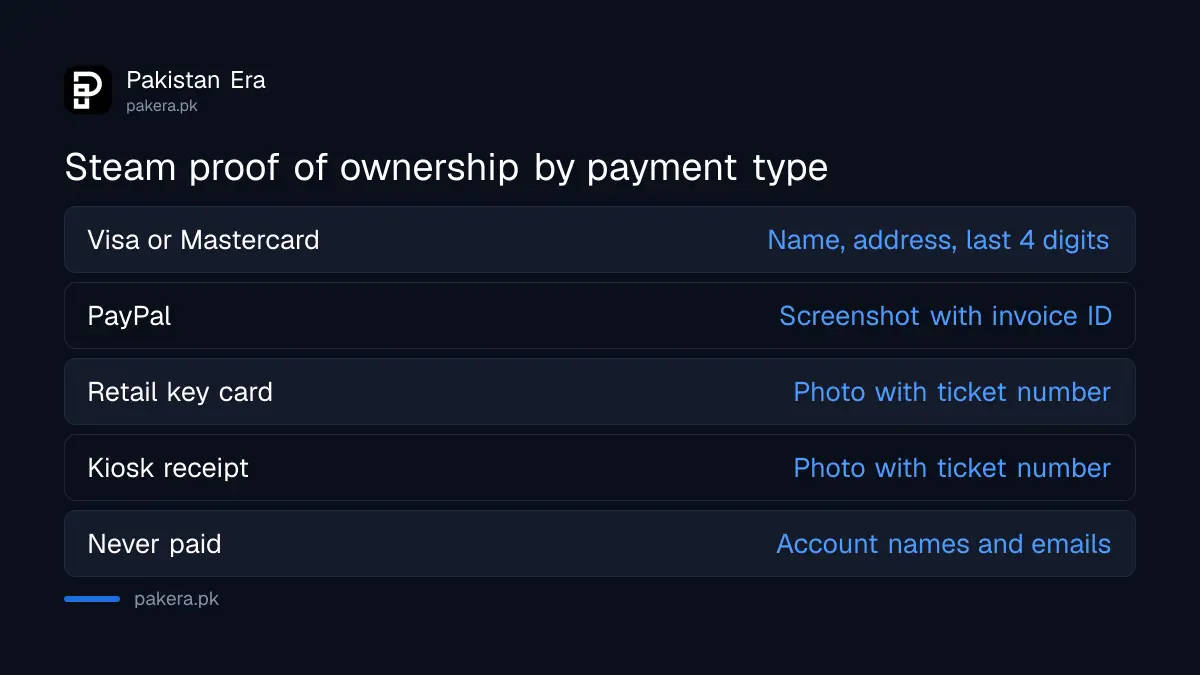
Never send the full card number. Steam asks only for the last four digits. A Pakistani wallet card from NayaPay or SadaPay counts as a card here, so use the name and address that card was issued with. If you do not remember the billing address you typed at checkout, look at the receipt email Steam sent after that purchase.
A free account with no purchases is the hardest to prove. Add a card purchase, even a small one, to any account you care about. The ways to pay on Steam from Pakistan start with a Visa or Mastercard debit card that allows international payments. That single receipt is what saves it later.
Items traded away are not restored
Steam Support does not restore items that left your account for any reason, including trades, market sales, deletions or gifts. Steam says restoring them would mean duplicating items or taking them from another user. Your games come back with the account, but traded skins do not.
Steam's protection against this is the trade hold. Without the Steam Guard Mobile Authenticator on your account, Steam holds trades and market listings for 15 days. That gives you time to spot a hijack and cancel pending trades before items leave. With the authenticator on, only someone with your phone can move items.
| What the hacker did | What happens after recovery |
|---|---|
| Changed password, email, phone | Steam Support can return the account |
| Traded or sold your items | Not restored by Steam |
| Listed trades that are still on hold | Cancel them once you are back in |
| Bought games with your saved card | Ask Steam for a refund and call your bank |
If the hacker bought games with your card, open a refund request for each one, and call your bank to block the card. Steam's normal refund window is 14 days and under 2 hours played, and requesting a Steam refund from Pakistan shows the form.
Lock your Steam account after you get it back
Steam's checklist for a compromised account: check Authorized Devices and use Sign out everywhere, change your Steam password, update your email password, and scan for malware. Then turn on the Steam Guard Mobile Authenticator so a stolen password alone cannot open the account again.
- Open store.steampowered.com/account/authorizeddevices and choose Sign out everywhere.
- In the Steam client, open Steam, Settings, Security, and choose Change Password. Steam emails a 5 character code.
- Use a password you have never used on Steam or your email.
- Set up the Steam Guard Mobile Authenticator in the Steam Mobile app.
- Save your recovery code somewhere offline.
If the authenticator code later stops arriving or you change phones, fixing a missing Steam Guard code covers moving it to a new phone.
How Steam accounts get stolen
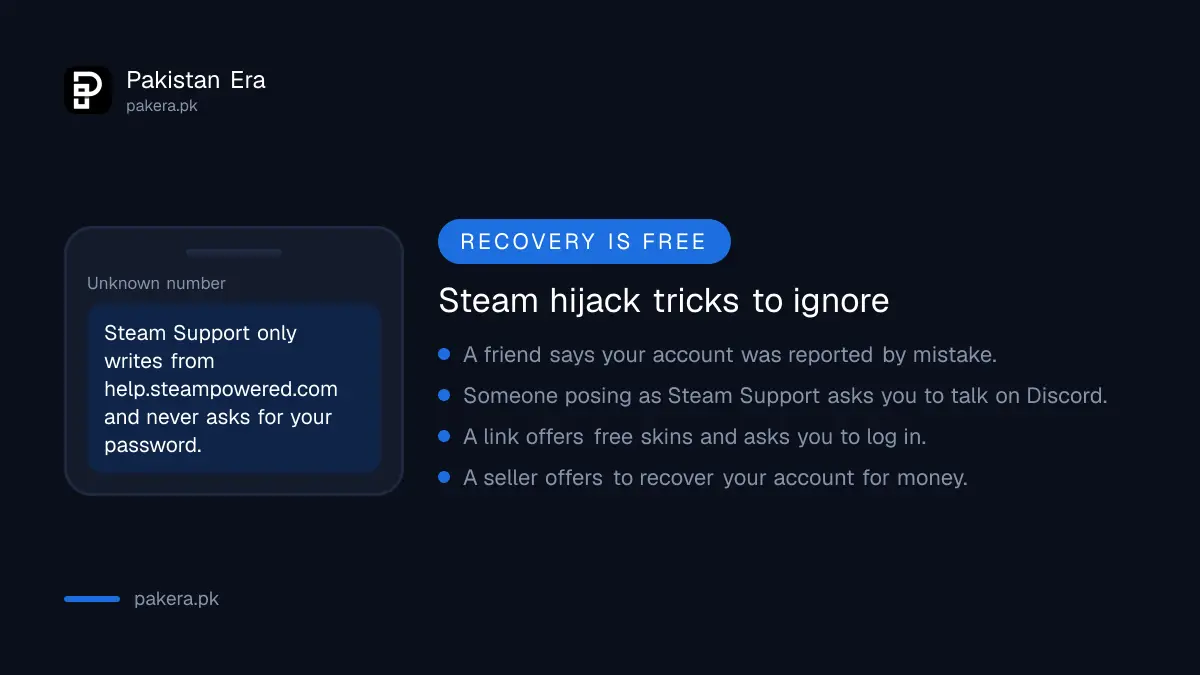
Most Steam hijacks start with a message, not a hack. Steam warns about fake Steam Support agents on Discord or Steam Chat, fake "false report" claims, links offering free items, and malware hidden in cracked games, cheats and mod tools. Steam Support only writes from help.steampowered.com.
- "Your account was reported by mistake." A friend's account, often already hacked, tells you to talk to "Steam Support" on Discord. Steam says never follow these instructions.
- Free skins or a free game link. The page copies Steam's login. Official Steam logins are only on steampowered.com, store.steampowered.com, steamcommunity.com and help.steampowered.com.
- Cracked games, cheats and mod managers. Steam says modern malware can wait until your Steam Wallet has money in it, then strike and delete itself.
- Gaming cafe PCs. Steam says always log out fully at a cafe, and deauthorize the device if you forgot.
Do not pay anyone on Facebook, Instagram or WhatsApp who offers to recover a Steam account. Only Steam Support can return it, and the service is free. A "recovery agent" who asks for your password or card details is running the same scam that cost you the account.
Common questions
Can I recover a hacked Steam account without the email?
Yes. Steam says you can always contact Steam Support even if the email, password and phone were changed. Prove ownership with the card details of a past purchase.
How long does Steam take to recover a stolen account?
Steam does not publish a fixed time. Reply quickly to every message on your ticket and give all the proof at once, because missing details are the usual cause of delay.
Will Steam give back skins that the hacker traded?
No. Steam's item restoration policy says it does not restore items that left an account through trades, market sales, deletions or gifts.
What proof does Steam want for a card payment?
The card type, the name on the card, the billing address, city and postal code, and the last four digits of the card. Never send the full number.
Someone says they are Steam Support on Discord. Is it real?
No. Steam says to ignore any "Steam Support" message that does not come from help.steampowered.com, and never to follow instructions sent through Discord or Steam Chat.
Does Steam Support ever ask for my password?
No. Steam says its support staff will never ask for your password.
How we verified this
What we checked and where we read it.
We checked Steam's help pages on 21 November 2026: the stolen account steps on What do I do if my Steam Account is stolen?, Recovering a Stolen or Hijacked Steam Account, Providing Proof of Ownership, the Steam Item Restoration Policy, Account Security Recommendations and How do I change my Steam account password. The proof of ownership page lists more payment methods than the table above; we kept the ones Pakistani players use.
About the author

Technology Journalist & Multimedia Producer
Ahmad Ali is a technology journalist and multimedia producer at Pakistan Era, joining the team in October 2026. He covers consumer technology and digital life for Pakistani readers, combining research with hands-on product testing.