How to Get a Steam Refund in Pakistan: 14 Days, Under 2 Hours, Card or Wallet
Get a Steam refund in Pakistan within 14 days and under 2 hours played. Steps on Steam Support, card or wallet refunds, DLC, gifts and what Steam refuses.
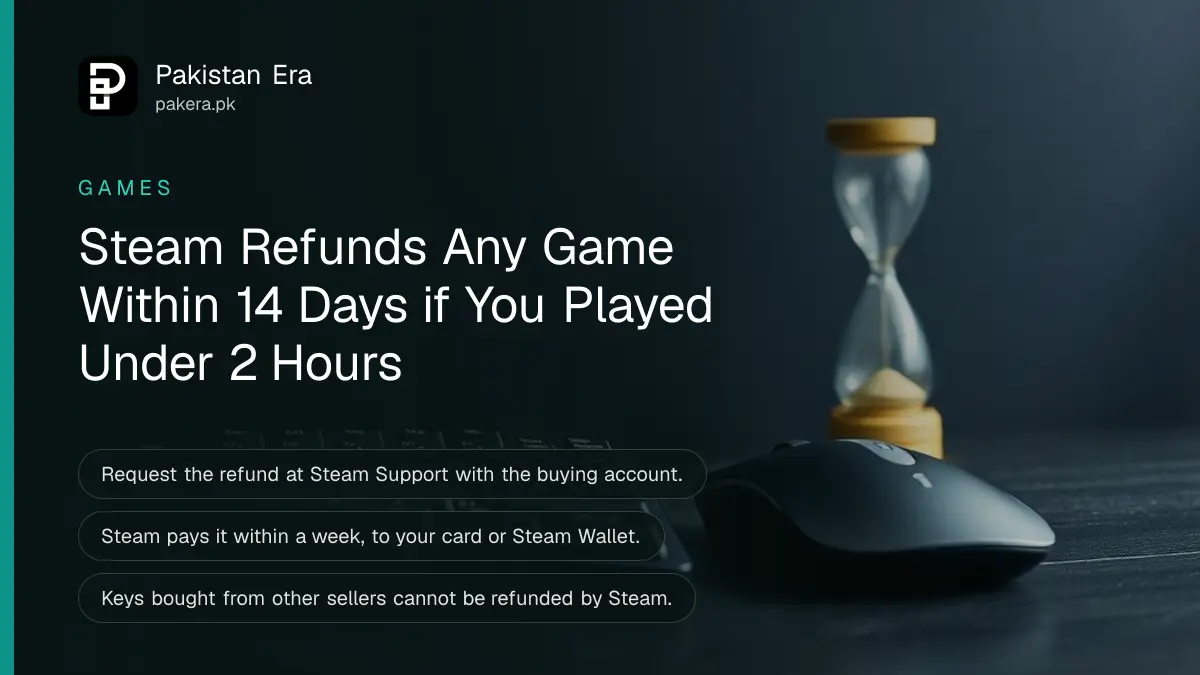
Steam refunds almost any game if you ask within 14 days of buying it and have played it for less than 2 hours. Request it at help.steampowered.com. Once approved, the money comes back within a week, to your card or to your Steam Wallet. The rules are tighter for DLC, in-game items, subscriptions and keys bought outside Steam.
For buyers in Pakistan, the refund method matters. A refund to your card returns dollars, and your bank converts them back to rupees at its own rate. A refund to the Steam Wallet keeps the full dollar amount on Steam for your next game.
Steam's refund rule: 14 days and under 2 hours
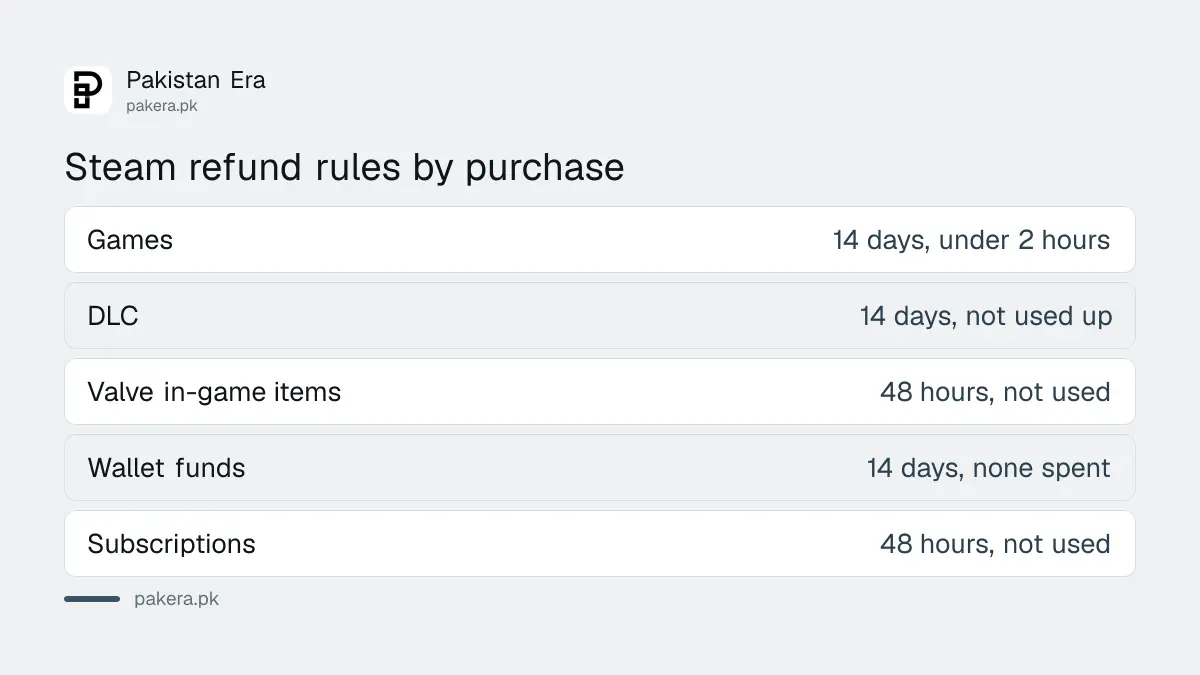
Valve refunds a game for any reason if the request comes within 14 days of purchase and the game has under 2 hours of playtime. Outside those limits you can still ask, and Steam says it will look at the request, but approval is not promised.
| Purchase type | Refund window | Condition |
|---|---|---|
| Games and software | 14 days | Under 2 hours played |
| DLC | 14 days | Under 2 hours on the main game since buying it; DLC not used up or changed |
| In-game items in Valve games | 48 hours | Item not used, changed or traded |
| Steam Wallet funds | 14 days | Bought on Steam and none of it spent |
| Subscriptions | 48 hours from purchase or renewal | Not used in the current cycle |
| Bundles | 14 days | Under 2 hours across all items; nothing traded |
How to request a Steam refund
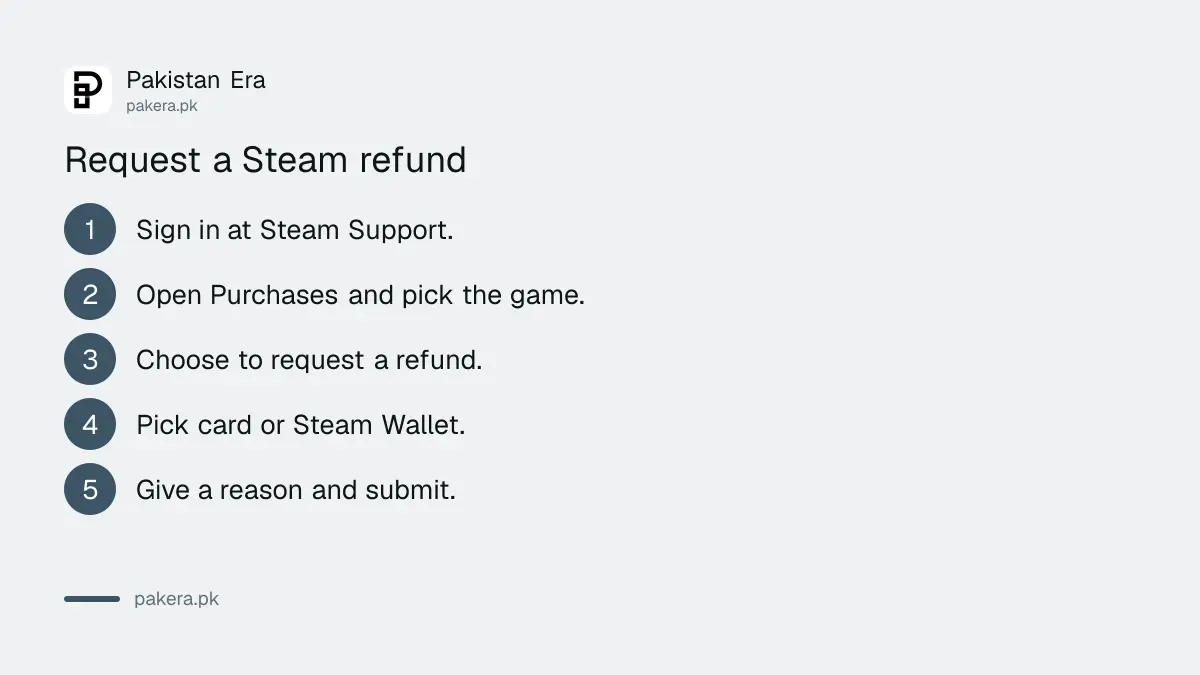
Sign in at help.steampowered.com, open your purchases, pick the game, choose the refund option, select where the money goes and give a short reason. Steam replies by email.
- Go to help.steampowered.com and sign in with the account that bought the game.
- Choose Purchases and select the game.
- Pick the option to request a refund.
- Choose the refund method: your original payment method or Steam Wallet.
- Pick a reason, add a short note, and submit.
- Check your email for Steam's reply.
Any reason works. Steam itself gives examples: your PC does not meet the requirements, you bought it by mistake, or you played for an hour and did not like it. Before buying a heavy game, check your PC with the PC requirements check to avoid the refund entirely.
Card or Steam Wallet: which refund to choose
Steam pays the refund to your original payment method or to your Steam Wallet. If the original method does not support refunds, the full amount goes to your wallet. For a Pakistani card, a card refund returns dollars that your bank converts at its own rate.
- Refund to card: you get money back outside Steam. Your bank converts the dollars back at its own rate on the day.
- Refund to Steam Wallet: the full dollar amount stays on Steam for your next purchase. This is the simpler choice if you plan to buy another game.
- Method does not support refunds: Steam credits your wallet instead. Steam lists which methods support refunds in your country.
How Steam charges Pakistani cards, and which methods support refunds here, is set out in how to pay for Steam games in Pakistan.
What Steam will not refund
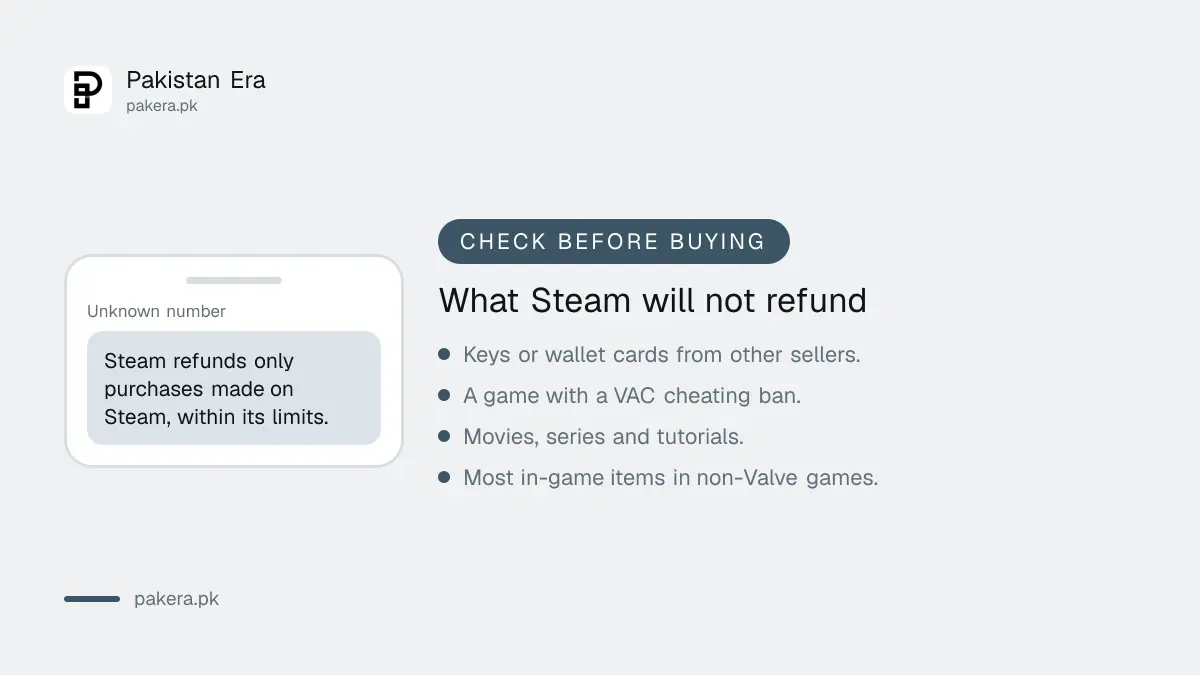
Steam does not refund keys or wallet cards bought from other sellers, games where you have a VAC cheating ban, video content, or in-game items in most non-Valve games. Pre-purchases work differently: you can refund any time before release.
- Keys and wallet cards from other sellers: no refund through Steam.
- VAC ban: a cheating ban on a game removes your right to refund it.
- Videos: movies, series and tutorials are not refunded unless bundled with refundable content.
- In-game items in other games: only if the developer turned on refunds, and Steam shows that at purchase.
- Refund abuse: Steam may stop refunds for accounts that use them to get free games.
Pre-orders, early access, gifts and sales
For a pre-order that cannot be played yet, you can refund any time before release, then the 14-day, 2-hour rule starts on release day. Early Access playtime counts toward the 2 hours. Gifts follow the normal rule, and refunding a game to rebuy it on sale is allowed.
- Pre-purchase: refund any time before release. After release, the normal 14 days and 2 hours apply from launch day.
- Early or advance access: playtime counts against the 2 hours, and the 14 days start on release day.
- Unredeemed gift: the buyer can refund within the normal limits.
- Redeemed gift: the person who received it must start the refund. The money goes back to the buyer.
- Price dropped in a sale: Steam says refunding a game bought just before a sale and rebuying it at the sale price is not abuse. Compare regular prices in the Steam games price list first.
A refund email asking you to "verify your account" by logging in through a link is a scam. Refunds are handled only on help.steampowered.com. Keep Steam Guard on, and see the Steam Guard fixes if codes stop arriving.
Common questions
How long does a Steam refund take in Pakistan?
Steam issues the refund within a week of approval. A card refund can take longer to show on your bank statement.
Can I get a Steam refund after 2 hours of play?
You can ask. Steam says it will look at requests outside the rules, but it does not promise approval.
Will I get my full rupee amount back?
Steam refunds the full dollar amount. Your bank converts it back, so the rupee figure can differ from what you paid.
Can I refund a Steam Wallet top-up?
Yes, within 14 days if you bought it on Steam and have not spent any of it.
Can I refund a game I bought before a sale?
Yes, within 14 days and under 2 hours. Steam says rebuying it at the sale price is not abuse.
Can I refund a key bought from another website?
No. Steam cannot refund keys or wallet cards bought outside Steam.
How we verified this
What we checked and where we read it.
We checked the Steam refunds page on 15 November 2026. The 14-day and 2-hour rule, the one-week payout, refund methods, DLC, in-game item, wallet, subscription, bundle, pre-purchase, gift, VAC, video and abuse rules all come from that page. The request steps follow the Steam Support site the page points to. Bank conversion and card tax are set by your bank, not Steam.
About the author

Technology Journalist & Multimedia Producer
Ahmad Ali is a technology journalist and multimedia producer at Pakistan Era, joining the team in October 2026. He covers consumer technology and digital life for Pakistani readers, combining research with hands-on product testing.