Steam Guard Code Not Received in Pakistan: Email, Mobile Authenticator and Lost Phone Fixes (Every Case)
Steam Guard code not received? Fix email codes, rejected authenticator codes and SMS to a +92 number, move Steam Guard to a new phone or recover a lost one.
If your Steam Guard code is not arriving, exit Steam and log in again to trigger a fresh email code, check spam, and add noreply@steampowered.com to your contacts; if you use the Steam Mobile app, the code is on its Steam Guard tab under "Show Steam Guard code" and changes every 30 seconds. Below are the fixes for every case: email codes, the mobile authenticator, codes that are rejected, a new phone, a lost phone, and SMS that never reaches a Pakistani number.
Locked out of Steam the night a sale ends is a familiar feeling for PC gamers in Pakistan, and the fix depends on where your code is supposed to come from. We read Valve's Steam Guard help page and its Steam Guard Mobile Authenticator help page on 27 October 2026.
Steam Guard codes come by email or from the Steam Mobile app
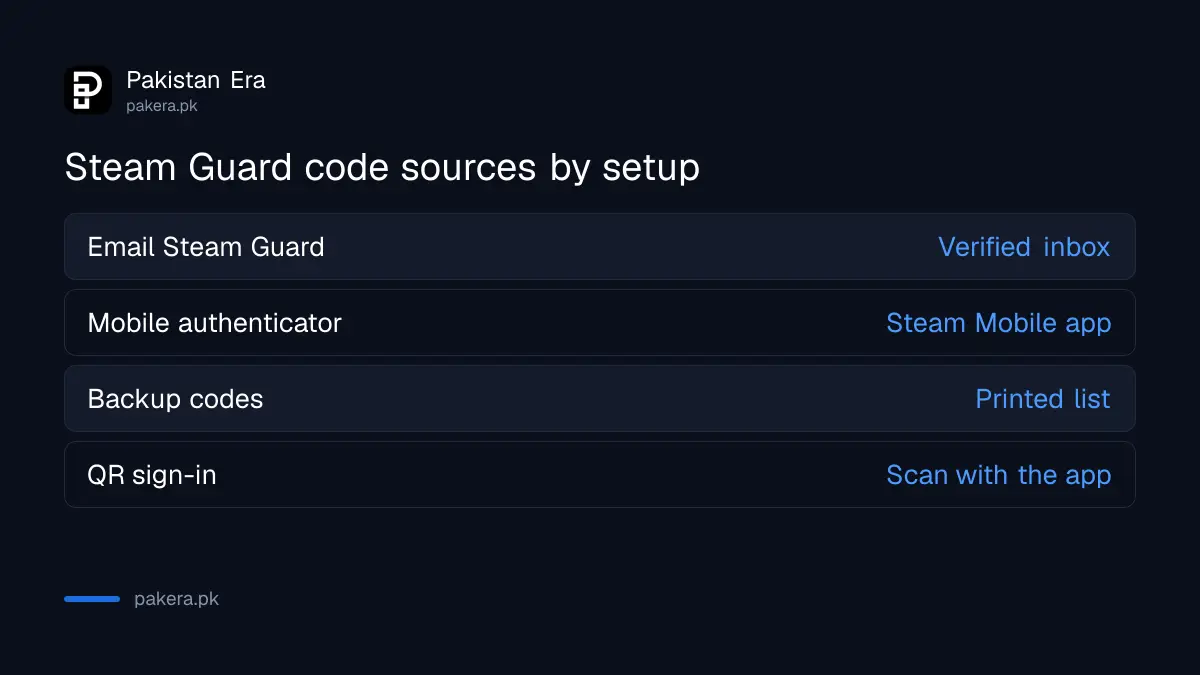
Steam Guard asks for a code when you log in from a device Steam does not recognise. If you set up email codes, the code arrives in your verified inbox. If you set up the mobile authenticator, the Steam Mobile app shows it, and no email or SMS is sent.
| Your setup | Where the code comes from | How to get a new one |
|---|---|---|
| Email Steam Guard | Your verified email inbox | Exit Steam and log in again |
| Mobile authenticator | Steam Mobile app, Steam Guard tab | A new code appears every 30 seconds |
| Backup codes | The list you printed earlier | Generate new ones from Manage Steam Guard |
| QR sign-in | Scan the QR on the PC with the app | Scan the code shown on the sign-in form |
Always enter the latest code. Valve says older codes will not work, which is why typing an email code from yesterday fails every time.
Email code not arriving: check spam and whitelist Steam's address
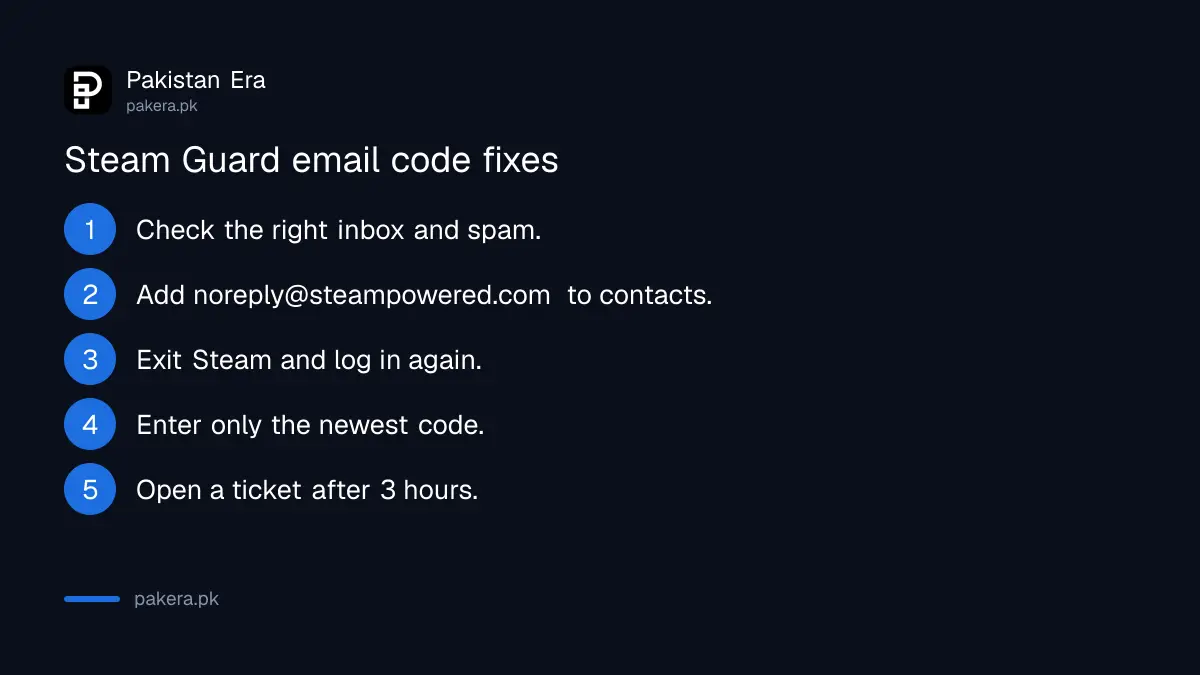
Make sure you are checking the inbox of the email attached to Steam, then look in spam. Add support@steampowered.com and noreply@steampowered.com to your contacts, then request a new code. Valve says to contact support if nothing arrives after 3 hours.
- Confirm which email address your Steam account uses.
- Check the spam, promotions and updates folders.
- Add noreply@steampowered.com and support@steampowered.com to your contacts.
- Exit Steam completely and log in again to send a fresh code.
- Enter only the newest code you receive.
- If nothing comes within 3 hours, open a ticket at help.steampowered.com.
If you have also lost access to that email, sort out the email first. A Gmail account can be recovered with the steps for Gmail account recovery. Valve warns that whoever controls your email can reset your Steam password.
Authenticator codes rejected: fix the phone's clock
The Steam Mobile app builds codes from your phone's time. If the clock is off by even a little, every code is wrong. Set the phone to automatic date and time, then try the newest code. If you have several Steam accounts, check you picked the right one.
The app does not need internet to make a code, Valve says, but it does need the correct time. A phone that was switched off for a long time or fully drained can come back with the wrong clock, so check that first.
The Steam Mobile app works on iPhones with iOS 13.0 or later and Android phones with Android 5.0 or later.
New phone with the same number: move the authenticator by SMS
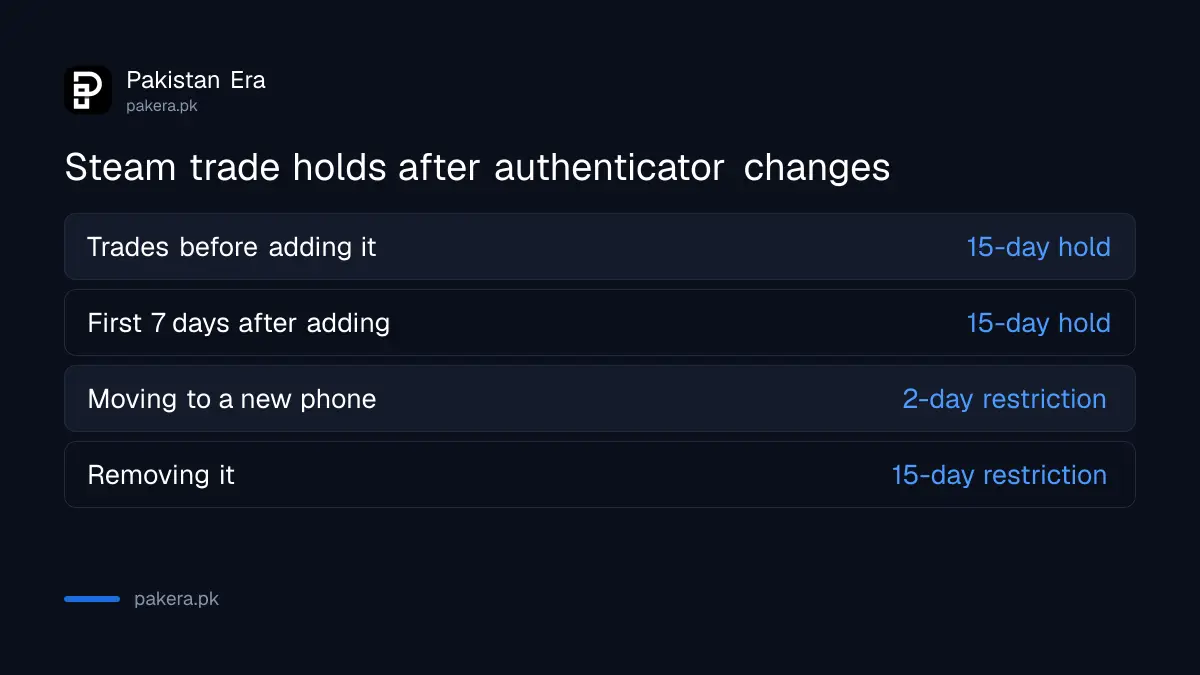
Install the Steam Mobile app on the new phone and sign in. If you still have the old phone, choose Move Authenticator. If not, choose "I no longer have access to my authenticator" and confirm with an SMS code. Valve then puts a 2-day trade and Market restriction on the account.
- Install Steam Mobile on the new phone from Google Play or the App Store.
- Sign in to your Steam account.
- With the old phone: choose Move Authenticator on the Steam Guard tab.
- Without the old phone: choose "I no longer have access to my authenticator".
- Enter the SMS code Steam sends to your number.
- Expect a 2-day trade and Market hold afterwards.
This only works if a phone number is on the account. Valve's advice for a lost phone is to get a replacement on the same number from your network. In Pakistan that means a duplicate SIM from your operator. Removing the authenticator instead of moving it brings a 15-day trade and Market hold.
Lost phone and no recovery code: open a Steam Support ticket
Without the phone, the number or your recovery code, only Steam Support can remove the authenticator. Use "Help me with my issue" on help.steampowered.com. If you have also lost the email, Valve asks for proof that the account is yours in the ticket.
The recovery code is the fastest way out, so find it now while you still can. In the Steam Mobile app, go to the Steam Guard tab, tap the gear icon, then Recovery Code. Write it on paper. Valve also offers printable backup codes under Account Details, Manage Steam Guard, Get Backup Codes.
Never give a recovery, removal or authenticator code to anyone. Valve says Steam Support will never ask for them, and that support is handled only through help.steampowered.com. Someone on Discord claiming to be Valve staff is not.
Steam SMS not reaching a Pakistani number: check these four things
Enter the number in international format, starting +92. Valve's texts may come from a six-digit number, so make sure your network allows them. Steam pauses SMS after too many requests, so wait up to an hour. A full SMS inbox also blocks new messages.
Valve does not accept VoIP numbers or numbers that cannot receive texts. A normal Jazz, Zong, Telenor or Ufone prepaid or postpaid SIM is a mobile number. Valve also says it sometimes sends codes through Telegram in countries where it is widely used, if your number has an active Telegram account.
Paying for games is a separate problem from logging in. The cards and wallets that work for Steam purchases from Pakistan are in paying for Steam games in Pakistan.
Common questions
Why am I not getting my Steam Guard code?
Usually the email went to spam, you are checking the wrong inbox, or your account uses the mobile authenticator, where the code is in the Steam Mobile app.
How long is a Steam Guard code valid?
Mobile authenticator codes change every 30 seconds and work once. For email codes, Valve says only the most recent one works.
Where is my Steam recovery code?
In the Steam Mobile app: Steam Guard tab, gear icon, then Recovery Code. Write it on paper.
Can I use Steam Guard without a phone?
Yes, by email. The mobile authenticator needs a supported phone, iOS 13.0 or Android 5.0 and later.
Why are my Steam trades on hold?
Trades made before adding the authenticator, or within 7 days of adding it, are held for 15 days. Moving it to a new phone adds a 2-day hold.
How we verified this
What we checked, where we read it, and what we could not confirm.
We read Valve's Steam Guard help page and its Steam Guard Mobile Authenticator help page on help.steampowered.com on 27 October 2026. The 30-second codes, the 3-hour email wait, the 2-day and 15-day holds, the device versions, the six-digit SMS sender and the VoIP rule are Valve's. We did not test SMS delivery to each Pakistani network.
About the author

Technology Journalist & Multimedia Producer
Ahmad Ali is a technology journalist and multimedia producer at Pakistan Era, joining the team in October 2026. He covers consumer technology and digital life for Pakistani readers, combining research with hands-on product testing.