How to Verify a Vehicle Online in Gilgit-Baltistan: GB Excise Registration and Route Permit Check
Verify a Gilgit-Baltistan vehicle online free on the GB Excise portal: pick the district, enter the number and registration date, and check route permits too.
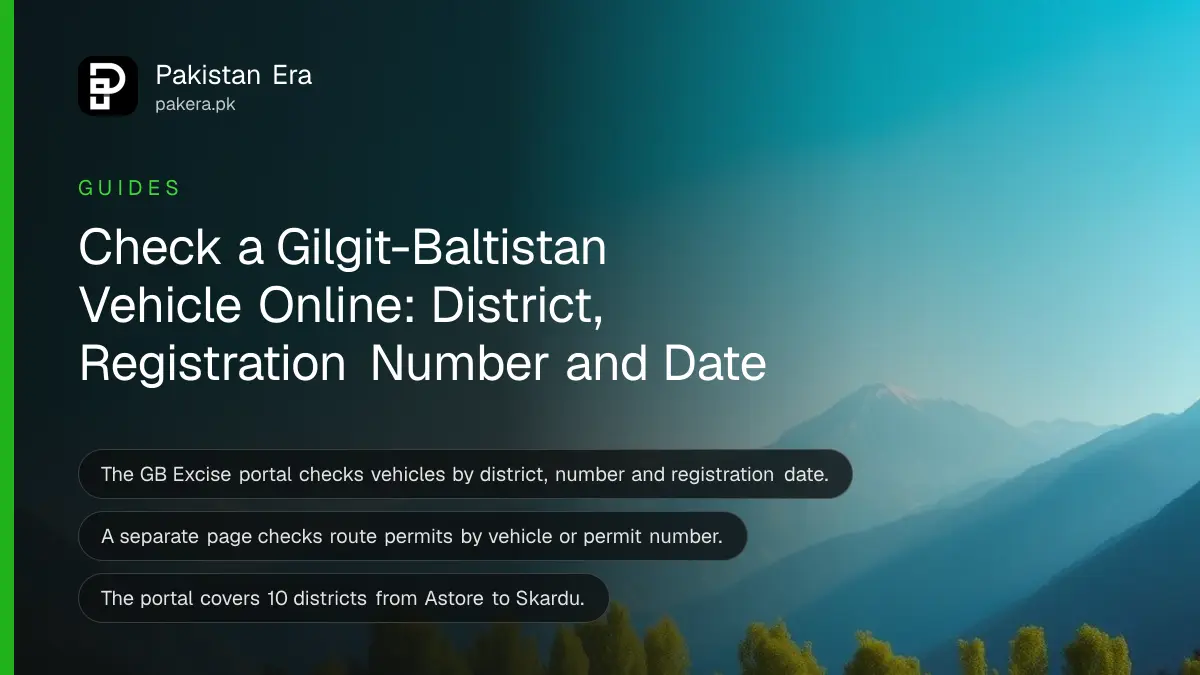
You can verify a Gilgit-Baltistan vehicle online on the GB Excise and Taxation portal at gbexcise.gov.pk/vehsearch. Pick the registration district, type the registration number (for example GLT-1222) and the registration date, then press Search Vehicle. A second page checks route permits by district and vehicle or permit number. Both checks are free.
Buying a used car or jeep in Gilgit, Skardu or Hunza means trusting a registration book you cannot easily check. The GB Excise portal reads its answer from the department's own motor vehicle registration database, called MVRTMS. It tells you whether the number, the district and the registration date belong together, before any money changes hands.
| Check | Page on the GB Excise portal | What you enter |
|---|---|---|
| Vehicle verification | Vehicle Search | District, registration number, registration date |
| Route permit verification | Route Permit Search | District, vehicle number or permit number |
| PM Fuel Relief eligibility | Separate subsidy portal | Vehicle number, CNIC, district |
The GB vehicle check needs three details from the registration book
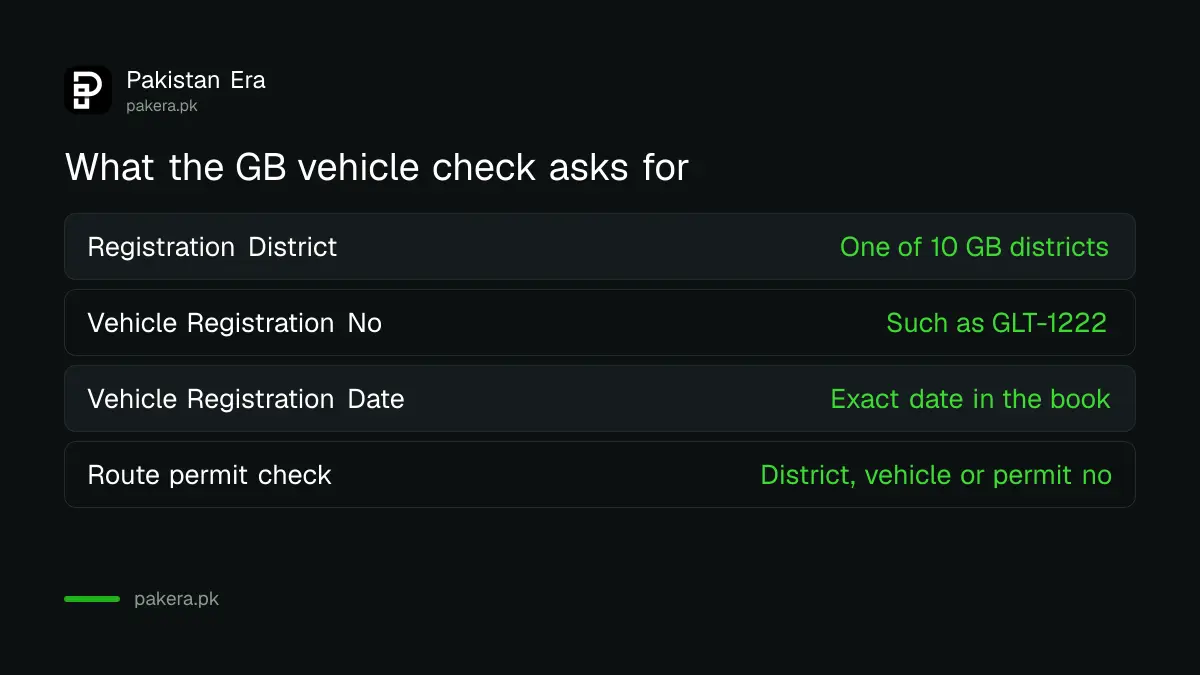
The Vehicle Search form asks for the registration district, the registration number and the registration date. All three are required. Copy them from the registration book or smart card, because the search matches all three together, not the number alone.
The district list has 10 choices: Astore, Diamer, Ghanche, Ghizer, Gilgit, Hunza, Kharmang, Nagar, Shigar and Skardu. Choose the district where the vehicle was registered, which is not always where the owner lives now.
The form shows sample number formats: AA-103, GLT-1222, GLTA-1222, BLN-12222 and DMR-12. Type the number with the hyphen, the same way it is printed on the book. The date box takes a full date, so you need the exact day of registration.
Verify a GB vehicle in five steps
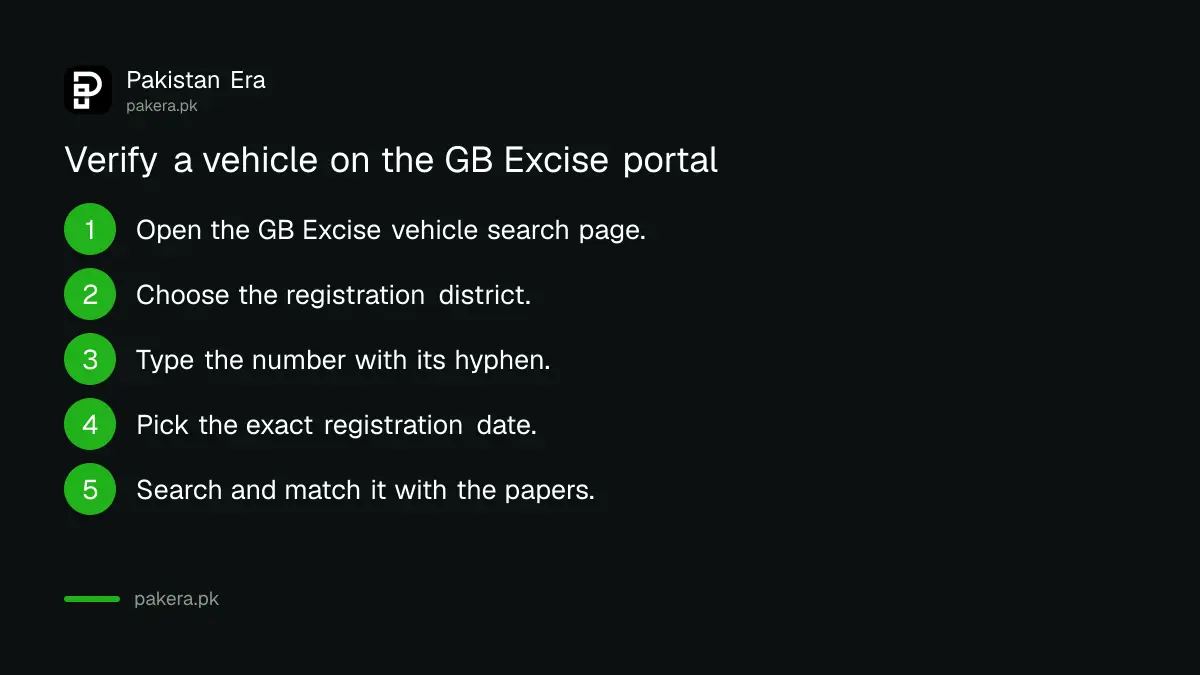
Open the GB Excise vehicle search page, choose the district, type the registration number and the registration date, and press Search Vehicle. The check takes under a minute. Match what it shows against the seller's papers before you pay anything.
- Open gbexcise.gov.pk/vehsearch/vehicle-search.php on your phone or computer.
- Choose the registration district from the list.
- Type the registration number with its hyphen, for example GLT-1222.
- Pick the exact registration date from the date box.
- Press Search Vehicle and compare the record with the registration book, the engine number and the chassis number.
We ran the form on 25 November 2026 with the sample number GLT-1222, the Gilgit district and a made-up date. It answered: "No vehicle record found. Please check district, vehicle number, and registration date." That is the message you will see whenever any one of the three details is wrong.
"No vehicle record found" usually means one detail is off
The portal says no record when the district, number or date does not match its database. Check the hyphen, the letters and the date first. If all three match the book and there is still no record, ask the GB Excise office before you buy.
| What you see | Likely cause | What to do |
|---|---|---|
| No record found | Wrong district picked | Use the district on the registration book |
| No record found | Number typed without the hyphen or with a typo | Type it exactly as printed, such as GLT-1222 |
| No record found | Date does not match | Use the registration date, not the purchase date |
| No record found, all details correct | Record missing or book not genuine | Do not pay; ask the Excise office in Jutial, Gilgit |
| Record differs from the book | Possible tampering | Do not pay; report it to GB Excise |
GB Excise lists the Gilgit Baltistan Seizure and Disposal of Motor Vehicles Rules, 2017 among its laws and publishes operations against tampered vehicles and fancy number plates. A quick online check before payment is the simplest way to avoid buying into that problem.
Route permits for buses, vans and jeeps can be checked too
Transport operators need a route permit to carry passengers on a route. The Route Permit Search page asks for the district and either the vehicle number or the permit number. Passengers and buyers of a commercial vehicle can use it to confirm the permit is on record.
If you are buying a passenger van or a jeep that is used for tourists, check both pages: the vehicle record and the route permit. Make sure the vehicle number on the permit result is the same as the one on the registration book.
Owners of motorcycles, rickshaws and small cars in GB can also check fuel subsidy status on a separate GB Excise portal; the steps are in the guide to PM Fuel Relief eligibility in Gilgit-Baltistan.
After the check: forms, transfer and other provinces
GB Excise lists its motor registration forms on its downloads page, including number plate, lifetime token tax, duplicate registration book, Form-F and transaction licence forms. The files are marked as not yet uploaded, so collect them from the Excise office.
The department's office is near the Commissioner Office, Jutial, Gilgit. Its listed phone numbers are (05811) 920990 and 920393, and its email is admin@gbexcise.gov.pk.
If the vehicle is registered in Punjab, Sindh, KP or Islamabad instead, check it on that province's portal and follow the rules to transfer a vehicle from another province. For a used motorcycle, the used bike buying checklist covers the papers to collect. Driving it home also needs a valid licence, and the process for a Gilgit-Baltistan driving licence is set out separately.
Common questions
Where can I check a Gilgit-Baltistan vehicle registration online?
On the GB Excise and Taxation portal at gbexcise.gov.pk/vehsearch/vehicle-search.php. It is free and needs no login.
Why does the GB portal ask for the registration date?
It matches the district, number and date together against the MVRTMS database. Without the right date, it shows no record.
Can I check a GB vehicle by CNIC?
No. The vehicle search asks for district, registration number and registration date only. The separate fuel relief portal is the one that asks for a CNIC.
Which districts does the GB portal cover?
Astore, Diamer, Ghanche, Ghizer, Gilgit, Hunza, Kharmang, Nagar, Shigar and Skardu.
How do I check a route permit in Gilgit-Baltistan?
Open the Route Permit Search page on the same portal, choose the district and enter the vehicle number or the permit number.
Is the online result proof of ownership?
No. The portal says it is for verification only. Ownership is shown by the registration book and the Excise record, so complete the transfer at the Excise office.
How we verified this
What we checked and where we read it.
We checked the GB Excise vehicle verification portal and its Route Permit Search page on 25 November 2026, and ran one test search with the sample number from the form. The district list, field names, sample formats and the "verification purposes only" disclaimer come from those pages. The forms list, laws, address and phone numbers come from the GB Excise downloads page and its contact details. An older lookup page on the same site, vehwebsearch.php, showed a database error that day; use the vehsearch address above.
Free on WhatsApp
Get last dates and rule changes on WhatsApp
We post new last dates, fee changes and fixes for common problems, a few short posts a day.
Follow Pakera on WhatsAppOther followers cannot see your number.
Pakera Solves It
Which online process wasted your time this week?
A portal that will not load, a form nobody explains, a complaint that went nowhere. Tell us. Every week we pick one, solve it step by step and publish the answer.
About the author

Senior Writer, Public Services and Technology
Shahid joined us in 2024 as an author. He is a senior contributor to Pakistan's leading technology websites. He writes detailed articles, mostly covering his expertise in the latest tech, mobiles, apps, gadgets, and step-by-step guides. His ideology is to help people understand the latest trends and explain complex methods through very easy-to-understand guides.