Google Messages, Phone and Contacts Get New Icons: What Changes on Android Phones in Pakistan
Google Messages, Phone and Contacts got new blue and white icons from 2 November 2026. What changed, why your phone may still show the old one, and fake apps.
Google started rolling out new icons for three Android apps on 2 November 2026: Google Messages, Phone by Google and Google Contacts. Each new icon sits on a white circle with a blue gradient. Google says the apps work exactly as before, and the new look reaches phones "in the coming weeks". Below is what each icon looks like now, why the change matters for scam safety in Pakistan, and how to check that the app you tap is the real one.
We read Google's announcement on its official blog on 4 November 2026. It is a short post, but the change touches the two apps most Pakistanis use every day without thinking: the dialler and the text messages app. When a familiar icon changes, people look twice, and that is exactly the moment a fake app can slip in.
Three Google apps now share one blue and white look
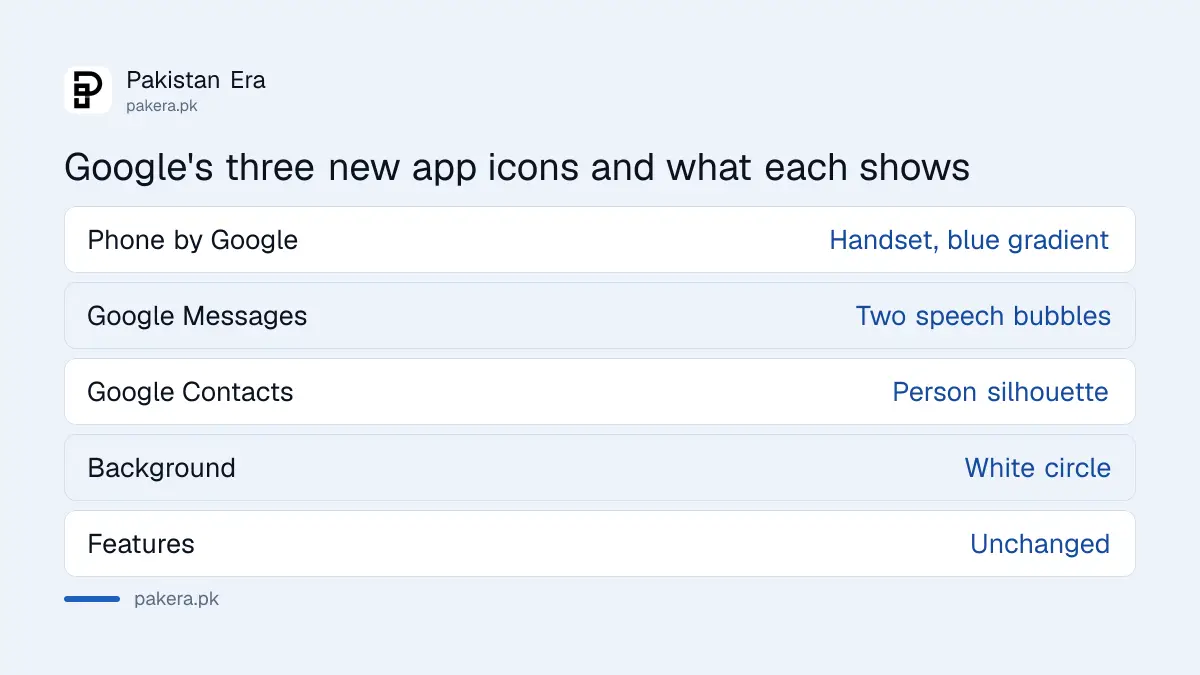
Google Messages, Phone by Google and Google Contacts are getting new icons on a white circle with a blue gradient. Phone shows a handset, Messages shows two overlapping speech bubbles, and Contacts shows a simple person shape. Google says only the look changes, not the features.
Google describes the new icons as "sharper and clearer" on the home screen. It added "a subtle but crisp gradient with easily readable edges". The shapes and colours were also changed to match Google's other apps and its main "G" logo.
| App | What the new icon shows | What changes inside the app |
|---|---|---|
| Phone by Google | A handset on a white circle, blue gradient | Nothing, look only |
| Google Messages | Two overlapping speech bubbles, blue gradient | Nothing, look only |
| Google Contacts | A simple person silhouette, blue gradient | Nothing, look only |
The rollout started on 2 November and takes a few weeks
Google's post says the rollout starts on the day of the announcement, 2 November 2026, and that people will see the change "in the coming weeks". So two phones in the same house can show different icons for a while. That is normal and does not mean one phone has a problem.
You do not need to do anything to get the new icons. They come with an app update from the Play Store. If you have turned off automatic updates to save mobile data, the old icons will stay until you update. Google did not give a separate date for Pakistan, so we cannot say exactly when every phone here will switch.
Your phone may not use these apps at all
The new icons only appear if your phone uses Google's own Phone, Messages and Contacts apps. Many phones sold in Pakistan come with the maker's own dialler and messages app, so those icons will not change. Check which app you actually use before looking for the new design.
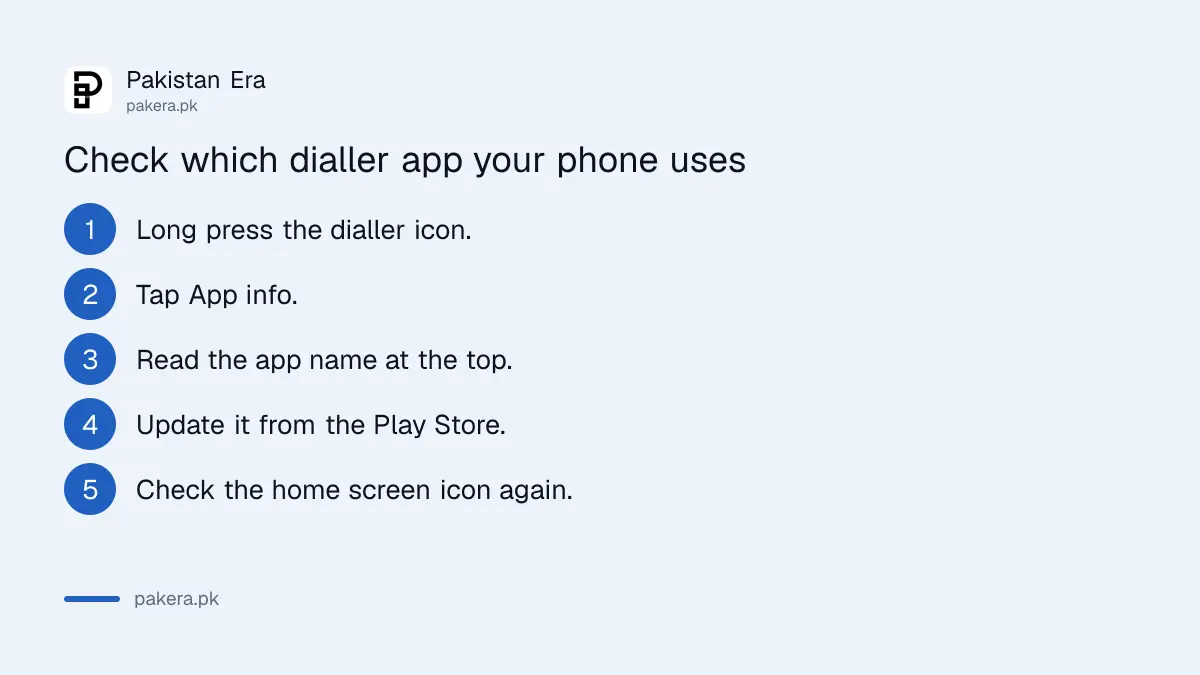
Here is a quick way to check. Long press the dialler icon on your home screen and tap App info. The name at the top tells you which app it is. If it says Phone by Google or Google Messages, the new icon will reach you. If it shows your phone maker's app, nothing changes.
- Long press the dialler or messages icon on your home screen.
- Tap App info, or the small "i" symbol.
- Read the app name at the top of the screen.
- Open the Play Store, search the app name, and tap Update if the button shows.
- Go back to the home screen and check the icon again.
A new icon is a good moment to check for fake apps
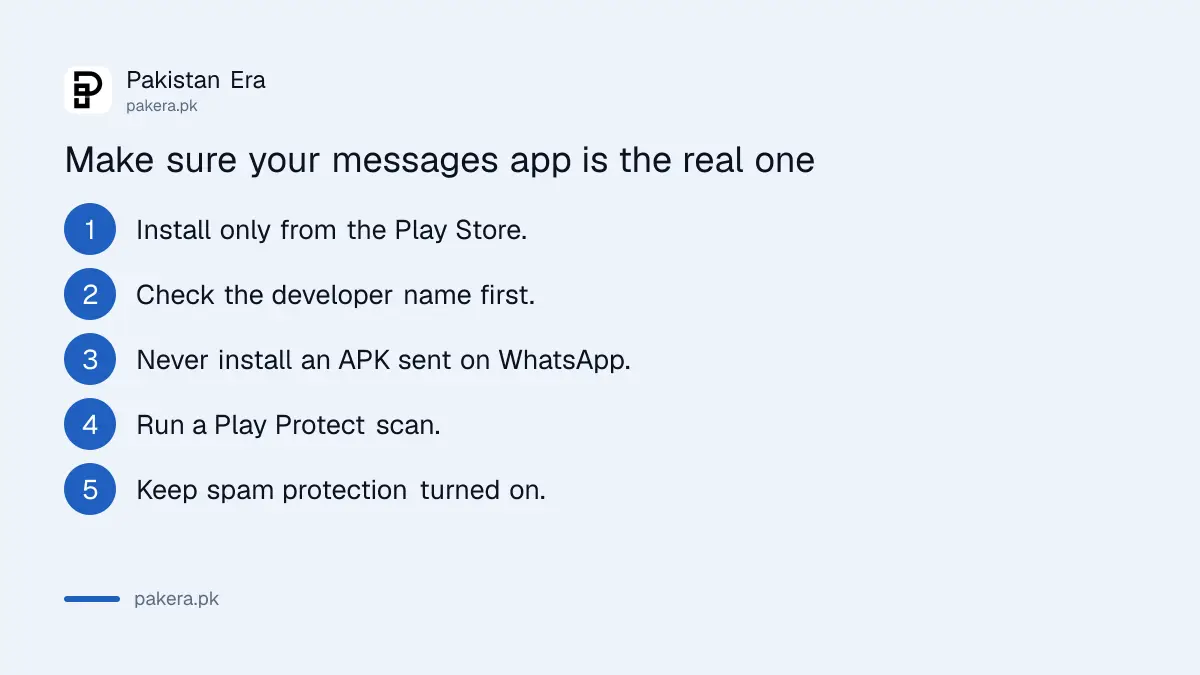
When people see a new icon, they are less sure what the real app looks like. A fake messaging or dialler app installed from a link can copy the same blue and white style. Install these apps only from the Play Store, and check the developer name before you install anything.
In Pakistan, fake apps usually arrive as an APK file sent on WhatsApp, often with a message about a parcel, a prize or a bank. Never install a dialler or messages app from a file like that. A fake messages app can read your one time codes (OTPs) and pass them to a scammer. If you think you already installed one, the steps to remove a fake APK installed from WhatsApp show how to find and delete it.
Google Play Protect, the scanner built into the Play Store, also checks your apps. You can run it yourself from the Play Store menu. Our guide to checking Google Play Protect and app permissions covers where the button is.
Spam and scam protection inside Google Messages stays the same
The redesign does not touch the settings inside Google Messages. Spam protection, which filters suspected scam texts, keeps working exactly as before. Google says the functionality of all three apps is unchanged, so you do not need to turn anything back on after the update.
If you never turned spam protection on, now is a good time. It sits under Messages settings, then Protection and Safety. The steps to turn on spam protection in Google Messages walk through each menu in order.
Google has also announced a separate, stronger option called Enhanced protection mode for Google Messages, rolling out in the coming weeks. That is a different change from the icons, and it is not part of this update.
Common questions
Why did my Google Messages icon change?
Google started rolling out new icons for Google Messages, Phone by Google and Google Contacts on 2 November 2026. The new icon sits on a white circle with a blue gradient. Only the look changed.
Did any features change in Google Messages or Phone by Google?
No. Google says the redesign is visual only and the apps work the same way. Your chats, call history, contacts and settings stay as they were.
Why does my phone still show the old icon?
Google says the new icons arrive in the coming weeks, so not every phone has them yet. Updating the app from the Play Store may bring it sooner. If your phone uses its maker's own dialler, the icon will not change at all.
Is an app with the new blue icon always the real Google app?
No. Anyone can copy an icon. Install Messages, Phone and Contacts only from the Play Store, and never from an APK file sent over WhatsApp or SMS.
Do I need to do anything after the new icon appears?
No. Your settings, including spam protection in Google Messages, carry over. You can open the apps and use them as normal.
Sources and last checked
On 4 November 2026 we read Google's official blog post announcing the new icons for Messages, Phone and Contacts, dated 2 November 2026. The rollout date, the description of each icon and the statement that functionality is unchanged come from that post. Google did not give a separate rollout date for Pakistan.
About the author

Technology Journalist & Multimedia Producer
Ahmad Ali is a technology journalist and multimedia producer at Pakistan Era, joining the team in October 2026. He covers consumer technology and digital life for Pakistani readers, combining research with hands-on product testing.