KP E-Registry Online: Start Your Property Registry on the Khyber Pakhtunkhwa E-Stamping Portal in 8 Steps
Start a property registry online in Khyber Pakhtunkhwa: e-stamp number, parties, two witnesses, deed text, KPITB challan, the 19 districts and status check.
In Khyber Pakhtunkhwa you start a property registry online on the e-stamping portal, estamping.kp.gov.pk: tap Initiate E-Registry, enter your e-stamp paper number and district, add the parties, two witnesses and the deed text, upload papers such as the fard, pay the KPITB challan, and then visit the Sub-Registrar with your witnesses. You need a valid e-stamp paper first, because the whole registry is built on its number.
The Board of Revenue's E-Registry user manual, version 1.0 of 15 December 2025, sets out each screen. We read it and the live portal on 15 November 2026. The Initiate E-Registry form listed 19 districts that day.
KP e-registry starts from your e-stamp paper
The e-registry form opens only with a valid, registerable e-stamp paper number. So first pay the stamp duty: generate Challan 32-A on the same portal, pay it at a designated bank branch, and collect the e-stamp certificate. Then start the registry.
The e-stamp carries the details you entered for the sale, such as the seller, the purchaser, the deed type and the property value. The registry screens pull those details in, so mistakes on the e-stamp carry through. The steps for the stamp itself are in issuing an e-stamp paper.
| Before you start | Why it is needed |
|---|---|
| E-stamp paper number | The registry opens only with a valid, registerable stamp number |
| District of the property | Chosen on the first screen with the stamp number |
| CNICs of all parties | Parties are checked and any missing party added |
| Two witnesses | The form will not move on without two |
| Fard or court decree | Uploaded in support of the registry |
| Boundaries of the property | East, west, north and south, for property in a city area |
How to start a KP e-registry online, step by step
The manual lists eight screens, from the stamp number to the final submission. Work through them in one sitting if you can, with the parties' details and the witnesses' CNICs to hand.
- Open estamping.kp.gov.pk and tap Initiate E-Registry.
- Enter the e-stamp paper number and choose the district. If the stamp is valid and registerable, the next screen opens.
- Overview details: check the e-stamp details and tap Next if they are right.
- Parties information: check the parties on the deed, add any party missed when the challan was made, and enter two witnesses.
- Parties shares distribution: enter each party's share, partial or full.
- Deed writing (waseeqa nawees): enter the east, west, south and north boundaries for city property, and type or paste the deed text. Sample deeds are provided.
- File uploads: attach supporting papers, for example the fard or a court decree.
- Accept the disclaimer. The registry is then locked for payment.
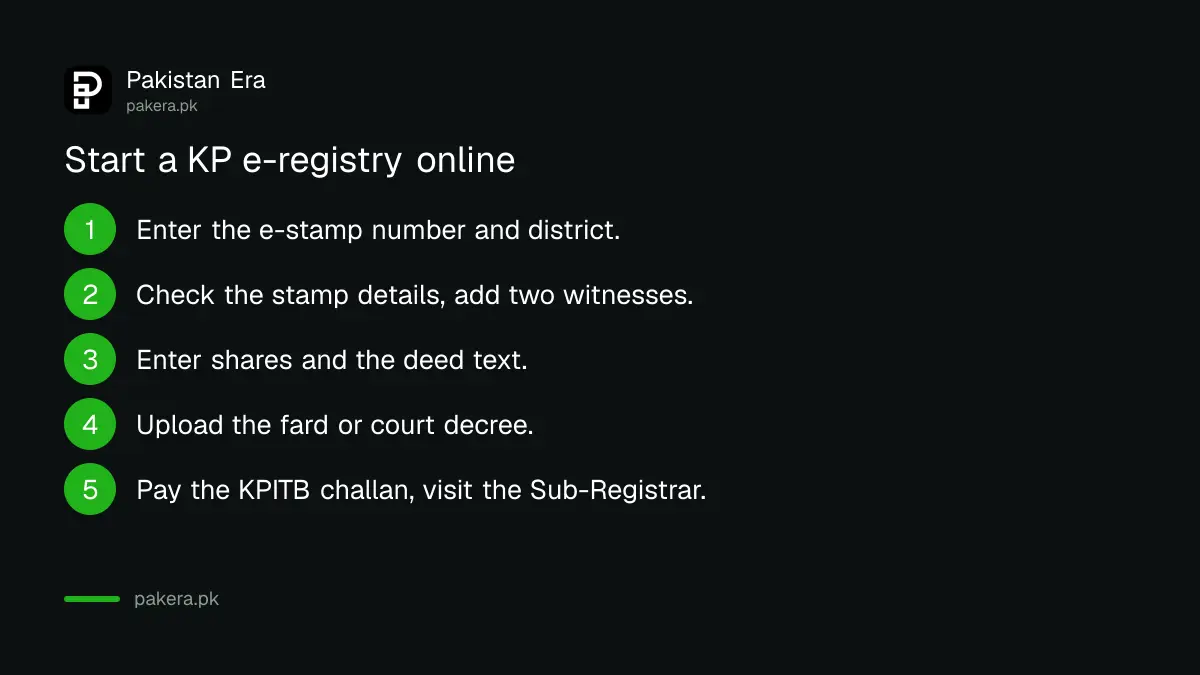
The manual says the registry is locked for payment at this point, so read the deed text twice before you accept. Check every CNIC digit and the spelling of each name against the CNIC.
Pay the KPITB e-registry challan
After the disclaimer, the portal makes a KPITB challan for the e-registry service charges. You pay it at a nominated Bank of Khyber branch or online through KPITB's PayMir payment service. Only after payment can the Sub-Registrar find and complete your registry.
- Print or reprint: the E-Registry Re-Print Challan tile asks for the challan number or the stamp paper number.
- Where to pay: a nominated Bank of Khyber branch, or online on PayMir.
- Amount: shown on the challan itself.
This KPITB charge is separate from the stamp duty you paid on the e-stamp. Keep both receipts with your file.
Visit the Sub-Registrar with your witnesses
After paying, go to the Sub-Registrar office for the property's area with your witnesses to submit the e-registry. The Sub-Registrar completes the registration from the record you filled in online, so the visit is shorter than a paper registry.
Take the original CNICs of all parties and witnesses, the e-stamp paper, the paid challan and the originals of anything you uploaded.
After registration, the mutation (intiqal) in the land record follows through the revenue office. You can check the record later through KP land record online, and the e-fard service is explained in KP's e-fard portal.
Check your KP e-registry status online
The E-Registry Status tile on the same portal shows where your application stands. It asks only for the stamp paper tracking number. Check it after you pay the challan and again after the Sub-Registrar visit.
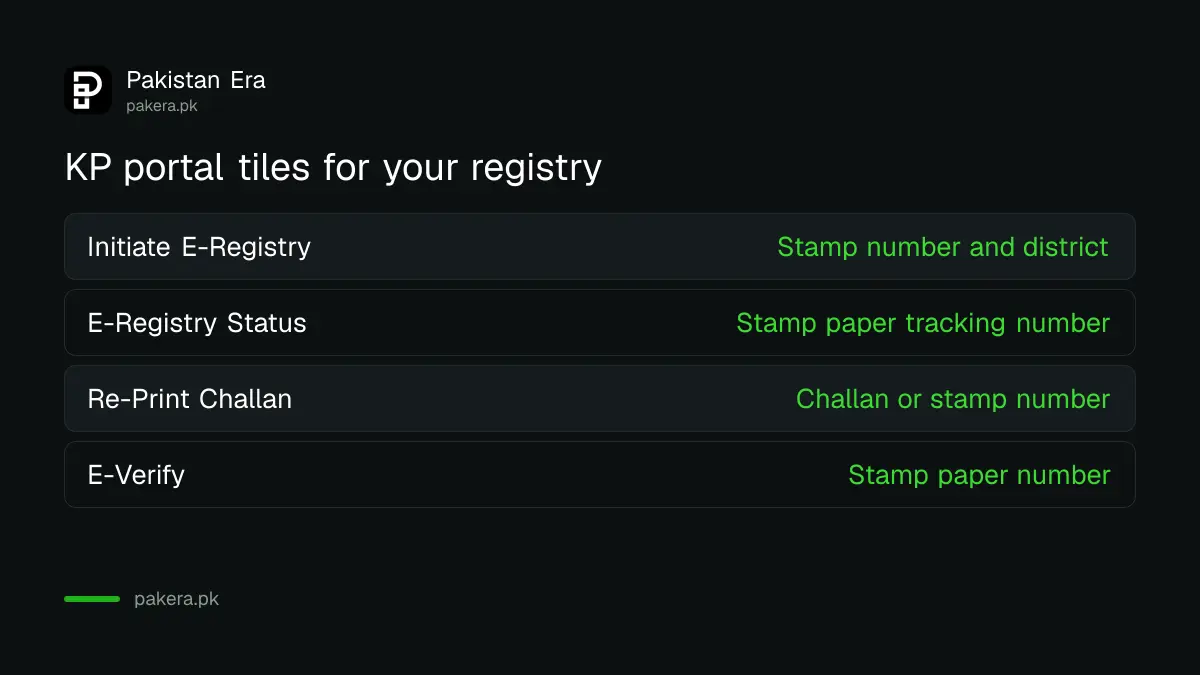
| Portal tile | What it asks for |
|---|---|
| Initiate E-Registry | E-stamp paper number and district |
| E-Registry Status | Stamp paper tracking number |
| E-Registry Re-Print Challan | Challan number or stamp paper number |
| E-Verify | Stamp paper number, to check the e-stamp itself |
KP e-registry districts on the portal
On 15 November 2026 the Initiate E-Registry form listed 19 districts. If your district is not on it, ask your Sub-Registrar office how it registers deeds there.
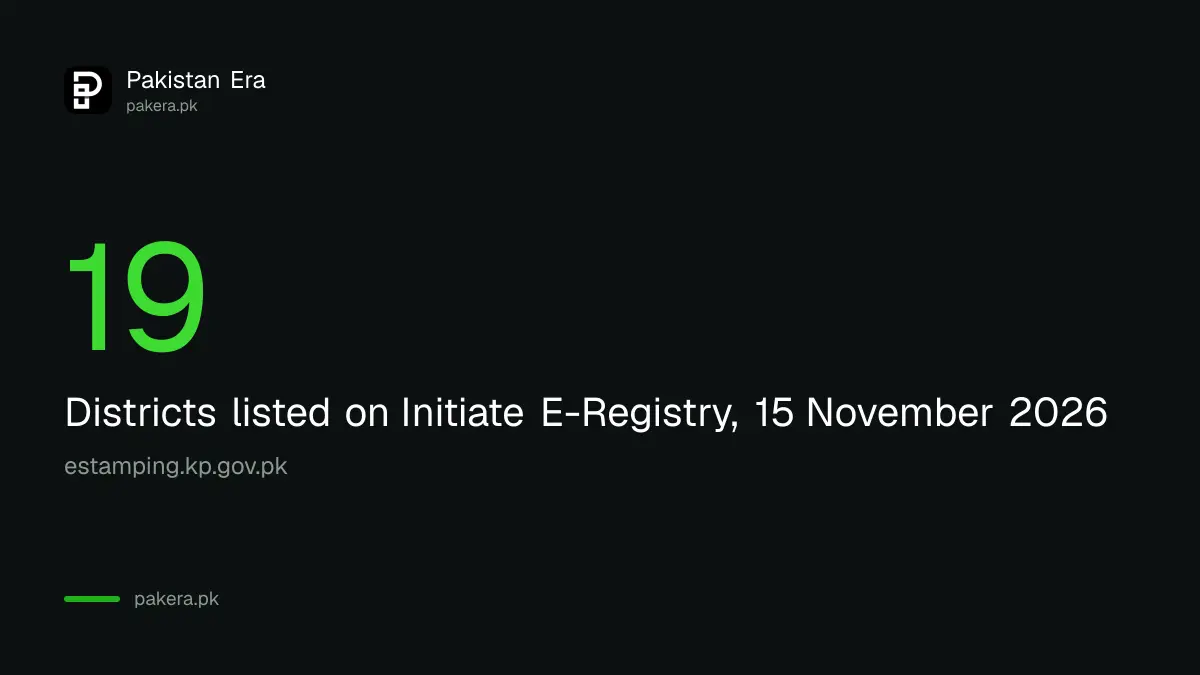
The 19 were Abbottabad, Bannu, Battagram, Buner, Charsadda, Dera Ismail Khan, Hangu, Haripur, Kohat, Lakki Marwat, Mansehra, Mardan, North Waziristan, Nowshera, Peshawar, Shangla, Swabi, Swat and Tank. The list on the form can change as more Sub-Registrar offices join.
The value used for stamp duty comes from the valuation rates built into the portal. For Peshawar city areas, the FBR valuation table for Peshawar sets the federal tax values used on a sale.
Common questions
Can I complete a KP registry fully online?
No. You fill in and pay online, then visit the Sub-Registrar office with your witnesses to submit the e-registry.
What do I need to start an e-registry in KP?
A valid e-stamp paper number, the district, the parties' details, two witnesses, the deed text and supporting papers such as the fard.
How many witnesses does a KP e-registry need?
Two. The portal will not move past the parties screen without two witnesses.
Where do I pay the e-registry challan?
At a nominated Bank of Khyber branch, or online through KPITB's PayMir payment service.
How do I check my e-registry status?
Open E-Registry Status on estamping.kp.gov.pk and enter the stamp paper tracking number.
Who do I contact about the KP e-stamping portal?
The portal lists 091-9214279 and es.info@kp.gov.pk for queries.
How we verified this
What we checked and where we read it.
We read the KP e-stamping portal on 15 November 2026: the E-Registry tiles, the Initiate E-Registry form (stamp paper number and a district list of 19), the E-Registry Status form (stamp paper tracking number) and the Re-Print Challan form (challan or stamp paper number), plus the contact line and email in the footer. We also read the Board of Revenue's E-Registry User Manual, version 1.0 dated 15 December 2025, which sets out the screens, the two witness rule, the uploads, the KPITB challan payable at Bank of Khyber or on PayMir, and the Sub-Registrar visit. The manual and the portal do not print the KPITB service charge amount.
About the author

Senior Writer, Public Services and Technology
Shahid joined us in 2024 as an author. He is a senior contributor to Pakistan's leading technology websites. He writes detailed articles, mostly covering his expertise in the latest tech, mobiles, apps, gadgets, and step-by-step guides. His ideology is to help people understand the latest trends and explain complex methods through very easy-to-understand guides.