KPRA Active Taxpayer List Check: Verify a Khyber Pakhtunkhwa Business by NTN, CNIC or STRN
Check a business on KPRA's Active Taxpayer List by NTN, CNIC or STRN, or search KPRA taxpayers by KNTN or passport. Steps, what each tool shows, what to do.
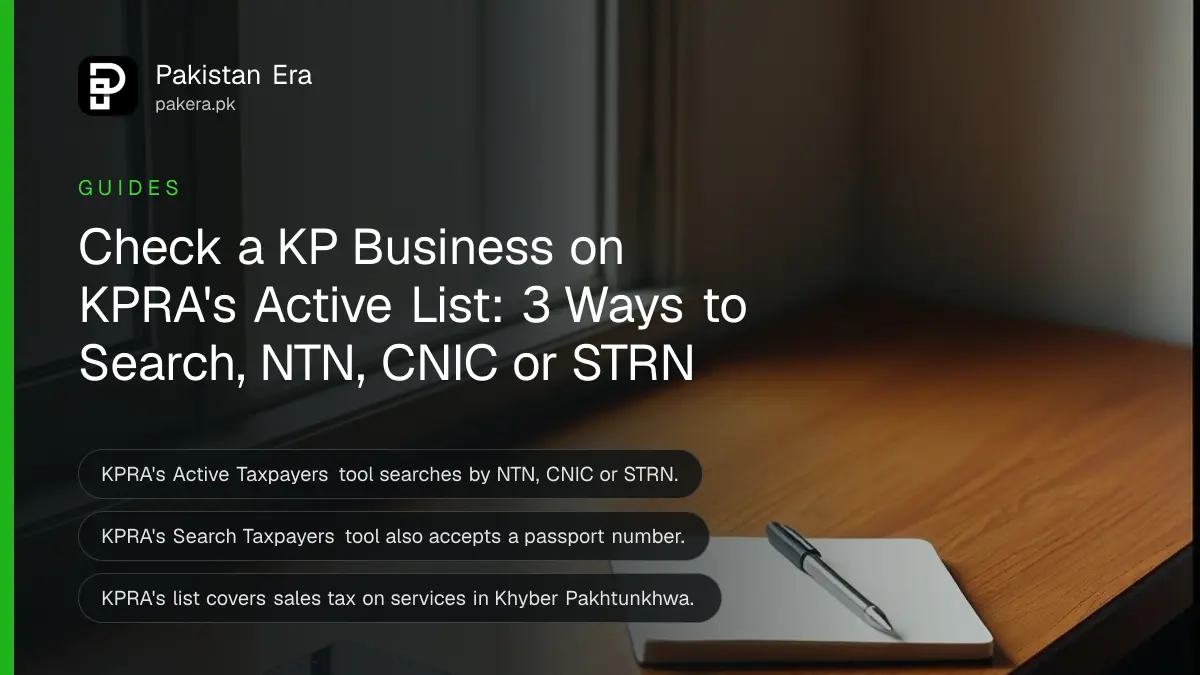
To check if a business is on the Khyber Pakhtunkhwa Revenue Authority's Active Taxpayer List, open kpra.kp.gov.pk and click Active Taxpayers. Choose NTN, CNIC or STRN, type the number, enter the picture code and press search. It is free and needs no account. A second KPRA tool, Search Taxpayers, finds a registered person by KNTN, CNIC, passport number or registration number.
These two KPRA tools are the provincial check for businesses that charge sales tax on services in Khyber Pakhtunkhwa. They are separate from FBR's lists. We opened both KPRA pages on 11 November 2026 and read the search options on each. Here is how to use them and what to do with the result.
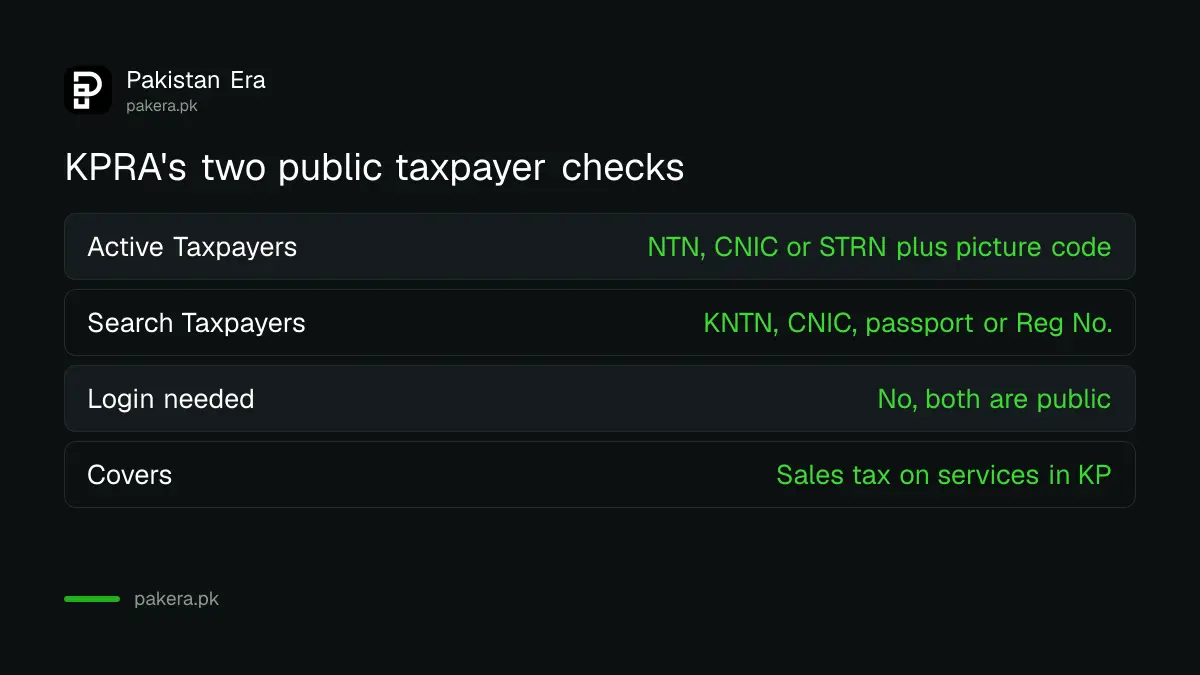
KPRA's two public taxpayer checks
KPRA's home page links both tools from its main menu. Each asks for a different set of numbers.
| Tool | Address | Search by | Use it to |
|---|---|---|---|
| Active Taxpayers (ATL) | kpra.kp.gov.pk/ATLSearchUtility.aspx | NTN, CNIC or STRN, plus a picture code | See if a business is active on KPRA's list |
| Search Taxpayers | kpra.kp.gov.pk/Registration/onlinesearchTaxpayer.aspx | KNTN, CNIC, passport number or registration or incorporation number | Confirm a business is registered with KPRA |
STRN is the sales tax registration number. KNTN is the tax number label KPRA's Search Taxpayers form uses. The ATL box takes up to 13 characters, enough for a CNIC without dashes. The KNTN search takes a 7 digit number and a separate check digit.
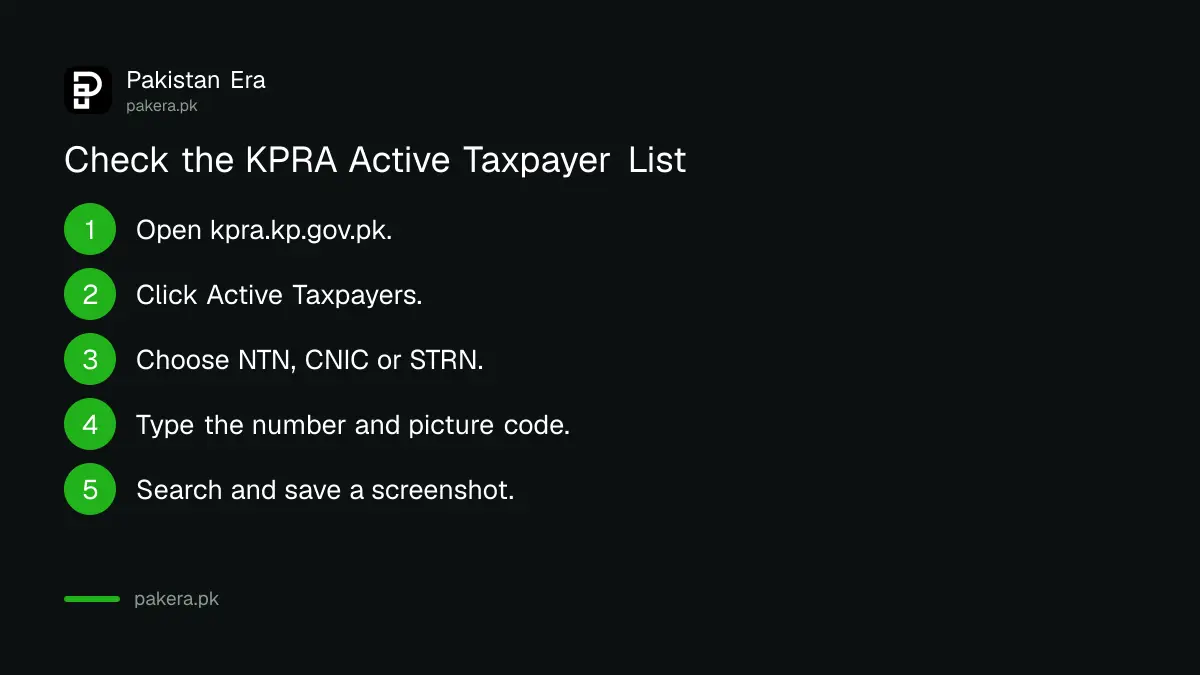
How to check the KPRA Active Taxpayer List
Get the supplier's NTN, CNIC or STRN first. It is usually printed on its sales tax invoice.
- Open kpra.kp.gov.pk in a browser.
- Click Active Taxpayers in the menu.
- In the drop-down, choose NTN, CNIC or STRN.
- Type the number without dashes.
- Type the characters shown in the picture box.
- Press the search button and read the result. Take a screenshot for your records.
If the page shows an error, reload it and try a normal browser on a phone or computer. KPRA's site blocked our automated screenshot tool, so we could not show the page here, but it opened normally as a web page.
How to search a taxpayer by KNTN, CNIC or passport
The Search Taxpayers tool helps when you want to confirm that a business is registered at all, not only whether it is active. It is also the tool for a foreign owner, since it accepts a passport number.
- Open Search Taxpayers from the KPRA menu.
- Choose KNTN, CNIC, Passport No. or Reg/Inc No.
- For a KNTN, type the 7 digits and then the single check digit in its own box.
- Press Search. Use Reset to clear the form for the next search.
Why KPRA's list is not the same as FBR's
FBR handles income tax and sales tax on goods. KPRA handles sales tax on services in Khyber Pakhtunkhwa. A business can be active with FBR and still not be active with KPRA, or the other way round.
| What you need to know | Where to check |
|---|---|
| Services in Khyber Pakhtunkhwa | KPRA Active Taxpayers |
| Services in Punjab | PRA Online Verification |
| Services in Sindh | SRB taxpayer search |
| Federal sales tax on goods | FBR sales tax ATL |
| Income tax filer status | FBR income tax ATL or SMS to 9966 |
For the other provinces and FBR, see the PRA Active Taxpayer List check for Punjab, the SRB taxpayer search for Sindh and FBR's sales tax ATL check.
When to run a KPRA check
Run the check before you sign a contract or pay a large service bill in Khyber Pakhtunkhwa, and again once a year for regular suppliers. A business that charges you provincial sales tax should be registered with KPRA. If the supplier does not appear in either tool, ask it for its KPRA number in writing before you pay any tax amount on its invoice. Save the screenshot of each search with the date, so your file shows what you checked and when.
What to do if your own business is not active with KPRA
Start with your filing record. KPRA's search pages do not explain why a person is or is not on the list, so rule out the simple causes first.
- Check that every monthly return is filed, including months with no sales. Our guide to filing a KPRA return shows how.
- Pay any tax due with the return. Late returns and late tax carry fines, listed in KPRA penalties under the Finance Act 2026.
- If you have never registered, follow how to register with KPRA.
- Search again a few days after filing, since the list may not update at once.
If the status still does not change, contact KPRA through the details on its website and quote your NTN and the months you filed.
Common questions
How do I check KPRA active taxpayer status?
Open kpra.kp.gov.pk, click Active Taxpayers, choose NTN, CNIC or STRN, type the number and picture code, and search.
Can I check KPRA status by CNIC?
Yes. Both the Active Taxpayers tool and Search Taxpayers accept a CNIC.
What is a KNTN?
It is the tax number KPRA's Search Taxpayers tool uses, entered as 7 digits plus a check digit.
Is KPRA's list the same as FBR's ATL?
No. KPRA's list covers sales tax on services in Khyber Pakhtunkhwa. FBR keeps its own lists for income tax and sales tax on goods.
Can I check a foreign-owned business?
Yes. Search Taxpayers accepts a passport number as well as a CNIC.
Does KPRA have an SMS check?
KPRA's pages show only the web search. The 9966 SMS service belongs to FBR.
Last checked: 11 November 2026, from the Active Taxpayers and Search Taxpayers pages on kpra.kp.gov.pk.
About the author

Tax, Bills and Technology Writer
Ali Akhtar is a young and curious voice here at Pakistan Era. He is currently pursuing his A-Levels and has a growing interest in Pakistan’s changing industrial landscape and educational trends. Ali likes to write in a way that helps him explain and explore the world around him. His writing reflects the perspective of the new generation navigating the evolving trends of Pakistan where technology, youth innovation, and shifting opportunities are reshaping the country’s future.