Limit Your iPhone Charge to 80 Percent in Pakistan to Slow Battery Wear
On iPhone 15 and later, open Settings, Battery, Charging and set a limit from 80 to 100 percent. Older iPhones get Optimized Battery Charging. Pakistan steps.
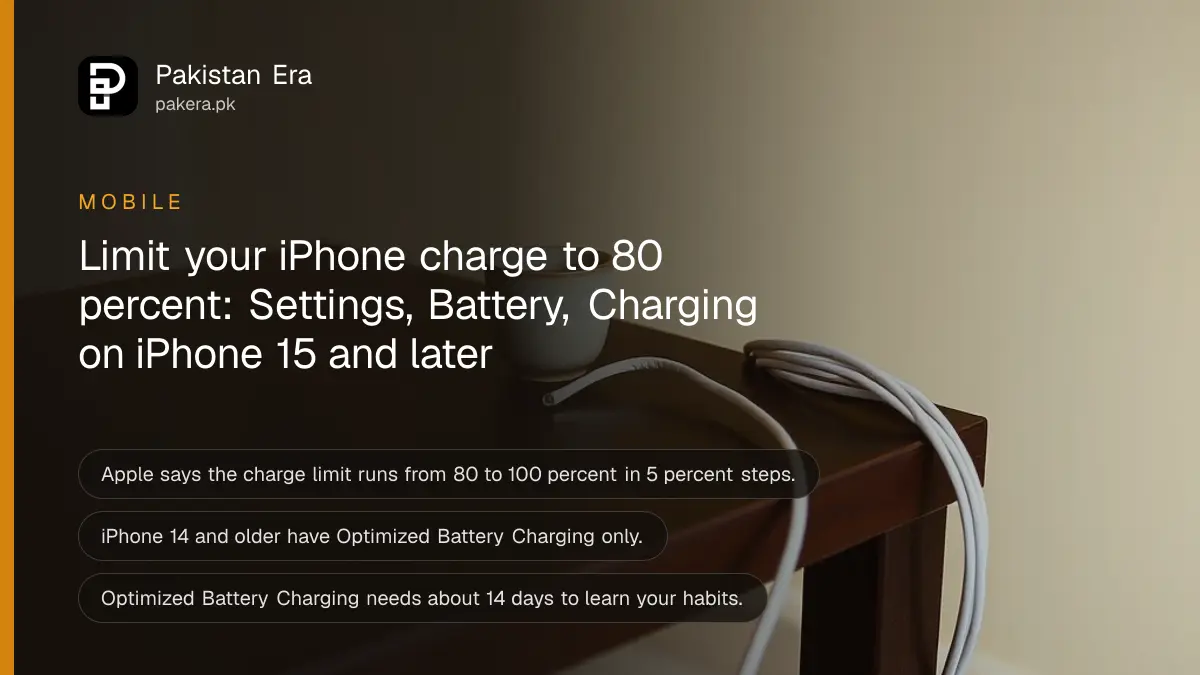
Short answer: On an iPhone 15 or later, open Settings, tap Battery, tap Charging, and choose a charge limit between 80 and 100 percent in steps of 5. On an iPhone 14 or older, you only get Optimized Battery Charging, under Battery Health and Charging. Apple says both are meant to reduce battery wear.
Pakistani summers are hard on phone batteries. Heat and long hours on the charger wear a battery faster. An iPhone that sits at 100 percent all night in a warm room is the worst case. A charge limit is a free setting that helps, and many owners never turn it on.
We read Apple's support page on Optimized Battery Charging and the charge limit on 13 October 2026. The model split, the menu paths and the 80 to 100 percent range are from that page. The habits at the end are ours.
Which setting your iPhone has depends on the model
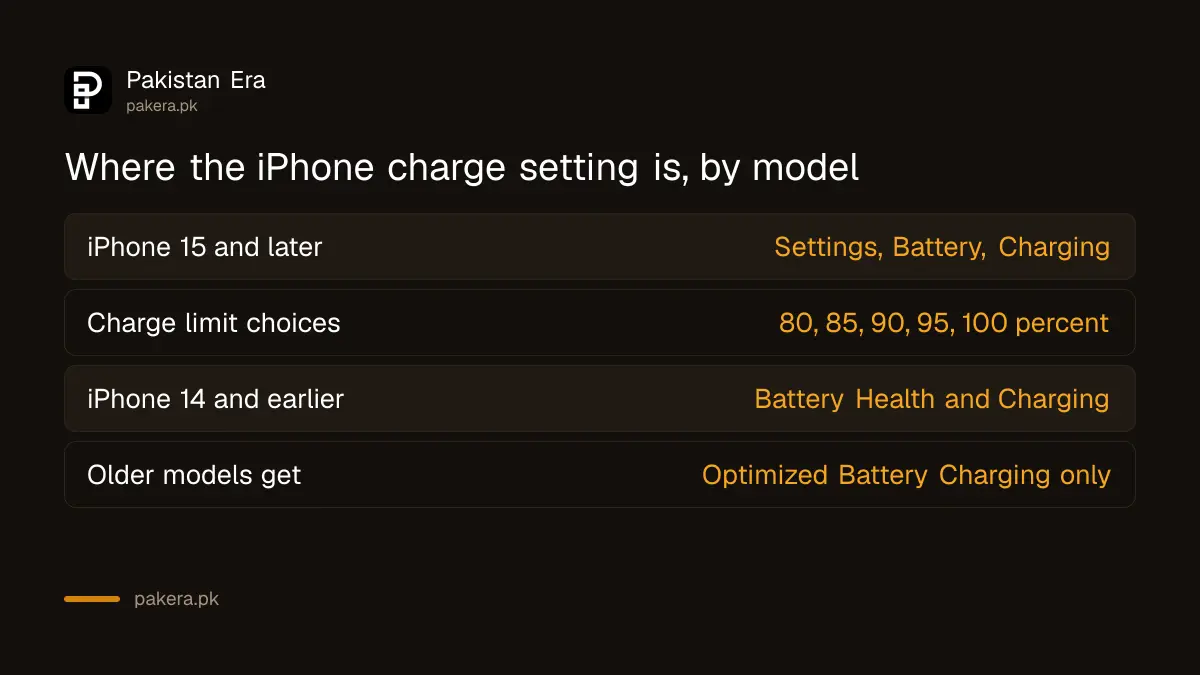
Apple says the charge limit is available on iPhone 15 models and later. iPhone 14 and earlier models have a simpler version, which is Optimized Battery Charging only. You find them in different places in Settings.
| Your iPhone | Where to look | What you get |
|---|---|---|
| iPhone 15 and later | Settings, Battery, Charging | A charge limit of 80, 85, 90, 95 or 100 percent, plus Optimized Battery Charging |
| iPhone 14 and earlier | Settings, Battery, Battery Health and Charging | Optimized Battery Charging only |
If you do not know your model, open Settings, then General, then About, and read the Model Name.
Set the charge limit on an iPhone 15 or later
The charge limit stops the iPhone at the number you choose. Apple says you can set it between 80 and 100 percent in 5 percent steps. So the choices are 80, 85, 90, 95 and 100.
- Open the Settings app.
- Tap Battery.
- Tap Charging.
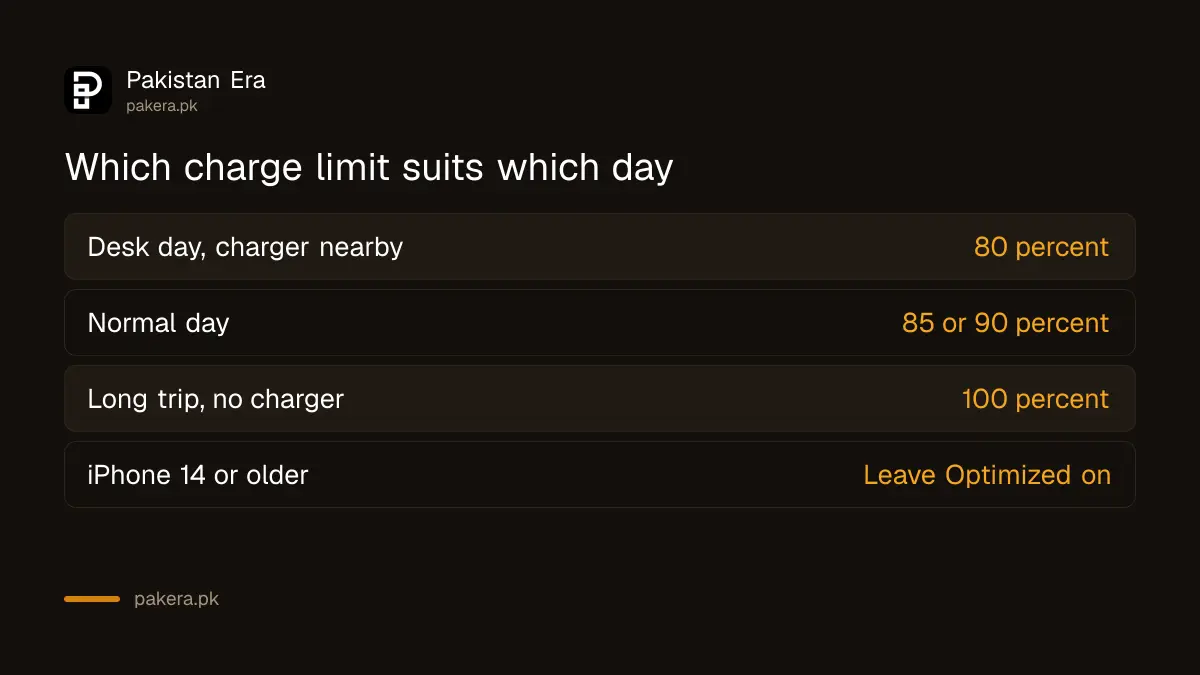
- Choose a charge limit. For daily use, 80 percent gives the least wear.
- Pick 100 percent only on days you need every minute, such as a long trip.
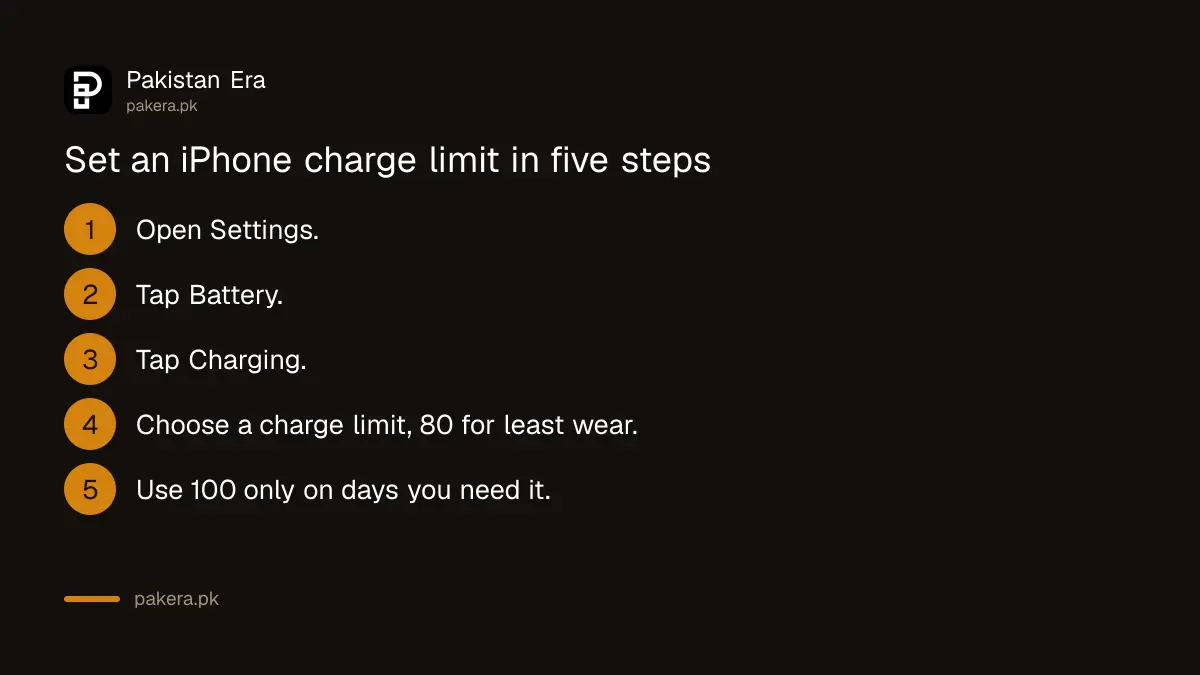
A lower limit means a shorter day between charges. If an 80 percent cap leaves you short, 85 or 90 is a middle choice. Change it back for the days you need it.
Optimized Battery Charging works on its own
Apple says Optimized Battery Charging is active when the charge limit is 100 percent. It delays charging past 80 percent in certain situations, and it uses your daily habits to guess when you will unplug. It only starts working after about 14 days of learning, according to Apple.
On an iPhone 14 or older this is the only tool you have, so leave it on. It works best when you charge on a regular schedule, for example every night at the same time.
You may see a message on the lock screen that says charging will finish at a later time. That is Optimized Battery Charging doing its job, not a fault. The phone is holding at 80 percent and will top up before you usually unplug. If you need the phone full right now, the message offers a way to charge to full straight away.
If your habits change a lot, for example you travel or work night shifts, the phone may not predict well and may charge fully early. That is when a fixed limit on a newer iPhone is the better tool.
Charging habits that help more than any setting
A setting only goes so far. These habits are our practical advice, not Apple's wording, and they matter most in a hot city like Lahore, Multan or Karachi.
Do not charge in direct sun or under a pillow. Take off a thick case if the phone feels hot. Use a good charger and cable, since a fake one can harm the battery. Our guide to checking if a charger or cable is fake shows how to tell.
If the phone gets hot while charging, see how to stop your phone overheating while charging. To see how worn your battery already is, follow our steps to check battery health on Android and iPhone. A battery that is already worn out needs a replacement, not a limit.
Android phones have the same idea under different names, such as Battery protection on Samsung and Charging optimization on Pixel.
Common questions
Does an 80 percent limit really help my battery?
Apple says Optimized Battery Charging and the limit are designed to reduce battery wear. We did not measure the gain on a phone for this page.
Which iPhones have the charge limit?
iPhone 15 models and later. Older models have Optimized Battery Charging only.
Why is Optimized Battery Charging not working?
Apple says it needs about 14 days to learn your habits and only acts when it expects a long charge. It also depends on a charge limit of 100 percent.
Should I charge to 100 percent on some days?
Yes. Choose 100 percent on a day you need a full battery, then go back to the lower limit.
Will an iOS update change these settings?
Menus can move between iOS versions. If you cannot find the page, use the Settings search box and type Charging.
How we verified this
What we checked, where we read it, and what we could not confirm.
Last checked on 13 October 2026, Pakistan time. The models, menu paths, 80 to 100 percent range, 5 percent steps and the 14 day learning period are from Apple's support page on Optimized Battery Charging and the charge limit. We did not test the setting on a live iPhone for this page. The heat and case tips are our own practical advice and are not Apple statements.
About the author

Technology Journalist & Multimedia Producer
Ahmad Ali is a technology journalist and multimedia producer at Pakistan Era, joining the team in October 2026. He covers consumer technology and digital life for Pakistani readers, combining research with hands-on product testing.