PTCL Internet Not Working: Fix a Blinking DSL Light, Red Internet Light and No Dial Tone
PTCL internet not working? Fix a blinking DSL light, a red Internet light or no dial tone using PTCL's own steps, then complain on 1218 or on WhatsApp.
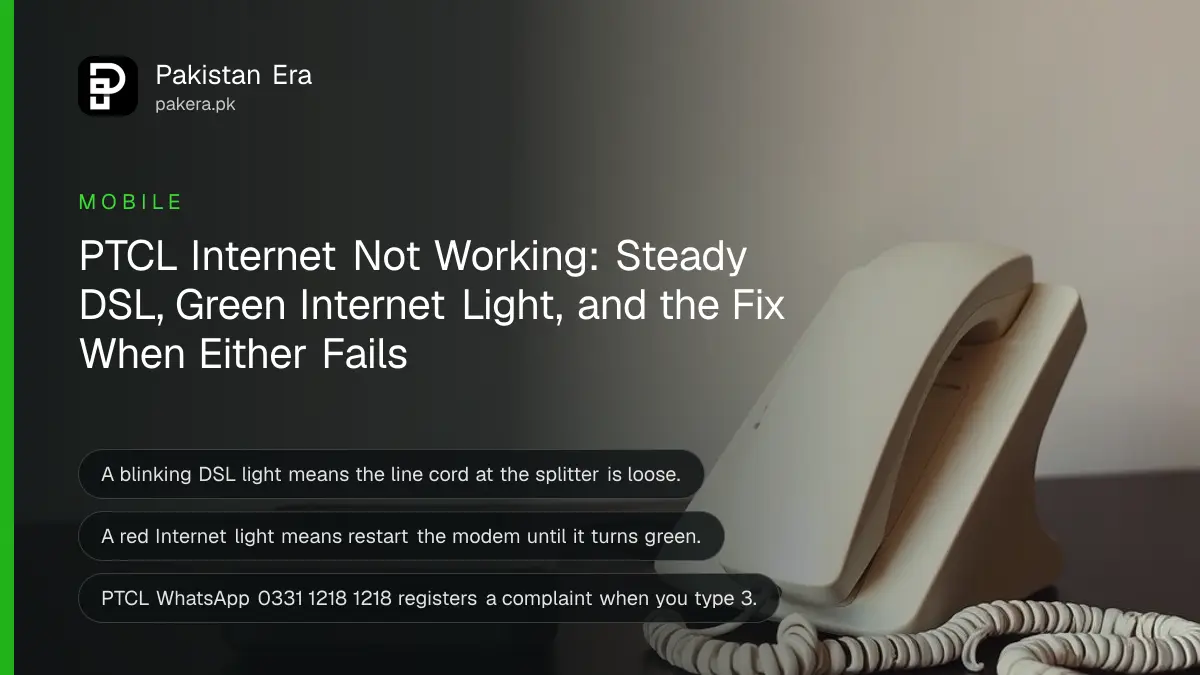
If PTCL internet is not working, check three lights on the modem: power must be on, DSL must be steady and the Internet light must be green. A blinking DSL light means a loose line cord at the splitter. A red Internet light means restart the modem. If that fails, complain on 1218 or WhatsApp 0331 1218 1218.
PTCL publishes its own self troubleshooting guide for broadband and landline faults. The fixes below follow its order. Most take under five minutes and need no technician.
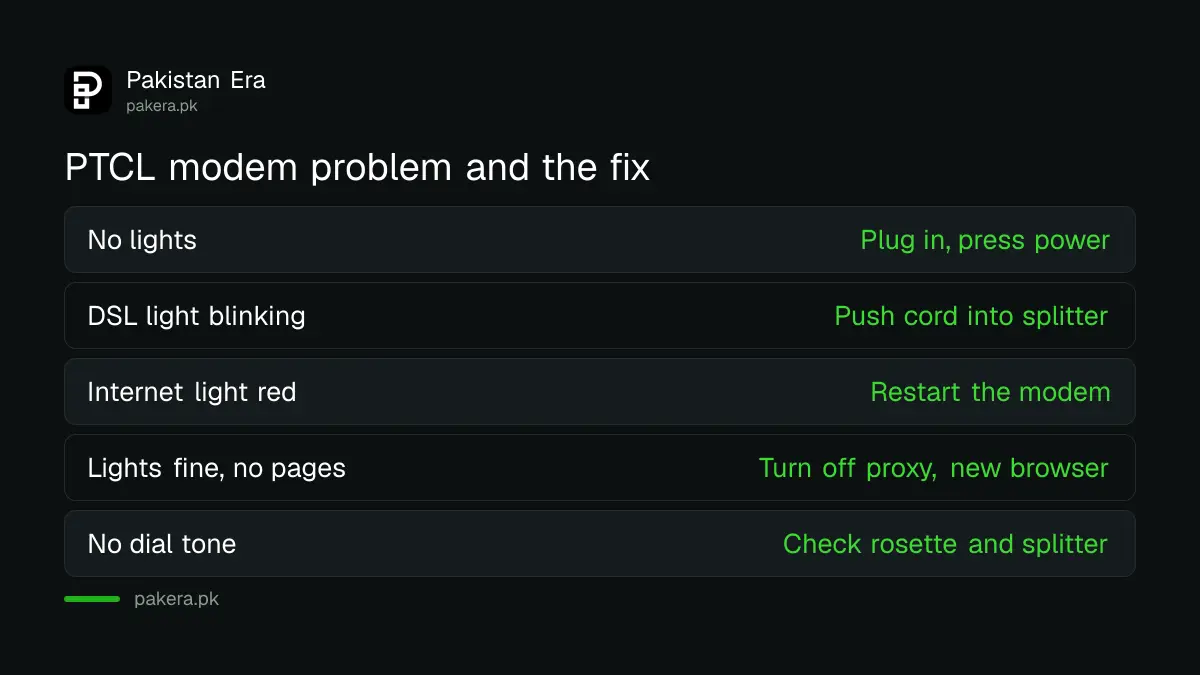
| What you see | Likely cause | PTCL's fix |
|---|---|---|
| Modem has no lights | No power | Plug in the adapter, press the power button |
| DSL light blinking | Line cord loose | Push the cord into the splitter's modem port |
| Internet light red | Modem not connected | Restart the modem |
| Lights fine, pages do not open | Laptop settings | Turn off proxy or hotspot, try another browser |
| No dial tone on the phone | Wiring or handset | Check rosette and splitter, then change the set |
A steady DSL light and a green Internet light mean the line is working
On a PTCL broadband modem, the DSL light shows the phone line signal and the Internet light shows the connection to PTCL. PTCL's guide says DSL must be stable and Internet must be green. If both look right and nothing opens, the fault is on your phone or laptop.
Some quick terms help here. The rosette is the small wall box where the PTCL line enters your home. The splitter is the small box that splits that one line into a phone port and a modem port, so you can talk and use the internet at the same time. PTCL notes that without a splitter you can only use one service at a time.
Fix no internet on PTCL in five steps
Start with power, then the DSL light, then the Internet light, then your device. PTCL's guide gives this exact order. Work through it before you call, because the support team will ask the same questions and it saves time on the line.
- Power: make sure the modem adapter is in the wall socket and press the modem's power button.
- DSL light: if it blinks, push the line cord firmly into the modem port of the splitter.
- Internet light: if it is red, restart the modem and wait for it to turn green.
- Your device: turn off any proxy or hotspot software on the laptop, try a different browser, then restart the laptop.
- Still down: register a complaint on 1218, on WhatsApp 0331 1218 1218, or on ptcl.com.pk.

If several homes on your street are down at the same time, the fault is likely outside, so skip to the complaint. The checks for home internet that is down today help you tell a local fault from a wider outage.
Fix no dial tone by checking the rosette, the splitter and the handset
A dead PTCL landline is usually a cable in the wrong port. PTCL's guide checks the wall rosette, then each port on the splitter, then the telephone set. If the phone works when plugged straight into the line, the splitter or its wires are the problem.
- Check the main line is pushed into the main port of the rosette.
- Check the line from the rosette goes into the Line port of the splitter.
- Check the telephone wire goes into the Phone port of the splitter.
- Check the modem wire goes into the Modem port of the splitter.
- Try another telephone set. If there is still no tone, connect the set directly to the line.
If none of this brings back the tone, register a complaint. A faulty line can also stop the internet, because PTCL broadband on copper runs on the same telephone line. For a new handset, the PTCL shop lists sets in the PTCL telephone set price list.
Slow PTCL internet: test the speed with other devices turned off
For slow internet, PTCL asks you to disconnect every other device from the Wi-Fi and run its speed test at ptclspeed.com.pk. If the result matches your package, the package is too small for your use, and PTCL suggests a faster plan through 1218 or its website.
If the test shows far less than your package, register a complaint and quote the result. Weak Wi-Fi in far rooms is a different problem. PTCL's guide says to keep the modem in a central, dry, open spot, away from the TV, microwave, refrigerator and windows, and never inside a cupboard. It also offers Wi-Fi extenders at discounted rates through 1218.
| PTCL placement rule | Why it matters |
|---|---|
| Central location | Signal reaches every corner |
| Dry area | Moisture damages the equipment |
| Away from TV, microwave, fridge | Their waves weaken the signal |
| Not by a window or in a cupboard | Range drops and the connection suffers |
Speed can also drop once you cross your monthly data limit. Check how much you have used with the steps for PTCL internet usage and fair usage.
Register a PTCL complaint and track it with the complaint number
Call 1218, send "Hi" on WhatsApp to 0331 1218 1218, or email care@ptcl.net.pk. On WhatsApp, type 3 to register a complaint and 6 to check its status. PTCL says the WhatsApp service is free and self-service only, so you pick from a menu instead of chatting with an agent.
Keep the complaint number. On ptcl.com.pk, the Complaint Status page asks for your area code, your phone number (Service ID) and the complaint number. Tell PTCL which light is off, blinking or red. That points the technician to the right fault before the visit.
If PTCL does not fix the fault, take it to the Pakistan Telecommunication Authority with your PTCL complaint number, through PTA's Complaint Management System or its helpline 0800-55055. Every PTCL complaint route is in the PTCL complaint guide.
Common questions
Why is my PTCL DSL light blinking?
The modem is not getting a steady line signal. Push the line cord firmly into the modem port of the splitter. If it keeps blinking, register a complaint.
What does a red Internet light on a PTCL modem mean?
The modem is not connected to PTCL. Restart the modem. The light should turn green.
How do I fix no dial tone on a PTCL landline?
Check the rosette, then the Line, Phone and Modem ports on the splitter. Try another telephone set, then connect it directly to the line.
What is the PTCL complaint number?
Call 1218, or send "Hi" on WhatsApp to 0331 1218 1218 and type 3 to register a complaint.
How do I check my PTCL complaint status?
On WhatsApp type 6, or open the Complaint Status page on ptcl.com.pk with your area code, phone number and complaint number.
How can I check my PTCL internet speed?
Turn off other devices on the Wi-Fi and run the test on PTCL's speed site, ptclspeed.com.pk.
How we verified this
What we checked and where we read it.
Last checked 21 November 2026. The light meanings, the no internet, no dial tone and slow internet steps, the speed test site and the modem placement rules come from PTCL's Self Troubleshooting Guidelines PDF, linked from its support page. The WhatsApp menu, its free self-service terms and the complaint status fields come from PTCL's WhatsApp and Complaint Status pages on ptcl.com.pk. The PTA helpline comes from PTA's website. One limit: PTCL's guide is written for copper broadband with a splitter and modem, and it does not cover fibre (Flash Fiber) lights, so fibre customers should complain on 1218 if a restart does not help.
About the author

Lifestyle & Clothing Writer
Mahnoor Siddiqui is a lifestyle and clothing writer at Pakistan Era, joining the new lifestyle desk in November 2026.