PUBG Mobile Redeem Code in Pakistan: Use the Official Redemption Center in 6 Steps, Find Your Character ID
Redeem a PUBG Mobile code in Pakistan on the official Redemption Center: enter Character ID, code and picture code. Where to find your ID and what errors mean.
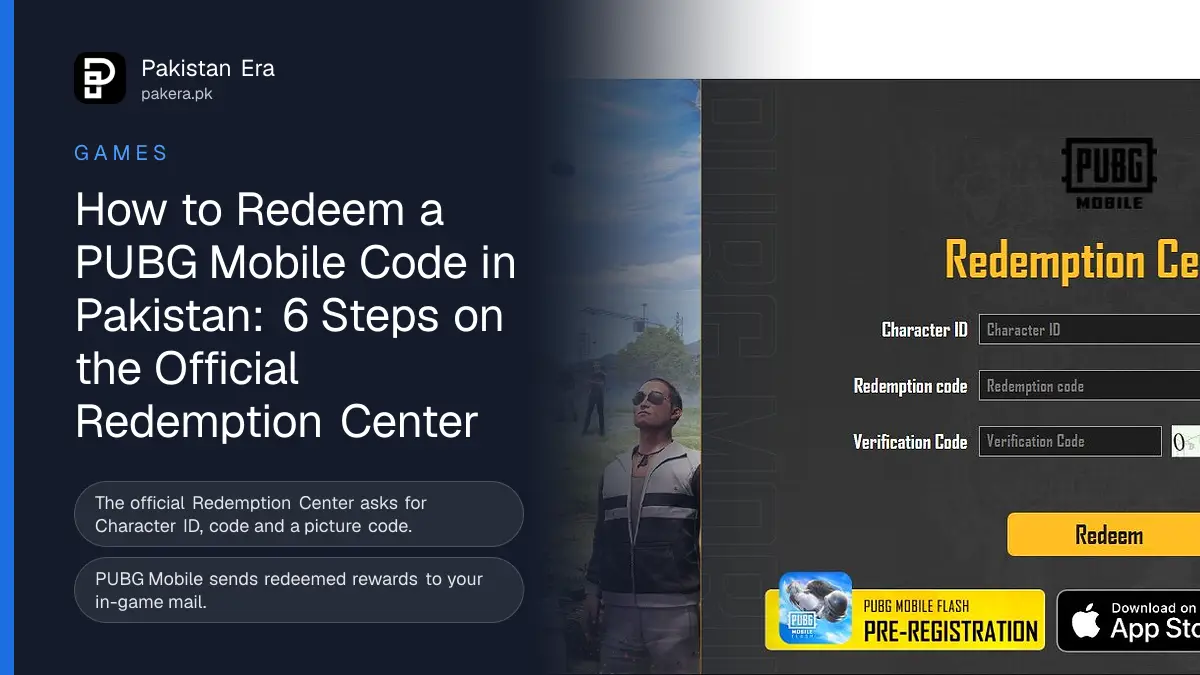
To use a PUBG Mobile redeem code in Pakistan, open the official Redemption Center at pubgmobile.com/en/event/redeemcode/. Enter your Character ID, the redemption code and the picture verification code, then tap Redeem. The reward arrives in your in-game mail.
We opened the official PUBG Mobile Redemption Center on 11 November 2026 and read every field and message on it. We did not redeem a code, because we had none from an official source that day. This guide shows the real page, where to find your Character ID, what each error means, and how to spot the fake "free UC" sites that steal accounts.
The official PUBG Mobile Redemption Center
The Redemption Center is a page on PUBG Mobile's own website. Its link sits in the site's top menu under "Redeem". The page asks for three things and has one button. No login is needed, and the page never asks for your password.
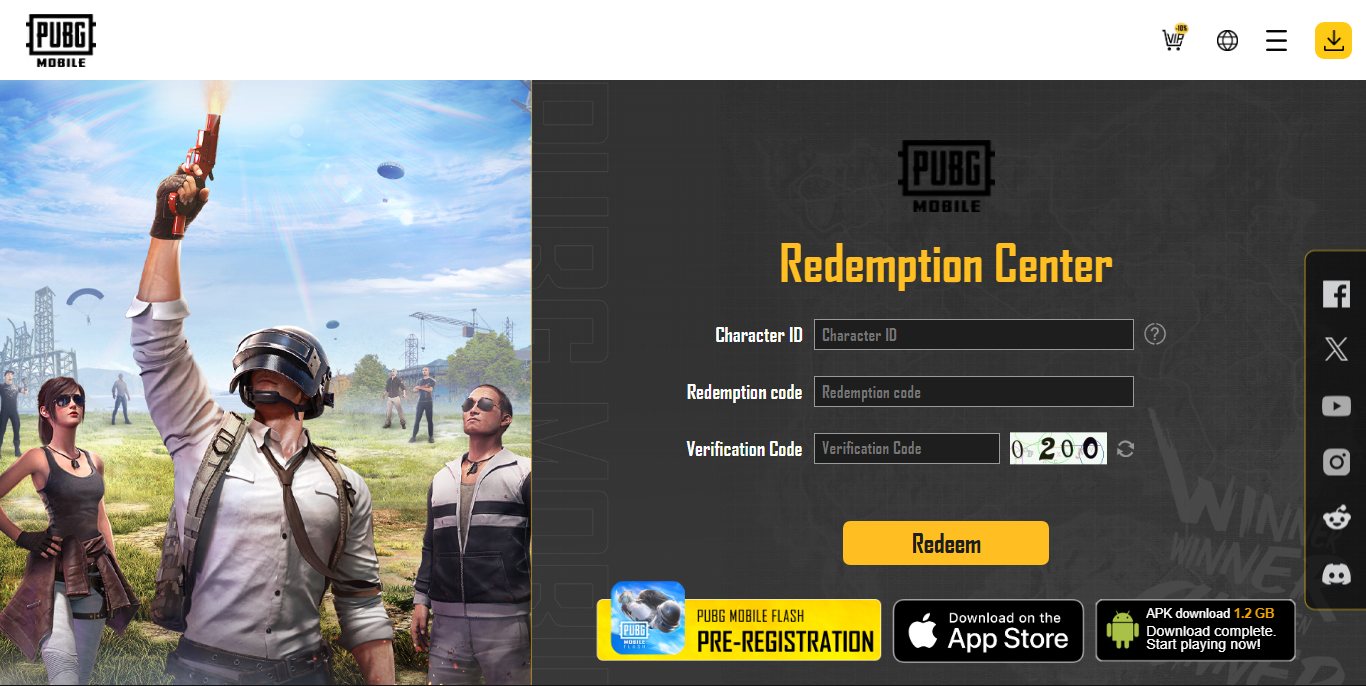
| Box on the page | What to type |
|---|---|
| Character ID | The number on your PUBG Mobile profile, not your name |
| Redemption code | The code from an official PUBG Mobile post or event |
| Verification Code | The characters in the small picture beside the box |
The page's own rules say: "please enter your reward redemption code and player ID in the redemption center. After confirming, you can collect the corresponding rewards in your in-game mail."
How to redeem a PUBG Mobile code, step by step
The whole process takes about two minutes. You need the code and the game open on your phone, so you can copy your Character ID.
- Open pubgmobile.com/en/event/redeemcode/ in Chrome or Safari. Type the address yourself rather than tapping a link from a stranger.
- Type your Character ID in the first box. How to find it is in the next section.
- Type the Redemption code exactly as it was posted.
- Type the characters from the small picture into Verification Code. Tap the round arrow beside it for a new picture if you cannot read it.
- Tap Redeem and confirm.
- Open PUBG Mobile and check your Mail to collect the reward.
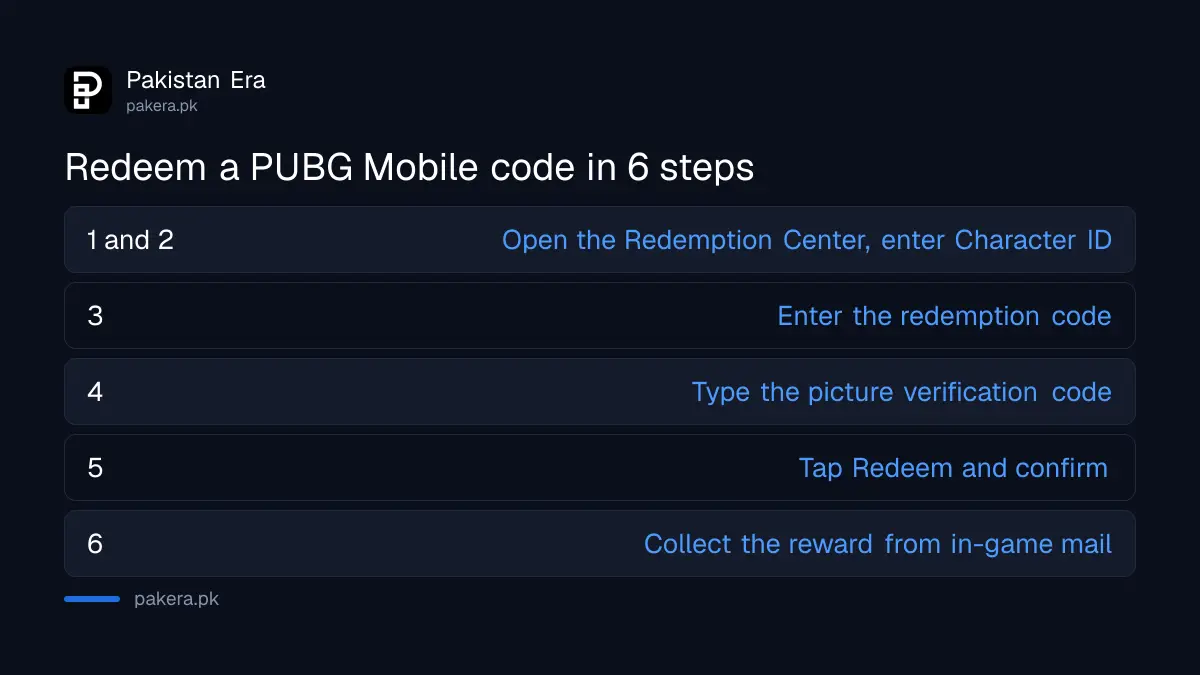
Find your PUBG Mobile Character ID in the game
Your Character ID is a number on your profile. PUBG Mobile's own guide on the Redemption Center shows where it is. Tap your avatar at the top left of the lobby, and the ID appears under your name on the profile screen.
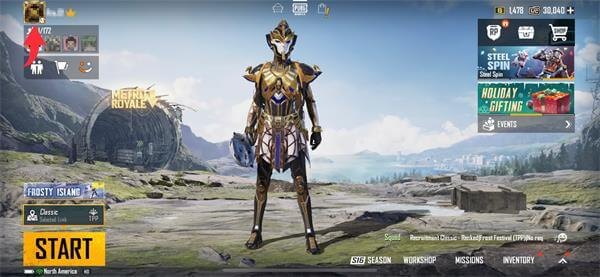
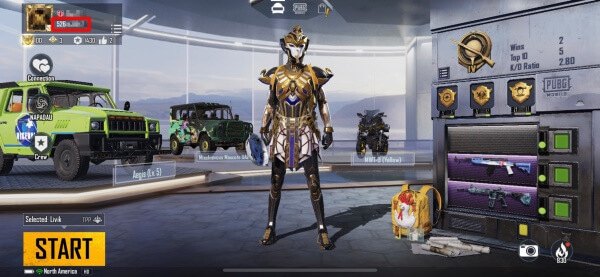
Write the number down carefully, or copy it if your phone lets you, then enter it in the Redemption Center. A wrong digit sends the reward nowhere, or to another player.
PUBG Mobile redeem errors and what they mean
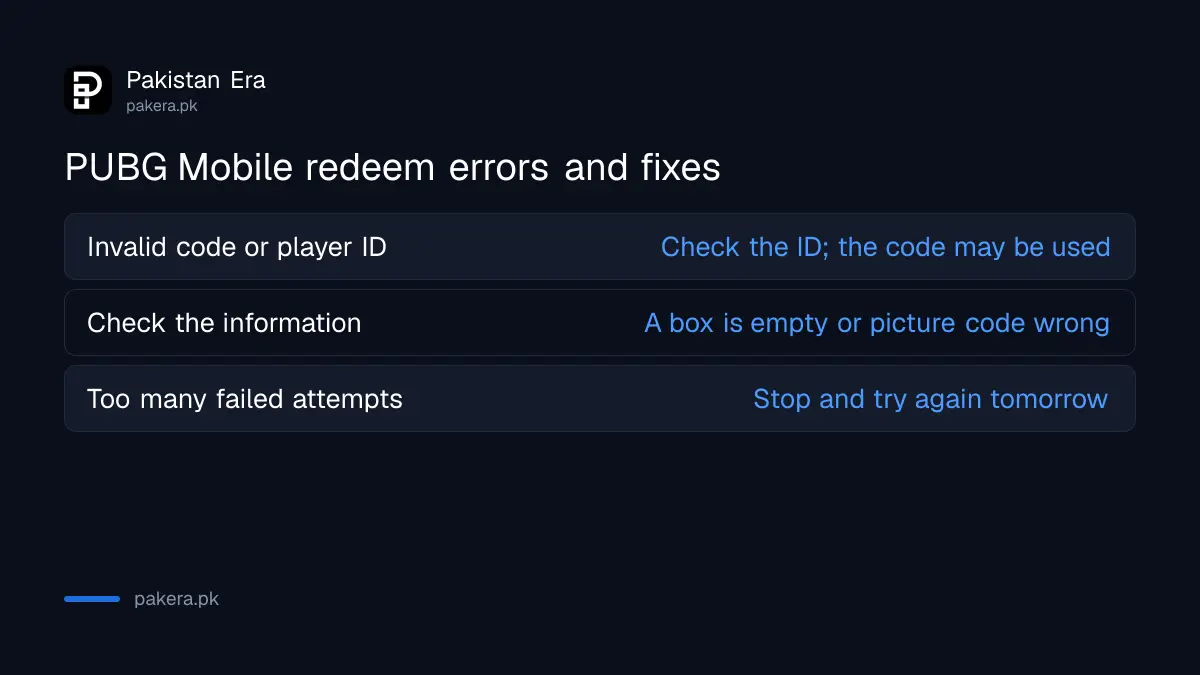
The Redemption Center has three error messages built into the page. Each one points to a different fix.
| Message on the page | What to do |
|---|---|
| Invalid redemption code or player ID. | Check the ID and code again. The code may have expired or already been used. |
| Please make sure the information you entered is correct. | A box is empty or the verification code is wrong. Load a new picture. |
| Too many failed attempts. Please try again tomorrow. | Stop now and try the next day. More tries will not help. |
Codes come from PUBG Mobile itself, often through its official social pages, events and partners. We do not list codes on this page, because a code list goes stale within days and most "code lists" online are recycled or fake.
Fake free UC sites and how to stay safe
The biggest risk with redeem codes is not a wrong code. It is a fake site that copies the Redemption Center and asks for your login. PUBG Mobile's real page only asks for your Character ID, a code and a verification picture.
- Never type your Facebook, Google, Twitter or email password into a site that offers codes or free UC.
- Ignore "UC generator" apps and websites. No tool can make UC.
- Do not send a WhatsApp code or OTP to anyone who promises rewards.
- Buy UC only in the game or on Midasbuy, as in our PUBG UC top-up guide.
If your account is banned after using a third party tool, read our PUBG Mobile ban appeal guide. Free Fire players can follow the same safety rules in our Free Fire redeem code guide.
Common questions about PUBG Mobile redeem codes
Where do I enter a PUBG Mobile redeem code?
On PUBG Mobile's official Redemption Center at pubgmobile.com/en/event/redeemcode/. You need your Character ID, the code and the verification picture.
Where do PUBG redeem rewards go?
The page says rewards go to your in-game mail. Open PUBG Mobile and check Mail after you redeem.
Is the PUBG Mobile Character ID the same as my name?
No. It is a number under your name on the profile screen. Tap your avatar at the top left of the lobby to see it.
Why does it say "too many failed attempts"?
The page stops you after several wrong tries. It tells you to try again tomorrow, so wait a day before the next try.
Can I get free UC with a redeem code?
Only if PUBG Mobile itself gives out a code with UC. Sites and apps that promise free UC in return for your login are scams.
Do I need to log in to redeem a code?
No. The official Redemption Center has no login box. A page that asks for your password is not the real one.
Sources and last checked
Last checked 11 November 2026. The fields, rules and error messages come from PUBG Mobile's Redemption Center, and the Character ID pictures come from PUBG Mobile's guide on that page. We did not redeem a code ourselves. PUBG Mobile's support email, shown on the page, is service@pubgmobile.com.
About the author

Technology Journalist & Multimedia Producer
Ahmad Ali is a technology journalist and multimedia producer at Pakistan Era, joining the team in October 2026. He covers consumer technology and digital life for Pakistani readers, combining research with hands-on product testing.