Register With a Pakistani Embassy Online: The MOFA Form and 4 Uploads You Need
Register with a Pakistani embassy online on the MOFA mission pages. The Register with Embassy button, every field, the 4 uploads, and fixes if it will not send.
To register with a Pakistani embassy online, open your mission's page from mofa.gov.pk/overseas-missions, scroll to the bottom and click "Register with Embassy". The form asks for your CNIC and passport numbers, contacts in Pakistan and your employer, plus four uploads: passport, valid visa, CNIC and a passport-size photo.
We opened the form on the Ministry of Foreign Affairs pages for Manama, Doha, Kuwait City, Abu Dhabi, Muscat, Tehran, Baghdad, Ankara and Kabul on 9 October 2026 and read every field. We did not submit it, because that would mean sending false details to a government office.
Why bother? In a war, a flood or an evacuation, the embassy can only call the Pakistanis it knows about. The Foreign Office's Crisis Management Unit says it helped evacuate around 1,100 Pakistanis from Sudan when fighting broke out there. Registration is how you get on that list before it is needed.
Open your mission's page and click Register with Embassy
Go to mofa.gov.pk/overseas-missions and click your city. If the mission's page sits on mofa.gov.pk, the "Register with Embassy" button is in the footer, next to "Subscribe to Spokesperson Office". If the mission has its own website, use that site instead.
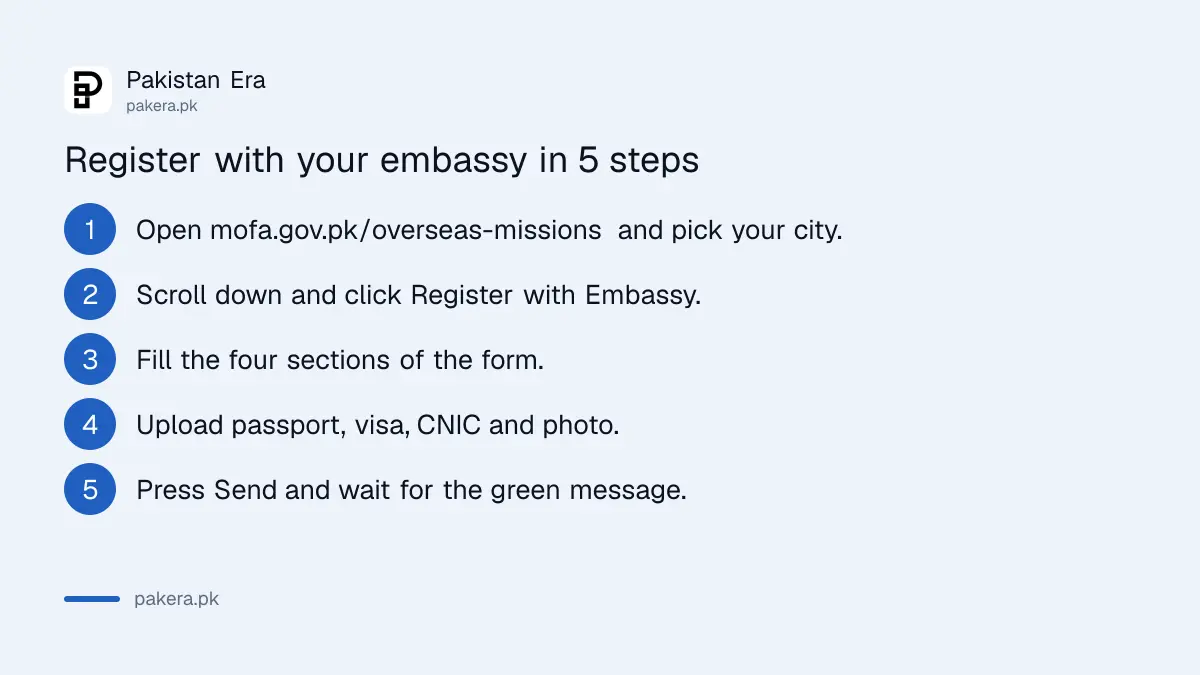
- Open mofa.gov.pk/overseas-missions and click the city where you live, for example Manama (Bahrain) or Doha (Qatar).
- Scroll to the bottom of the mission's page and click "Register with Embassy". Some pages also show a picture button for it near the top.
- Fill in the four sections of the form, described below.
- Upload the four documents.
- Press "Send". A green message should read "Your message has been sent successfully!"
Each mission page carries its own hidden code in the form, so the registration goes to the mission whose page you used. That means you should register from the page for the country you actually live in, not from the main Foreign Office home page.
The form has four sections and asks for four uploads
The form is split into Personal Information, Emergency and Relatives Information, Employer and Friends Information, and Document Uploads. Most fields are compulsory. Only the WhatsApp number and "Any Other Information" are optional, going by the form's own markings.
| Section | What it asks for |
|---|---|
| Personal Information | Name, father's name, CNIC number, passport number, contact number, WhatsApp (optional), address abroad, email, purpose of visit or stay |
| Emergency and Relatives | Emergency contact number in Pakistan, present and permanent address in Pakistan, name and address of a close relative in Pakistan |
| Employer and Friends | Employer or organisation contact details, your designation, contact details of close friends or colleagues, any other information (optional) |
| Document Uploads | Passport picture, valid visa picture, CNIC picture, passport-size photo |
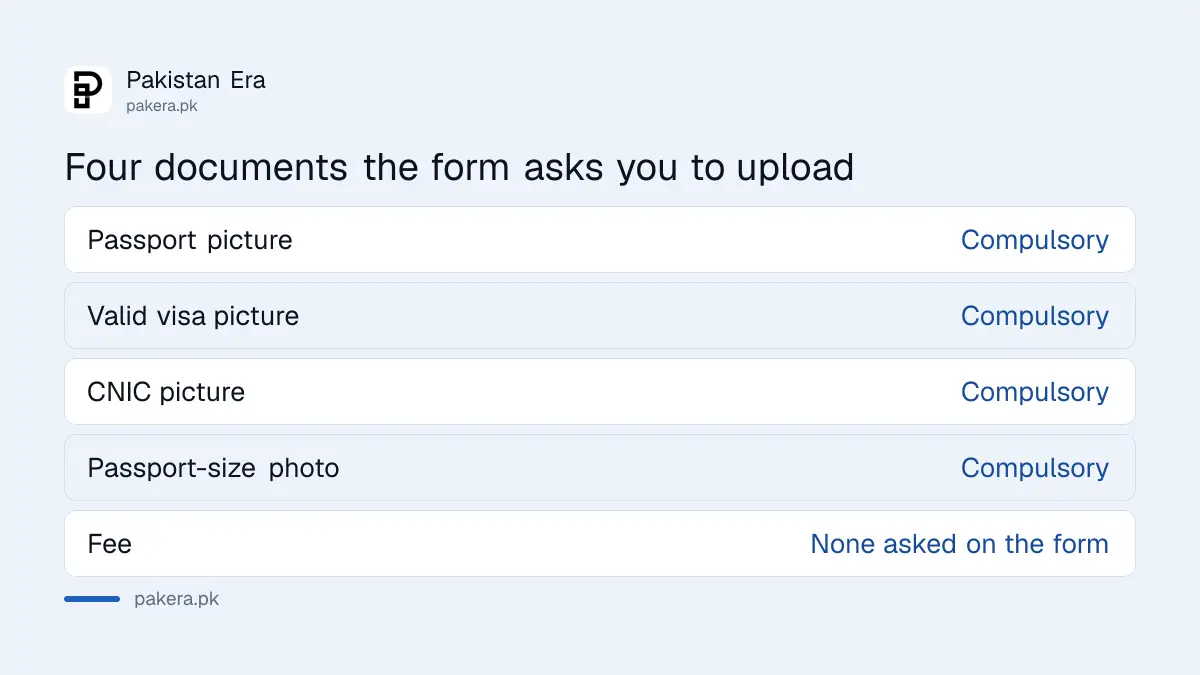
Take the four pictures on your phone before you start, in good light, with all four corners visible. A blurred passport scan is the kind of thing that gets a form ignored.
For "Purpose of Visit/Stay", write something plain such as "employment, construction company" or "family visit". For the friends and colleagues box, give at least one person in the same city who can say where you are.
Missions with their own websites use a different route
Some missions are not on mofa.gov.pk. The overseas missions list links Riyadh, Jeddah, Dubai, London and others to separate websites. On those sites, look for a registration page of their own. The Jeddah consulate, for example, has a "Register With Consulate" page that asks you to log in or create an account first.
On 9 October we found no registration link on the Riyadh embassy's home page. Pakistanis in central and eastern Saudi Arabia should at least save the embassy's main line, +966 11 488 7272, and its email, info-parepriyadh@mofa.gov.pk, both listed on its own website.
Saudi residents who need a NADRA or passport appointment in the west can book a NADRA or passport appointment at the Jeddah consulate through the same consulate website.
If the form will not send, check these first
When the form rejects something, it marks the field in red with a message underneath. Fix that field and press Send again rather than starting over. A missing compulsory field or an upload problem are the likely causes.
- No visa page: the visa picture is compulsory, and the form does not say what to upload instead. If you live abroad on a residence card, such as a Saudi Iqama, ask the mission by email what it accepts.
- Only a NICOP: the form asks for a "CNIC No" and a CNIC picture. It does not mention the NICOP, so if it is your only card, ask the mission by email what to enter.
- Upload error: make the image smaller or take a fresh photo, then try again.
- "An error occurred" in red: wait and try later, or from another browser.
- No confirmation at all: keep a screenshot of the filled form and email the mission with your name and passport number.
If your NICOP has expired, renew it first. An expired NICOP can stop you boarding a flight to Pakistan, which is the last thing you want during an evacuation.
Only fill the form on the official mofa.gov.pk page
This form collects your CNIC, passport and visa scans, so make sure you are on mofa.gov.pk or the mission's own site before uploading anything. Do not fill a "registration" link sent on WhatsApp or social media. Type the address yourself.
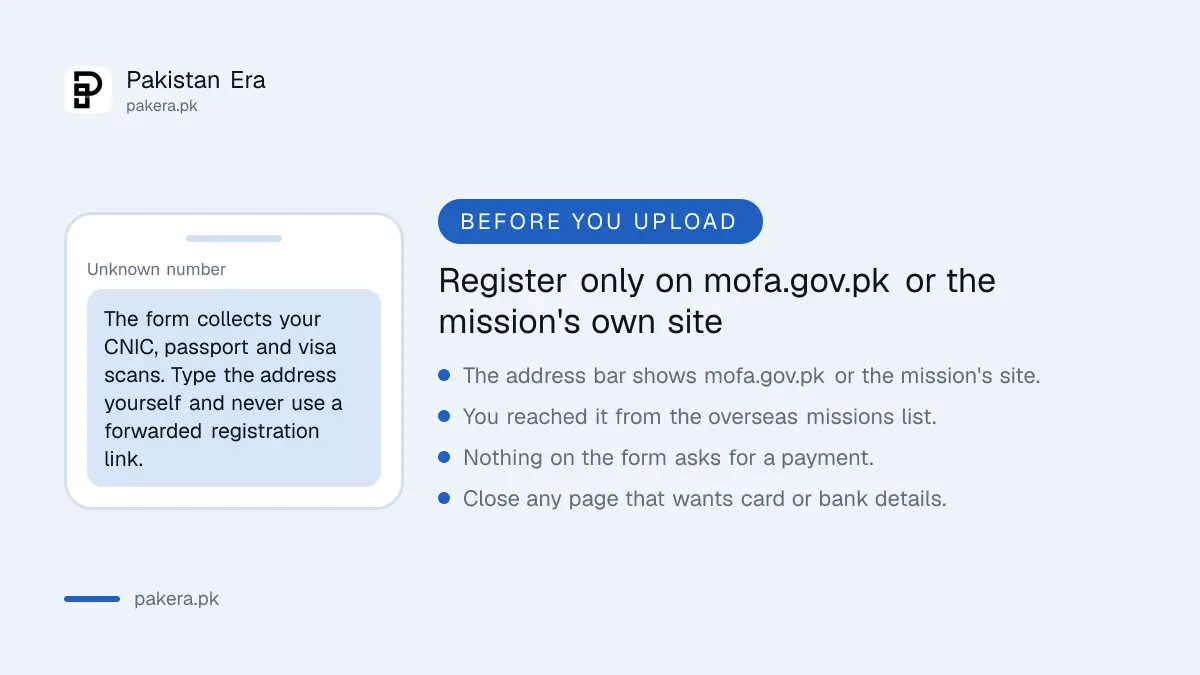
Registration is free on the forms we read. None of them asks for a payment, a card number or a bank account. If a page asks you to pay to register with an embassy, close it.
If a problem with the mission goes unanswered, the Ministry of Foreign Affairs site has a "Suggestion/Complaint/Feedback" form. Overseas workers can also join OPF and get help through the PakTok app, which is run by the Overseas Pakistanis Foundation.
Common questions
Is registering with a Pakistani embassy compulsory?
The form does not say it is compulsory. It is a way for the mission to reach you in an emergency, so it is worth doing if you live abroad.
Is there a fee to register with the embassy online?
No. The forms we read on mofa.gov.pk ask for no payment or bank details.
Which documents do I need to register?
Pictures of your passport, a valid visa, your CNIC, and a passport-size photo.
Where is the Register with Embassy button?
At the bottom of your mission's page on mofa.gov.pk, beside "Subscribe to Spokesperson Office".
Can I register from the main Foreign Office page?
Use your own mission's page instead. Each mission page sends the form to that mission.
How do I know my registration went through?
A green message reading "Your message has been sent successfully!" appears after you press Send.
How we verified this
What we checked, where we read it, and what we could not confirm.
Last checked 9 October 2026, about 3:30 am PKT. We read the registration form on the Ministry of Foreign Affairs pages for nine missions, including Manama, and the overseas missions list. The Sudan figure is from the Foreign Office's Crisis Management Unit page. We did not submit the form.
About the author

Global Affairs & Political Economy Writer
Muhammad Hatim is a book lover who started writing because he enjoys it. At Pakistan Era he writes about international relations, geopolitics and the global economy, with a particular interest in South Asia and the forces behind current events.