How to Rotate API Keys After a Vendor Data Breach: A Checklist for Pakistani Teams
Rotate API keys, database passwords and storage tokens after a supplier breach without taking your service offline. A five-step checklist for Pakistani teams.
To rotate an API key safely after a vendor data breach, create the new key first, put it in every app that uses it, test, and only then revoke the old key. Do the same for database passwords, certificates and cloud storage tokens the vendor could have seen. Revoking first can take your own service offline.
An API key is a long secret that lets one program talk to another, like a password for software. When a supplier is breached, the keys you saved in their console may be in a thief's hands. Pakistan's National CERT told customers of one database vendor to do exactly this on 21 October 2026, and we used that advisory to build this checklist.
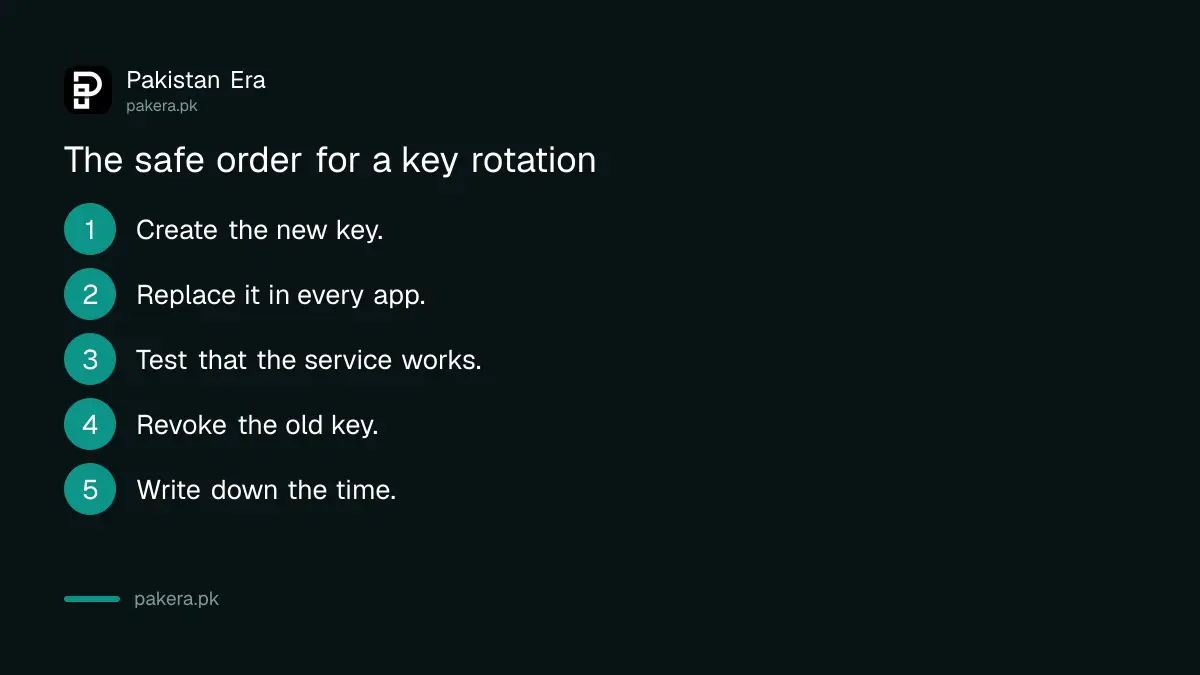
A rotation is create, replace, test, then revoke
Order matters. Make a new key, update every place that uses the old one, check that everything works, and only then switch the old key off. This avoids a gap in which your website, app or payments stop because the old key died first.
Most tools let two keys be active at once for this reason. If yours allows only one, schedule the change for a quiet hour, such as after midnight, and keep a rollback plan. Write down the time you revoked each key. You will want that record if you have to report an incident.
| Secret | Where it hides | Rotate how |
|---|---|---|
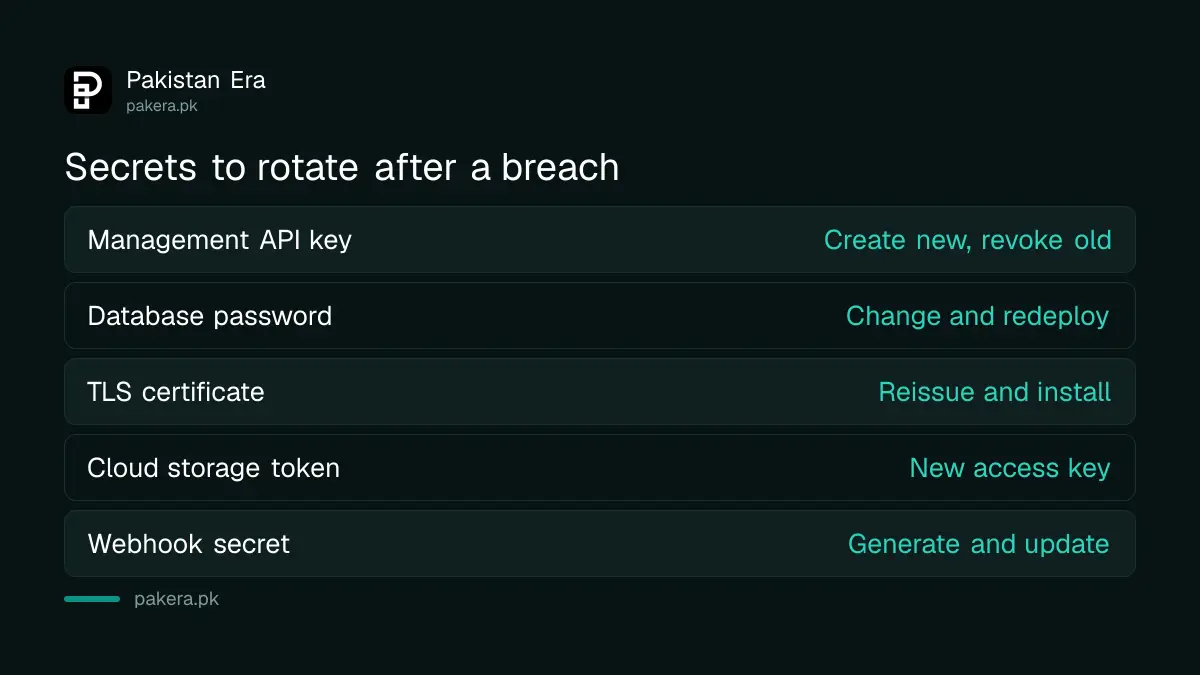
| Management API key | Vendor console, CI/CD settings | Create new, update, revoke old |
| Database password | App config, environment file | Change user password, redeploy |
| TLS certificate | Server, load balancer | Reissue and install |
| Cloud storage token | Backup and import jobs | New access key, delete old |
| Webhook secret | Payment or messaging settings | Generate new, update receiver |
Find every place a key lives before you change it
Search your code, your CI/CD settings, your server environment files and your team chat for the key name. A key pasted into a shared note or an old script is the one that gets missed and later breaks production or stays exposed.
Check the vendor's own console too. In the PingCAP case the advisory points to credentials saved in SQL editor history and console settings, so look in saved queries, notes and support tickets for passwords and tokens. Revoke anything you find, even if it looks old.
Review logs from the first day of the exposure
Start your log review at the date the vendor says access began, not the date they told you. In the October 2026 case that was 9 September, about a month before the vendor found the problem. Look for new keys, new members and logins from unfamiliar places.
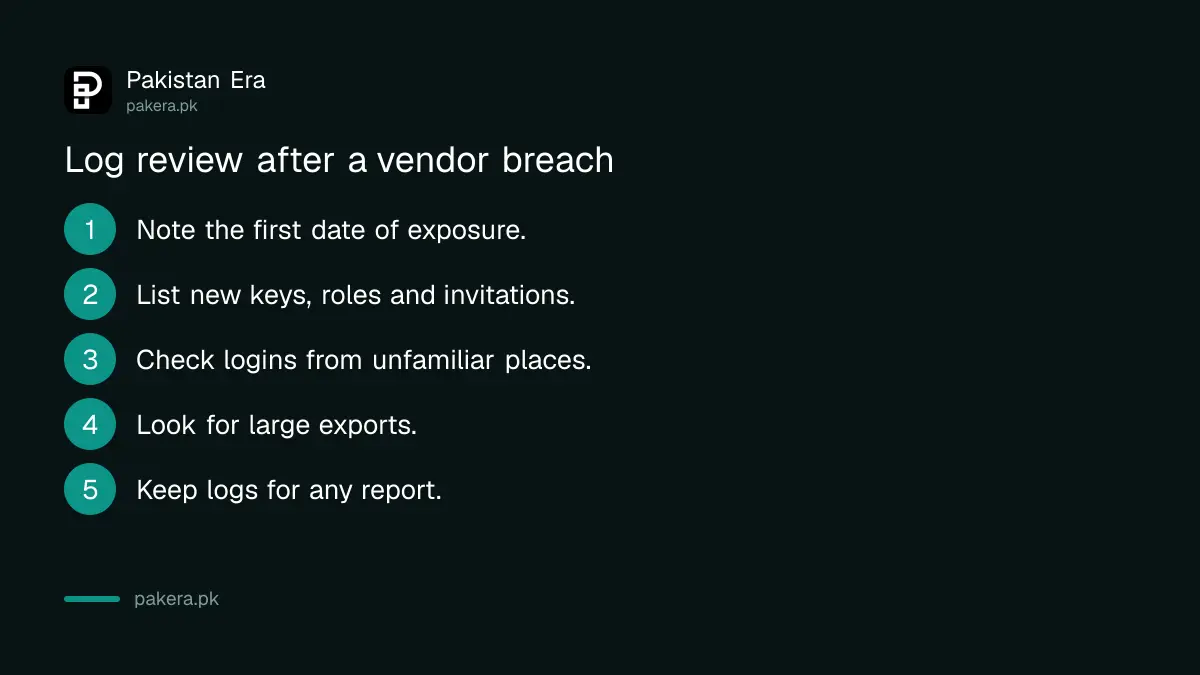
- Note the first date of exposure from the vendor's notice.
- List new API keys, roles and invitations since that date.
- Look at logins from unfamiliar IP addresses or countries.
- Check for large exports, backups or downloads.
- Keep the logs and screenshots in case you must report an incident.
Warn your team about fake vendor emails
After a breach, attackers often write as the vendor, using real names and contract details from the leaked data. Tell finance, support and developers that no one should open a link in a "verify your account" mail. Go to the vendor's site yourself.
That includes invoice changes. A message that says the vendor's bank account has moved needs a phone call to a number you already hold. The five checks before paying online apply to company payments as much as personal ones. Strengthen your own logins with a password manager and passkeys as well.
Report an incident if you find unauthorised use
If the logs show a key you did not create or data you did not export, treat it as an incident. Cut access, keep the evidence, tell the vendor, and report to National CERT. The advisory gives cert@pkcert.gov.pk and an incident portal for this.
For fraud with money lost or personal data used against someone, the route is different. PKCERT and NCCIA take different kinds of case, so pick the one that matches yours.
Keep a simple record so the next rotation is easier
Write down where each key lives, who owns it and when it was last changed. A one-page sheet is enough for a small team. When a vendor announces a breach, you can then work from the sheet instead of searching code at midnight.
Give each key the narrowest rights it needs. A key that can only read one project does less harm if stolen than one that can manage the whole account. Keep separate keys for testing and for live use, and never put live keys in a chat group or a shared document.
Set a calendar reminder to rotate important keys every few months even without a breach. Regular rotation turns an emergency into a routine job. Also remove accounts of people who have left, since a former freelancer's saved login is a common weak point in small Pakistani teams.
Common questions about rotating API keys
What is an API key?
A secret string that lets one program use another service. Treat it like a password.
Should I revoke the old key first?
No. Create and deploy the new key, test, then revoke the old one so your service does not go down.
Do I rotate keys if the vendor says no database was touched?
Yes if keys or passwords were saved in the vendor's console. The advisory in the October case asks for rotation even without confirmed database access.
How far back do I check logs?
From the first date the vendor gives for the unauthorised access, and earlier if your logs allow.
Who do I tell in Pakistan?
Report to National CERT for technical incidents, and to NCCIA for fraud and crime.
How we verified this
What we checked, where we read it, and what we could not confirm.
Last checked 22 October 2026. The rotation steps for database, certificate and cloud storage secrets follow National CERT's advisory NCA-21.211026, which we read on 22 October 2026. The order of create, replace, test and revoke is general good practice and not taken from that advisory. We have not tested these steps on any vendor's console.
About the author

Technology Journalist & Multimedia Producer
Ahmad Ali is a technology journalist and multimedia producer at Pakistan Era, joining the team in October 2026. He covers consumer technology and digital life for Pakistani readers, combining research with hands-on product testing.