Check These 5 Things Before You Pay Online in Pakistan: PKCERT's Safe Payment Checklist
Five checks to run before you pay online in Pakistan, taken from PKCERT's guidance: secure page, recipient name, second step, safe network and hidden charges.
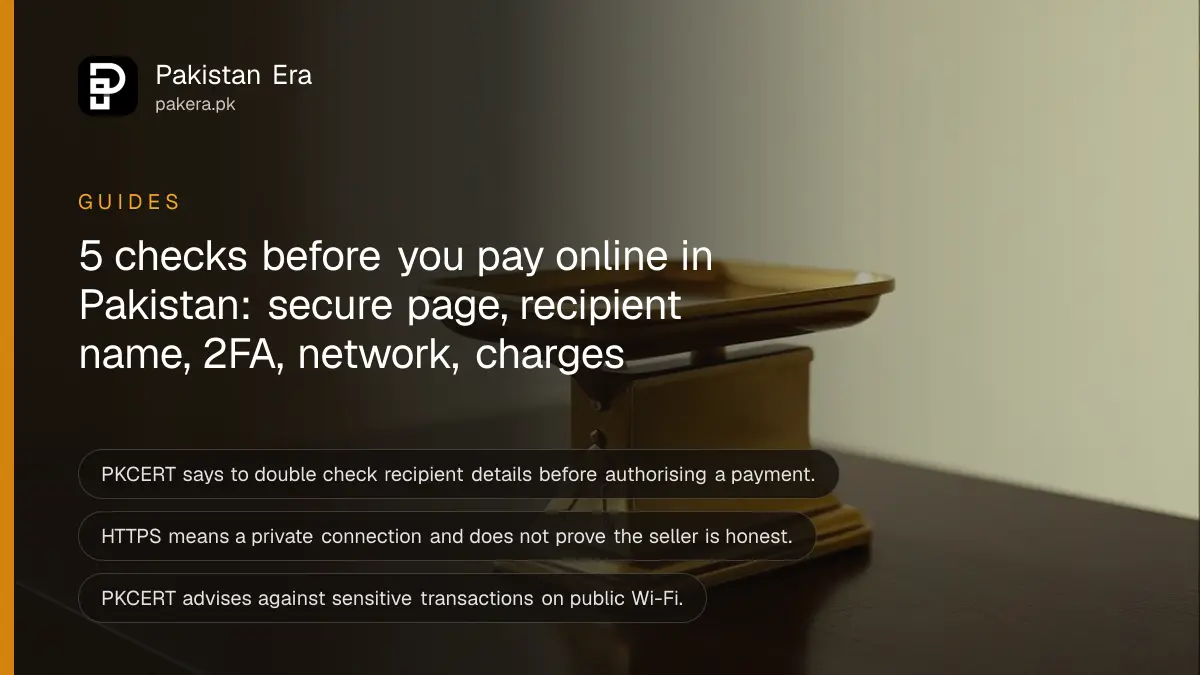
Short answer: Before you press pay on a website or app in Pakistan, run five checks: the address starts with https, the recipient's name and account number match the person you mean to pay, a second step such as a code or fingerprint protects your account, you are on your own secure network, and you know about any monthly charge. These come from PKCERT, Pakistan's national cyber emergency team, and take under a minute.
A man in Rawalpindi sends Rs 15,000 to a seller for a phone. He types the wallet number from memory and gets one digit wrong. The money goes to a stranger. No scammer was involved, only a skipped check.
We read PKCERT's "Guidelines and Best Practices on Secure Online Transactions and E-Commerce" infographic on its ABC (Awareness Brings Change) Program page on 12 October 2026. It also has a separate guide on staying safe against phishing, which we read the same day. The five checks below follow those two pages, in our own words.
Check that the page is secure before you enter card details
PKCERT says to transact only on websites with HTTPS encryption and a valid SSL certificate. HTTPS is the padlock and the "https" at the start of the address. It means the connection is encrypted so others cannot read what you send.
HTTPS alone does not make a shop honest. A fake shop can have a padlock too. It tells you the line is private, not that the seller is real. The checks for a doubtful store are in the guide on checking if an online store is a scam.
PKCERT's phishing advice adds one habit: type the website address yourself or use a bookmark, rather than clicking a link in an email or message. It also says to hover over a link to inspect the address before clicking.
Double check the recipient before you authorise
PKCERT says to double check recipient details, such as account numbers, email addresses or wallet addresses, before authorising any transaction, so you do not send funds to the wrong party. Read the name the app shows back to you, not just the number.
Most banking and wallet apps show the account title once you enter the number. If the name is not the person you expect, stop. A seller who says "ignore the name, it is my cousin's account" is a warning sign in itself.
If a transfer has already gone to the wrong place, the steps and the time limits are in the page on recovering a wrong bank transfer, and the wallet version is in the guide to a wrong JazzCash or Easypaisa transfer.
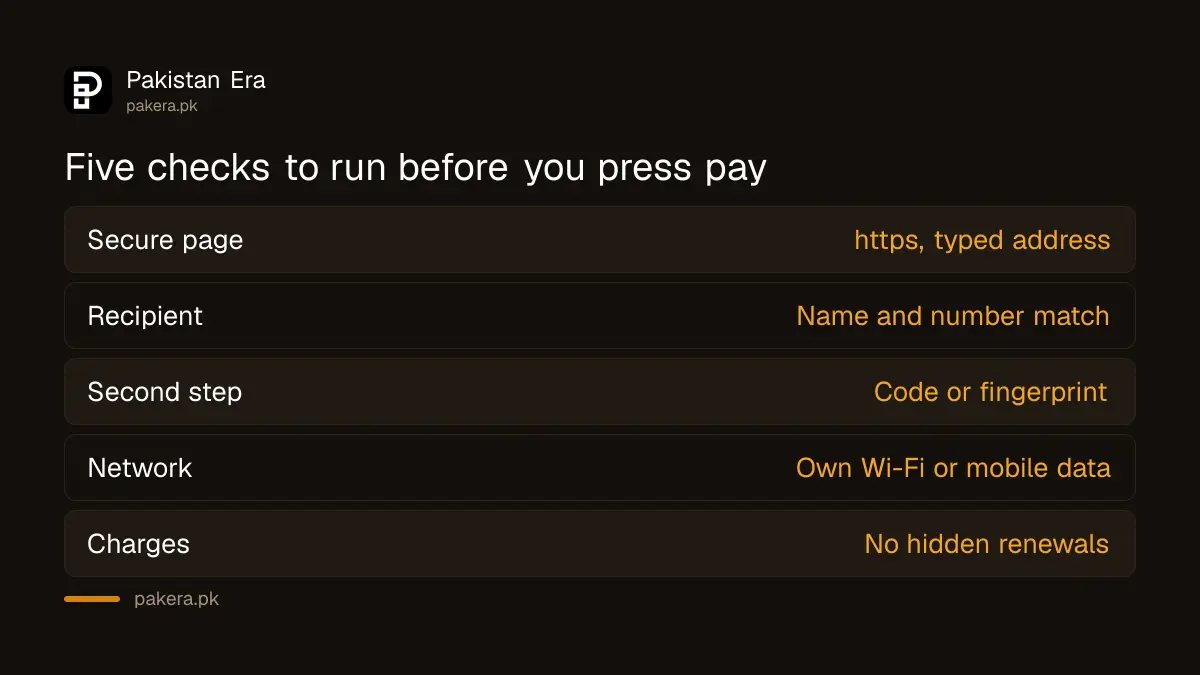
| Check | What to look at | What it protects you from |
|---|---|---|
| 1. Secure page | https and a padlock, typed address or bookmark | Fake login pages and snooping |
| 2. Recipient | Name and number shown by the app | Wrong or fraudulent payee |
| 3. Second step | Code, token or fingerprint on your account | A stolen password |
| 4. Network | Own Wi-Fi with a strong password, not public Wi-Fi | Interception of data |
| 5. Charges | Subscriptions and auto renewals | Surprise monthly charges |
Add a second step so one password is not enough
PKCERT says to enable two factor authentication (2FA) wherever possible. A 2FA step can be a code sent by SMS, a token generator or biometric authentication. It adds a layer so that a stolen password alone does not open your account.
It also helps with phishing. In its phishing guide, PKCERT recommends multi factor authentication especially for email, banking and social media accounts.
Never read the code out to a caller. A caller who asks for a code is a scammer, as shown in the check on fake courier calls that ask for a code. Setup steps are in the guide to turning on two step verification.
Pay only on a network you control
PKCERT says your home and mobile Wi-Fi should use strong, unique passwords and encryption such as WPA2, and that you should avoid sensitive transactions on public or unsecured Wi-Fi. A cafe network can be watched by someone else on it.
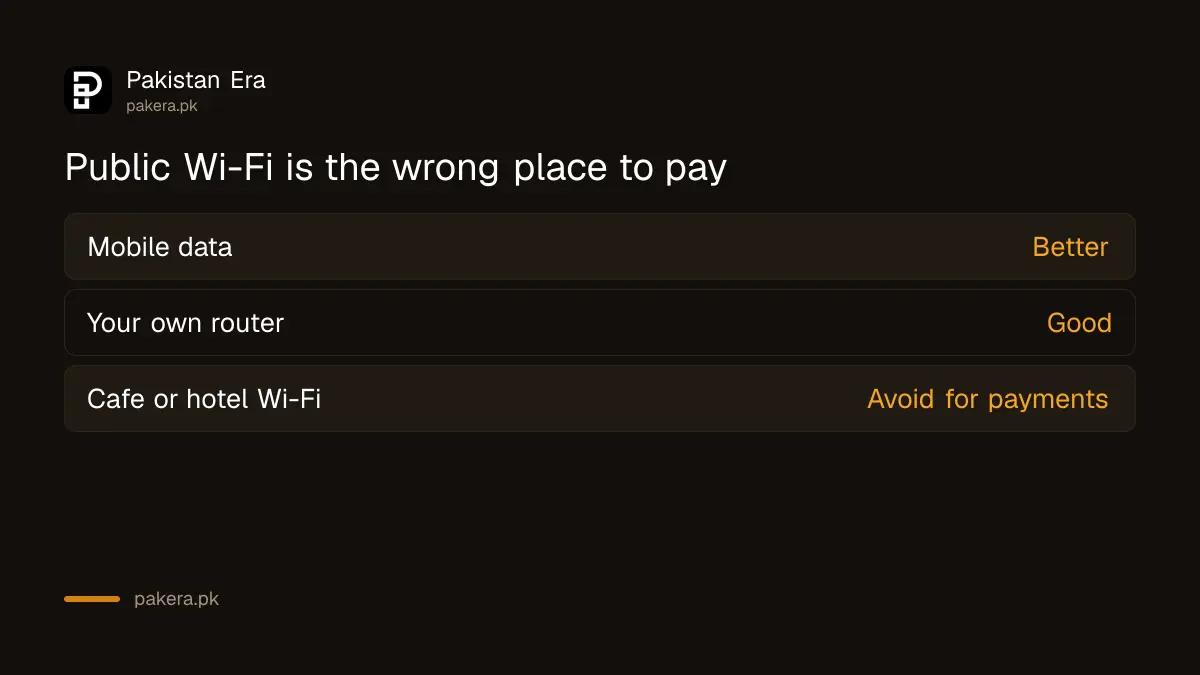
The simple rule: pay on mobile data or on your own router. If the router still has the factory password, change it first, as the guide to securing your home Wi-Fi router explains.
PKCERT also lists payment tokenisation and PCI-DSS as signs of a well run payment page. Tokenisation replaces your card number with a token during payment. PCI-DSS is the industry security standard for card data. A small shop may not show either, so treat them as a plus, not a must.
Watch for hidden fees and renewals
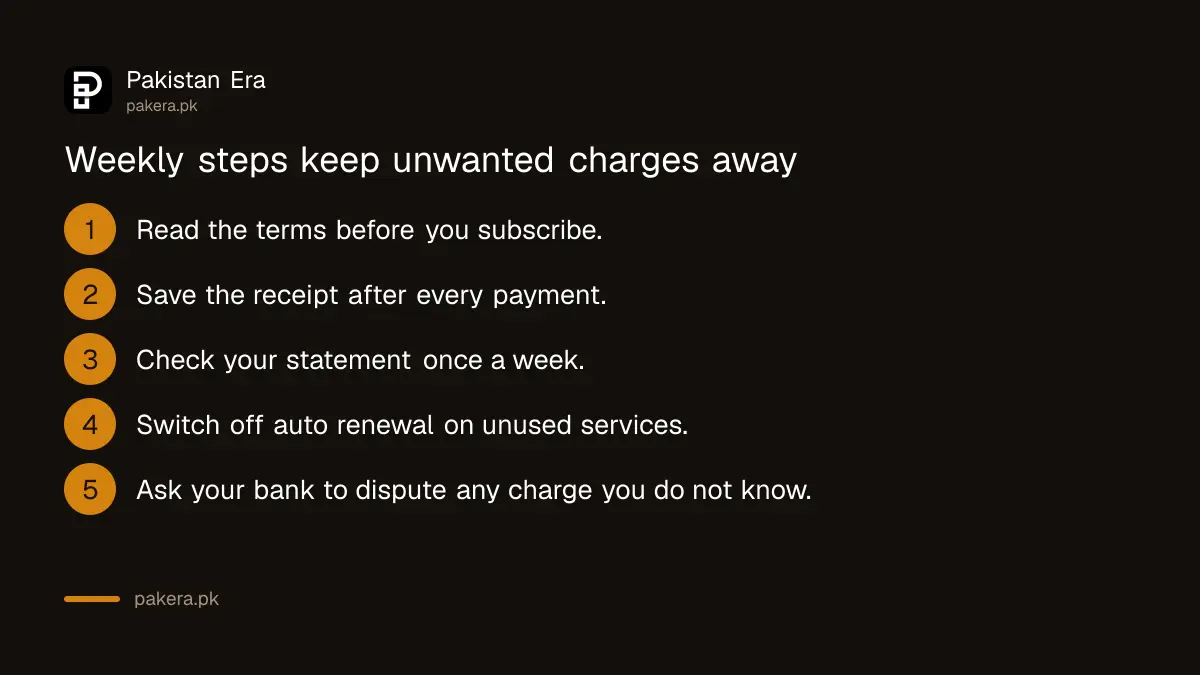
PKCERT tells you to read the terms of any service for extra fees and recurring charges, and to check bank statements often for unauthorised charges. It adds that you should dispute unclear ones quickly with your bank, and opt out of automatic renewals where you can.
- Before paying, read the terms for a free trial that turns into a paid plan.
- After paying, save the receipt or order message.
- Once a week, look at your bank or wallet statement for charges you do not know.
- Switch off auto renewal on any app or service you do not use.
- If a charge is wrong, call your bank's helpline and ask for a dispute at once.
If a bank charge is truly unauthorised, the State Bank's refund framework is explained in the page on claiming a digital fraud refund.
Common questions
Is a website with a padlock always safe to pay on?
No. The padlock means the connection is encrypted. It does not prove the seller is honest, so check the store as well.
What is 2FA and do I need it for payments?
2FA is a second proof, such as a code or fingerprint, on top of a password. PKCERT recommends it wherever possible, especially for email, banking and social media.
Can I pay safely on public Wi-Fi?
PKCERT advises avoiding sensitive transactions on public or unsecured Wi-Fi. Use mobile data or your own network instead.
How do I stop unwanted subscription charges?
Read the terms before you subscribe, check statements weekly, and switch off automatic renewal. Dispute any charge you did not agree to with your bank.
What if I sent money to the wrong number?
Call your bank or wallet right away and ask them to stop or reverse it. Speed matters, so do not wait for the seller.
How we verified this
What we checked, where we read it, and what we could not confirm.
Last checked on 12 October 2026, Pakistan time. We read PKCERT's Secure Online Transactions page and its Security Against Phishing page, both infographics. The examples and the table are our own plain-language summary. We did not test any bank or wallet app for this piece.
About the author

Technology Journalist & Multimedia Producer
Ahmad Ali is a technology journalist and multimedia producer at Pakistan Era, joining the team in October 2026. He covers consumer technology and digital life for Pakistani readers, combining research with hands-on product testing.