How to Scan Documents to PDF With the Google Drive App in Pakistan
Scan a CNIC, degree or bill to a searchable PDF with the Google Drive app on Android or iPhone in Pakistan. Check the file, keep it private and upload safely.
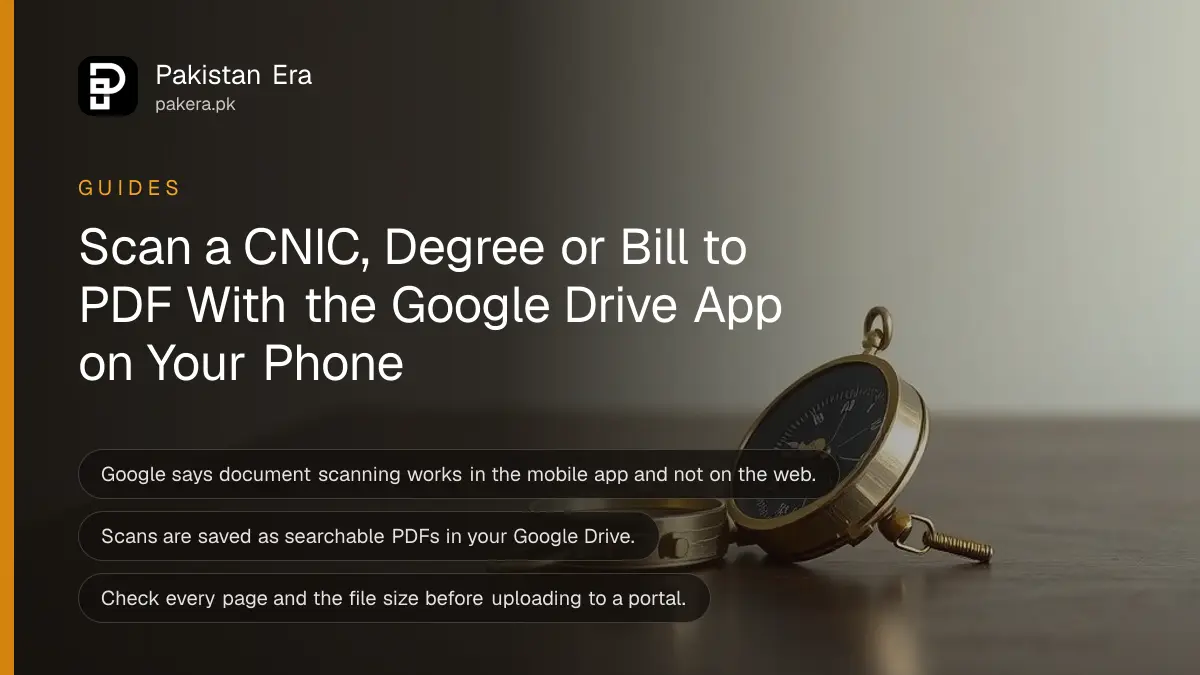
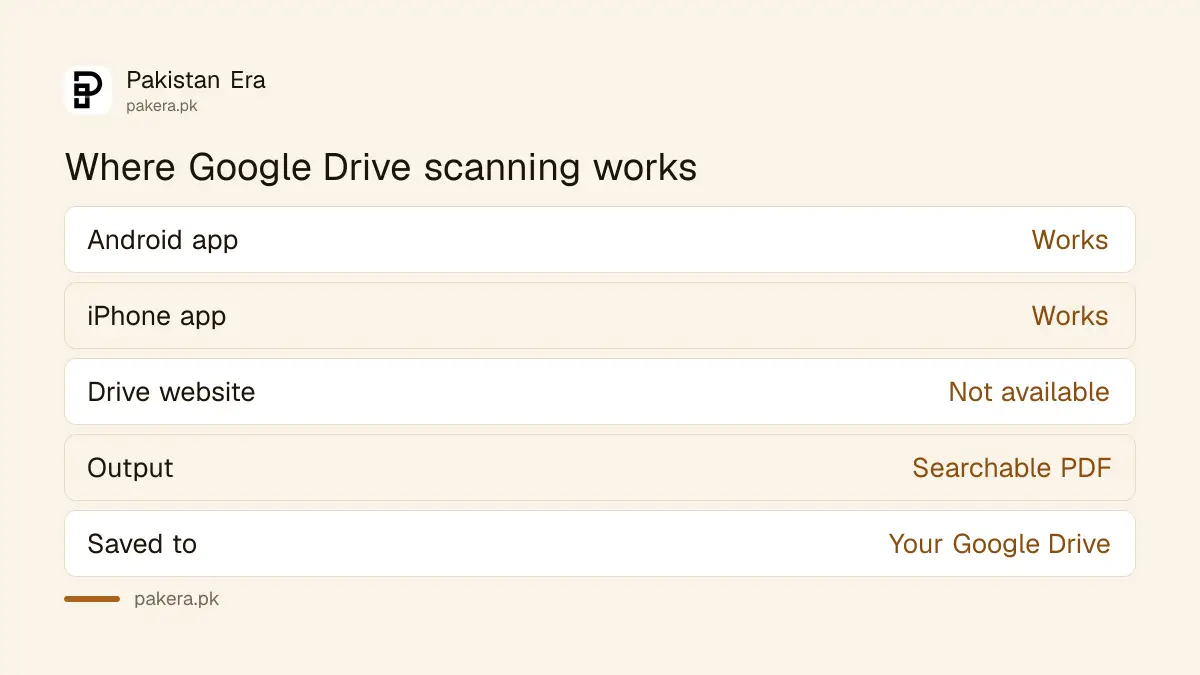
Open the Google Drive app on your Android phone or iPhone and use its scan feature to turn a paper document into a searchable PDF saved in your Drive. Google says scanning works in the mobile app only, not on the Drive website. Check the PDF before you upload it to any portal.
Job portals, university forms and bank applications all ask for a clear PDF of a CNIC, degree or bill. A blurry photo taken at an angle gets rejected, and you lose a day. A phone scan fixes the angle and the shadow in seconds. We read Google's help page on scanning documents with Google Drive on 15 October 2026 and used it as the base for this page.
Scanning works inside the Google Drive mobile app only
Google says the mobile app provides scanning and the web version of Drive does not. You install the Drive app on an Android phone or an iPhone, open it and use the document scanning feature. The result is saved as a PDF in your Drive.
Google also says scanned documents such as receipts, letters and billing statements are saved as searchable PDFs. Searchable means the text can be found by searching, which helps when you need a bill from six months ago. You need a Google account and some free Drive space.
Scan a document in five steps
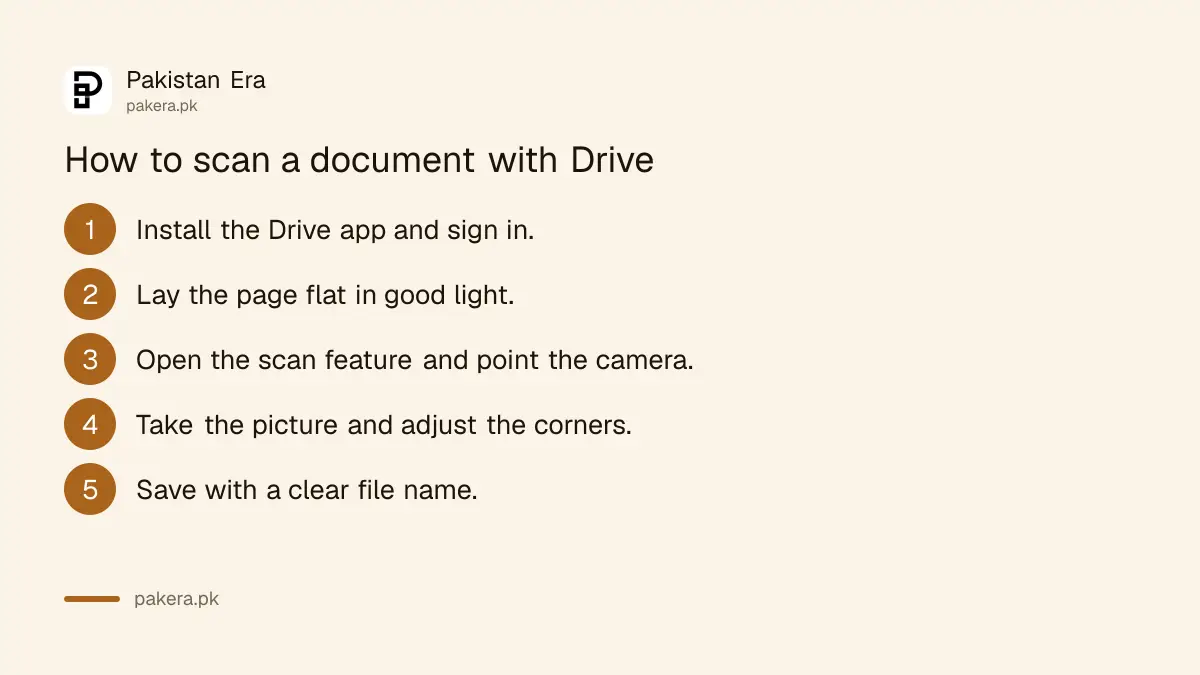
Google's page names the feature and says to open the installed app to use it. It does not list the button names on that page. The steps below are the general flow, and the button names can change between app versions, so we call them by their job.
- Install the Google Drive app from the official store, and sign in.
- Put the document flat on a plain, dark surface in good light.
- Open the scan feature in the app, and point the camera at the page.
- Take the picture, adjust the corners if the app asks, and add more pages if needed.
- Save it to Drive, and give the file a clear name such as "CNIC front and back".
We did not test every phone. If your app shows a different button, look for a camera or plus icon that mentions scan. The steps to scan notes into a PDF with the ChatGPT camera show another route if you already use that tool.
Check the PDF before you upload it anywhere
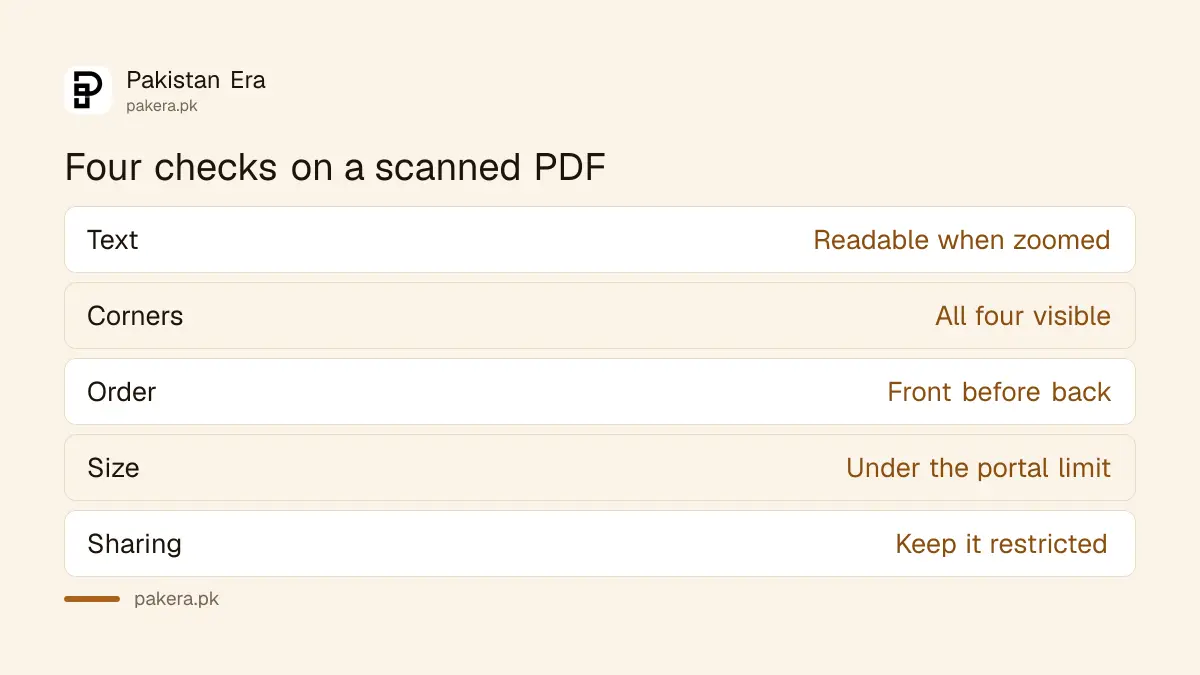
Open the saved file and look at every page. Is the text readable when you zoom in? Are all four corners present? Is the page upright? Many Pakistani portals set file size limits, so check the size shown in Drive against the portal's limit.
| Check | Pass | Fix |
|---|---|---|
| Readable text | You can read small print when zoomed | Rescan in brighter light |
| All corners visible | No edge cut off | Rescan with the page fully in frame |
| Correct page order | Front before back | Rescan or reorder pages |
| File size | Under the portal's limit | Rescan in a lower quality setting |
The table is our practical advice and the portal's own limit is the rule that counts. Always read the upload instructions on the portal. If you are sending the file to apply for a job or a scheme, check the real website first, as the report on the real HEC attestation portal and the fake site shows how fake portals collect documents.
Keep scans of your CNIC and degrees private
A scan of a CNIC is a gift to a fraudster. Do not leave it in a shared folder, and do not send it on WhatsApp to a stranger. A file shared by link can reach more people than you meant, so review your sharing settings now and then.
Keep sharing restricted and turn on two-step verification on the Google account. Delete scans you no longer need. If your Drive is almost full, free some space before you scan a large batch.
Common questions about scanning documents to PDF
Can I scan documents on the Google Drive website?
No. Google says the mobile app provides scanning and the web version does not.
What file type does Drive save a scan as?
Google says scans are saved as searchable PDFs in your Google Drive.
Does the scan feature work on iPhone?
Google's page gives install options for both Android and iOS devices and says to open the installed app to use the scanning feature.
Is scanning free?
Google's page does not mention a price for scanning. Saved files use your Drive storage, so check your free space.
How do I make the PDF smaller?
Rescan in lower quality or fewer pages. We did not find a size setting on Google's page, so check the options in your app.
Is it safe to scan my CNIC?
It is safe if you keep the file private, restrict sharing and secure your account. Upload it only to the official site that asks for it.
How we verified this
What we checked, where we read it, and what we could not confirm.
Last checked 15 October 2026. The statements that scanning is available in the mobile app and not on the web version, that scans are saved as searchable PDFs, and that the feature is reached by opening the installed app on Android or iOS come from Google's help page "Scan documents with Google Drive" at support.google.com, which we opened on 15 October 2026. The step flow, the check table and the privacy advice are our own. We did not run a scan, so button names and file size settings are not verified.
About the author

Technology Journalist & Multimedia Producer
Ahmad Ali is a technology journalist and multimedia producer at Pakistan Era, joining the team in October 2026. He covers consumer technology and digital life for Pakistani readers, combining research with hands-on product testing.