How to Set Google Ads Channel Priority and Cap Display Spend for Pakistani Advertisers
Google Ads now lets Pakistani advertisers rank Search, partners and Display and cap Low priority spend. See the steps, the limits and the February 2027 change.
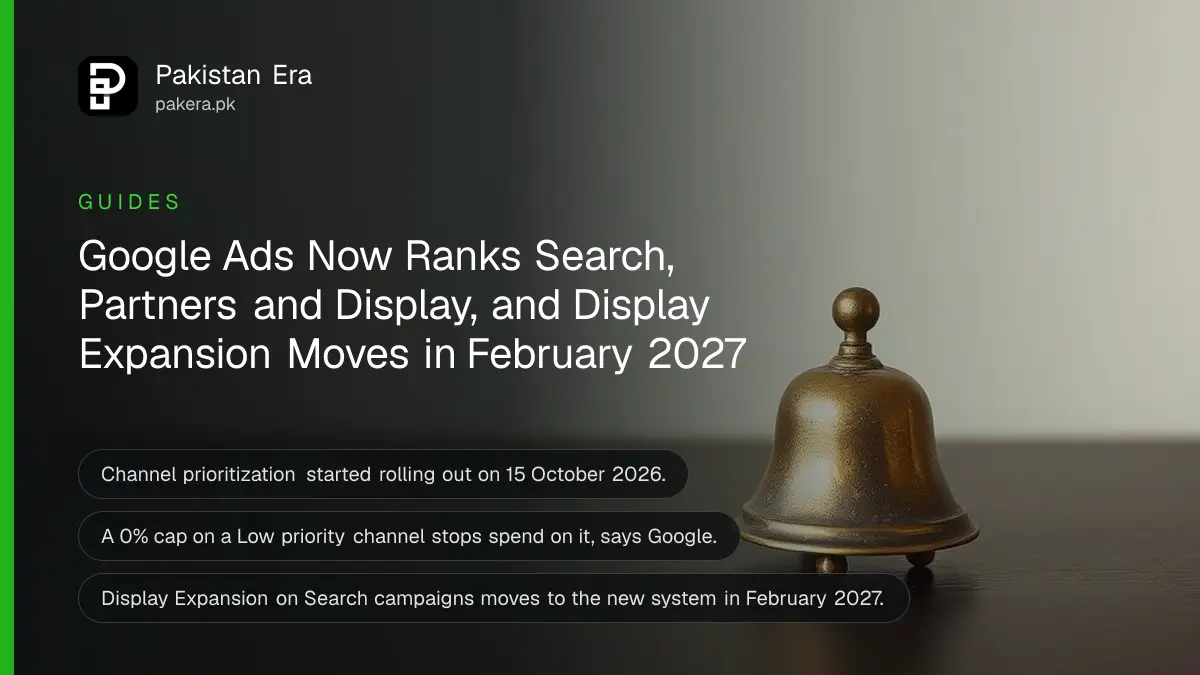
Google Ads now lets you mark each channel "High priority" or "Low priority" and cap a Low priority channel at a percentage of your daily budget. Search partners and the Display Network no longer have to be all on or all off. The controls started rolling out on 15 October 2026, and from February 2027 Search campaigns that use Display Expansion will move to them automatically.
Many Pakistani advertisers switch off Search partners and the Display Network on day one, because a small budget leaks away on cheap clicks that never convert. That was the only safe choice. Now there is a middle path. We read Google's announcement of 14 October 2026 and the Google Ads help page on channel prioritization on 20 October 2026.
Channel prioritization decides which channels spend your budget first
High priority channels are funded first. Low priority channels get what is left. In Search campaigns you can rank Google Search, Search partners and the Display Network separately. Every channel starts as High priority unless you change it.
Search partners are other websites that show Google search ads. The Google Display Network, or GDN, is the set of websites and apps that show image and text ads. For most small accounts, Google Search itself converts best, so it makes sense to keep it High and push the other two to Low.
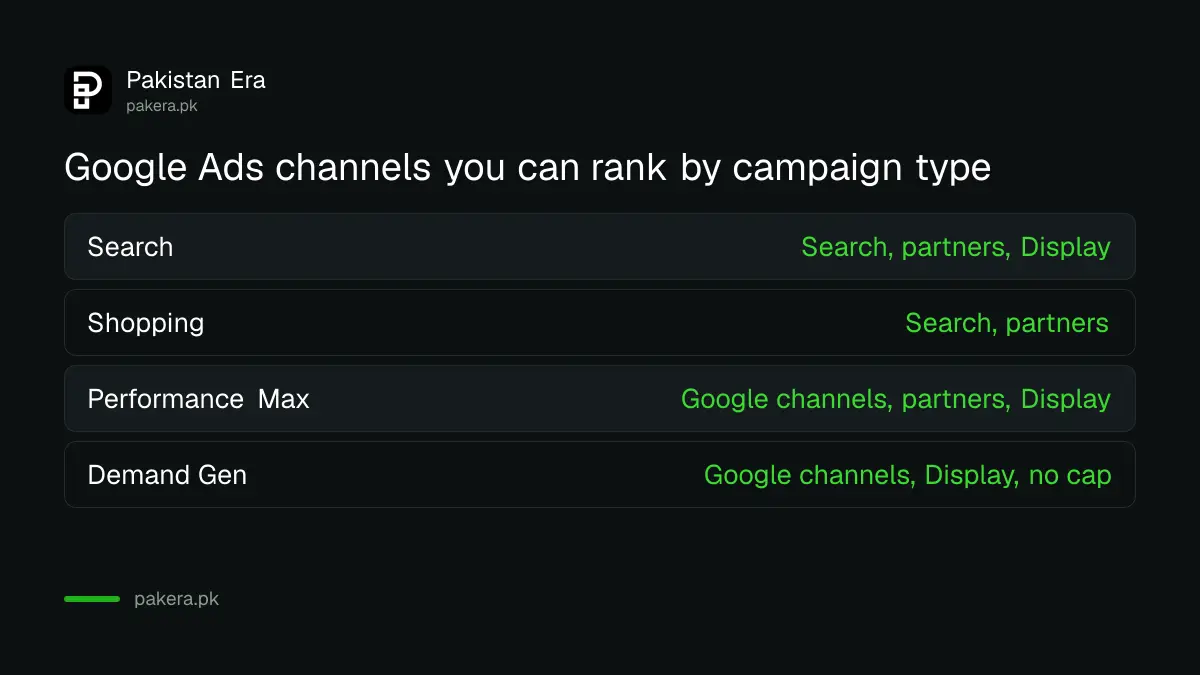
| Campaign type | Channels you can rank | Budget cap on Low priority |
|---|---|---|
| Search | Google Search, Search partners, Display Network | Yes |
| Shopping | Google Search, Search partners | Yes |
| Performance Max | Google channels, Search partners, Display Network | Yes |
| Demand Gen | Google channels, Display Network | No |
In Performance Max and Demand Gen, Search, YouTube, Maps, Gmail and Discover count together as one "Google channels" group. You cannot rank YouTube separately from Search there.
A budget cap limits a Low priority channel to a share of daily spend
For a Low priority channel you can enter a percentage of the campaign's average daily budget. Google calls it a best-effort limit. Set it to 0% and Google will not spend on that channel at all. The cap resets each day.
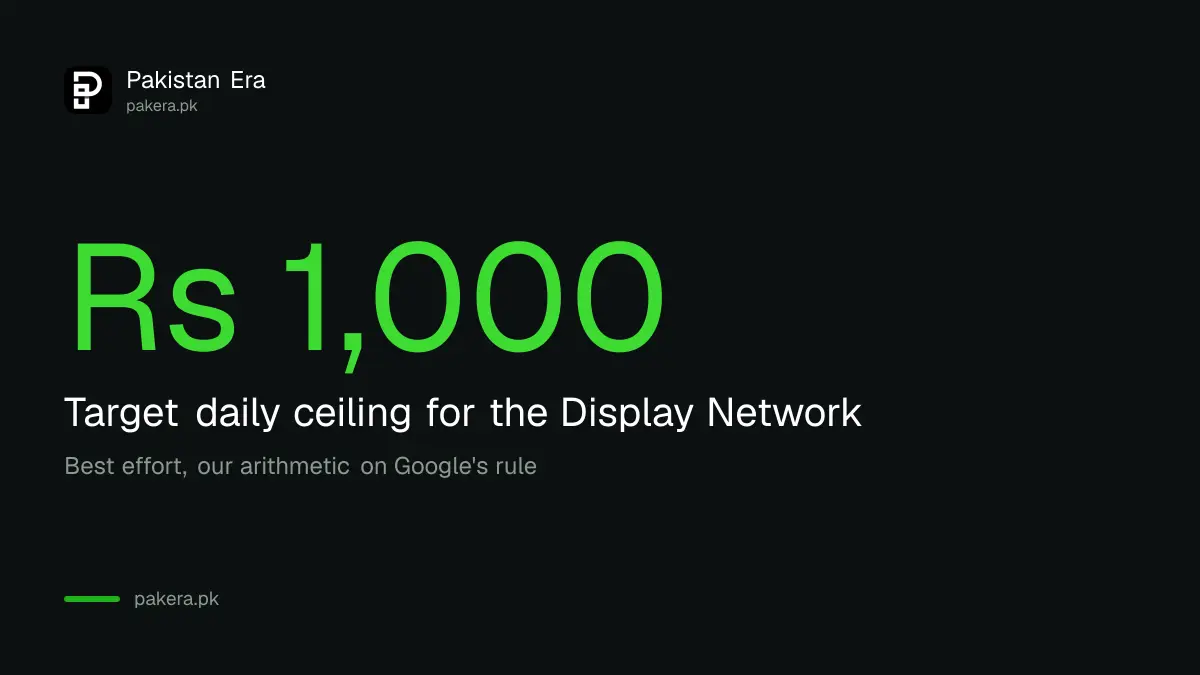
Google's own example: 5% on a US$1,000 daily budget means Google aims to keep that channel at or below US$50 a day. In rupees, a Rs 10,000 daily budget with a 10% cap on the Display Network should keep Display near Rs 1,000 a day. That rupee example is our arithmetic.
Best effort means it can go over. Google says daily spend on a channel may sometimes exceed the cap, including on days when the whole campaign spends more than its average. Unspent or overspent amounts do not carry over.
Your bid strategy decides whether priority changes anything
Priority only matters when a campaign is limited by budget. If a Target CPA or Target ROAS campaign is not budget limited, Google aims for your target across all channels and priority makes little difference. Any budget cap you set still applies.
With Maximize conversions, Maximize clicks, Manual CPC or Target impression share, High priority channels spend first. Only if the budget cannot be fully spent there does money move to Low priority channels. That is the setting most small Pakistani accounts will use, since their daily budgets are usually the limit.
Six steps set priorities for every campaign in the account
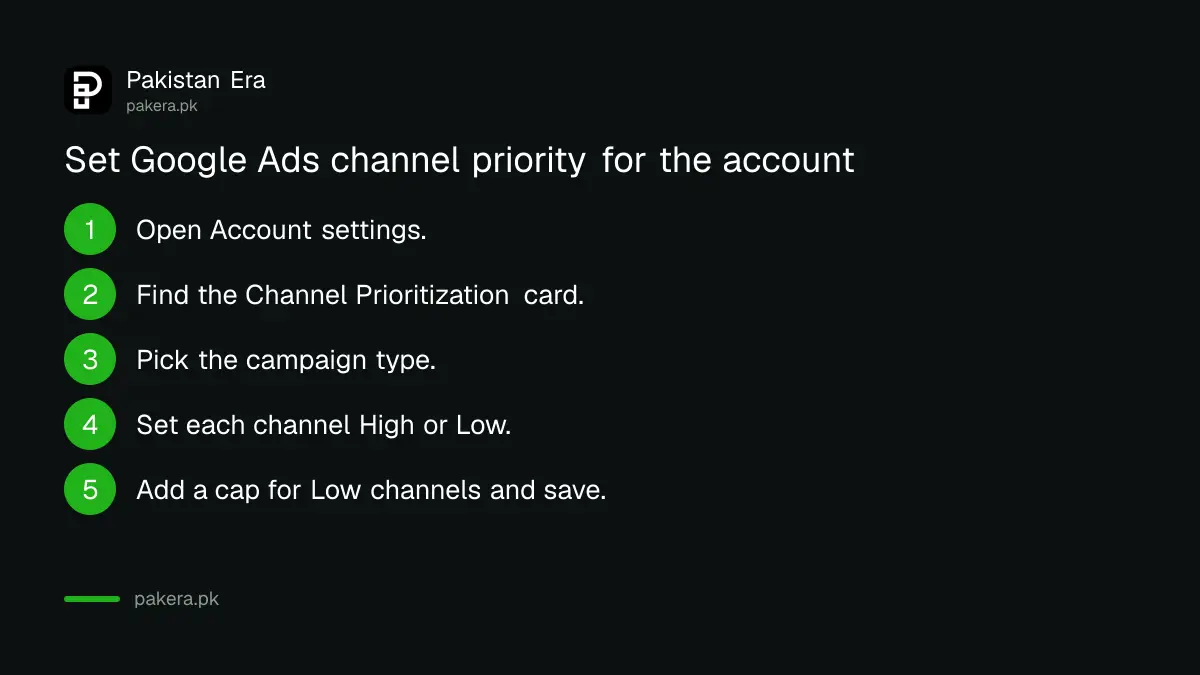
Open Account settings, find the Channel Prioritization card, pick a campaign type, set each channel High or Low, add an optional cap, then save. Campaigns of that type follow the account setting unless you override it.
- In Google Ads, open Account settings.
- Find the Channel Prioritization card. If it is missing, the rollout has not reached your account yet.
- Pick Search, Shopping, Performance Max or Demand Gen.
- Set each channel to High priority or Low priority.
- For Low priority channels, type a budget allocation percentage if you want a cap.
- Click Save.
To override one campaign, open its Settings, expand Channel Prioritization and choose Use campaign-level settings. If that campaign shares a budget, the change applies to every campaign on the shared budget. You cannot set any of this from a manager account. And Google says Google Ads Editor and API support are still to come.
February 2027 ends Display Expansion's current setup
From February 2027, every Search campaign with Display Expansion on moves to channel prioritization automatically, and spending between Search, Search partners and Display may shift. To keep today's behaviour, Google says set Display to Low priority with a 50% cap.
Two more details matter. Display ads will stop serving on Search campaigns that use Target impression share. And if you set priorities before February, the new settings replace Display Expansion right away for those campaigns. So review every Search campaign with Display turned on before the deadline, not after a sudden change in spend.
A few limits apply. Campaign total budgets work with prioritization only in Demand Gen. Shared budgets need every campaign on them to be the same type. Experiments are allowed, but multi-campaign shared budgets inside them are not. If you are new to paying Google from Pakistan, card and invoice options are in paying for Google Ads and Meta Ads from Pakistan.
Google is changing several account rules this autumn. The business name rule is covered in Google Ads letting a business name differ from the domain, and accounts asked to prove who they are can follow the steps for Google Ads advertiser verification from Pakistan.
Common questions
When does channel prioritization reach my account?
Google says it rolls out progressively from 15 October 2026 over the coming months. Look for the Channel Prioritization card in Account settings.
Will a 0% cap switch a channel off?
Yes. Google says if a Low priority channel's allocation is 0%, it will not spend on that channel.
Is the budget cap guaranteed?
No. Google calls it best effort, and daily spend on a channel may occasionally go over it.
Can I cap Display in a Demand Gen campaign?
No. Demand Gen supports priority levels but not budget allocation.
What happens in February 2027 if I do nothing?
Search campaigns with Display Expansion move to the new system and spending may shift. Set Display to Low with 50% to keep your current balance.
Can an agency set this from its manager account?
No. Google says it must be set in each client account or at campaign level.
How we verified this
What we checked, where we read it, and what we could not confirm.
Last checked 20 October 2026. We read Google's Ads and Commerce blog post "Guide your campaign spending with new priority and allocation features", dated 14 October 2026, and the Google Ads Help article on channel prioritization and channel-level budget allocation, both on 20 October 2026. The rollout date of 15 October 2026, the February 2027 change, the 50% setting, the campaign type table and the steps come from the help article. The Rs 10,000 example is our own arithmetic on Google's percentage rule. We did not test the setting in a live account, so menu names may differ slightly while the rollout continues.
About the author

Founder and Editor
Umer Kureshi founded Pakistan Era in July 2024 and runs it as administrator, SEO lead and writer, overseeing website operations, search growth, content strategy and coverage of technology and current affairs.