SNGPL ConnectOn App: Check Your Gas Bill, File a Complaint and Apply for a New Connection
Use SNGPL ConnectOn, Sui Northern Gas's official app, to see and pay your bill, file complaints, apply for RLNG and transfer a connection. Charges and fixes.
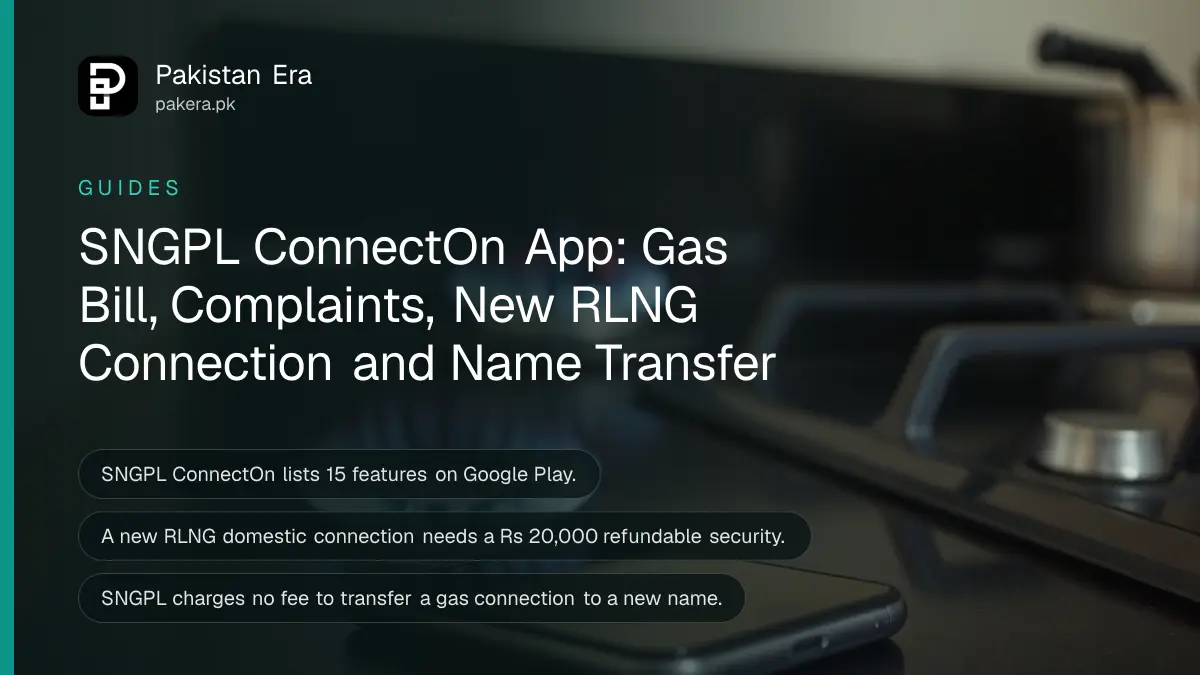
SNGPL ConnectOn is Sui Northern Gas's own Android app, published under SUI NORTHERN GAS PIPELINES LIMITED on Google Play, and it does 15 jobs: bills, payments, complaints, new connections, reconnection, name transfer and RLNG conversion. Install only the app with that publisher name. For a gas leak, call 1199 at once rather than using the app.
Most SNGPL tasks used to mean a trip to a customer service centre. SNGPL's home page now names three ways to apply for a new connection or RLNG consent: the website, the ConnectOn mobile app, or an office. The app puts the bill, the complaint form and the application tracker on one screen.
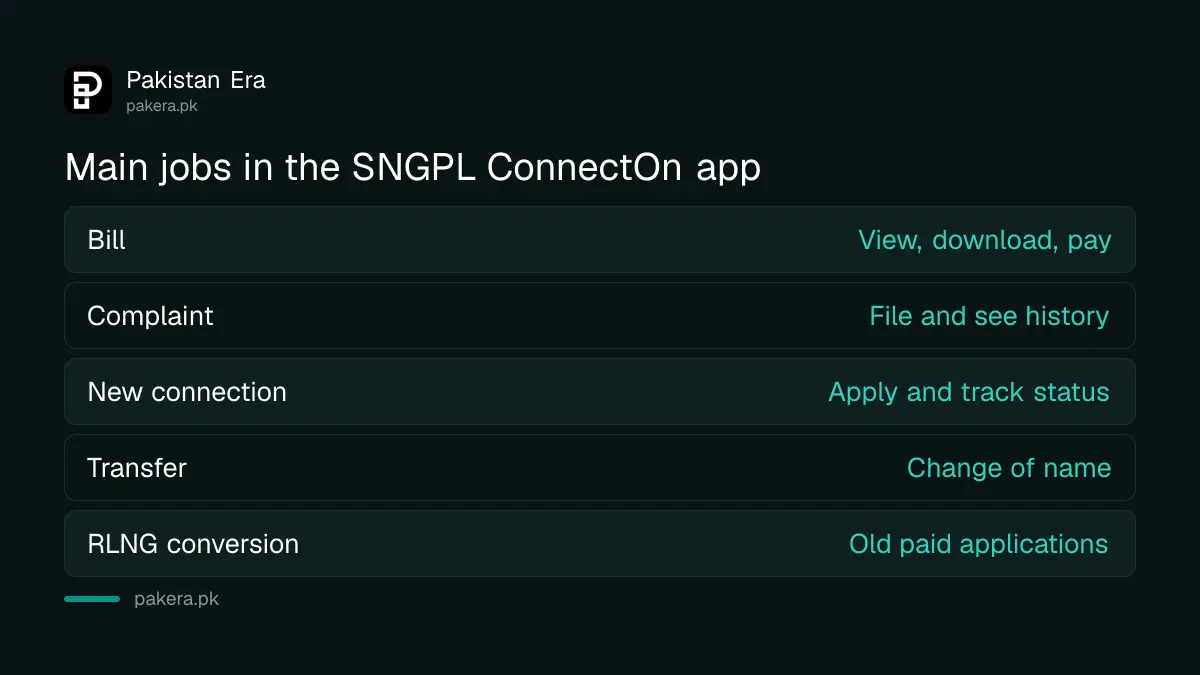
What the SNGPL ConnectOn app can do
The Google Play listing for ConnectOn names 15 features. They cover the bill, payment, complaints, new and transferred connections, reconnection and RLNG conversion. You can also add more than one consumer account, which helps if you pay the bills for parents or a rented house.
| Task in the app | What it is for |
|---|---|
| Apply for a new connection | New domestic gas connection request |
| Check application status | Track a connection you already applied for |
| Apply for reconnection | Restore a disconnected domestic connection |
| View bill, yearly use and billing | See this bill and 12 months of history |
| View and download bill | Save or print a copy |
| Pay the bill online | Online payment from the app |
| Register a complaint, see history | File and follow complaints |
| Register for e-bill | Bill by email and SMS |
| Check tariff, estimate bill | Rates and a bill estimate |
| Office locations | Find a customer service centre |
| Transfer of gas connection | Change the name on the connection |
| Feedback and gas theft report | Tell SNGPL about service or theft |
| Add account IDs | Keep several connections in one app |
| Apply for RLNG conversion | Old paid applications moving to RLNG |
Install the right app and add your consumer number
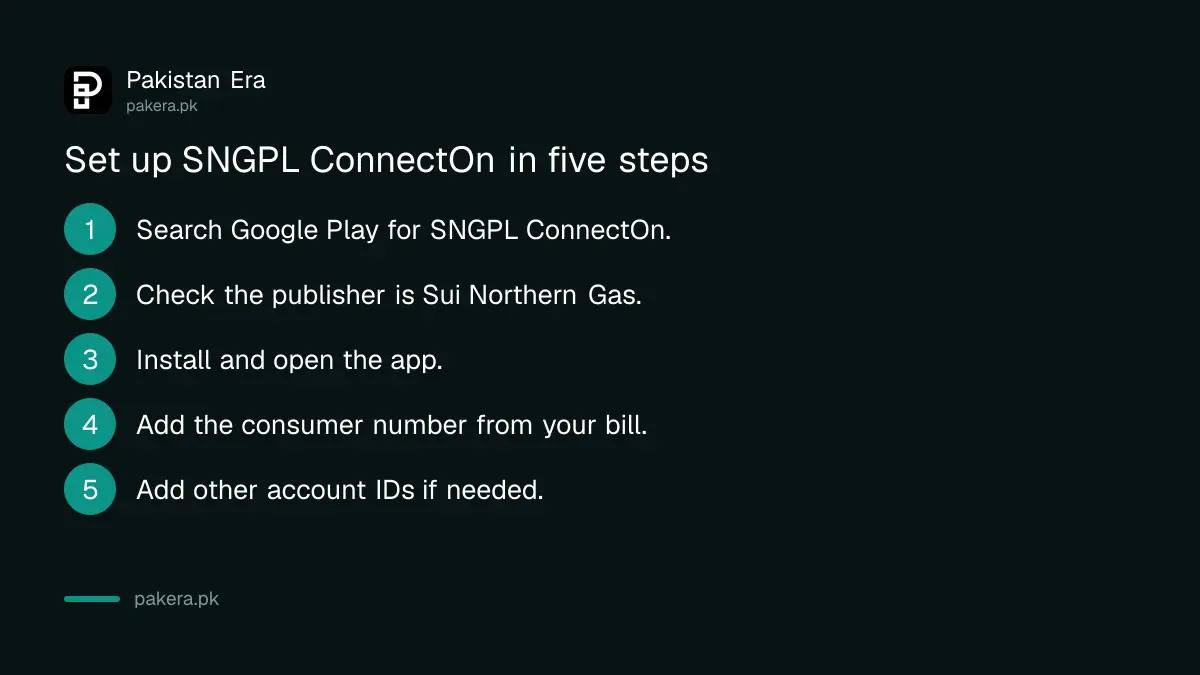
Search Google Play for "SNGPL ConnectOn" and check that the publisher is SUI NORTHERN GAS PIPELINES LIMITED. SNGPL's website links to the same listing. Keep your gas bill nearby, because the app works on your consumer account number, which is printed on the bill.
- Open Google Play and search "SNGPL ConnectOn".
- Check the publisher name reads SUI NORTHERN GAS PIPELINES LIMITED.
- Install, open the app and choose the service you need.
- Add your consumer account number from the gas bill.
- Add other account IDs if you look after more than one connection.
On 25 November 2026 the listing showed more than 500,000 downloads, a 3.7 rating from about 2,140 reviews, and a last update on 27 October 2026. The consumer number is the same one used to check an SNGPL bill online.
Apply for a new RLNG connection from the app
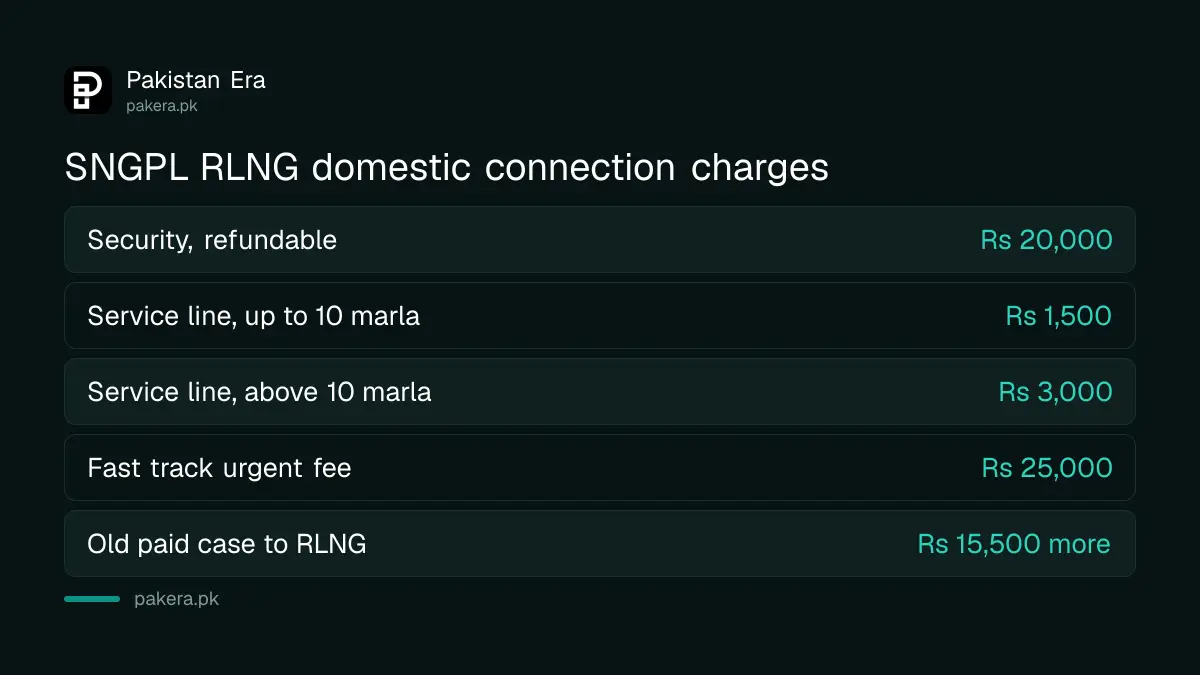
New domestic connections are now on RLNG, imported gas, because the ban on new system gas connections is still in place. SNGPL's FAQ lists a refundable security of Rs 20,000 and a service line cost of Rs 1,500 up to 10 marla or Rs 3,000 above.
| RLNG domestic connection charge | Amount on SNGPL's FAQ |
|---|---|
| Security (refundable) | Rs 20,000 |
| Service line, house up to 10 marla | Rs 1,500 |
| Service line, house above 10 marla | Rs 3,000 |
| Urgent fee, fast track connection | Rs 25,000 |
| Paid before the ban, moving to RLNG | Rs 15,500 more security |
For an app or web application, SNGPL asks for an image or PDF of a valid CNIC and of the property document. The same form covers normal merit and fast track, and you tick the one you want. Charges cannot be paid in instalments.
Pay the demand notice only in a bank or through online channels. SNGPL's FAQ says no person is authorised to take cash for it, inside or outside its offices. After you apply, you can track the SNGPL application status online or in the app.
Complaints, transfers and reconnection have web versions too
Every main app task also has a page on sngpl.com.pk: Lodge Complaint, Track Your Complaint, Transfer of Gas Connection, Reconnection of Domestic Consumer and the Bill Estimator. If the app will not open on your phone, use those pages in a browser with the same consumer number.
Name transfer is free. SNGPL's transfer FAQ says there is no fee for a change of name, and a new gas sales contract is signed in every case. A tenant needs a landlord NOC. The full list of papers is in the guide to change the name on an SNGPL gas connection.
For bill alerts without the app, the website's Register for Email Bill and SMS Alert page does the same job as the e-bill option in the app.
When the app is the wrong tool: leaks and urgent faults
Do not use the app for a gas leak or a fire risk. Call SNGPL's complaint number 1199, turn off the gas at the meter if it is safe, open windows and do not switch lights or appliances on or off. The app's complaint form is for routine faults and billing.
If you cannot get through on 1199 for a routine problem, the city office numbers are in the list of SNGPL complaint and office numbers. Keep any complaint number the app or the call gives you, because you need it to escalate.
Fixes when the app does not work
Most app problems come down to the wrong account number, an old app version or a connection that is not yet in SNGPL's records. Update the app first, then check the number against your latest bill, then try the same task on sngpl.com.pk.
- Account not found: copy the consumer number again from the newest bill, without spaces.
- New connection not showing as an account: use the application status option instead, with your application details.
- Payment shows failed but money left your account: keep the transaction ID and file a billing complaint.
- App will not install: check your Android version and free space, or use the website instead.
Common questions
Is SNGPL ConnectOn the official SNGPL app?
Yes. The Google Play listing names SUI NORTHERN GAS PIPELINES LIMITED as the publisher, and SNGPL's own home page links to it as its mobile application.
Can I apply for a new gas connection in the app?
Yes. New connection is the first feature on the listing, and SNGPL's home page names the app as one way to submit a new application or RLNG consent.
Does the app charge a fee?
The app is listed free on Google Play. Connection charges, such as the Rs 20,000 RLNG security, are SNGPL charges and are paid through banks or online channels.
Can I see my old gas bills in the app?
The listing says the app shows bill details with yearly consumption and yearly billing, and lets you view and download the bill.
Can I change the name on my gas connection in the app?
Yes, transfer of gas connection is one of the 15 features. SNGPL charges no fee for a change of name.
What should I do for a gas leak?
Call 1199 straight away. Do not wait to file an app complaint for a leak.
How we verified this
What we checked and where we read it.
Last checked 25 November 2026. We read the SNGPL ConnectOn listing on Google Play for the publisher, the 15 features, downloads, rating and update date. The connection charges and payment rules come from the RLNG FAQ on sngpl.com.pk, and the free name transfer from SNGPL's transfer FAQ.
SNGPL's home page links the app as "ConnectOn" for new applications and RLNG consent. The web service pages named above are linked from the same home page. The 1199 complaint number is from SNGPL's consumer services page. Download and rating figures change over time.
Free on WhatsApp
Get last dates and rule changes on WhatsApp
We post new last dates, fee changes and fixes for common problems, a few short posts a day.
Follow Pakera on WhatsAppOther followers cannot see your number.
Pakera Solves It
Which online process wasted your time this week?
A portal that will not load, a form nobody explains, a complaint that went nowhere. Tell us. Every week we pick one, solve it step by step and publish the answer.
About the author

Tax, Bills and Technology Writer
Ali Akhtar is a young and curious voice here at Pakistan Era. He is currently pursuing his A-Levels and has a growing interest in Pakistan’s changing industrial landscape and educational trends. Ali likes to write in a way that helps him explain and explore the world around him. His writing reflects the perspective of the new generation navigating the evolving trends of Pakistan where technology, youth innovation, and shifting opportunities are reshaping the country’s future.