How to Share Steam Games With Family in Pakistan: Steam Families for Up to 6 People
Steam Families shares games free with up to 6 people in one household in Pakistan. How to set it up, the one-year leave rule, parental controls and ban risk.
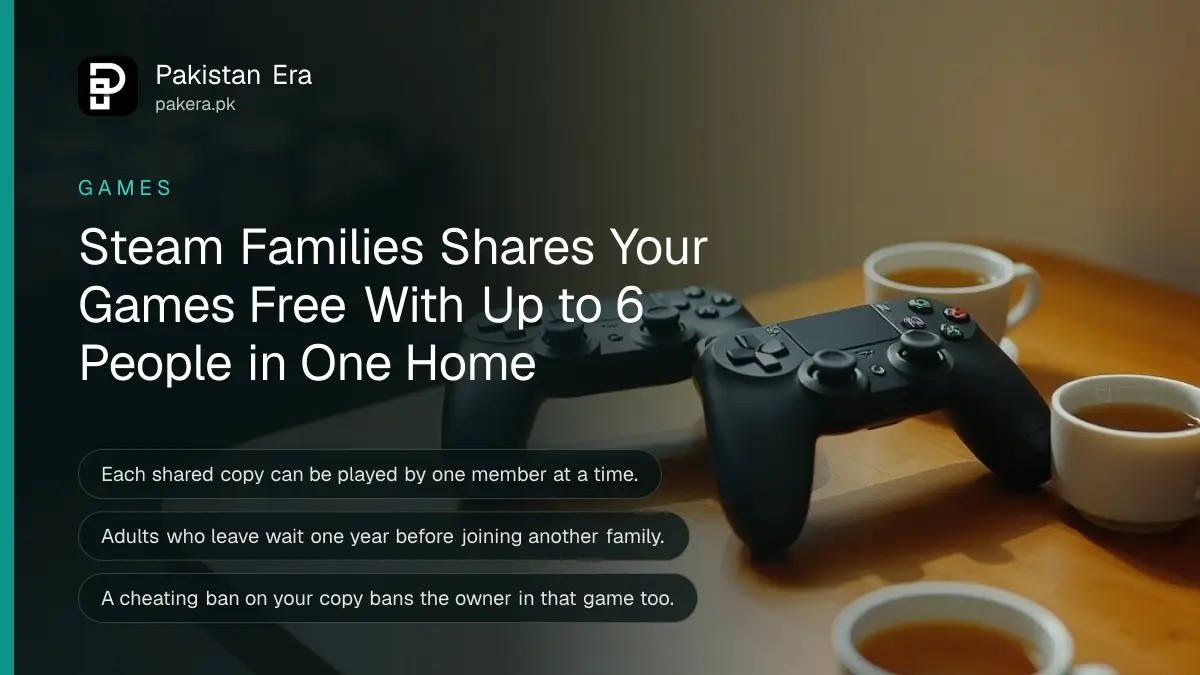
Steam Families lets up to 6 people in one household share their Steam games for free. One person creates the family and invites up to 5 others. Each shared game can be played by one member at a time per copy owned, with separate saves and achievements. It replaced the old Steam Family Sharing and Family View in September 2024.
In Pakistan, where Steam games are priced in dollars and one game can cost a week's spending money, this saves a lot. Two brothers do not need two copies of the same game unless they want to play it at the same moment. But there are rules on who can join and a one-year wait if someone leaves, so read them before you invite a cousin.
What Steam Families shares and what it does not
Once you join a family, all shareable games in every member's library appear in a "family library". You play them on your own account, with your own saves and achievements. Games that need a separate third-party key, account or subscription cannot be shared.
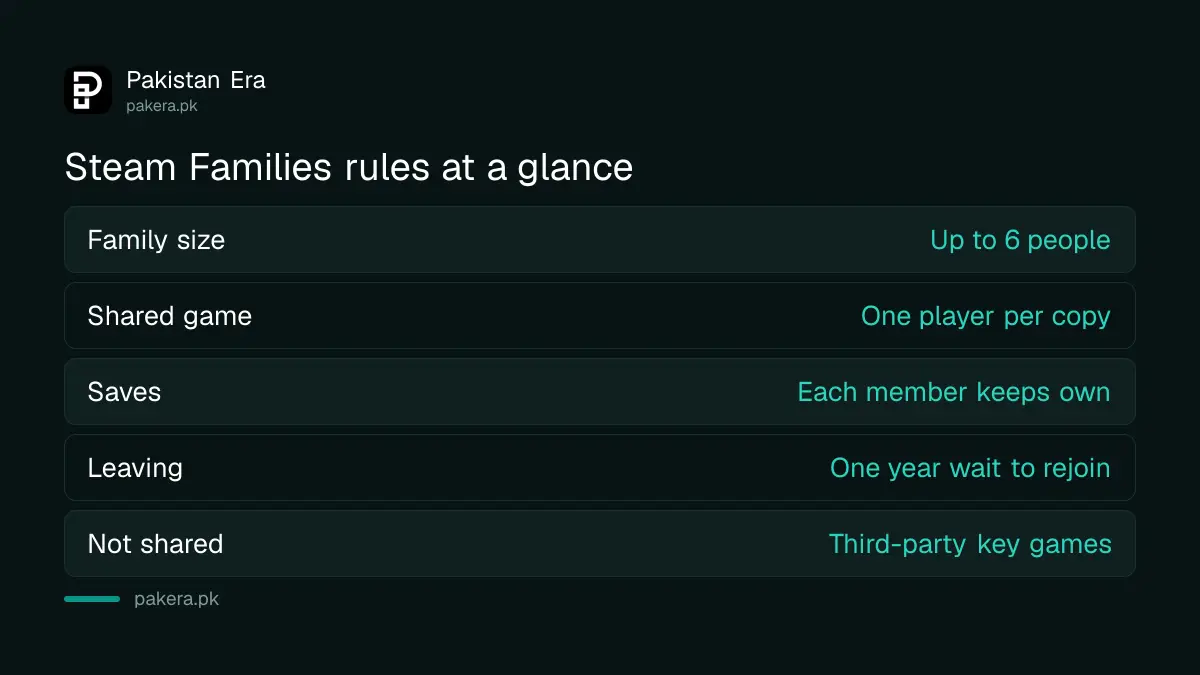
| Rule | What Steam says |
|---|---|
| Family size | Up to 6 close family members in one household |
| Who plays a shared game | One member per owned copy at a time |
| Saves and achievements | Each member keeps their own |
| Offline play | Allowed for games that support Family Sharing |
| Games not shared | Titles the developer opts out, and games needing a third-party key, account or subscription |
| Choosing what to share | All your games are shared; adults can limit what children see |
The owner does not have to be offline. Steam says you can play a game from another member's library even while they are online playing something else. If the family owns two copies of a game, two members can play it at once.
How to create a Steam Family and invite members
Any adult account can create a Steam Family from the Steam client, the Steam mobile app or a web browser, then send invites to up to 5 accounts. Each invited person accepts, and their shareable games join the family library the next time they log in.
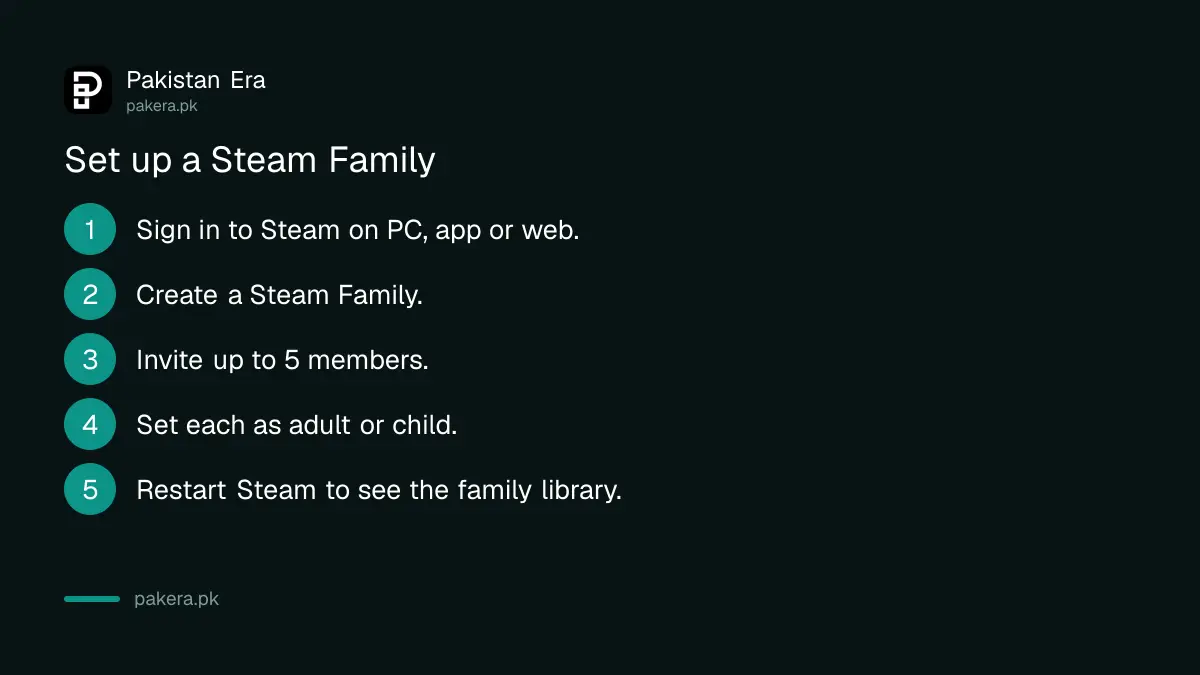
- Sign in to Steam on your PC, the Steam mobile app or the Steam website.
- Open the family settings and choose to create a Steam Family.
- Invite each member by their Steam account. You can add up to 5 people.
- Set each person as an adult or a child.
- Ask each member to accept the invite.
- Restart Steam. Your family library appears in the left column under your games list.
If you used the old Family Sharing feature, Steam suggests inviting the accounts you were already sharing with once you create a family.
The one-year rule for leaving a Steam Family
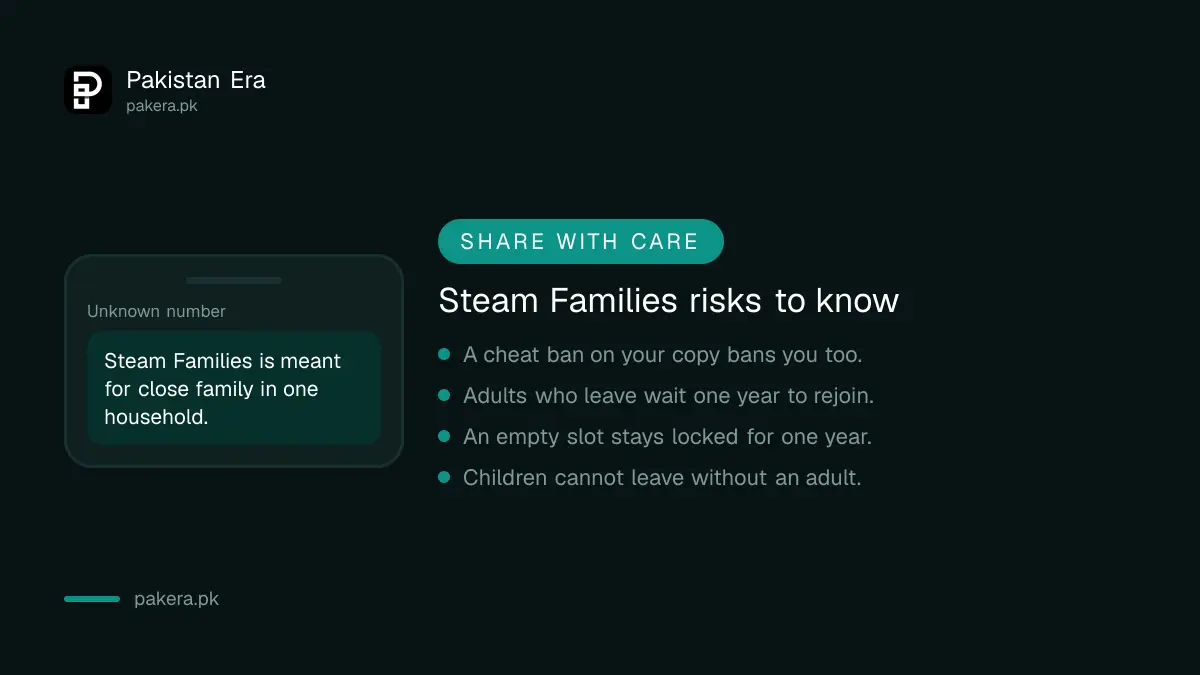
Adults can leave a family any time, but they must wait 1 year from when they joined that family before they can create or join another one. Each family slot also has a one-year cooldown before a new member can fill it. So choose members carefully.
- Adults leaving: allowed at any time, but a one-year wait before joining or creating a new family.
- Children leaving: they cannot leave on their own. An adult in the family or Steam Support has to remove them.
- Kicking a member: any adult can remove any member.
- Empty slot: stays locked for one year before someone new can take it.
This is why Steam Families is not a way to share games with a gaming group. Steam says it is meant for a household of close family, and it may change the rules if it sees misuse.
Parental controls and purchase requests for children
Adults in a Steam Family can choose which games a child sees, block the Store, Community or chat, set hourly or daily play limits, see playtime reports, and approve requests. A child can also send their shopping cart to an adult to pay.
- Allow only suitable games for each child.
- Restrict access to the Steam Store, Community or Friends Chat.
- Set playtime limits by hour or by day.
- View playtime reports, even from your phone.
- Approve or deny requests for more time or features.
- Recover a child's account if they lose the password.
The purchase request is useful in Pakistan, where children rarely have an international card. The child adds games to the cart and asks an adult to pay. The adult approves and pays from the mobile app or by email, and the games land on the child's account. Set up your card first with the Steam payment guide for Pakistan. For console games, see parental controls on PS5 and Xbox.
Bans and other risks to know
If a family member is banned for cheating while playing your copy of a game, you, the owner, are also banned in that game. Other members are not affected. So only share with people you trust not to use cheats.
Keep each account safe with Steam Guard. If a member loses access, the Steam Guard recovery steps help. Before buying a second copy of a popular game, check prices in the Steam games price list.
Common questions
How many people can be in a Steam Family?
Up to 6: the person who creates it plus 5 invited members.
Can two people play the same shared game at once?
Only if the family owns two copies. Each copy can be played by one member at a time.
Do family members get their own saves?
Yes. Each member keeps their own saved games and Steam achievements.
Can I leave a Steam Family and join another?
Yes, but you must wait 1 year from when you joined your previous family.
Are all Steam games shareable?
No. Developers can opt out, and games that need a third-party key, account or subscription cannot be shared.
What happens if my brother cheats in my game?
If he is banned for cheating while playing your copy, you are banned in that game too.
How we verified this
What we checked and where we read it.
We checked Steam's official announcement "Steam Families is here", posted 12 September 2024, on 15 November 2026. The 6-member limit, sharing rules, one-copy-per-player example, offline play, excluded games, the one-year leave and slot cooldowns, parental controls, purchase requests and the cheating ban rule all come from that post and its FAQ. The post does not name the exact menu labels for creating a family, so the setup steps use its own wording.
About the author

Technology Journalist & Multimedia Producer
Ahmad Ali is a technology journalist and multimedia producer at Pakistan Era, joining the team in October 2026. He covers consumer technology and digital life for Pakistani readers, combining research with hands-on product testing.