StormFiber Internet Not Working in Pakistan: Red Light Meaning, 6 Fixes and the Complaint Number
StormFiber internet not working? A blinking red light means a fibre fault. Try 6 home checks, fix slow WiFi, clear stuck payments and complain on 111-1-78676.
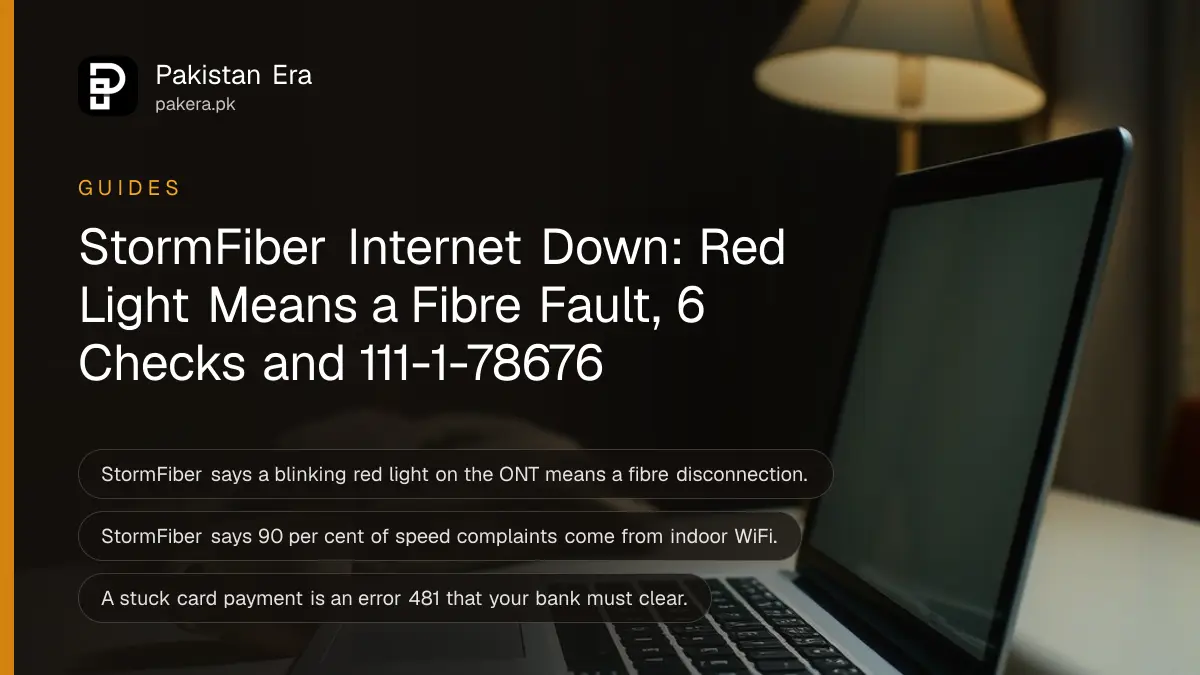
If your StormFiber internet is not working, look at the ONT first: a blinking red light means the fibre line is cut or disconnected, and only StormFiber can fix it, so call 111-1-78676 with your city code or email helpdesk@stormfiber.com. No red light usually means the fault is inside your home, and the checks below fix most of those in minutes.
We read StormFiber's self-troubleshooting articles on 24 October 2026. They are short, and they are spread over several pages. Here they are in the order you should try them, with the light meanings, the speed problems StormFiber itself says are common, the billing causes people forget, and how to escalate when a complaint goes nowhere.
A red light on the StormFiber ONT means a fibre fault
StormFiber's help centre says a red light blinking on the ONT means your connection is affected by a fibre disconnection. You cannot fix that at home. Register a complaint through the helpline, email or StormFiber's social media pages, and note the complaint number.
The ONT is the box StormFiber installed where the thin fibre cable enters your home. Check it before anything else, because it tells you whose problem this is.
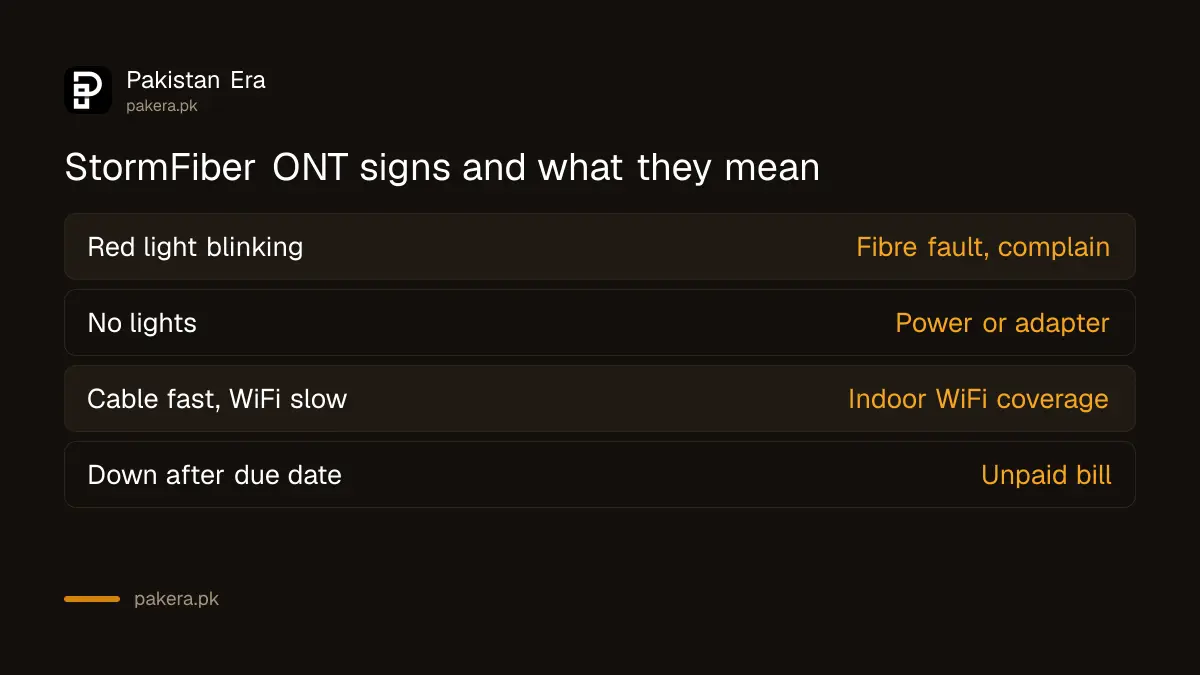
| What you see | What it points to | What to do |
|---|---|---|
| Red light blinking on the ONT | Fibre disconnection, StormFiber's side | Register a complaint on 111-1-78676 |
| ONT has no lights at all | Power off, adapter or socket fault | Check the plug, socket and adapter |
| Lights normal, WiFi devices offline | WiFi switched off on the device, or weak signal | Check device WiFi, move closer, try a cable |
| Cable works, WiFi is slow | Indoor WiFi coverage | Move the device or add an access point |
| Everything worked until the due date | Unpaid bill | Check and pay the bill on my.stormfiber.com |
Six checks to try before you call StormFiber
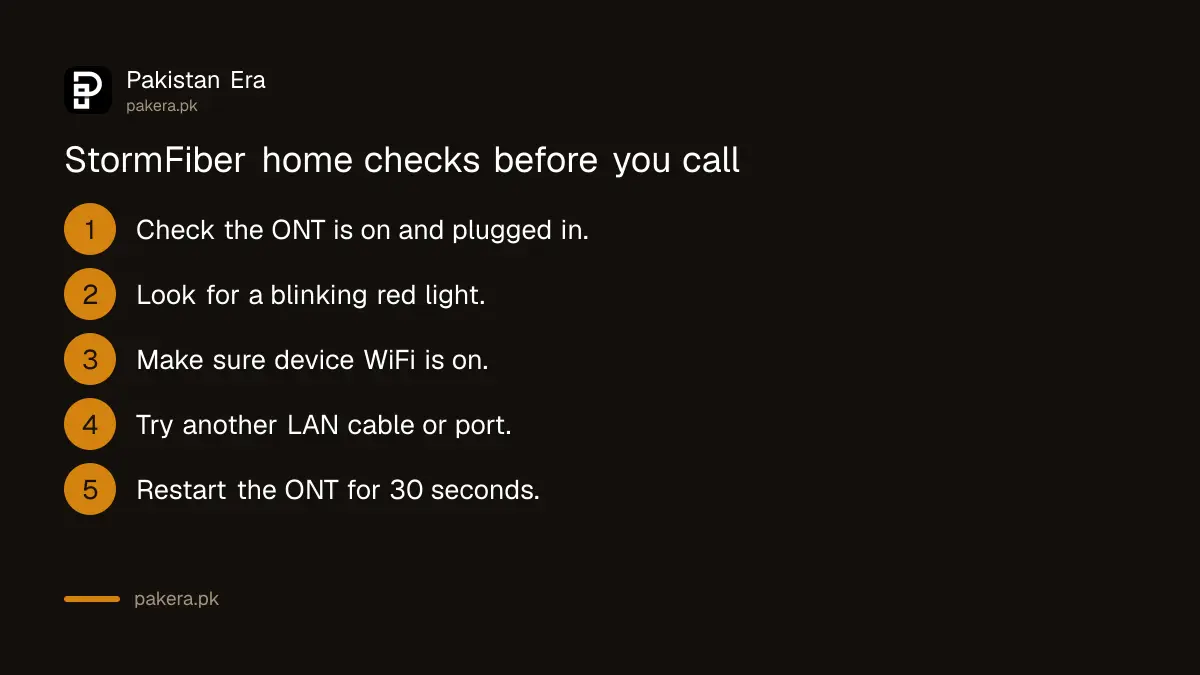
StormFiber's own troubleshooting order is simple: confirm the ONT is on, confirm your device's WiFi is on, check the LAN cable if you use one, then look for the red light. Add a restart and a bill check, and most home faults are covered.
- Check the ONT is switched on and its power adapter is firmly plugged in.
- Look for a blinking red light. If you see one, skip to the complaint section.
- On your phone or laptop, make sure WiFi is turned on and you are on your own network.
- If you use a LAN cable, try another cable or another port.
- Switch the ONT off for about 30 seconds, then on, and wait two or three minutes.
- Sign in to my.stormfiber.com and make sure the latest bill is paid.
Step 5 is our own suggestion rather than a StormFiber instruction, but it costs nothing. Do not press the small reset hole on the back. That can wipe the settings StormFiber configured, which turns a five-minute fault into a technician visit.
If only one laptop has the problem while phones work, the fault is on that laptop. Windows has its own fix for "connected, no internet", set out in fixing Windows Wi-Fi with no internet.
Slow StormFiber speed is usually indoor WiFi, StormFiber says
StormFiber's help centre says 90 per cent of the speed complaints it receives come from poor indoor WiFi coverage. Cement walls, pillars and RCC floors weaken the signal fast. Test on a LAN cable first: if the cable gets full speed, the line is fine.
Its advice for weak WiFi, in short:
- Move your phone or laptop closer to the ONT until the signal bars are full.
- Close streaming apps and spare browser tabs before running a speed test.
- Add an access point connected to the ONT with an Ethernet cable, placed high and near the centre of the house.
- Keep the access point away from closed cupboards, electronic appliances, pillars and RCC walls.
On fast plans, StormFiber goes further. It says customers on the 55, 70, 110 and 275 Mbps plans should use a dual-band access point to get their subscribed speed over WiFi. The ONT alone may not carry it. StormFiber sells a dual-band access point for Rs 7,399 before tax, but its help centre says any dual-band router or mesh system can be connected.
For high ping on gaming servers in Southeast Asia, Europe or the Middle East, StormFiber asks for the destination IP addresses and traceroute results by email to helpdesk@stormfiber.com, because routing depends on its upstream providers.
Unpaid bills and stuck payments also cut StormFiber off
StormFiber says a late payment surcharge applies after the due date, and continued non-payment can get the connection switched off until the dues are cleared. If you paid by card and the portal still shows the bill pending, contact your bank and email billing@stormfiber.com.
StormFiber's help centre links a stuck card payment to "error 481", which it says your card's issuing bank has to resolve. Keep the bank SMS or transaction ID. The full list of payment routes, from banks to wallets, is in StormFiber bill payment online.
How to register a StormFiber complaint and escalate it
Call 111-1-78676 with your city's area code, for example 042 in Lahore or 051 in Islamabad. StormFiber lists it as a 24/7 helpline. Technical issues can also go to helpdesk@stormfiber.com and billing issues to billing@stormfiber.com. Always ask for a complaint number.
| Need | Contact |
|---|---|
| Internet down, red light, slow speed | (area code) 111-1-78676, or helpdesk@stormfiber.com |
| Bill, stuck payment, ONT replacement | billing@stormfiber.com |
| General questions | info@stormfiber.com |
| Usage and bills online | my.stormfiber.com self-care portal |
Write down when the fault started, what the ONT lights show, and your speed test results with times. That detail speeds up the fix, and you will need it if you escalate. If the box itself has failed, StormFiber lists a replacement triple play ONT at Rs 2,000 used or Rs 11,500 new, before tax.
When a complaint stays open with no fix, you can take it to the Pakistan Telecommunication Authority with your StormFiber complaint number. The process is in the PTA telecom complaint guide, and the speed you are entitled to under PTA's rules is explained in checking whether broadband gives 80 per cent of the advertised speed.
Common questions
What does the red light on my StormFiber device mean?
StormFiber says a blinking red light on the ONT means a fibre disconnection. Register a complaint, because it cannot be fixed from inside your home.
What is the StormFiber complaint number?
111-1-78676, dialled with your city code, such as 021, 042 or 051. StormFiber lists it as a 24/7 helpline. Email helpdesk@stormfiber.com for technical faults.
Why is my StormFiber WiFi slow but the cable is fast?
That points to indoor WiFi coverage, which StormFiber says causes 90 per cent of speed complaints. Move closer, or add a dual-band access point on a cable.
My payment went through but StormFiber shows it pending. What now?
StormFiber says this is usually an error 481 that your card's bank must clear. Contact the bank and email billing@stormfiber.com with the transaction details.
Can StormFiber disconnect me for a late bill?
Yes. A late payment surcharge applies after the due date, and continued non-payment can lead to the connection being switched off until you clear the dues.
Can I check whether StormFiber has an outage in my area?
StormFiber does not publish an outage map that we could find. Call the helpline, and ask a neighbour on StormFiber whether their connection is also down.
How we verified this
What we checked, where we read it, and what we could not confirm.
Last checked 24 October 2026. We read StormFiber's help centre articles on internet not working, Wi-Fi disconnections, speed, dual-band access points, high ping, late payment, pending payments and ONT replacement at helpcenter.stormfiber.com, and the helpline and email addresses on StormFiber's contact page. The 30 second restart is our own general advice. We did not register a complaint, and StormFiber does not publish a fixed time for fixing fibre faults, so we cannot tell you how long a repair takes.
About the author

Tax, Bills and Technology Writer
Ali Akhtar is a young and curious voice here at Pakistan Era. He is currently pursuing his A-Levels and has a growing interest in Pakistan’s changing industrial landscape and educational trends. Ali likes to write in a way that helps him explain and explore the world around him. His writing reflects the perspective of the new generation navigating the evolving trends of Pakistan where technology, youth innovation, and shifting opportunities are reshaping the country’s future.