UPaisa Helpline 7777 and 042-111-786-365: Report Fraud, Block Your Account and Complain in Pakistan
UPaisa helpline 7777 or 042-111-786-365: how to report fraud, block a wallet after a stolen phone or SIM, when UPaisa repays a loss, and where to escalate.
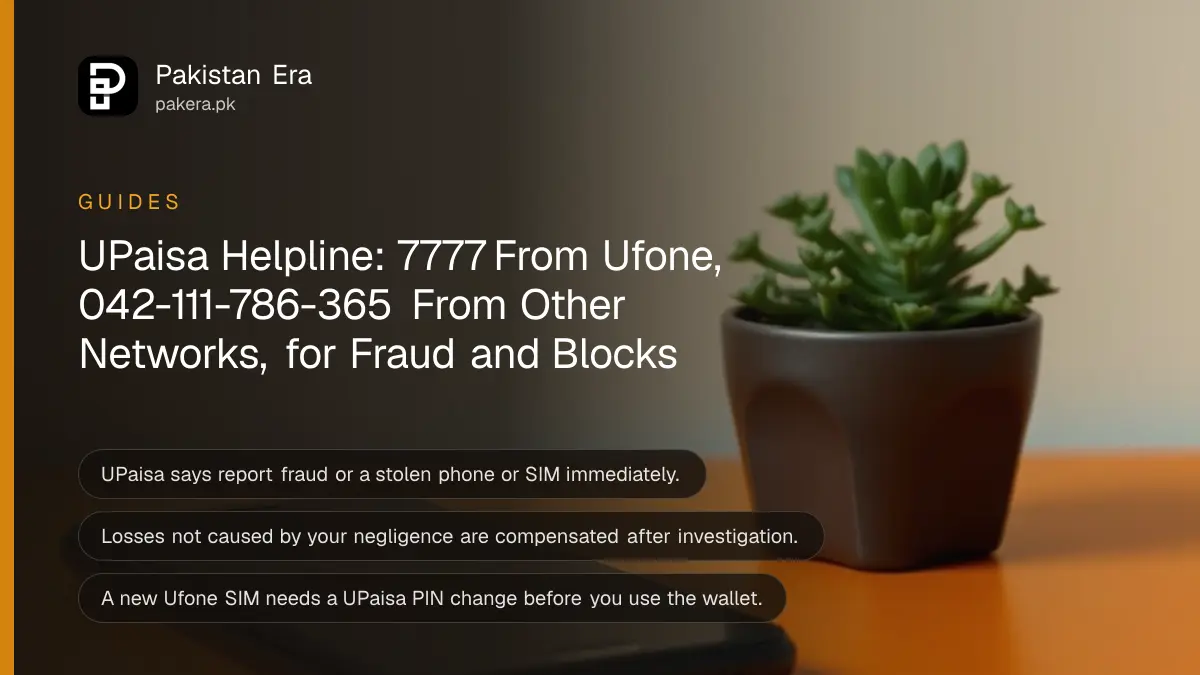
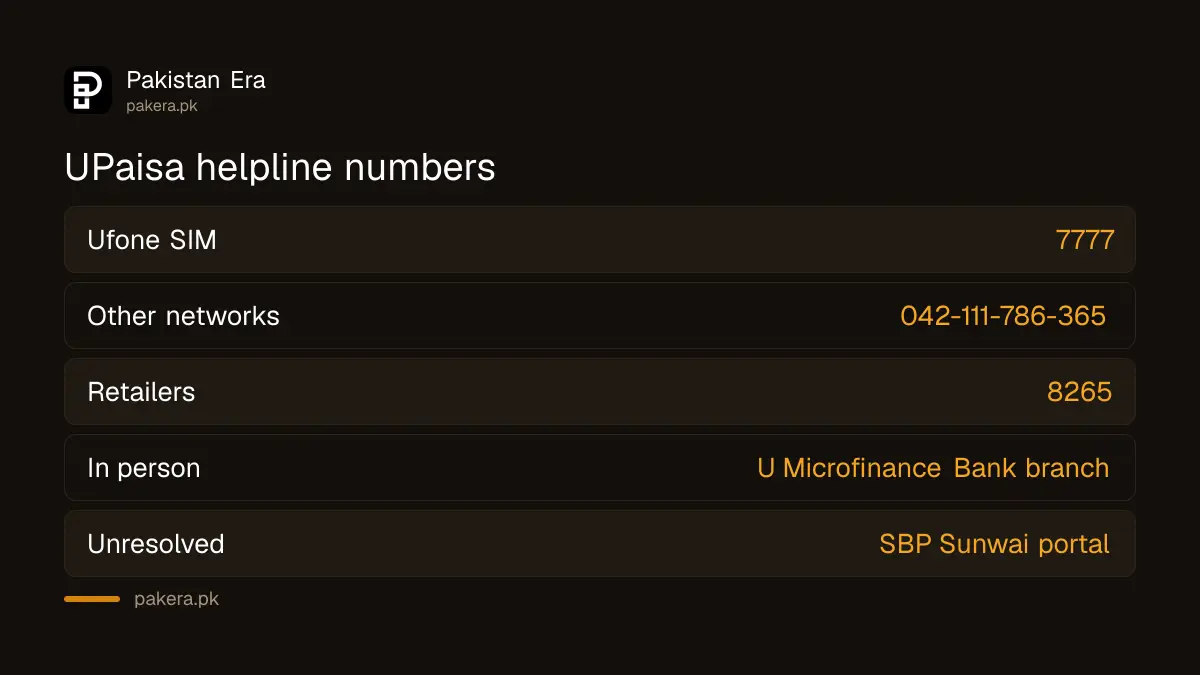
The UPaisa helpline is 7777 from a Ufone number and 042-111-786-365 from any other network. Call it at once to report fraud, a stolen phone or SIM, or a PIN someone else has seen. Shops and franchises that sell UPaisa use 8265. UPaisa is run by U Microfinance Bank Limited, and its terms let you complain at any U Microfinance Bank branch too.
A fast call matters more than anything else here. UPaisa's terms say the bank is not responsible for transactions made with your correct PIN. So the sooner the account is blocked, the less a thief can take. Below are the numbers, what to say, and where to go if the helpline does not fix it.
UPaisa helpline numbers for every situation
Ufone users dial 7777. Users on Jazz, Zong or Telenor dial 042-111-786-365. Retailers and franchises use 8265. UPaisa's website also has a "write to us" form, and any U Microfinance Bank branch takes complaints in person.
| Who you are | Number or channel |
|---|---|
| UPaisa customer on a Ufone SIM | 7777 |
| Calling from another network or a landline | 042-111-786-365 |
| UPaisa franchise or retailer | 8265 |
| Written message | "Write to us" form on upaisa.com's Contact Us page |
| In person | Any U Microfinance Bank branch, or a Ufone service centre or franchise |
To open a new UPaisa wallet, dial *786# or download the UPaisa app. The helpline is for problems with an account you already have.
Report fraud or a suspicious transaction straight away
UPaisa's terms say that if you think you are a victim of fraud, or see a transaction you did not make, you must tell the bank immediately. Call 7777 or 042-111-786-365, or go to your nearest U Microfinance Bank branch. Then cooperate with the bank and the police.
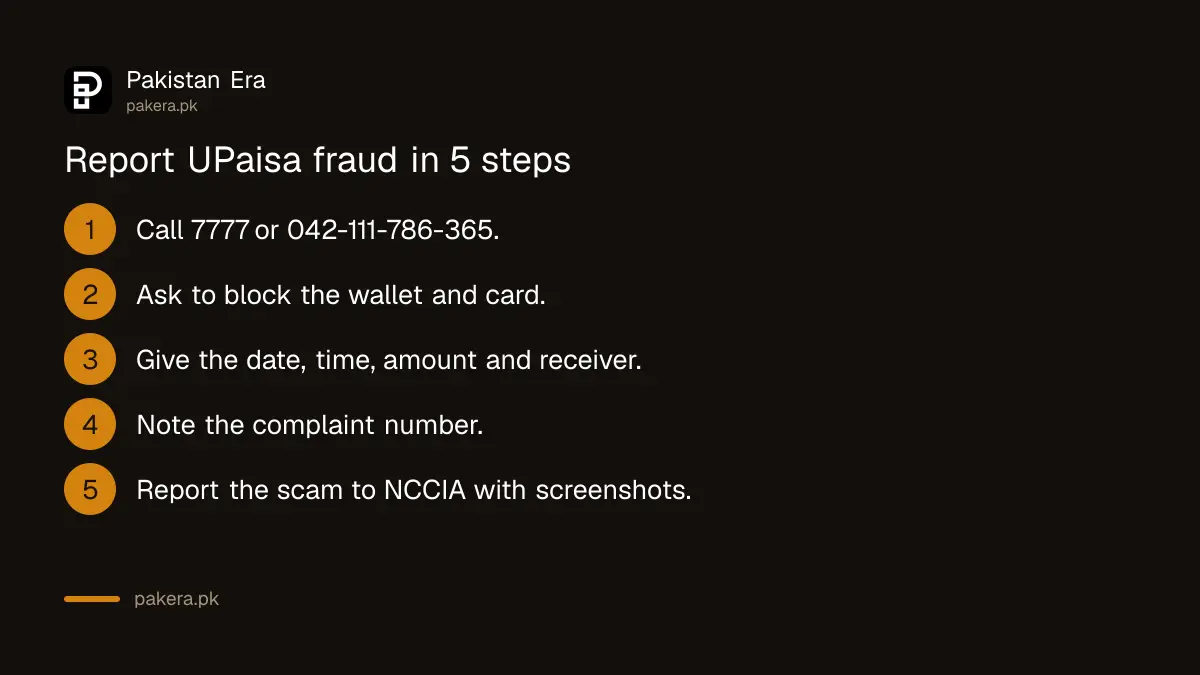
- Call 7777 (Ufone) or 042-111-786-365 (other networks) and say you want to report fraud.
- Ask the agent to block your UPaisa account and, if you have one, your UPaisa debit card.
- Give the date, time, amount and the number or account the money went to.
- Write down the complaint number the agent gives you.
- Report the scam to the National Cyber Crime Investigation Agency with screenshots and the scammer's number.
- Visit a U Microfinance Bank branch with your CNIC if the bank asks you to.
The NCCIA online complaint form needs your CNIC, the scammer's number and screenshots. File it the same day if you can.
When UPaisa pays back money lost to fraud
UPaisa's terms say the bank investigates every fraud case. If it finds the loss was not caused by your mistake or negligence, it compensates the actual loss. If the thief used your correct PIN, the bank says it is not responsible, unless its own serious negligence is proven.
That makes your PIN the deciding point. The terms also say:
- You must keep your PIN secret, even from bank staff and agents.
- If anyone has seen your PIN, tell the bank so it can block that PIN and you can set a new one.
- Change your PIN from time to time, and check your transaction list and email often.
- Do not leave your phone unattended.
If a caller says they are from UPaisa and asks for your PIN or an OTP, hang up. That is a scam, and sharing the code can cost you your claim. The tricks callers use are set out in common OTP scams in Pakistan.
Block UPaisa when your phone or SIM is stolen
UPaisa's terms say that if your phone or Ufone SIM is stolen, you must inform the bank immediately so it can block your mobile account. That stops anyone using the wallet through the stolen phone or SIM. Call 042-111-786-365 from any other phone.
Then get your number back. Your UPaisa account is tied to your Ufone number, and the terms say you must keep that connection active.
- From another phone, call 042-111-786-365 and ask to block the UPaisa account.
- Ask Ufone to block the stolen SIM.
- Get a replacement SIM on the same number at a Ufone service centre or franchise, with your CNIC and biometric verification.
- Call the helpline again and ask for a PIN change. UPaisa's terms say any SIM change also needs a new PIN before you use the account.
Block the phone itself through PTA as well. Blocking a lost or stolen phone in Pakistan covers the PTA and police steps.
What happens to UPaisa if you port your number or change SIM
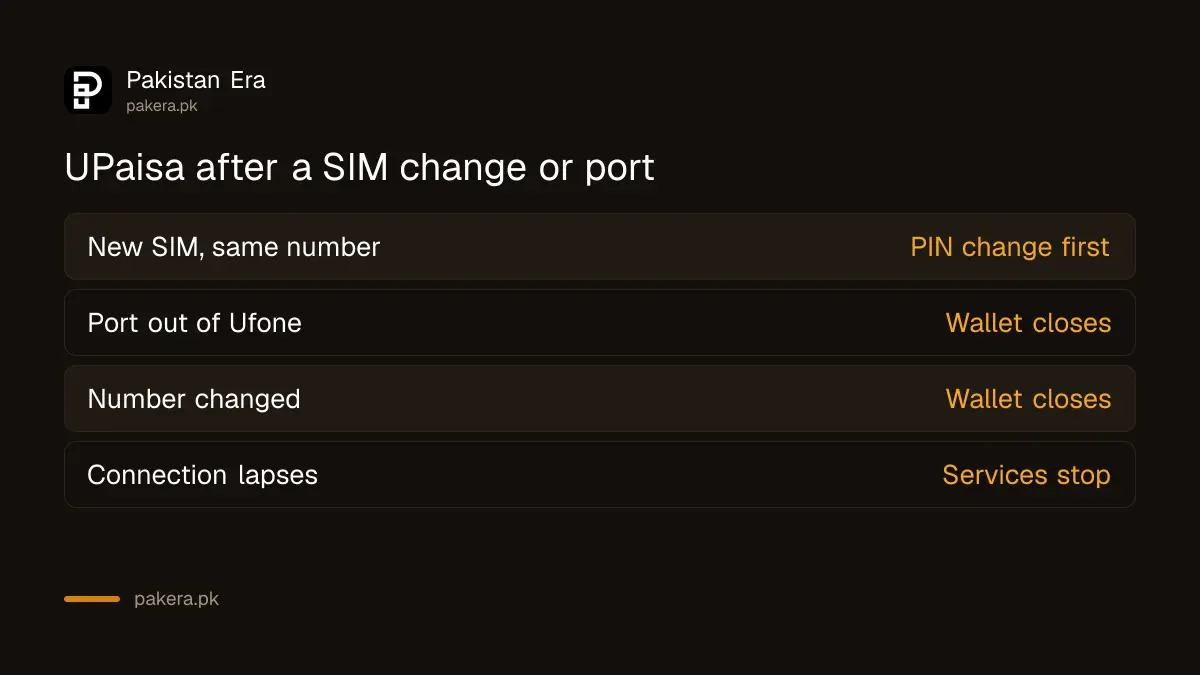
UPaisa works only on a live Ufone number. Its terms say that porting out of Ufone, or changing or cancelling the number, closes the UPaisa account. Move your balance out first. A SIM swap on the same number needs a PIN change through the helpline.
| What you do | What happens to UPaisa |
|---|---|
| Replace a lost Ufone SIM on the same number | Account stays, but call the helpline for a PIN change first |
| Port your number from Ufone to another network | UPaisa account must be closed |
| Change or cancel your Ufone number | UPaisa account must be closed |
| Let the Ufone connection lapse | Services stop; the terms require an active connection |
The same rule for other wallets is in what happens to JazzCash, Easypaisa or UPaisa after MNP.
Take an unresolved UPaisa complaint to the State Bank
U Microfinance Bank is a microfinance bank, and the Banking Mohtasib's own FAQ says it cannot hear complaints against microfinance banks. So if UPaisa does not fix your complaint, file it with the State Bank of Pakistan on its Sunwai portal, quoting your complaint number.
Keep every complaint number, SMS and screenshot. The State Bank's Sunwai complaint portal asks for the details of your first complaint to the bank.
Common questions
What is the UPaisa helpline number?
Dial 7777 from a Ufone SIM. From any other network or a landline, dial 042-111-786-365. Retailers and franchises use 8265.
How do I block my UPaisa account?
Call 7777 or 042-111-786-365 and ask the agent to block it. You can also go to a U Microfinance Bank branch with your CNIC.
Will UPaisa return money stolen from my account?
UPaisa's terms say the bank compensates the actual loss if its investigation finds the fraud was not your mistake or negligence. Transactions made with your correct PIN are treated as yours.
Can I complain about UPaisa to the Banking Mohtasib?
No. The Banking Mohtasib's FAQ says it cannot hear complaints against microfinance banks, and UPaisa is run by U Microfinance Bank. Go to the State Bank's Sunwai portal instead.
Do I need a new PIN after getting a new Ufone SIM?
Yes. UPaisa's terms say a SIM change on your number needs a PIN change through the helpline before you use the account again.
How do I open a UPaisa account?
Dial *786# from your Ufone SIM or download the UPaisa app, and follow the steps with your CNIC.
How we verified this
What we checked and where we read it.
Last checked 15 November 2026. Helpline numbers come from UPaisa's Contact Us page. The fraud, stolen phone, PIN, compensation, porting and SIM change rules come from the UPaisa terms and conditions of U Microfinance Bank Limited. The rule that microfinance banks are outside the Banking Mohtasib's remit is Q2 of the Banking Mohtasib Pakistan FAQ, and U Microfinance Bank does not appear on its list of 33 banks.
About the author

Technology Journalist & Multimedia Producer
Ahmad Ali is a technology journalist and multimedia producer at Pakistan Era, joining the team in October 2026. He covers consumer technology and digital life for Pakistani readers, combining research with hands-on product testing.