Upwork Connects in Pakistan: US$0.15 Each, How to Buy, Earn Free and When You Get Them Back
Upwork Connects cost US$0.15 each. See how Pakistani freelancers buy them, earn free ones from badges and offers, and the two cases when Connects are refunded.
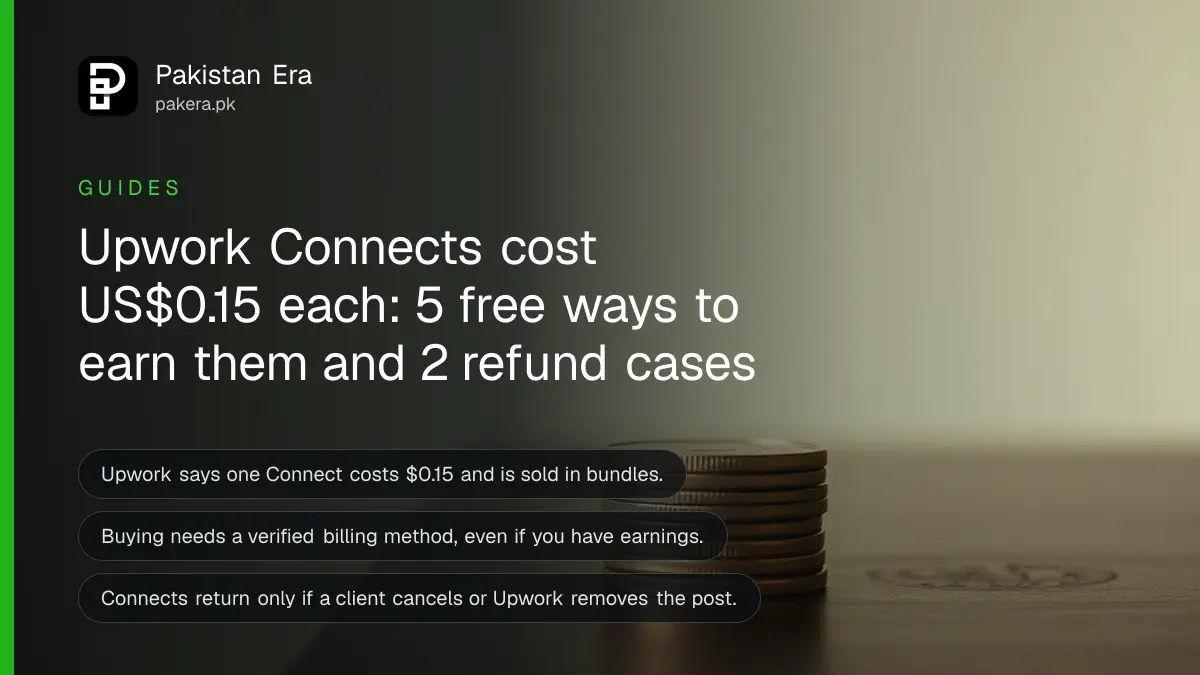
Short answer: An Upwork Connect costs US$0.15, and you spend Connects to send proposals. The number each job needs is shown on the job post. You can earn free Connects from badges, new-user offers and some activity, and you get them back only if a client cancels the job or Upwork removes it.
A new freelancer in Multan sends ten proposals in a week and sees her Connects balance fall to zero. No client replied. She asks the question many Pakistani freelancers ask: what exactly am I paying for, and can I get any of it back?
We read Upwork's help page "Understanding and using Connects" on 13 October 2026. Prices and rules below come from that page. Upwork changes Connects offers often, so check your own balance and history before you rely on a free offer.
One Connect costs US$0.15 and is sold in bundles
Upwork's page says Connects cost $0.15 each and are sold in bundles. On the buy screen you can select a bundle or a custom amount. At $0.15, 10 Connects cost $1.50 and 60 Connects cost $9.00.
A Connect is not only for proposals. Upwork says Connects are also used for boosted proposals, the Availability Badge and, for some accounts, other ad products. The identity verification badge is another item the page lists under uses of Connects.
The number you need for each proposal varies by job. Upwork says it considers project size, scope and market demand, and that the number can change while the post is open. It shows the number in the job post. Check it each time before you press send.
Buying needs a verified billing method, even if you have earnings
Upwork says you need a verified billing method on your account to buy Connects, even if you plan to pay from existing earnings. It first looks at your earnings balance. If that does not cover the whole cost, it charges your billing method for the entire amount. It cannot split the payment between the two.
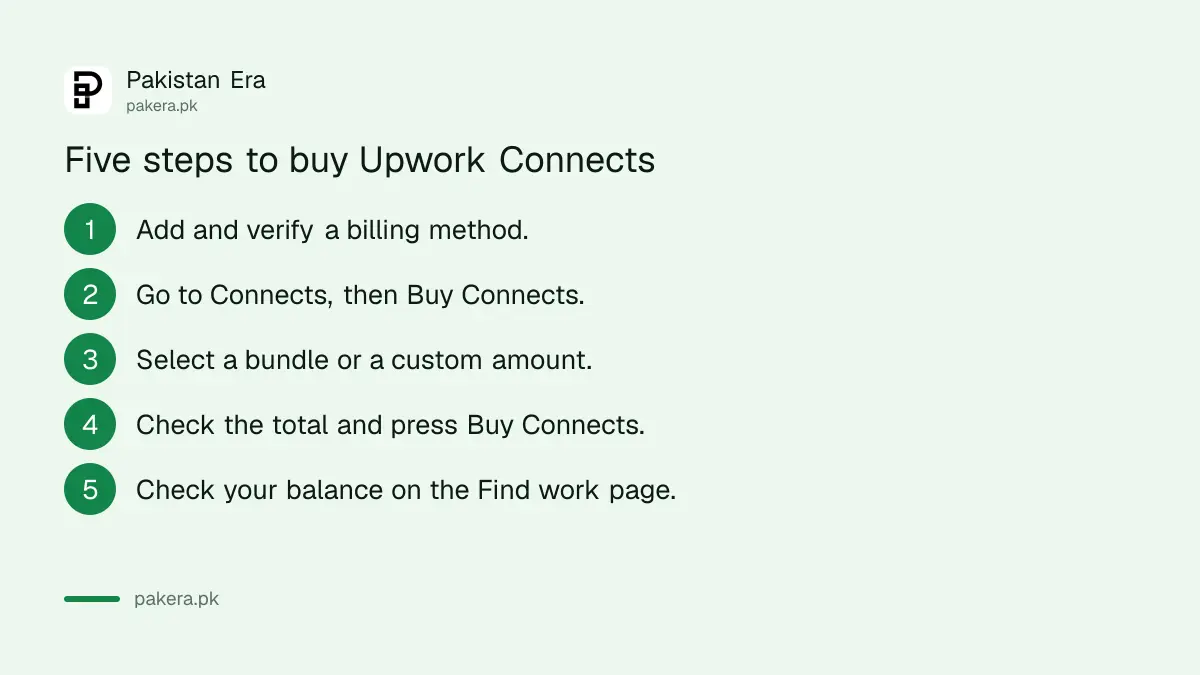
- Add and verify a billing method in your account.
- Go to Connects, then Buy Connects.
- Select a bundle or a custom amount.
- Check the total and press Buy Connects.
- Look at your balance on the Find work page.
If you want your earnings to pay for Connects, Upwork lets you set a reserve balance that is not sent out with your withdrawals. How to get the earnings out is a separate subject, covered in the guide to Upwork fees in Pakistan and the one on getting paid as a freelancer without PayPal.
We could not confirm from Upwork's page which Pakistani cards and bank methods it accepts for billing. Check the billing screen of your own account.
Free Connects come from five places
Upwork's page lists several free sources. None is guaranteed, and some are tests.
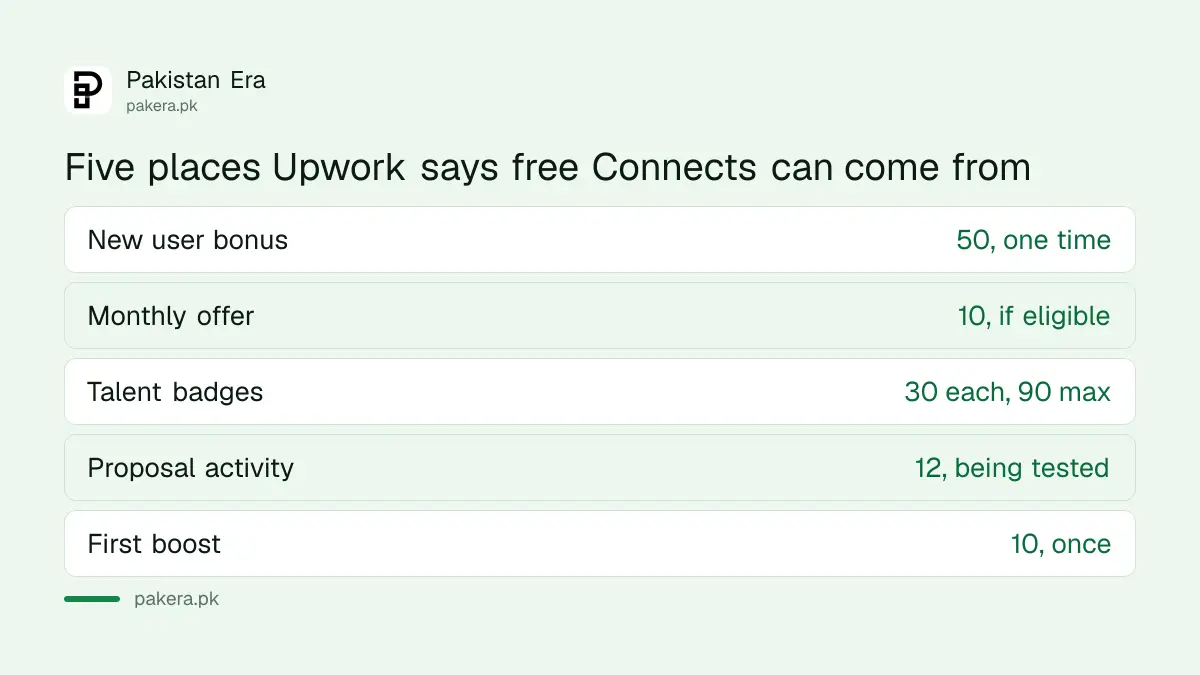
| Source | What Upwork says | Catch |
|---|---|---|
| New user bonus | One-time 50 Connects after you buy Connects or join Freelancer Plus | Only if eligible, shown at sign-up |
| Monthly offer | Some freelancers get 10 free Connects a month | Check your Connects history, support cannot add them |
| Talent badges | 30 for each of Rising Talent, Top Rated and Top Rated Plus, 90 at most | Skipped badges are combined |
| Sending proposals | May earn 12 after 3 or more proposals using at least 54 Connects | Being tested, twice a month at most |
| First boost | 10 Connects for your first successful boost | Once per freelancer |
You may also get Connects when you get an interview with an established client. Upwork says you will not get them for every interview, and the number can differ from what you spent.
Connects are refunded in only two cases
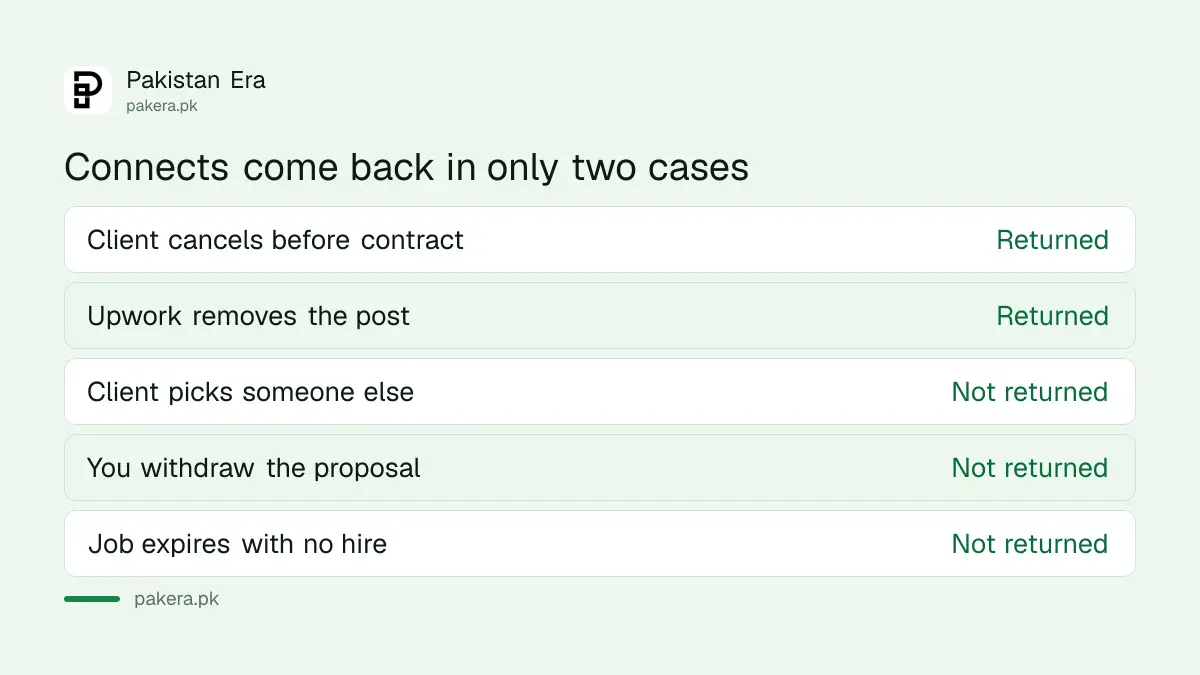
Upwork says Connects return to your account if a client cancels a project before a contract is made, or if Upwork removes the post for breaking its terms. The returned Connects can be reused. They are not refunded as cash.
You do not get them back if the client rejects your proposal, picks another freelancer, lets the job expire without a hire, or if you withdraw the proposal yourself. This is why it pays to read the job post and the client's history before you send a proposal.
Spend fewer Connects on proposals that win
Upwork's own tips are simple. Match your skills to the post, make sure you have time to write a good proposal, check whether the client has hired before, and look at how many freelancers are already competing.
For a new account, set up your profile first. Our guide to creating an Upwork account covers the start. Before you spend, see your balance and history for the last 7, 30 and 90 days on the Connects page, so you know what each week cost you.
Count the cost in rupees as well. At $0.15 a Connect and a typical proposal of several Connects, ten proposals cost a few dollars. If a platform fee is also taken from your payment, work out the final amount with the figures in the guide to Payoneer fees in Pakistan.
Common questions
How much does one Upwork Connect cost?
US$0.15 each, according to Upwork's help page. They are sold in bundles or a custom amount.
How many Connects does a proposal need?
It depends on the job. Upwork shows the number in the job post, and it can change while the post is open.
Do I get Connects back if the client ignores my proposal?
No. Upwork returns them only if the client cancels the project before a contract or if Upwork removes the post for breaking its terms.
Can I buy Connects from my Upwork earnings?
Yes, if you also have a verified billing method. Upwork uses your balance first, but it cannot split one payment between earnings and billing method.
Are there free Connects for new freelancers?
Some. Upwork mentions a one-time 50 Connects bonus after a purchase or Freelancer Plus, and rewards for onboarding tasks. Eligibility varies, so check your account.
How we verified this
What we checked, where we read it, and what we could not confirm.
Last checked on 13 October 2026, Pakistan time. We read Upwork's help page Understanding and using Connects. We did not read which Pakistani cards or banks Upwork accepts for billing, nor the size of its current bundles, so we give none beyond the $0.15 unit price. Offers marked "may" are tests on Upwork's side and can change.
About the author

Tax, Bills and Technology Writer
Ali Akhtar is a young and curious voice here at Pakistan Era. He is currently pursuing his A-Levels and has a growing interest in Pakistan’s changing industrial landscape and educational trends. Ali likes to write in a way that helps him explain and explore the world around him. His writing reflects the perspective of the new generation navigating the evolving trends of Pakistan where technology, youth innovation, and shifting opportunities are reshaping the country’s future.