How to Spot and Report a Fake Upwork Client in Pakistan
Spot a fake Upwork client from Pakistan: six red flags Upwork lists, how to report a message, job or call, block the user, and what to do if you already paid.
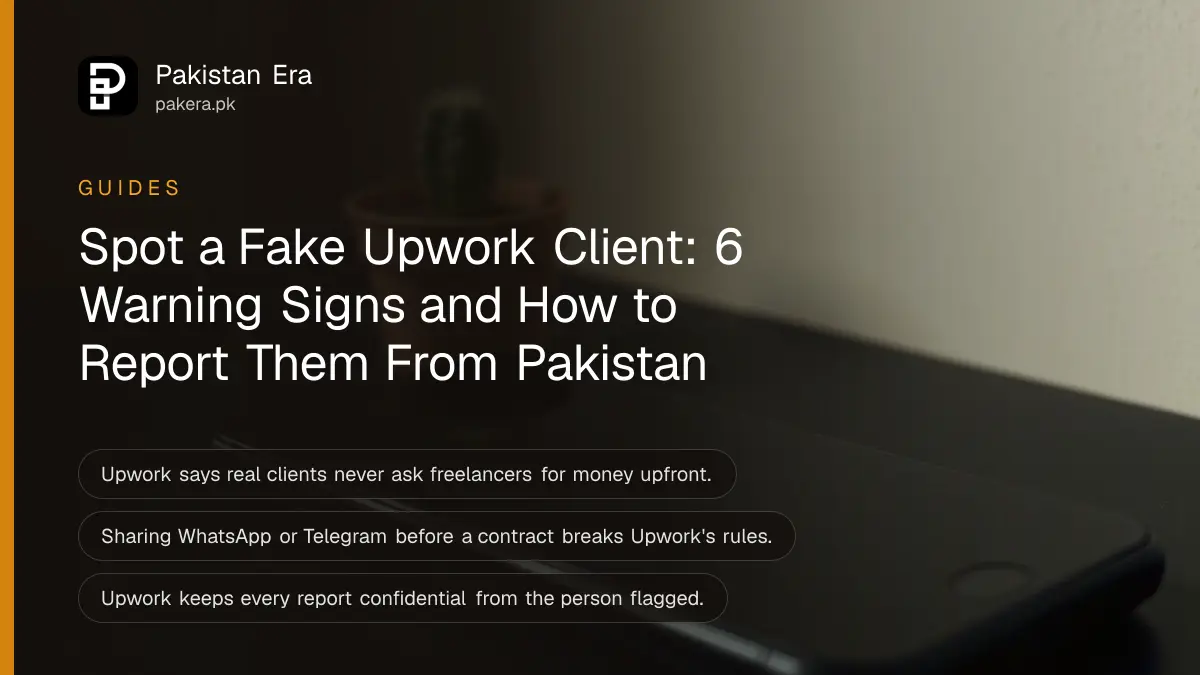
A fake Upwork client usually asks you to move to WhatsApp or Telegram before a contract starts, to pay for "training", software or a background check, or to accept money outside Upwork. Upwork says real clients never ask for money upfront. Report the message with the (…) menu and Report message, block the user, and never send money or your login.
Pakistani freelancers are a large target for this. A new profile gets an invite within hours, the "client" sounds polished, and the job pays well for easy work. Then comes a link, a Telegram ID or a request for a small payment. That is the moment to stop.
| Red flag | What Upwork says |
|---|---|
| Asks for WhatsApp, Telegram or email before a contract | Against the Terms of Service, and leaves you open to scams |
| Asks you to pay to apply or to start work | Not allowed; report it |
| Offers to pay outside Upwork | Report it; you lose Upwork's payment protection |
| Asks to buy or rent your account | Report it as fraud |
| Sends a cheque or asks you to pass money on | Possible check-cashing fraud |
Six requests tell you an Upwork client is fake
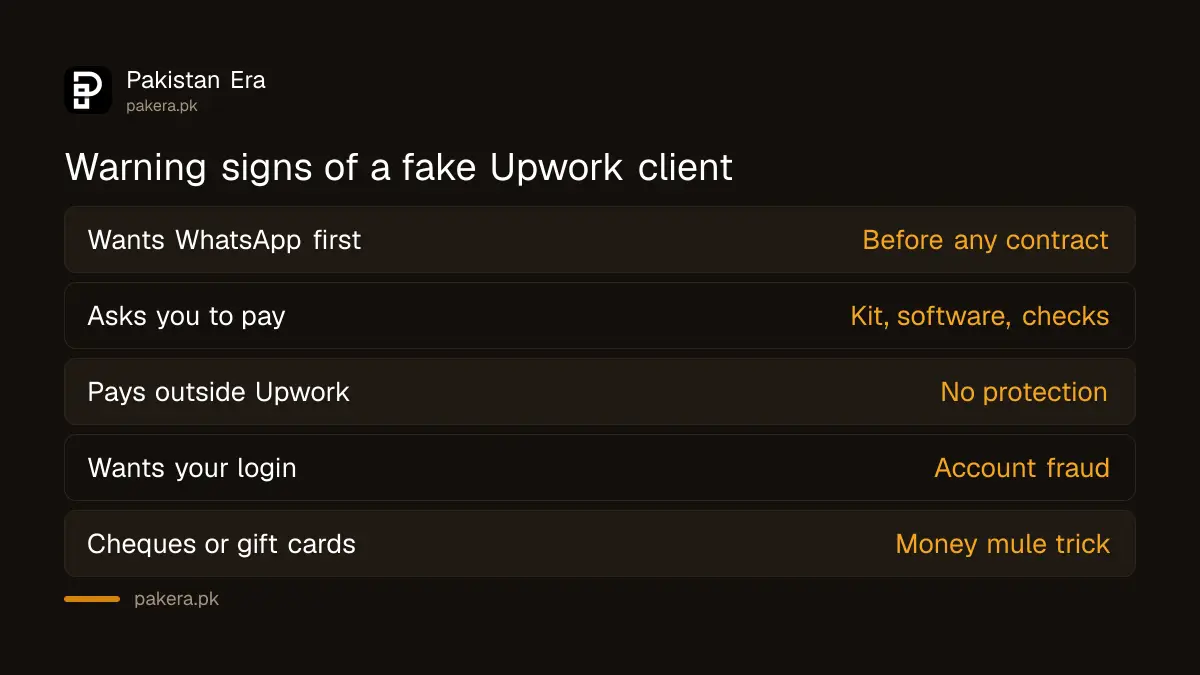
Upwork's safety pages list the same patterns again and again: contact details before a contract, money from you, payment off the platform, your account login, free test work, and requests to cash cheques or buy gift cards. Any one of these is enough to stop and report.
- Move to another app first. Sharing a phone number, email or app ID such as WhatsApp or Skype before a contract starts breaks Upwork's rules.
- Pay to get the job. Paying a client to consider your proposal, or to buy equipment, a "starter kit" or a background check, is on Upwork's list of payments that are not allowed.
- Get paid outside Upwork. Upwork tells freelancers never to accept or make payments off the platform.
- Share your account. Anyone who asks for your Upwork username and password, or offers to pay to use your account, is a bad actor in Upwork's words.
- Do free work. All original work on Upwork should be paid. Pressure to work without payment or funding breaks the terms.
- Handle money for them. Requests to cash cheques, deposit money orders, buy gift cards or move crypto for someone may be fraud, and your bank can hold you liable.
Upwork also warns about job posts that advertise benefits, medical insurance or training programmes, and posts that borrow a real company's name. Those features are common in fake listings.
Report a fake client from the message, job post or call in under a minute
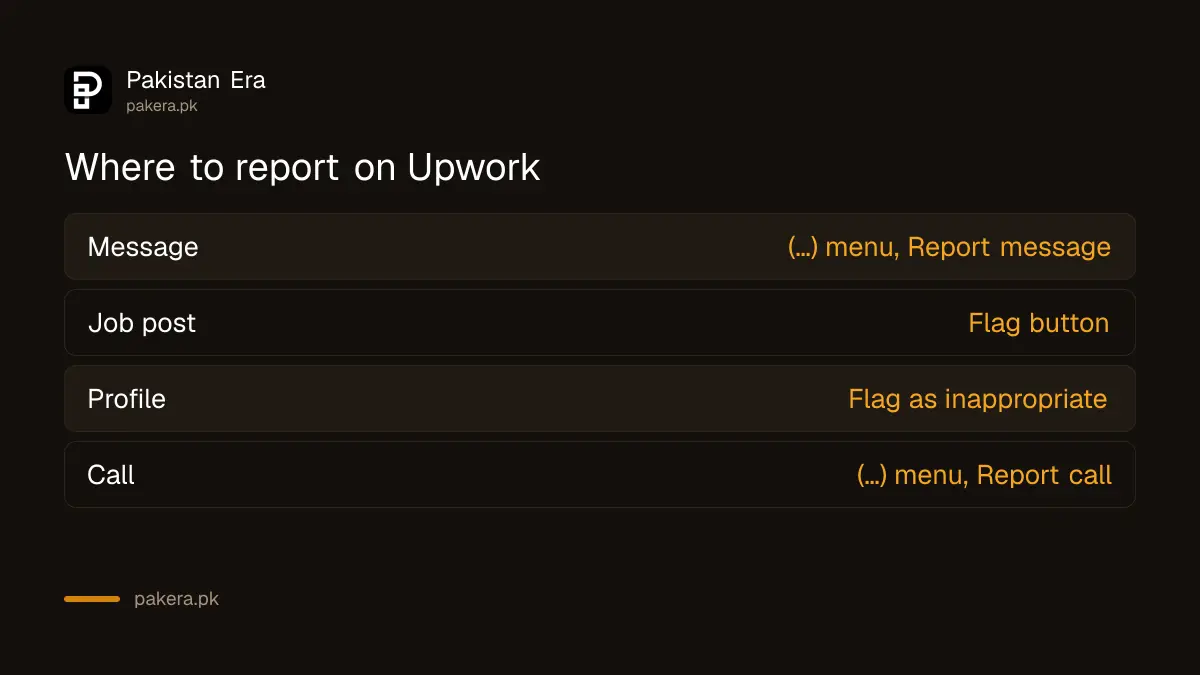
Every report goes to Upwork's Trust and Safety team, and the person you flag is not told who reported them. On desktop, hover over the message, open the (…) menu and choose Report message. On the app, press and hold the message, then choose Report message.
| What to report | Where the report button is |
|---|---|
| A message | (…) menu on the message, then Report message |
| A job post | Flag button on the job post |
| A client or freelancer profile | (…) menu on the profile, then Flag as inappropriate |
| A call inside Upwork Messages | (…) menu, then Report call, then pick a reason |
For a call, Upwork's list of reasons includes "Asked me to spend money to submit a proposal, like purchasing gift cards, background checks, or equipment" and "Asked me to accept a payment upfront or outside Upwork". Pick the one that matches what happened.
Upwork may email you for more detail after a report. It may not share what it found, for privacy reasons.
Block the user so the messages stop
Open Messages, find the conversation, select the person's profile icon on the right and choose Block. You can still see the old conversation if you need it as evidence. You cannot block someone you have an active contract with.
When you decline an invitation or withdraw a proposal, you can tick "Block future invitations from this client". That stops the same fake client from inviting you again under the same account.
Blocking does not replace reporting. Report first, so Trust and Safety sees the messages, then block.
Phishing emails copy Upwork's look, so check the sender and the link
Upwork says fake emails use company logos, fake login pages and urgent wording. Check the sender's address and hover over any link to see where it really goes. Never type your Upwork password on a page you reached from an email or chat link.
- Open Upwork yourself by typing the address, rather than tapping a link in a message.
- Do not install an app or browser extension a "client" sends you.
- Never share your CNIC, bank details or tax forms with a client. Upwork says other users do not need them.
If you already typed your password into a fake page, change it at once and turn on two-step verification. If Upwork later restricts your account because of activity you did not do, the steps in appealing an Upwork suspension apply.
If you already paid a fake client, go to your bank and the NCCIA
Money sent outside Upwork is outside its Trust and Safety programmes, including payment protection. Call your bank or wallet helpline at once and ask them to stop or reverse the transfer. Then file a cybercrime complaint with the National Cyber Crime Investigation Agency (NCCIA) on 1799 or online, with screenshots.
Save every message, the client's profile link, the job post, the Telegram or WhatsApp number, and the transaction ID before the scammer deletes anything. The steps to report a cybercrime in Pakistan list what to attach.
Also send the same evidence to Upwork Customer Support, so the account can be removed before it reaches the next freelancer. The same tricks appear outside Upwork too, as set out in fake online job offers in Pakistan.
Common questions about fake Upwork clients
Is it normal for an Upwork client to ask for my WhatsApp number?
Not before a contract starts. Upwork's rules do not allow sharing contact details until a contract is in place, and it leaves you open to scams.
A client wants me to buy software before starting. Is that real?
No. Upwork lists upfront payment for a project's needs, and payment to start work, as not allowed. Report it.
Will the client know I reported them?
No. Upwork says all reports are confidential and it does not share your identity.
Can Upwork get back money I sent by JazzCash or bank transfer?
Payments made outside Upwork lose its Trust and Safety protection. Contact your bank or wallet and the NCCIA quickly.
Can I report a Zoom call on Upwork?
Yes. Open the (…) menu on the call message, choose Report call and pick a reason.
Does a client ever need my CNIC?
No. Upwork says other users do not need your ID, payment details or tax forms. Only Upwork's own identity check uses your CNIC.
How we verified this
What we checked and where we read it.
We checked three Upwork Help Center articles on 24 November 2026: How to stay safe on Upwork (off-platform payments, payment types not allowed, check-cashing fraud, phishing, personal info), How to report suspicious user activity (what to report, report steps for messages, jobs, profiles and calls, blocking) and Upwork Trust and Safety (no off-platform contact or payment before a contract). The NCCIA 1799 helpline is as listed on our NCCIA pages.
About the author

Technology Journalist & Multimedia Producer
Ahmad Ali is a technology journalist and multimedia producer at Pakistan Era, joining the team in October 2026. He covers consumer technology and digital life for Pakistani readers, combining research with hands-on product testing.