Keep WhatsApp on Your Old iPhone in Pakistan After 30 November
WhatsApp needs iOS 15.5 on iPhone from 30 November 2026. An iPhone 6s, 7 or first SE can still update to iOS 15.8 free. Check your version and back up first.
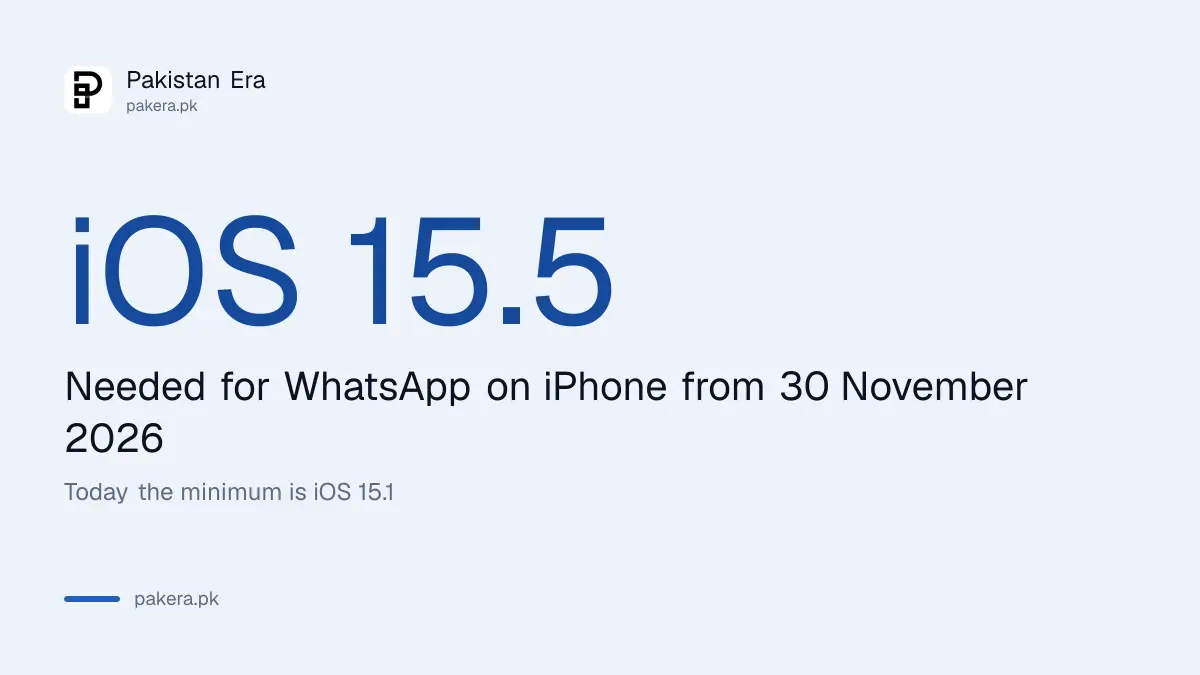
From 30 November 2026, WhatsApp will work only on iPhones running iOS 15.5 or newer. Today the minimum is iOS 15.1. If you have an older iPhone such as an iPhone 6s, 7 or first SE, you can keep WhatsApp by updating it for free to iOS 15.8, which Apple still offers. Check your version in Settings, then General, then Software Update.
We read WhatsApp's Help Center page on supported operating systems on 30 September 2026. It says: "iPhones running iOS 15.1 and newer. Starting November 30, 2026, only iOS 15.5 and newer will be supported." WhatsApp has announced no new Android cut-off for late 2026. On Android the minimum is still Android 6.0.
Plenty of families in Pakistan hand an old iPhone down to a parent or a child. That is the phone most likely to be stuck on an old version, simply because nobody has pressed Update in years. The good news is that most of these phones can still be fixed in about half an hour.
WhatsApp needs iOS 15.5 on iPhone from 30 November
WhatsApp's Help Center says it supports iPhones on iOS 15.1 and newer today. From 30 November 2026, it will support only iOS 15.5 and newer. An iPhone on iOS 15.1, 15.2, 15.3 or 15.4 has two months to update.
WhatsApp says it reviews every year which devices and software are the oldest and have the fewest users. Those devices may not have the latest security updates, or may lack features WhatsApp needs. So the cut-off is about the software version, not the phone's age alone.
WhatsApp also says it will warn you inside the app a few times before support ends. Read that warning in WhatsApp itself. Never trust a forwarded message or a link that claims your WhatsApp is about to be "blocked".
For Android, the rule has not changed since early September. WhatsApp needs Android 6.0 or newer, and phones on Android 5 have already lost it. That change hit old Android phones on Android 5, and it does not touch iPhones.
Most old iPhones can still update to iOS 15.8
Apple still releases updates for the iPhone 6s, iPhone 7 and the first iPhone SE. Its latest for them is iOS 15.8.8, released on 11 May 2026. That is well above iOS 15.5, so these phones keep WhatsApp once updated.
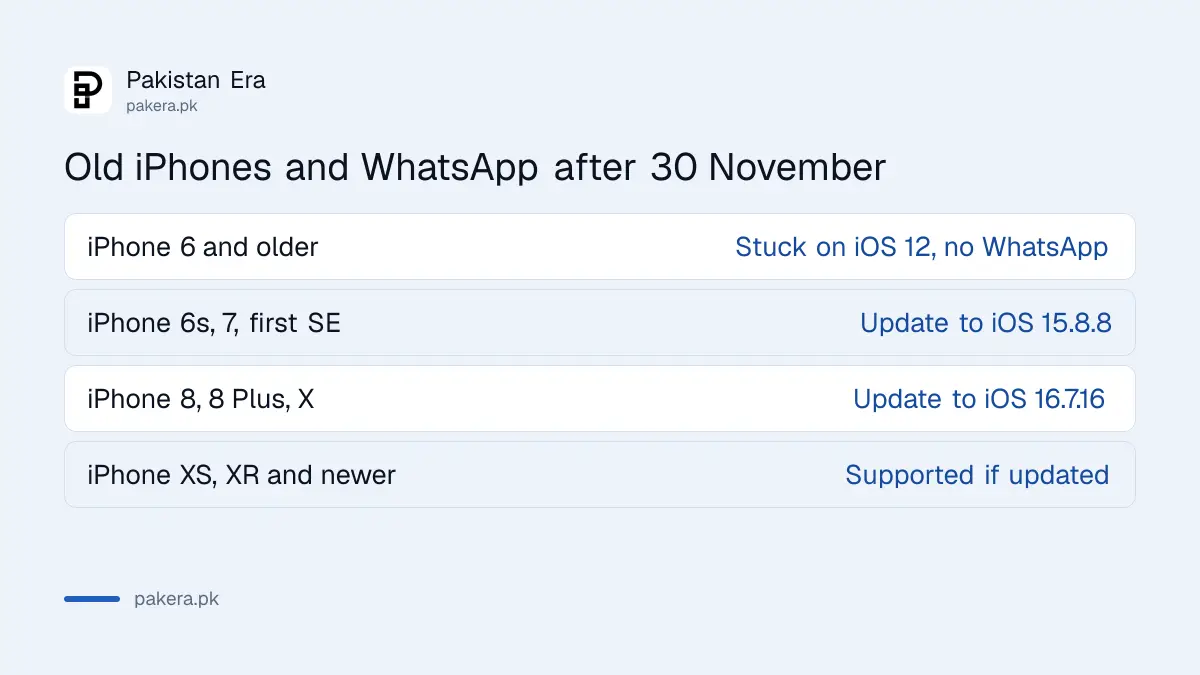
We checked Apple's own list of security releases. It shows which iPhones get each update. The table below sums up what it says for older models.
| iPhone model | Latest iOS from Apple | WhatsApp after 30 November 2026 |
|---|---|---|
| iPhone 5s, iPhone 6, iPhone 6 Plus | iOS 12.5.8 (26 January 2026) | Not supported, already below iOS 15.1 |
| iPhone 6s, 6s Plus, iPhone 7, 7 Plus, iPhone SE (1st generation) | iOS 15.8.8 (11 May 2026) | Supported, after you update |
| iPhone 8, iPhone 8 Plus, iPhone X | iOS 16.7.16 (11 May 2026) | Supported, after you update |
| iPhone XS, XR and newer | Newer versions of iOS | Supported if kept updated |
So the real risk is not the phone. It is a phone that has never been updated. An iPhone 7 sitting on iOS 15.2 will lose WhatsApp on 30 November, even though Apple offers it iOS 15.8.8 for free.
The iPhone 6 and older are a different case. Apple's last update for them is iOS 12.5.8. That is below even today's minimum of iOS 15.1, so WhatsApp already does not support them. No update will change that.
Check your iOS version and update in five steps
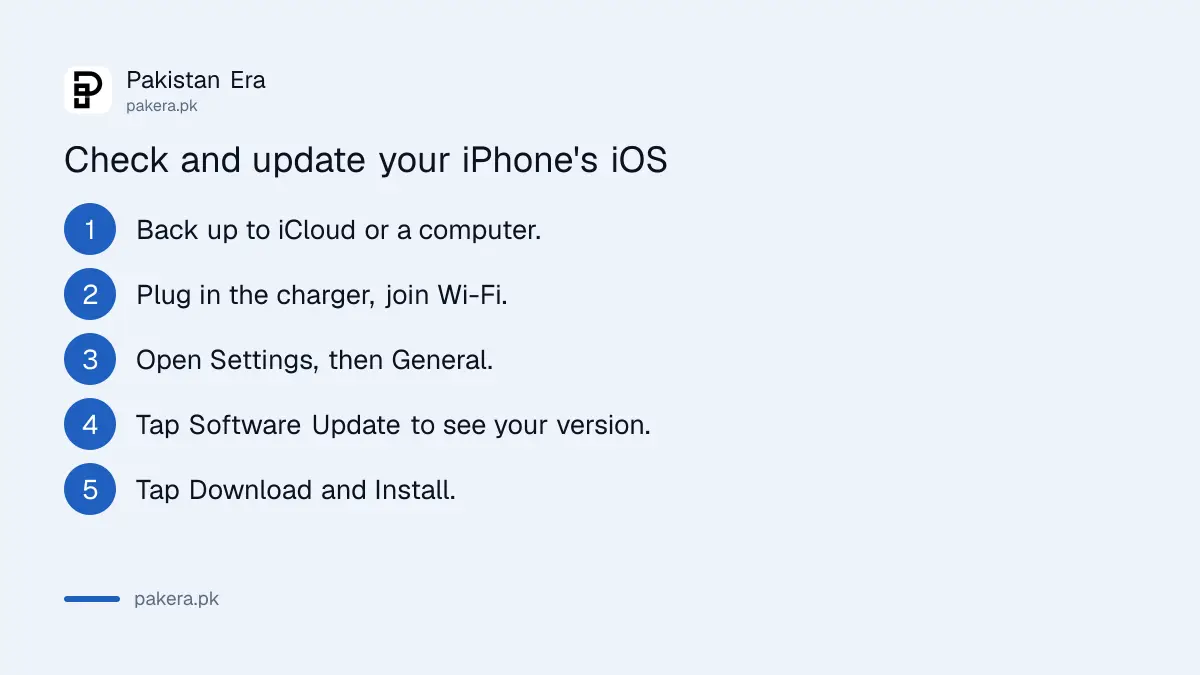
Open Settings, tap General, then tap Software Update. Apple says this screen shows the iOS version you have now and whether an update is waiting. Back up first, plug in the charger, and use Wi-Fi.
These steps follow Apple's own help page on updating an iPhone:
- Back up the iPhone to iCloud or to a computer.
- Plug the phone into power and connect to Wi-Fi.
- Open Settings and tap General.
- Tap Software Update. Your current iOS version is shown here.
- If an update is listed, tap Download and Install and follow the steps on screen.
An old iPhone often has a full memory. Apple says the phone may ask to remove some apps for a while to make space, and it puts them back after the update. You can also delete old videos yourself first.
Apple also notes that a VPN or proxy can stop the phone from reaching its update servers. If the update will not start, turn off any VPN and try again on home Wi-Fi.
Back up your WhatsApp chats to iCloud first
WhatsApp on iPhone backs up chats to iCloud. Open WhatsApp Settings, tap Chats, then Chat backup, then Back up now. Do it before you update iOS or change phones, while WhatsApp still opens on the old iPhone.
WhatsApp's Help Center sets three conditions for an iCloud backup:
- Use the same phone number and iCloud account for the backup and the restore.
- Keep the iPhone on the latest iOS it can run.
- Have free space in iCloud and on the phone of at least 2.05 times the size of the backup.
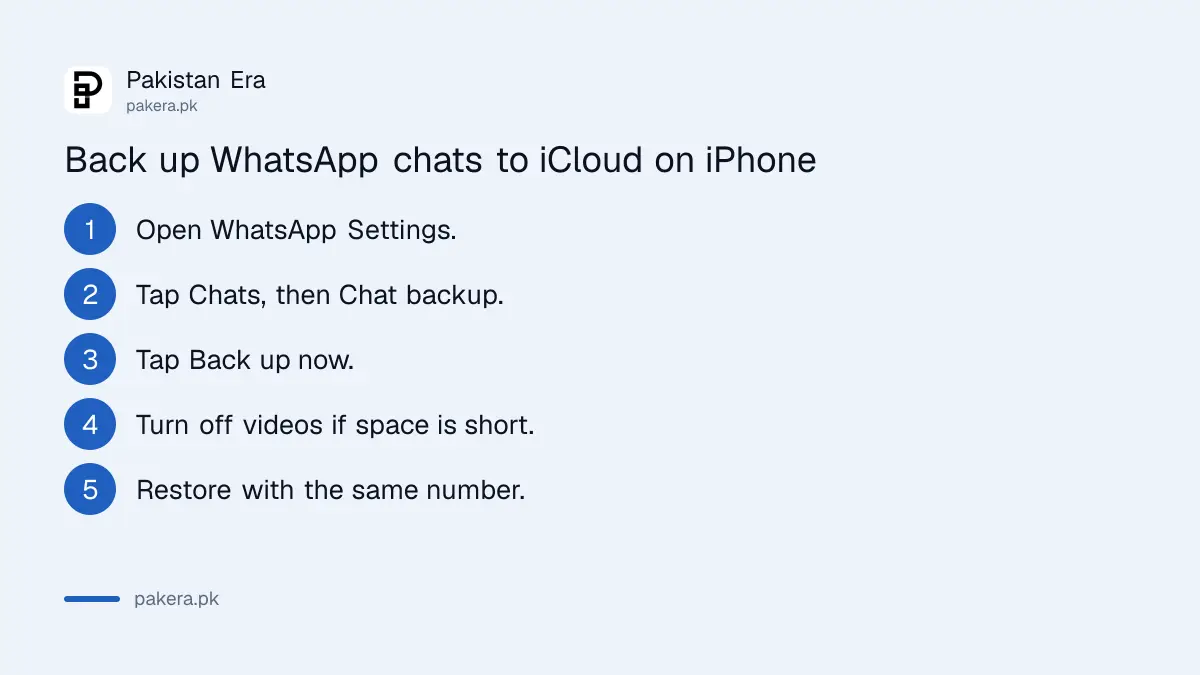
That last rule catches many people. The free 5 GB iCloud plan fills fast with photos. If the backup fails, turn off Include videos in chats and try again. WhatsApp also says the only way to move a WhatsApp backup to another iPhone is through iCloud, so do not skip this step. On the new phone, you restore WhatsApp chats by verifying the same number and tapping Restore.
Replace the phone only if it cannot update
Only an iPhone 6 or older truly needs replacing for WhatsApp. For those, back up your chats if WhatsApp still opens, then move your SIM to a newer phone and restore with the same number.
A used iPhone can be a cheap option in Pakistan. Before you pay, check that the set is PTA approved, or it will lose mobile network service. You can check the IMEI number and PTA status by SMS in a minute. Also check the battery health and make sure the seller has removed the iCloud lock, two common traps when you buy a used iPhone.
When you buy, pick a model that still gets the newest iOS. A phone that can run the iOS 27 update will keep WhatsApp for years longer than one stuck on iOS 15.
Common questions
Will WhatsApp stop working on my iPhone 7?
Not if you update it. Apple offers the iPhone 7 iOS 15.8.8, which is above the iOS 15.5 minimum. It stops only if the phone stays on iOS 15.4 or older.
Which iPhones lose WhatsApp on 30 November 2026?
Any iPhone still running iOS 15.1 to 15.4 on that day. The iPhone 6 and older already lost support, because Apple's last update for them is iOS 12.5.8.
Is WhatsApp ending support for more Android phones in 2026?
No new Android cut-off is announced. WhatsApp's Help Center still lists Android 6.0 and newer as supported, as we read it on 30 September 2026.
How do I know which iOS version my iPhone has?
Open Settings, tap General, then Software Update. Apple says the installed version is shown on that screen, along with any update.
Will I lose my chats when WhatsApp stops working?
You can, if there is no backup. WhatsApp restores only from your last successful iCloud backup, so back up now while the app still opens.
Does updating iOS delete my WhatsApp chats?
An iOS update is not meant to delete apps or data. Apple still tells you to back up first, and a fresh WhatsApp iCloud backup covers you if anything goes wrong.
How we verified this
What we checked, where we read it, and what we could not confirm.
Last checked on 30 September 2026. We read WhatsApp's Help Center pages on supported operating systems and on backing up chat history on iPhone. We read Apple's list of security releases for the latest iOS each older iPhone gets, and Apple's help page on updating an iPhone. WhatsApp's page gives no reason for the 30 November date beyond its yearly review. We did not test WhatsApp on an iPhone below iOS 15.5.
About the author

Tax, Bills and Technology Writer
Ali Akhtar is a young and curious voice here at Pakistan Era. He is currently pursuing his A-Levels and has a growing interest in Pakistan’s changing industrial landscape and educational trends. Ali likes to write in a way that helps him explain and explore the world around him. His writing reflects the perspective of the new generation navigating the evolving trends of Pakistan where technology, youth innovation, and shifting opportunities are reshaping the country’s future.