WhatsApp Secret Code in Pakistan: Hide Locked Chats in 5 Steps, and What Happens If You Forget It
Set a WhatsApp secret code to hide locked chats from your chat list. Forget it and Unlock and clear deletes every message and photo in them. Steps and limits.
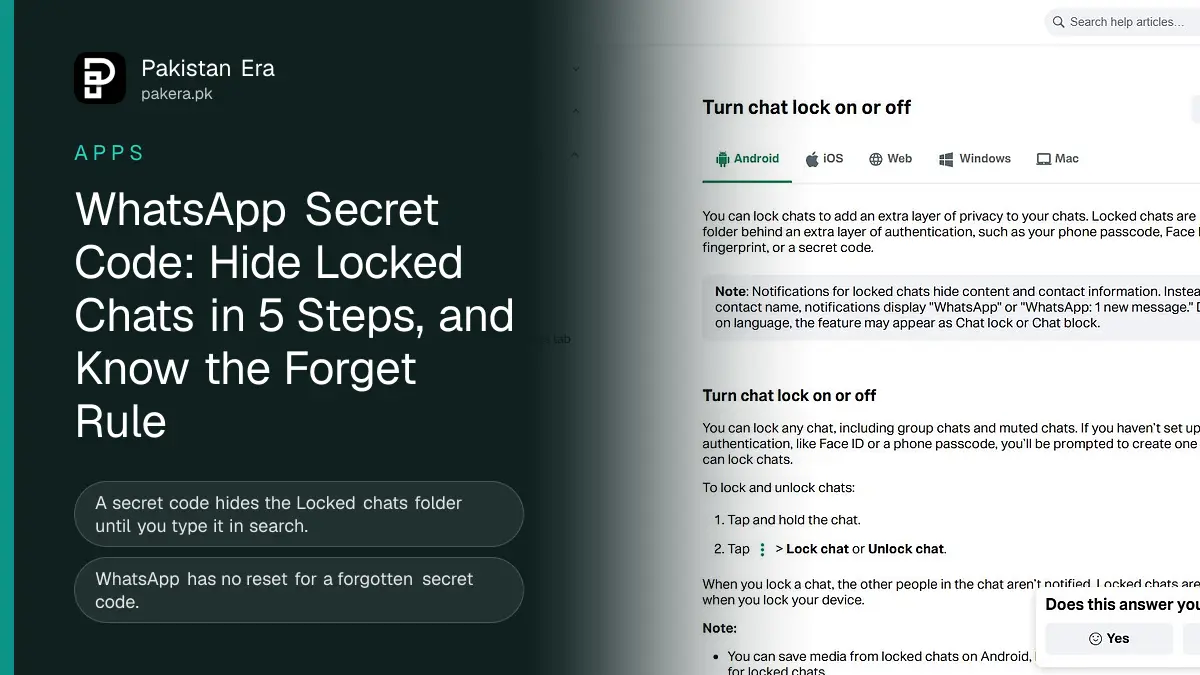
A WhatsApp secret code hides your locked chats so the Locked chats folder only appears when you type the code in the search bar. Set it in Locked chats, the three dots, Chat lock settings, Secret code. If you forget it, the only way back is Unlock and clear, which deletes every message, photo and video in those chats.
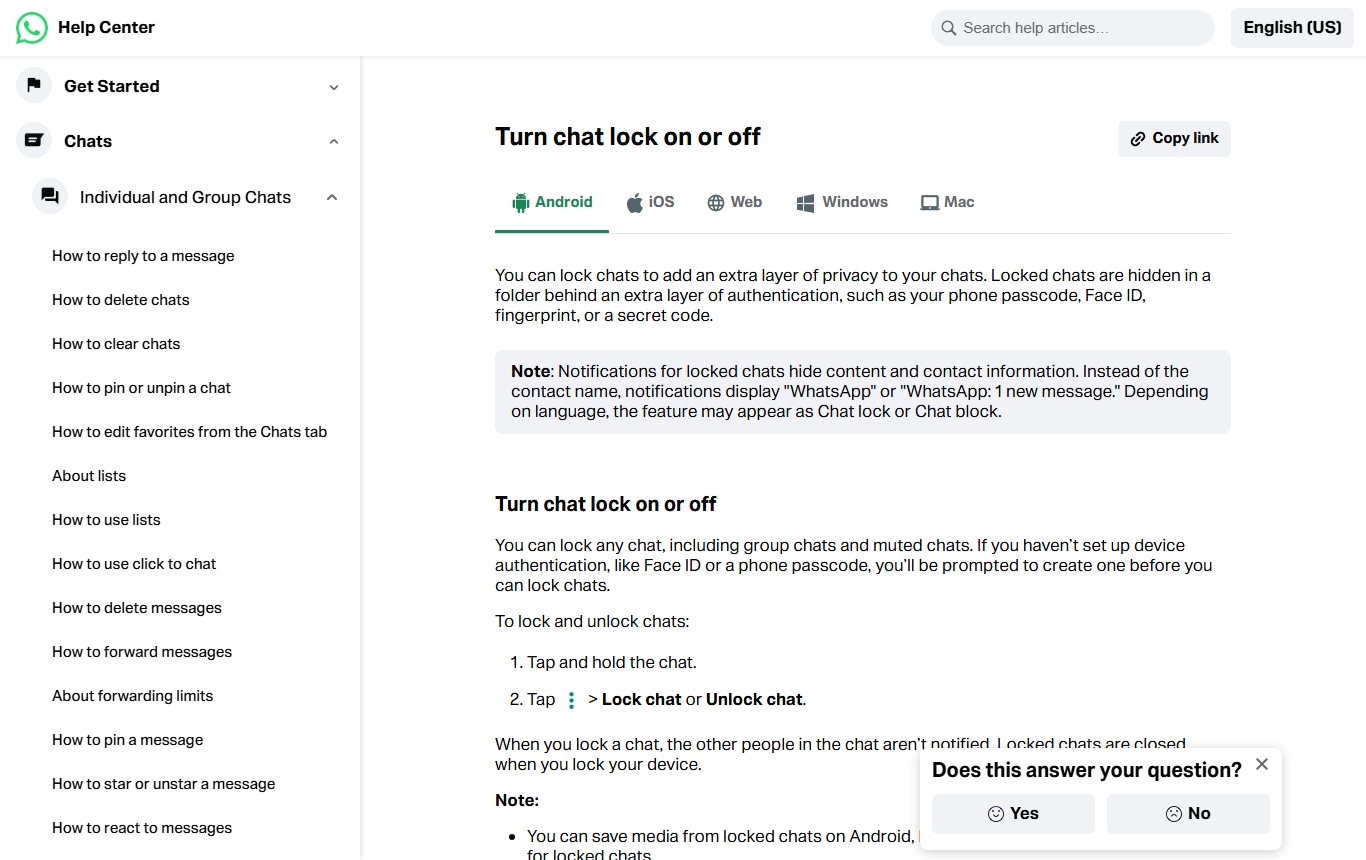
We read WhatsApp's chat lock help page in full on 12 November 2026, in both its Android and iPhone versions, and took a screenshot of it. Our earlier guide on locking a WhatsApp chat and Advanced Chat Privacy covers the basic lock. This page goes one step further: the secret code, hiding the folder completely, and what happens when the code is forgotten. That last part is where people in Pakistan lose chats they cannot get back, so read it before you turn the code on.
What the secret code does that a normal chat lock does not
A normal chat lock moves a chat into a Locked chats folder that opens with your fingerprint, face or phone passcode. The secret code adds a separate password just for WhatsApp, and it lets you hide the folder so nobody scrolling your chat list can tell it exists.
That difference matters on shared phones. In many homes one phone is passed between family members, and the phone passcode is known to everyone. A chat lock alone does not help there, because the same passcode opens the folder. A secret code that only you know does.
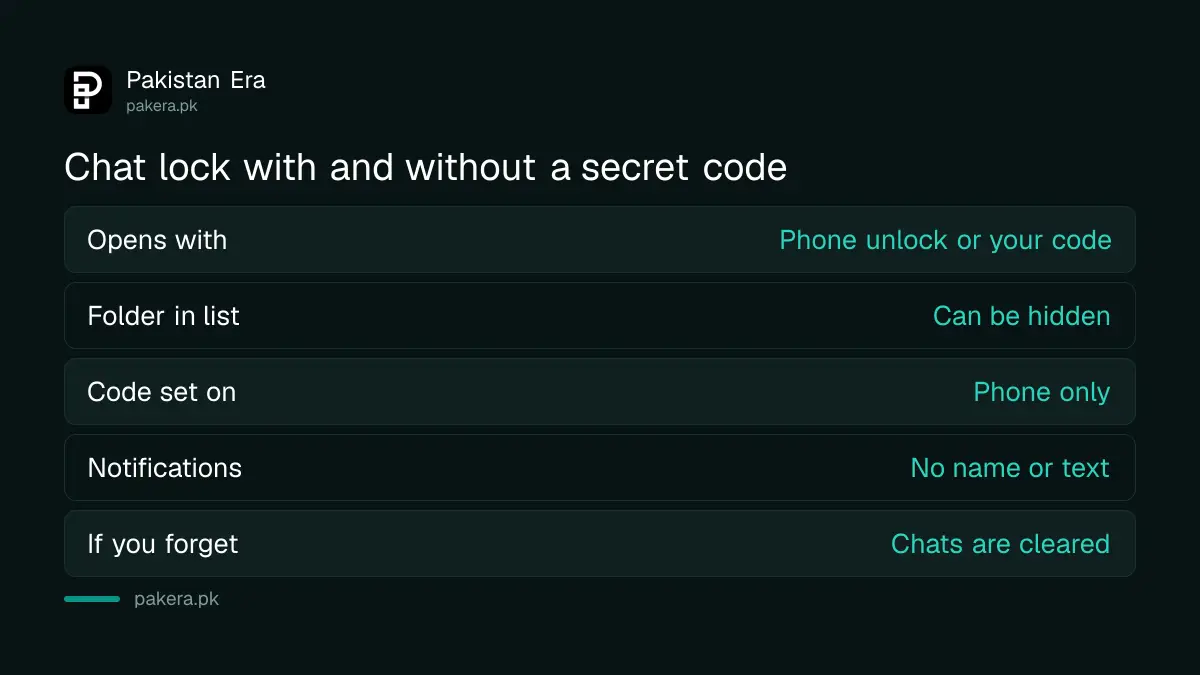
| Feature | Chat lock only | Chat lock with secret code |
|---|---|---|
| Opens with | Phone passcode, fingerprint or face | Phone unlock or your secret code |
| Folder visible in chat list | Yes, swipe down to see it | Can be hidden completely |
| Code set on | Phone | Phone only, not WhatsApp Web |
| Notifications | Show "WhatsApp: 1 new message" | Same, no name or text |
| If you forget | Use your phone unlock | Unlock and clear deletes the chats |
Lock a chat first, then set the secret code
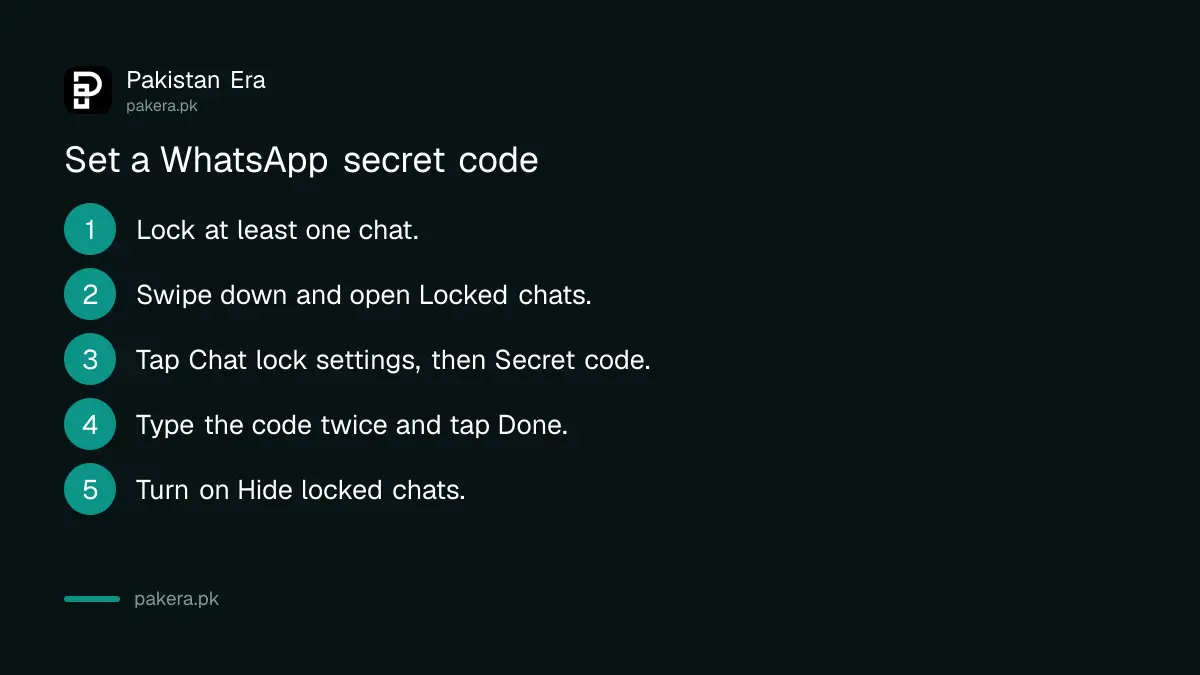
You need at least one locked chat before the secret code option appears, because it lives inside the Locked chats folder. WhatsApp asks you to set a phone lock first if your phone has none.
- Tap and hold the chat you want to protect, then tap the three dots and Lock chat.
- Swipe down on your chat list and tap Locked chats.
- Tap the three dots, then Chat lock settings, then Secret code.
- Type your code and tap Next.
- Type it again to confirm and tap Done.
On iPhone the route is the same, but the menu inside Locked chats is called Settings rather than three dots. Choose a code you will remember and that is not your phone PIN. WhatsApp's page describes the code as separate from your phone passcode, and that separation is the whole point.
Hide the Locked chats folder
Once the code is set, go to Locked chats, the three dots, Chat lock settings and turn on Hide locked chats. The folder then disappears from the top of your chat list. To open it, tap the search bar, type your secret code and tap Locked chats.
We noticed one thing in WhatsApp's wording that is easy to miss. Every step for changing a setting starts with "If you've hidden your locked chats folder, tap the search bar, enter your secret code". So once the folder is hidden, the search bar is the only door in. There is no menu item that brings it back.
If you forget the secret code, the chats are cleared
WhatsApp has no reset by email or SMS for the secret code. If the folder is hidden and you forget the code, the help page says you can recover access only by unlocking and clearing locked chats, which returns the chats to your list but deletes all their messages, photos and videos.
The steps are in Settings, Privacy, Chat lock, Unlock and clear locked chats, then Unlock and clear. Your secret code is removed at the same time.
There is one way to soften the loss. WhatsApp says you can restore cleared chats from a backup, but only if your most recent backup ran before you cleared them, and only for messages sent before that backup. So before you use Unlock and clear:
- Open Settings, Chats, Chat backup and see when your last backup ran. WhatsApp says restored backups keep locked chats locked, so backups include them. A backup taken just before you clear is the one that can bring the chats back.
- Try every code you might have used, slowly. WhatsApp's page does not mention a lockout after wrong tries, but typing carefully costs nothing.
- Accept that media received after the last backup cannot be brought back.
Our guide to WhatsApp backup storage explains where Android and iPhone backups are kept and how often they run.
Turn off the secret code or unhide the folder
To turn the code off, open Locked chats, the three dots, Chat lock settings, Secret code, then Turn off and Continue. To unhide the folder, switch off Hide locked chats in the same menu. Both need you to reach the folder first, so you must still know the code.
To unlock a single chat, tap and hold it inside the folder and choose Unlock chat. The other person is never told that you locked or unlocked their chat.
Limits of chat lock that WhatsApp states
Chat lock is a privacy screen, not a wall. WhatsApp's page lists several limits that are worth knowing before you rely on it.
- Calls from contacts in locked chats are not blocked. The call still rings normally.
- On Android you can save media from locked chats, but you cannot turn on Media visibility for them, so their photos do not go to your gallery on their own.
- Locked chats close again when you lock your phone.
- After a backup is restored on a new phone, locked chats stay locked, and you need a phone lock set up to open them.
- The secret code can only be created on the phone, not on WhatsApp Web or desktop.
If you worry that someone else has access to your account itself, a code will not help. Check which devices are linked to your WhatsApp first.
Frequently asked questions
How do I find hidden locked chats on WhatsApp?
Tap the search bar at the top of your chat list, type your secret code and tap Locked chats.
I forgot my WhatsApp secret code. Can I reset it?
Not without losing the chats. The only option is Settings, Privacy, Chat lock, Unlock and clear locked chats, which deletes their messages and media.
Is the WhatsApp secret code the same as my phone PIN?
No. WhatsApp describes it as a code separate from your phone passcode. Pick a different one.
Will the other person know I locked our chat?
No. WhatsApp says people in the chat are not notified when you lock it.
Can I set the secret code on WhatsApp Web?
No. WhatsApp says the code has to be created on your phone.
Do locked chats show the sender in notifications?
No. Notifications show "WhatsApp" or "WhatsApp: 1 new message" instead of the name and text.
How we verified this
What we checked and where we read it.
Last checked on 12 November 2026. All steps, limits and the Unlock and clear warning are from WhatsApp's Turn chat lock on or off page, read in its Android and iPhone versions, plus its privacy settings page. We read and screenshotted the public help pages. We did not set or clear a secret code on a real account for this article.
About the author

Technology Journalist & Multimedia Producer
Ahmad Ali is a technology journalist and multimedia producer at Pakistan Era, joining the team in October 2026. He covers consumer technology and digital life for Pakistani readers, combining research with hands-on product testing.