WhatsApp Two Accounts on One Phone in Pakistan: Add a Second Number in 6 Steps, Android and iPhone
Add a second WhatsApp account on one phone in Pakistan: Settings, Add Account, verify a second number. Two accounts at most, Business app excluded, all steps.
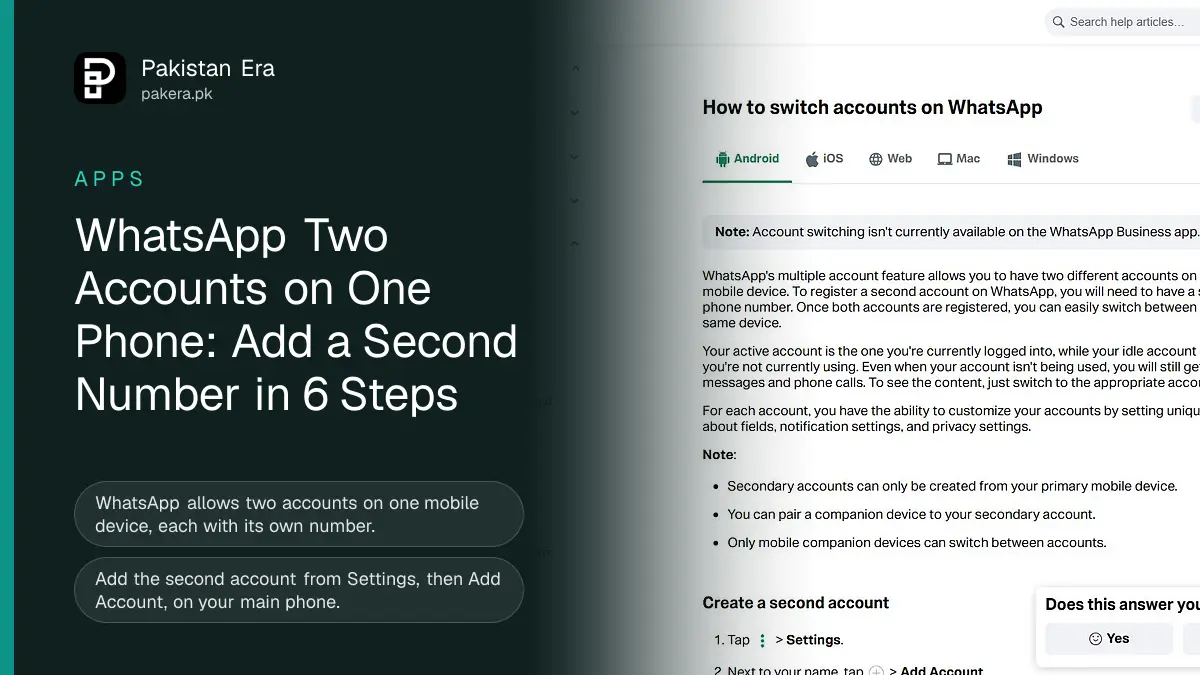
You can run two WhatsApp accounts on one phone in Pakistan without a second app. Open WhatsApp, go to Settings, tap the arrow or plus next to your name, choose Add Account and verify your second number with a 6-digit code. WhatsApp allows two accounts at most, and each needs its own phone number.
We went through WhatsApp's own help pages for Android and iPhone on 12 November 2026 to write this. The question is a common one here. Many people carry a Jazz SIM for family and a Zong or Ufone SIM for work, and dual SIM phones are the norm. For years the only answer was a "clone" or "dual app" setting from the phone maker, or the separate WhatsApp Business app. The built-in feature is simpler, and it keeps both accounts inside the normal WhatsApp app.
What you need before you add a second WhatsApp account
You need a second phone number that can receive an SMS or a call, the latest WhatsApp, and the phone that already holds your main account. WhatsApp says a second account can only be created from your primary mobile device, not from WhatsApp Web or a linked computer.
The second number does not have to sit in the second SIM slot forever. WhatsApp's help centre says an account is tied to the phone number, not to a SIM tray. But the number must be active when you verify it, because the code arrives by SMS or call. WhatsApp's registration page adds that a prepaid line needs enough balance to receive the SMS or call, and a number that is switched off will not get the code.
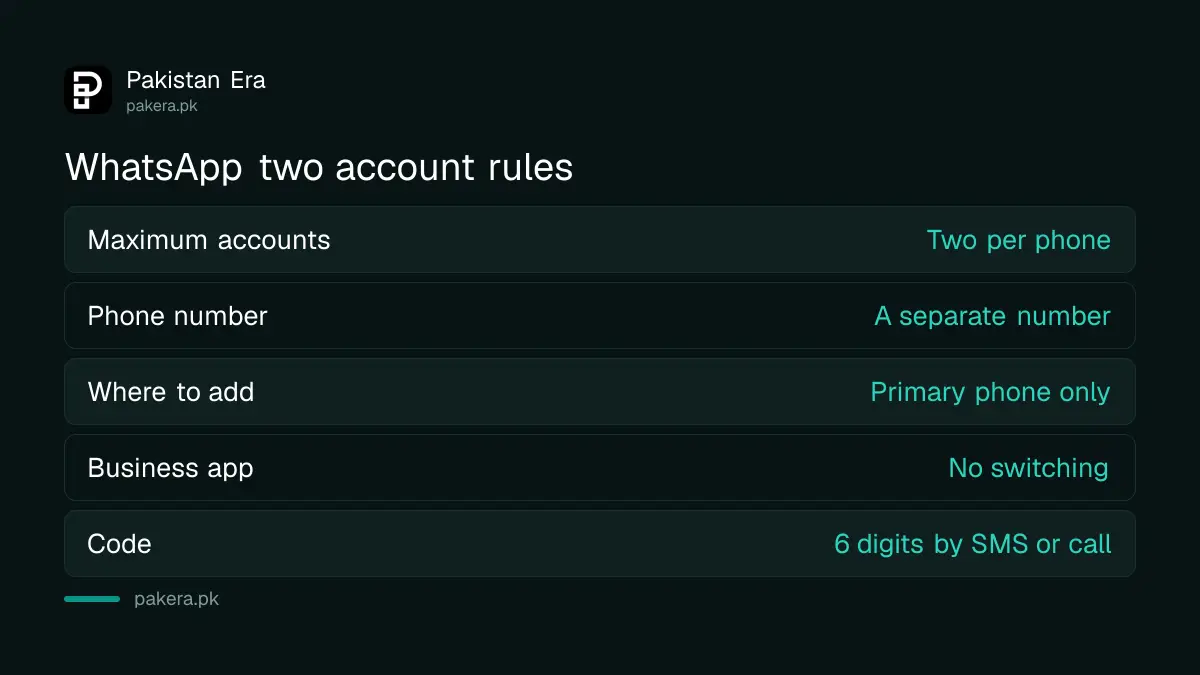
| Requirement | What WhatsApp says |
|---|---|
| Maximum accounts | Two on one mobile device |
| Phone number | A separate number for the second account |
| Where to create it | Only on your primary mobile device |
| WhatsApp Business app | Account switching is not available there |
| Verification | 6-digit code by SMS or phone call |
Add a second account on Android in 6 steps
On Android the option sits behind the three dot menu. We followed WhatsApp's Android page line by line, and the steps below match its wording.
- Open WhatsApp and tap the three dots at the top, then Settings.
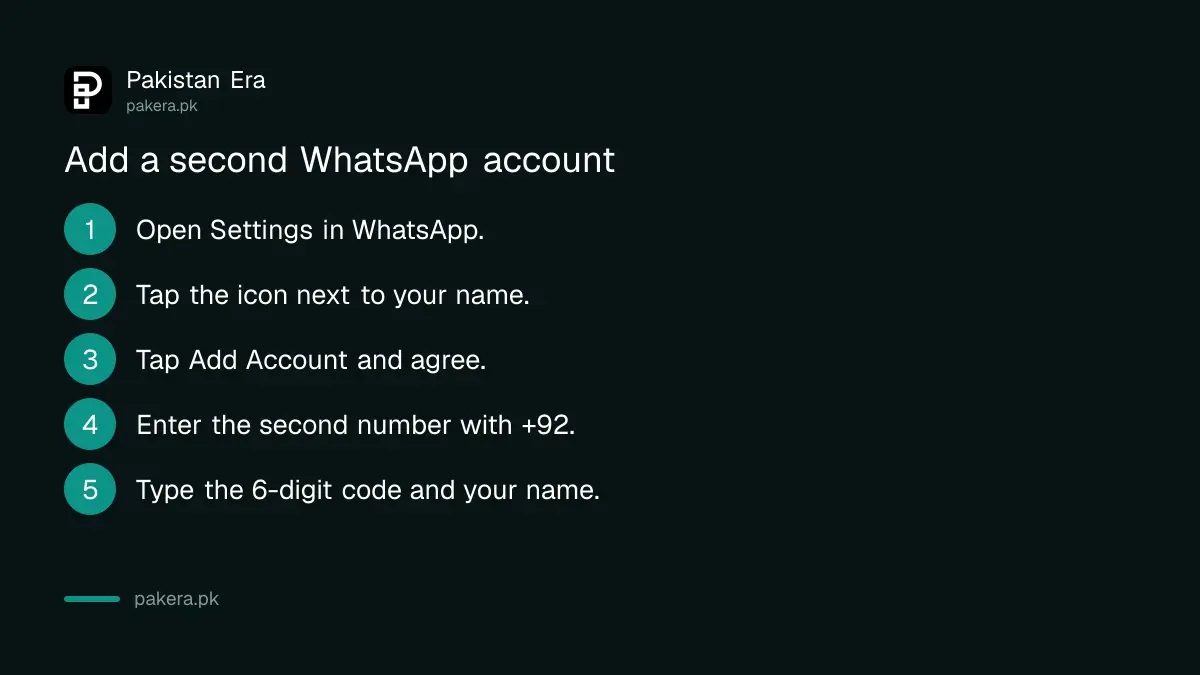
- Next to your name, tap the small arrow or plus icon, then Add Account.
- Tap Agree and Continue to accept the terms and privacy policy.
- Select Pakistan and type the second number in full, for example +92 3XX XXXXXXX. Tap Continue.
- Enter the 6-digit code. If the SMS does not arrive, tap Verify another way to get a call.
- Type a name and tap Next. You can add a photo and About line now or tap Skip.
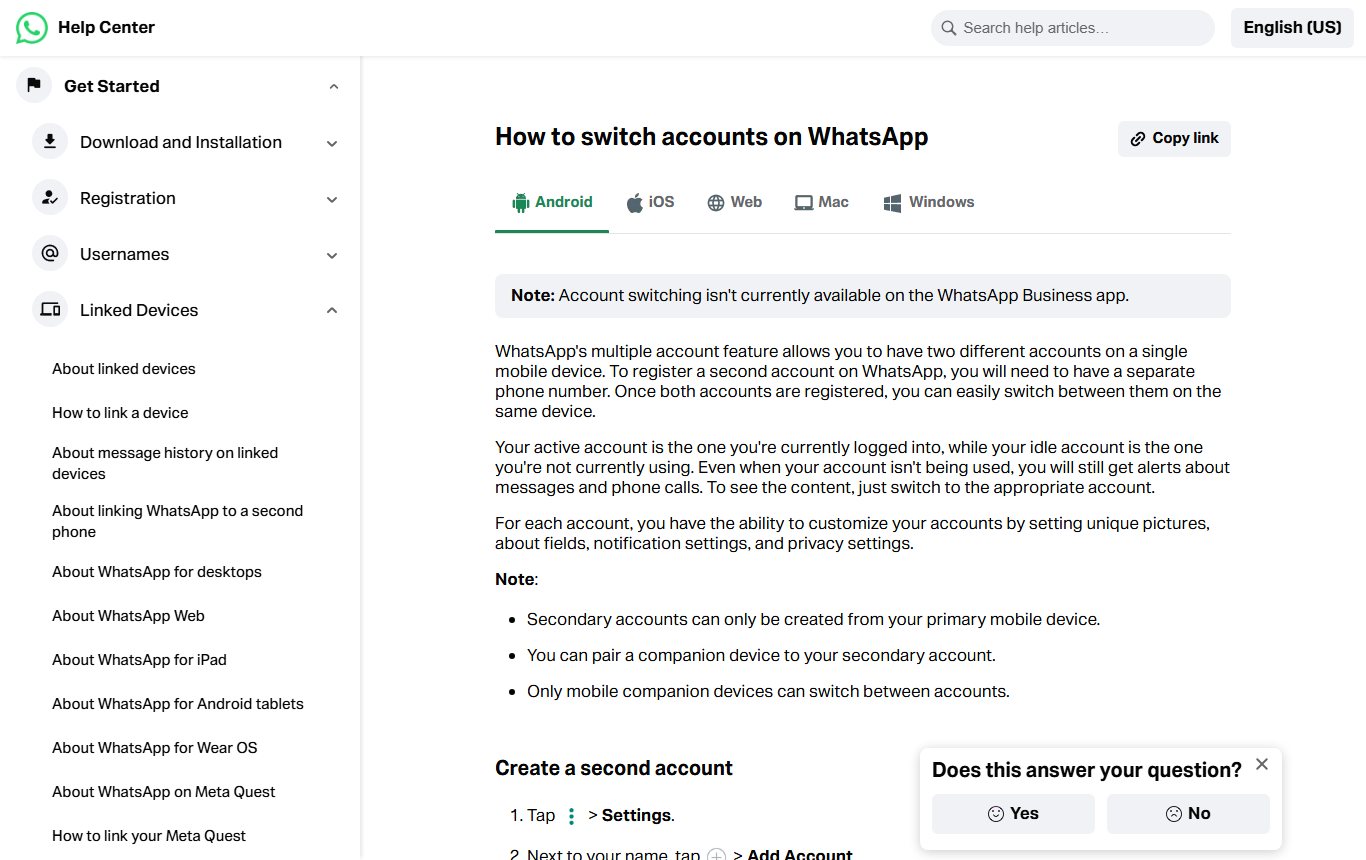
To move between accounts later, tap the three dots and choose Switch accounts. That is the whole switch on Android. There is no logout and no second login.
Add a second account on iPhone
The iPhone steps are almost the same, but the starting point is the Settings tab at the bottom of the screen. WhatsApp's iOS page lists one extra limit: some features, such as connecting a payment method, are not available on secondary accounts on iOS yet.
- Tap Settings at the bottom of WhatsApp.
- Next to your name, tap the plus icon, then Add Account.
- Agree to the terms, choose the country and type the number.
- Enter the 6-digit code, then your name.
To switch on iPhone, open Settings, tap the icon next to your profile and pick the other account. We found one small trap in the wording. The Android page says "Switch accounts" in the menu, while the iPhone page has you go through Settings. If you cannot find the option on an iPhone, look in Settings rather than the chat list.
How notifications, calls and privacy work with two accounts
The account you are using is the active one, and the other is idle. WhatsApp says you still get alerts for messages and calls on the idle account, but you must switch to it to read them. Each account keeps its own photo, About line, notification settings and privacy settings.
Calls are handled with a push notification. When someone calls the idle account, you can tap Ignore, or tap Switch Accounts and then answer or decline. In practice that is one more tap than a normal call, so a caller may hear a few extra rings.
Privacy is set per account. That means hiding your last seen on your personal account does nothing for the work account. Set both. Our guide to hiding your WhatsApp last seen and profile photo walks through each setting, and you will need to repeat it after switching.
Why the second account will not add, and the fixes
WhatsApp lists three fixes when the second account will not add: restart the phone, switch between Wi-Fi and mobile data, and update WhatsApp. Most failures we would expect in Pakistan come from the code not arriving, so check the number first.
- The number is already registered as your main account on another phone. Registering it here moves it, and the other phone is logged out.
- The SIM has no balance or no signal, so the SMS cannot arrive. Ask for a call instead.
- You typed the number with a leading zero after +92. Use +92 3XX, not +92 03XX.
- You are using the WhatsApp Business app. Switching is not available there, so add the account in regular WhatsApp or keep Business as a separate app.
- You requested codes too many times. WhatsApp then makes you wait, and a fresh attempt can restart the wait.
Remove the second account without losing your groups
To take an account off the phone, go to Settings, Account, Remove account, back up if asked, confirm the number and tap Remove. WhatsApp says this only removes it from that device, and your groups and channels are kept. Messages you did not back up are lost.
Removing is not deleting. Delete account, in the same menu, wipes your message history, takes you out of every group, deletes your Google Drive backup and deletes channels you created. If you only want the second account off the phone, use Remove. Also note that if you remove an account from your primary phone, any linked computers on that account are logged out after 14 days. Our page on checking WhatsApp linked devices shows where to see them.
Two accounts or WhatsApp Business: which to use
Use two accounts in regular WhatsApp if both numbers are personal or light work use. Use the WhatsApp Business app if you sell from your number and want a catalogue, quick replies and away messages, because those tools are not part of regular WhatsApp. Business does not support account switching, so it stays a separate app.
A shopkeeper in Faisalabad with one family SIM and one shop SIM is the classic case for Business plus regular WhatsApp side by side. Our WhatsApp Business setup guide covers the catalogue steps.
Frequently asked questions
Can I use two WhatsApp accounts on one phone in Pakistan?
Yes. WhatsApp allows two accounts on one mobile device, each with its own phone number. Add the second one from Settings, Add Account.
Can I add a third WhatsApp account?
No. WhatsApp says the feature supports a maximum of two accounts.
Do I need two SIM cards in the phone?
You need a second number that can receive the code when you verify. WhatsApp ties accounts to numbers, not SIM slots, but keep the number active so you can verify it again later.
Will I get messages on the account I am not using?
Yes. You get notifications for messages and calls on the idle account, but you must switch to it to read or answer.
Can I add a second account on WhatsApp Business?
No. WhatsApp says account switching is not available in the WhatsApp Business app at the moment.
Does removing an account delete my groups?
No. Removing an account from the phone keeps your groups and channels. Only Delete account removes you from groups.
How we verified this
What we checked, where we read it, and what we could not confirm.
Last checked on 12 November 2026. We read WhatsApp's How to switch accounts page in its Android and iPhone versions, and its page about using multiple phone numbers. We read and screenshotted the public help pages only. We did not register a second number for this article, so the steps are WhatsApp's own, checked against both platform versions.
About the author

Technology Journalist & Multimedia Producer
Ahmad Ali is a technology journalist and multimedia producer at Pakistan Era, joining the team in October 2026. He covers consumer technology and digital life for Pakistani readers, combining research with hands-on product testing.