YouTube Video Quality Settings in Pakistan: Data Saver, Always HD and Every Device
Set YouTube quality for all videos: Data saver on mobile data, Higher picture quality on Wi-Fi. Steps for Android, iPhone, PC and TV, plus download settings.
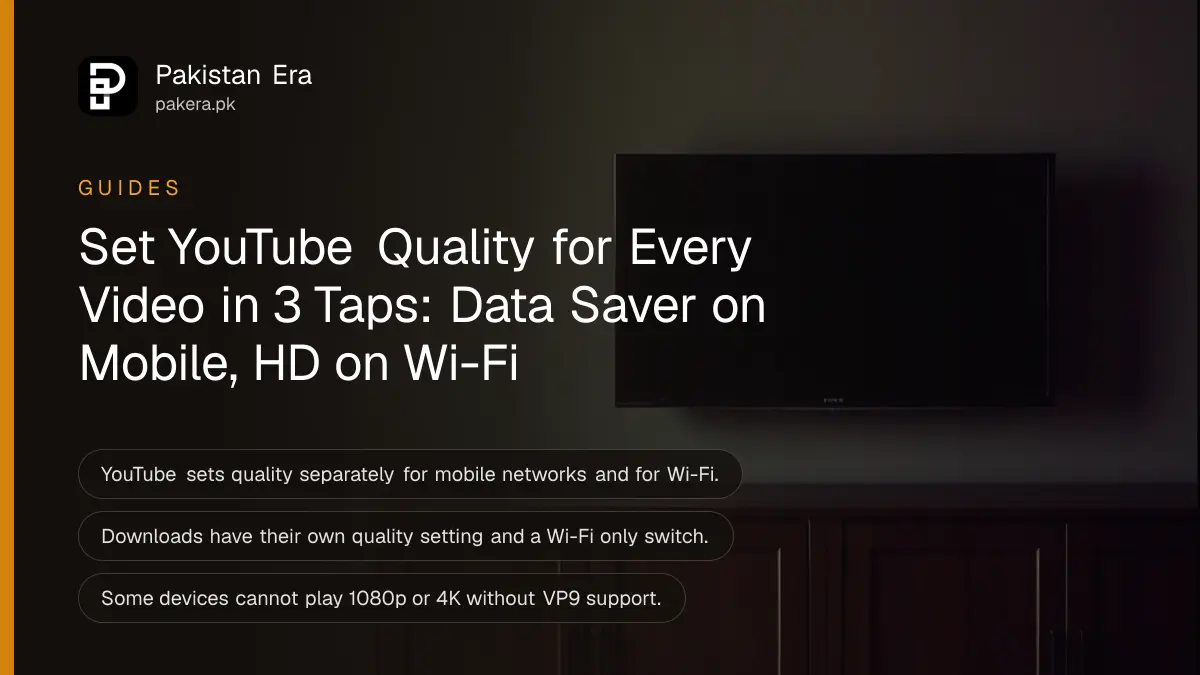
To set YouTube's quality for every video, tap your profile picture, then Settings, then Video quality preferences, and choose separately for mobile networks and for Wi-Fi: Auto, Higher picture quality, Data saver or Advanced. Data saver on mobile and Higher picture quality on Wi-Fi is the setting most people on a monthly package want.
Below are the steps for Android, iPhone, computer and TV, what each option really does, how to stop downloads eating your mobile data, and why some videos never go above 360p however you set it.
YouTube has four quality choices, set separately for mobile and Wi-Fi
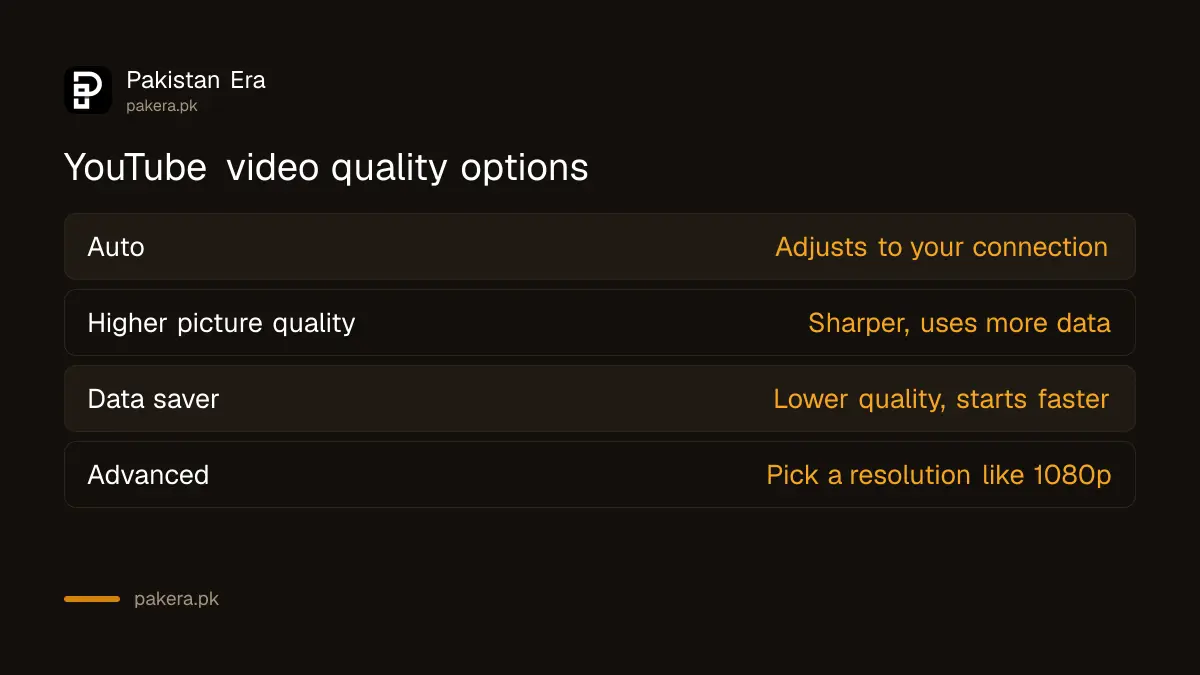
The four choices are Auto, which adjusts to your connection; Higher picture quality, which uses more data; Data saver, which lowers picture quality so videos start faster; and Advanced, which lets you pick an exact resolution such as 1080p.
| Option | What YouTube says it does | Good for |
|---|---|---|
| Auto | Changes quality to suit your conditions | Most people on Wi-Fi |
| Higher picture quality | Uses more data; may start slower or buffer more | Home fibre or strong Wi-Fi |
| Data saver | Lower picture quality; videos may start faster | Mobile packages |
| Advanced | Pick an exact resolution, such as 1080p | One video you want sharp |
Because mobile and Wi-Fi are set apart, you do not have to choose between a sharp picture at home and a package that lasts the month. Set Data saver for mobile networks once and forget it.
Set the default quality for all videos on Android and iPhone
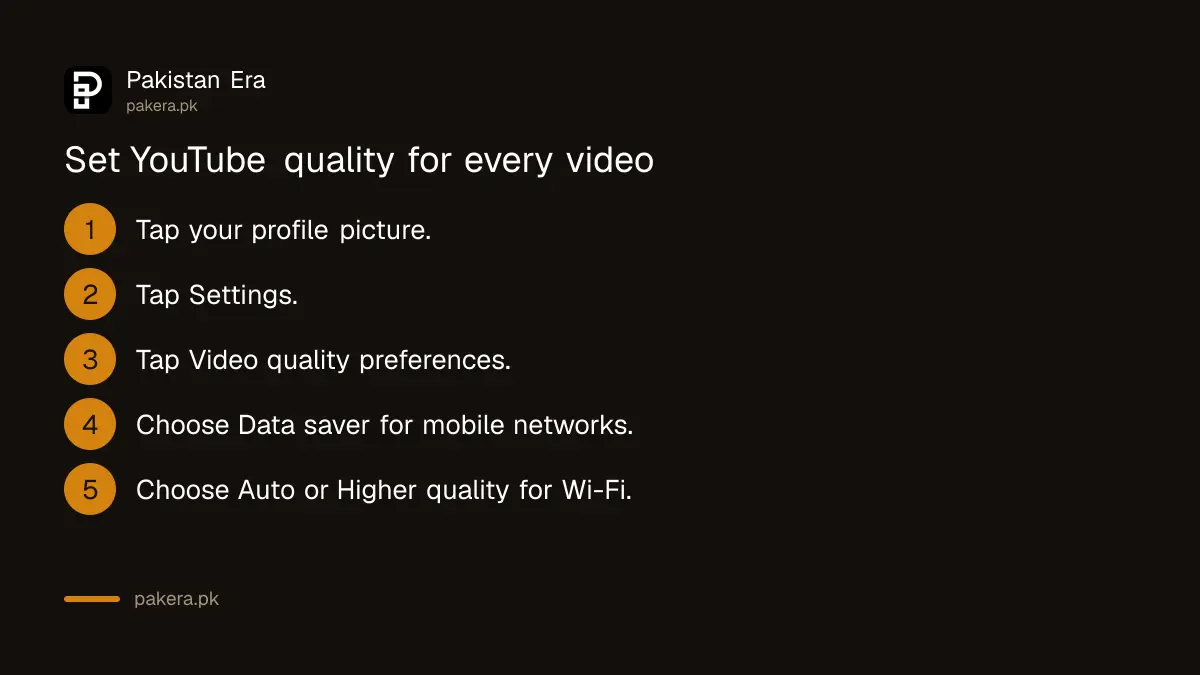
Tap your profile picture, then Settings, then Video quality preferences. Pick one option under mobile networks and one under Wi-Fi. The setting then applies to every video you open, until you change it.
- Open the YouTube app and tap your profile picture.
- Tap Settings.
- Tap Video quality preferences.
- Under mobile networks, choose Data saver if you watch on a package.
- Under Wi-Fi, choose Auto or Higher picture quality.
The steps are the same on Android and iPhone, according to YouTube's help centre. YouTube notes that the Advanced option may not be available for every video. If you watch a lot on mobile data, a monthly bundle that covers YouTube, such as the Jazz TikTok, YouTube and Instagram packages, stretches further with Data saver on.
Change quality for one video only
While a video plays, tap Settings in the player, then Quality, and choose an option. On Advanced you can pick an exact resolution. This change applies to that video only, so your default stays as it was.
On a computer, click Settings in the player, then Quality, then the resolution. On a TV, select Settings, then Quality, then your choice. YouTube's help for slow connections adds one more tip for computers: a lower setting such as 240p or 360p is remembered for later videos until you close the browser.
Downloads have their own quality setting
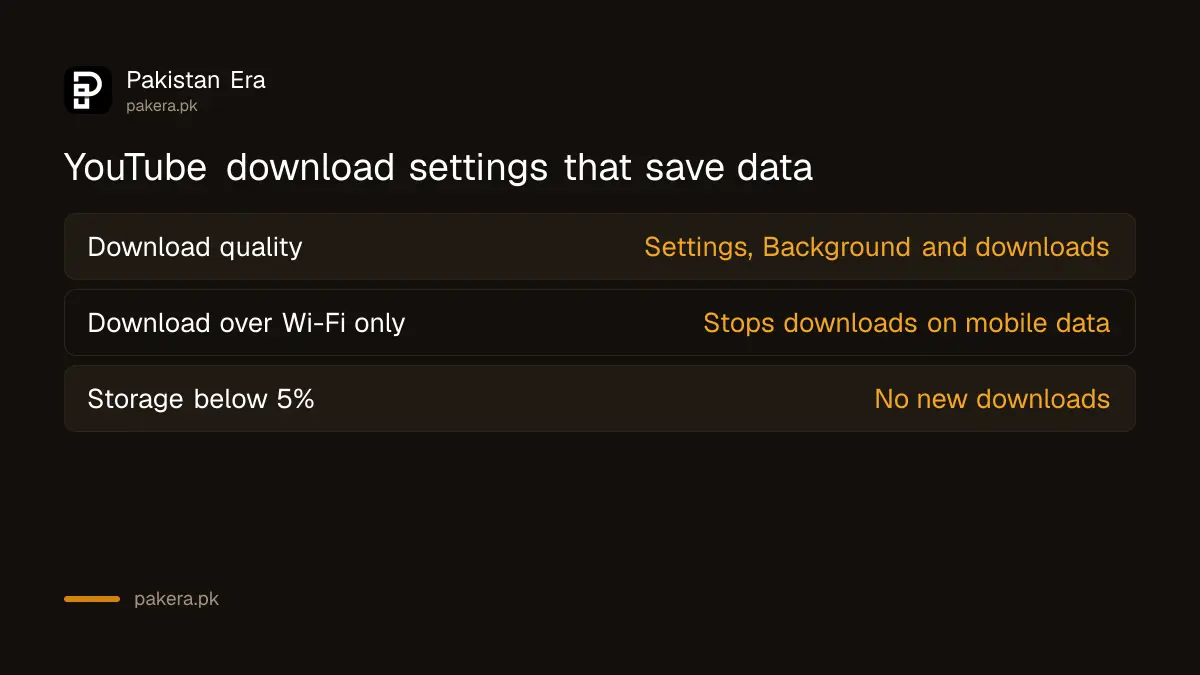
Videos you download use a separate setting. Go to Settings, then Background and downloads, then Download quality. Turn on Download over Wi-Fi only there too, so a download never runs on mobile data by mistake.
YouTube warns that higher download quality uses more data, takes longer and fills more storage. It also says you cannot download more videos once less than 5% of your phone's storage is left. In Pakistan, YouTube lists certain videos as downloadable in the free app, and YouTube Premium adds downloads for more videos; the YouTube Premium price in Pakistan sets out the plans.
Why a video will not play in HD
A video stays low if it was uploaded in standard definition, if your connection is slow, if the player is small, or if your browser or device does not support newer formats. YouTube says 1080p and 4K may not play on devices without VP9 support.
That last point catches older smart TVs and Android boxes. The video may be 4K on YouTube and still top out at 720p on your screen. On a computer, YouTube suggests a browser that supports VP9, such as Chrome or Firefox.
Slow home internet is the other common cause. If videos buffer at every setting, check whether your provider is the problem; PTA's quality survey of home internet providers shows how they compare. YouTube's own trick for weak connections still works: press play, pause at once, and let the grey bar load a little before you watch.
YouTube Premium adds 1080p Premium
With YouTube Premium you can watch some videos in 1080p Premium, a higher bitrate version of 1080p with more detail. YouTube says it applies only to videos uploaded in 1080p, not to those uploaded higher or lower.
For most viewers on a phone, the free settings above make the bigger difference. 1080p Premium is a nice extra on a large screen, not a reason on its own to subscribe. YouTube's quality page mentions it for Apple phones and tablets.
Common questions
How do I make YouTube always play in HD?
Set Video quality preferences to Higher picture quality for Wi-Fi, or use Advanced to pick 1080p where it is offered.
Does Data saver work on Wi-Fi too?
Only if you choose it under Wi-Fi. Mobile networks and Wi-Fi are set separately.
Why does YouTube keep changing quality by itself?
On Auto, YouTube adjusts to your connection speed, screen size and device, so quality rises and falls as you watch.
Can I stop YouTube using mobile data for downloads?
Yes. Turn on Download over Wi-Fi only under Settings, then Background and downloads.
Why is 4K missing on my TV?
YouTube says some devices cannot play 1080p or 4K because they do not support VP9. The video may also not be uploaded in 4K.
Do I need Premium for 1080p?
No. Normal 1080p is free where the video offers it. Premium adds a higher bitrate 1080p Premium.
How we verified this
What we checked, where we read it, and what we could not confirm.
Last checked 25 October 2026. On that date we read YouTube's help pages Change the quality of your video in its Android, iPhone and computer versions, Watch videos on slow connections, Watch videos offline on mobile, the download page for Premium members, and Use your YouTube Premium benefits. We did not measure how much data each setting uses, and YouTube does not publish those figures on the pages we read.
About the author

Technology Journalist & Multimedia Producer
Ahmad Ali is a technology journalist and multimedia producer at Pakistan Era, joining the team in October 2026. He covers consumer technology and digital life for Pakistani readers, combining research with hands-on product testing.