Introduction
Z-Wallet, offered by Zong Pakistan, allows you to send money, receive payments, and manage everyday financial transactions from your mobile phone. However, your transaction limits are not the same for every account. They are determined by your account’s verification level and the Know Your Customer (KYC) requirements set by the State Bank of Pakistan.
If you’ve reached your transaction limit or need to send and receive larger amounts, you’ll usually need to upgrade your account. In most cases, this means moving from a basic account, such as a Level 0 or Asaan Mobile Account, to a Biometrically Verified Level 1 or Level 2 account.
Why Your Z-Wallet Has Transaction Limits
Transaction limits are in place to comply with regulations from the State Bank of Pakistan. These limits help improve account security and reduce the risk of fraud.
The amount you can transfer, receive, or keep in your wallet depends on your KYC verification level. Basic accounts come with lower limits, while fully verified accounts are allowed higher transaction and balance limits.
How to Increase Z-Wallet Transaction Limits
The process for increasing your transaction limits depends on the bank or digital wallet provider linked to your Z-Wallet account. In most cases, you can complete the upgrade through the mobile app or by visiting an authorized service location.
Upgrade Through the Mobile App
If your Z-Wallet is linked to a supported digital wallet, open the app and log in to your account. Tap your profile icon and look for an option such as Upgrade or Increase My Limits.
Follow the on-screen instructions to verify your identity. Depending on your current account tier, you may also be asked to upload supporting documents, such as proof of income, before your request can be processed.
Visit a Zong Franchise or Authorized Branch
If your account was opened as an Asaan or Basic wallet, you can also complete the upgrade in person.
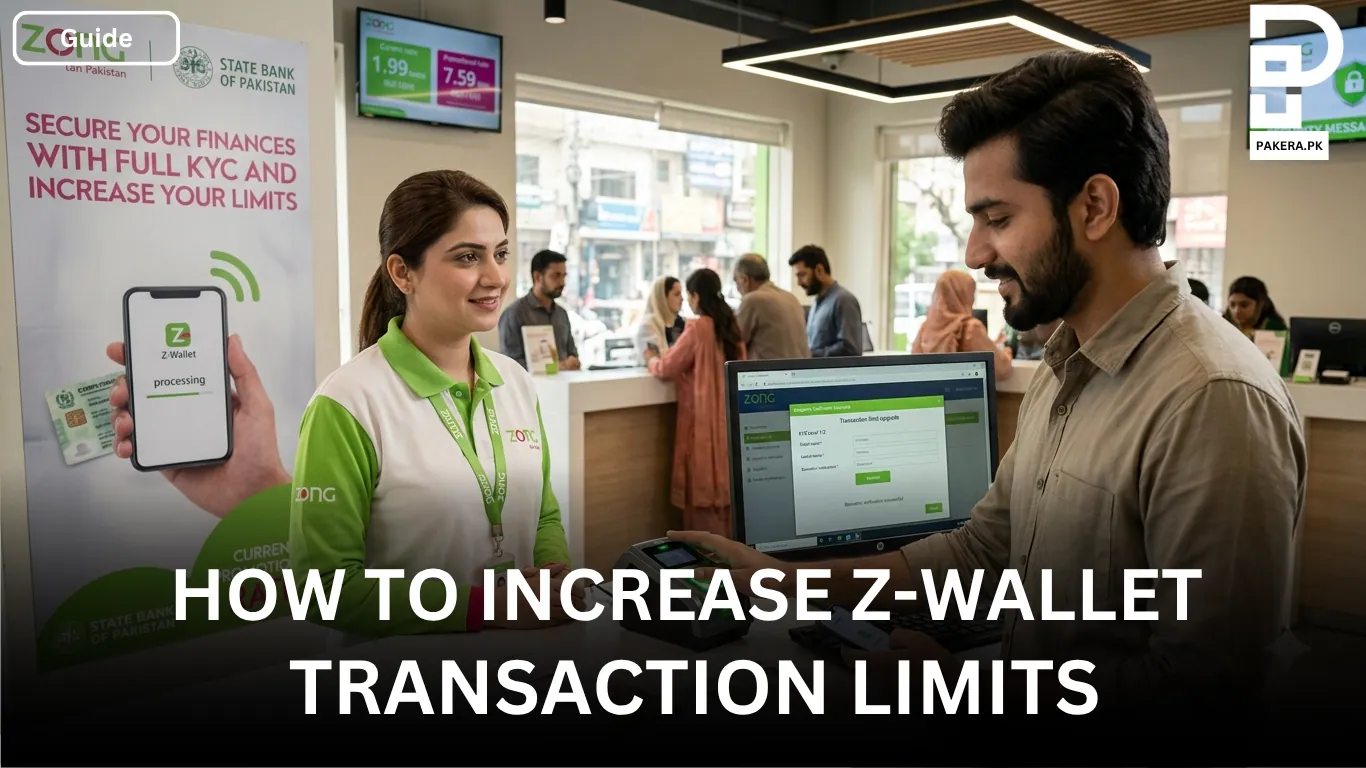
Visit a verified Zong Franchise or an authorized branch or agent of your wallet provider with your original CNIC. Request a biometric verification (BVS) upgrade to complete your KYC verification. Once the verification is successfully completed, your account can be upgraded to a higher verification level with increased transaction limits.
What You Need for the Upgrade
Before starting the upgrade process, make sure you have:
- Your original CNIC.
- Access to the mobile app if you’re upgrading online.
- Any additional documents requested by your wallet provider, such as proof of income for higher account tiers.
Frequently Asked Questions
You can increase your transaction limit by upgrading your account through the linked wallet app or by visiting a verified Zong Franchise or an authorized branch or agent of your wallet provider for biometric verification.
Lower transaction limits usually mean your account is still registered as a basic or Asaan Mobile Account. Completing your KYC verification and upgrading your account can increase these limits.
Yes. If your account is a basic or Asaan wallet, biometric verification is generally required to upgrade your account and receive higher transaction limits.
You’ll typically need your original CNIC. Depending on your wallet provider and the account level you’re upgrading to, you may also be asked to provide additional documents, such as proof of income.
Conclusion
Z-Wallet transaction limits are based on your KYC verification level and the regulations set by the State Bank of Pakistan. If your current limits no longer meet your needs, upgrading your account is the simplest solution. Whether you complete the process through the mobile app or visit a verified Zong Franchise or your wallet provider’s authorized branch for biometric verification, completing the required KYC process will help you access higher transaction limits.