Introduction
If your Jazz SIM isn’t working, there’s no need to panic. In many cases, the problem is caused by a temporary network issue, incorrect phone settings, or a minor SIM card problem rather than a damaged SIM. Before requesting a replacement, it’s worth trying a few simple troubleshooting steps that often restore your connection within minutes.
Whether you’re unable to make calls, send messages, or use mobile data, the following fixes can help identify the cause and get your Jazz SIM working again.
Restart Your Phone First
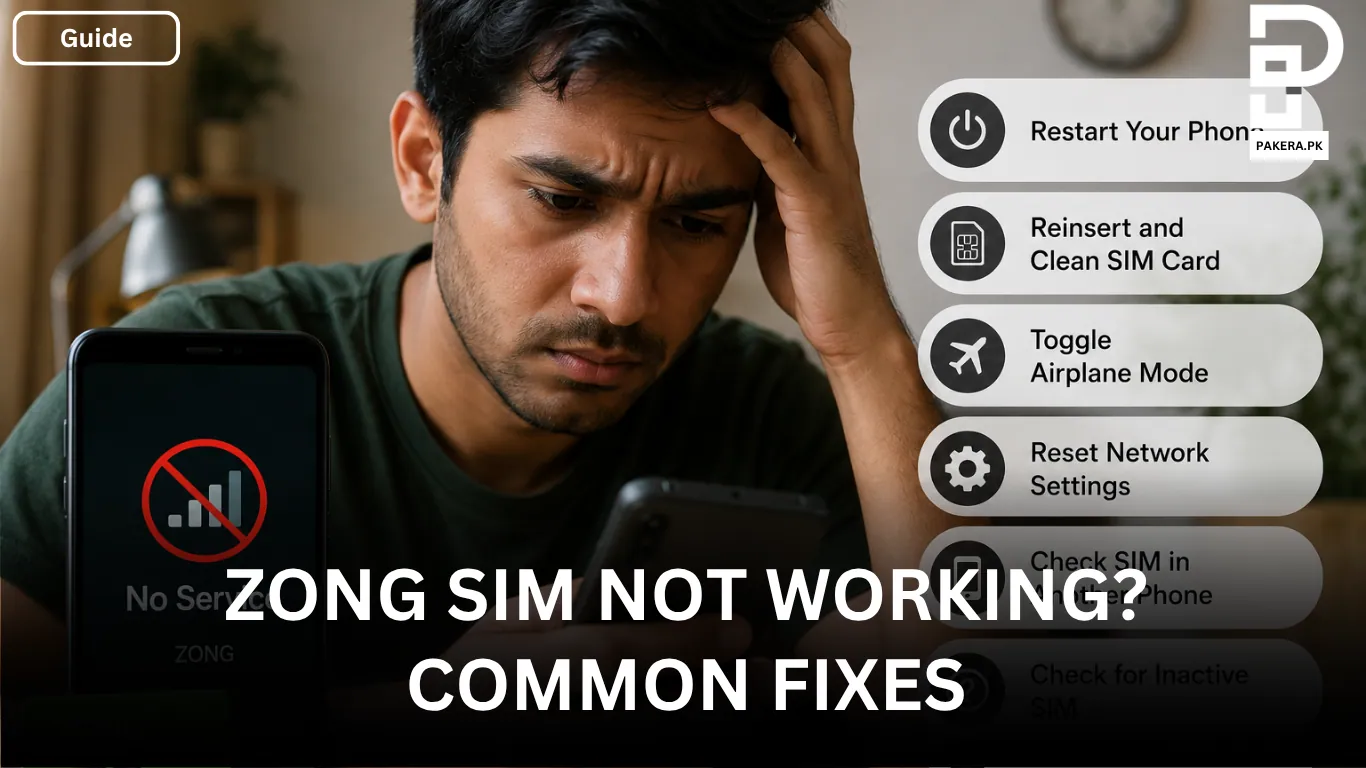
The first thing you should try is restarting your phone. A quick reboot refreshes your device’s network connection and clears temporary glitches that may be preventing it from connecting to the Jazz network.
Once your phone turns back on, check whether the network signal has returned before moving on to the next step.
Turn Airplane Mode On and Off
If restarting doesn’t solve the problem, enable Airplane mode for around 30 seconds and then switch it off again.
This forces your phone to disconnect from the current network and reconnect to the nearest Jazz network tower. It’s a simple trick, but it can often fix temporary connection issues.
Manually Select the Jazz Network
Sometimes your phone has trouble connecting to the network automatically. In that case, manually selecting Jazz can help.
Go to Settings > Mobile Networks > Network Operators, turn off automatic network selection, and choose Jazz from the list of available networks.
If Jazz appears and your phone connects successfully, the issue was likely caused by automatic network selection.
Check the SIM Card
A loose or dirty SIM card can also prevent your phone from detecting the network.
Remove the SIM card carefully and inspect it. If necessary, gently clean the metal contacts with a soft, dry cloth. After that, insert it back securely into SIM slot 1 and restart your phone.
Making sure the SIM is properly seated can often resolve network detection problems.
Verify Your APN Settings
If calls and messages work but mobile data doesn’t, the issue may be related to your APN settings.
Correct Jazz APN Settings
Your APN should be set to:
- APN:
jazz.co.pk
Using the correct APN allows your phone to connect to the Jazz mobile internet network properly.
Test the SIM in Another Phone
If none of the previous solutions work, try inserting your Jazz SIM into another phone.
If the SIM works in a different device, the problem is most likely with your phone rather than the SIM card. However, if the SIM still doesn’t work, it may be damaged or there could be a network-related issue that requires further assistance.
Testing the SIM in another device is one of the easiest ways to determine whether the problem lies with the phone or the SIM itself.
Frequently Asked Questions
A missing signal can be caused by a temporary network issue, incorrect network settings, a loose SIM card, or a damaged SIM. Restarting your phone, toggling Airplane mode, and manually selecting the Jazz network are good places to start.
If only mobile data isn’t working, check that your APN is set to jazz.co.pk. Incorrect APN settings can prevent your phone from accessing the internet even when the network signal is available.
The easiest way is to test the SIM in another phone. If it doesn’t work in a different device either, the SIM may be damaged or there may be a network issue affecting the connection.
Not necessarily. Most SIM-related issues are caused by temporary network problems, incorrect settings, or poor SIM contact. It’s best to try the troubleshooting steps above before considering a SIM replacement.
Conclusion
A Jazz SIM that suddenly stops working doesn’t always mean the SIM card is faulty. In many cases, restarting your phone, reconnecting to the network, checking the SIM card, or correcting the APN settings is enough to restore your connection. If the SIM still doesn’t work after testing it in another phone, the issue may require further assistance or a SIM replacement.